AlgoTrade Margin Call Levels
- Индикаторы
- Версия: 1.0

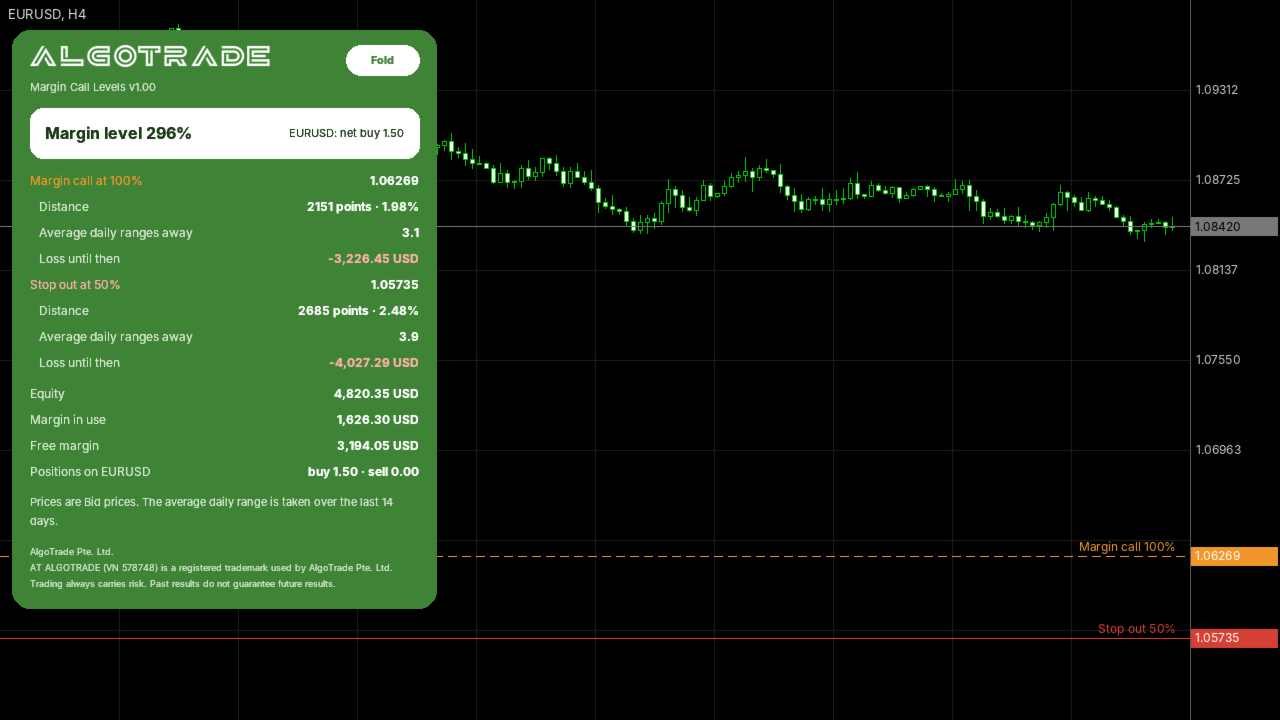
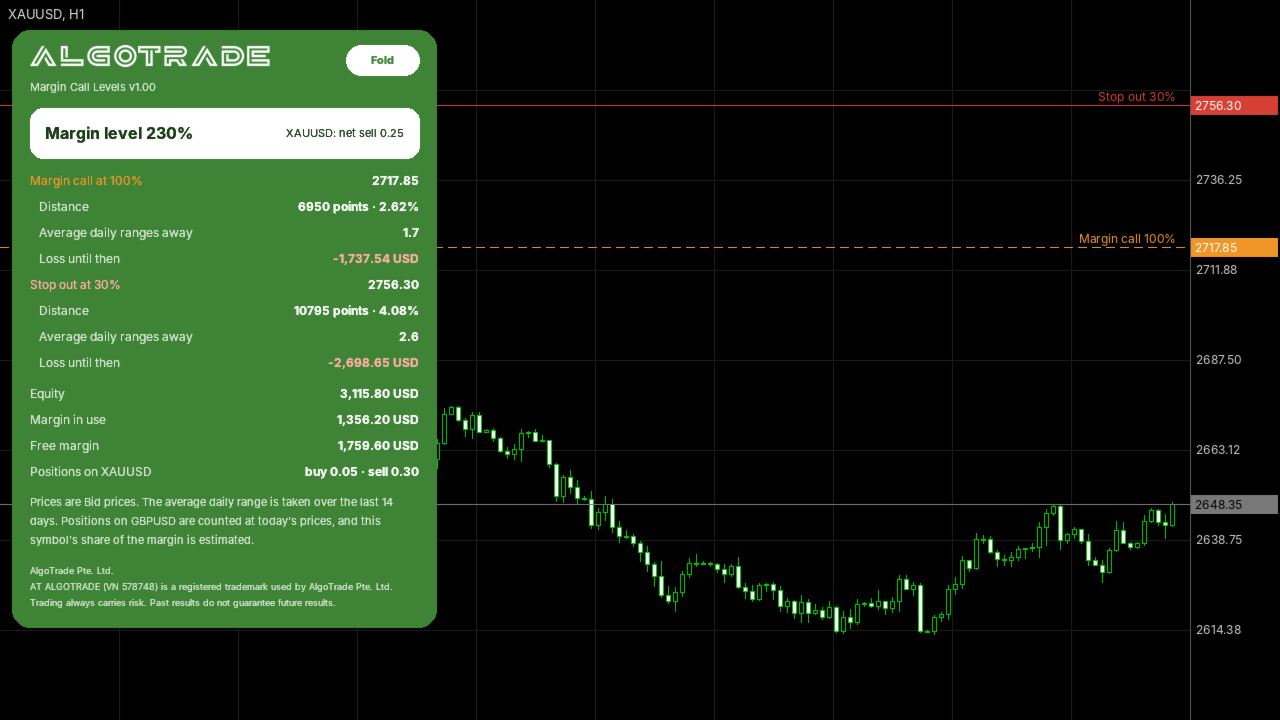
AlgoTrade Margin Call Levels shows the prices where your broker's margin call and stop out would start for open positions on the active chart symbol. It draws horizontal lines at each level and shows the distance to them.
What it shows
- The current margin level, used margin and free margin.
- The margin call price and stop out price for the symbol, based on the account settings from your broker.
- The distance to each level in points, percentage and average daily ranges.
- The potential loss before reaching each level, shown in the account currency.
- Total buy and sell volume on the symbol, with a message on the panel when the net volume is zero.
Warnings
- An alert when the margin call price is closer than a selected number of average daily ranges (default is one), and when a level is reached. Mobile push notifications are optional.
- A maximum of one alert per type every five minutes.
How to use
- Attach the indicator to the chart of a symbol with open positions. It can run on the same chart alongside an Expert Advisor.
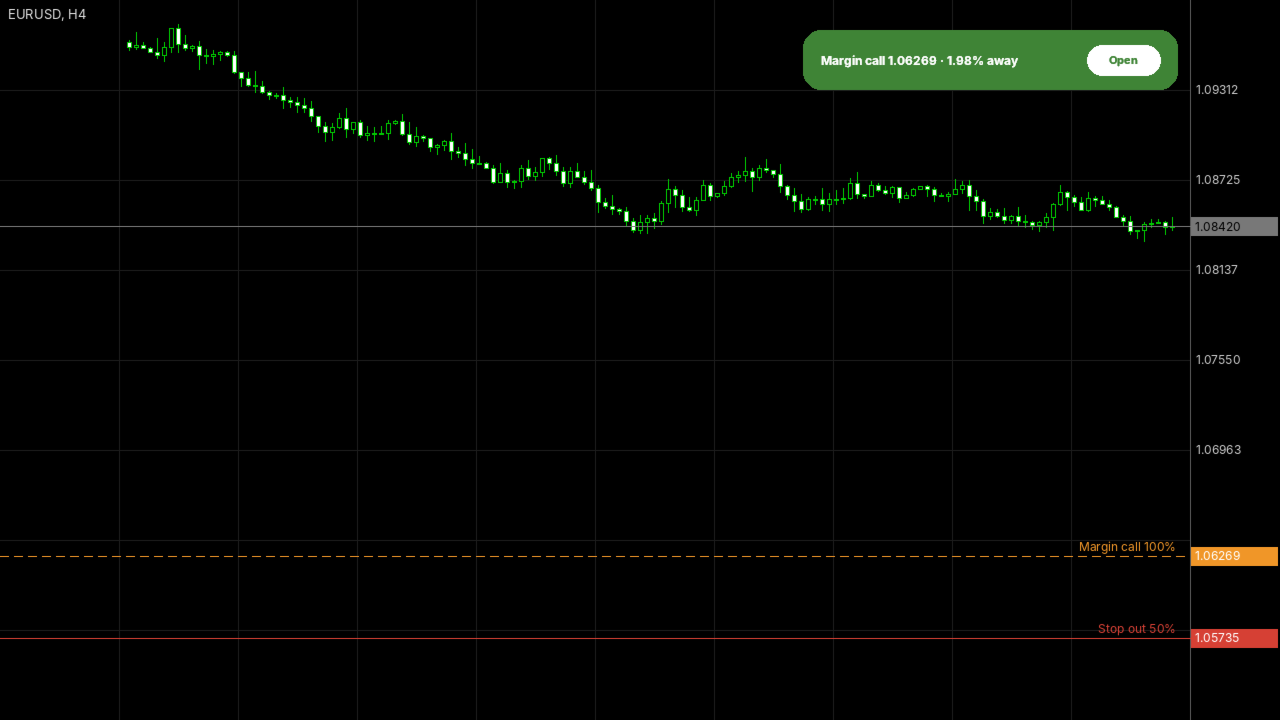
- Click "Fold" to keep a single line on the chart, or "Open" to display the full panel.
Inputs: warning distance in average daily ranges, mobile push notifications, chart line visibility, panel corner position.
Please read
- This indicator only reads account data. It does not open, modify or close trades.
- Price levels are calculated using contract specification data from your broker and assume that prices for other symbols remain unchanged. Swaps, commissions and new positions will change the calculation.
- If your broker specifies margin levels as monetary amounts rather than percentages, the indicator compares those levels with the free margin. Please verify this rule with your broker.
- If you have a question or would like a feature, please write in the comments on this page. Your reviews help us decide what to improve.
Made by AlgoTrade Pte. Ltd. Trading always carries risk. Past results do not guarantee future results.