MT4 History Sync

MT4 Tick History Sync – Real Tick Downloader, History Verification & Data Export

Download. Synchronize. Verify. Export. Make Every Backtest Count.

Are you confident that your MetaTrader 4 backtests are using complete real tick history?

Missing historical ticks can compromise the reliability of your backtesting results, especially when testing scalping strategies, high-frequency trading systems, and Expert Advisors that depend on precise price movements.

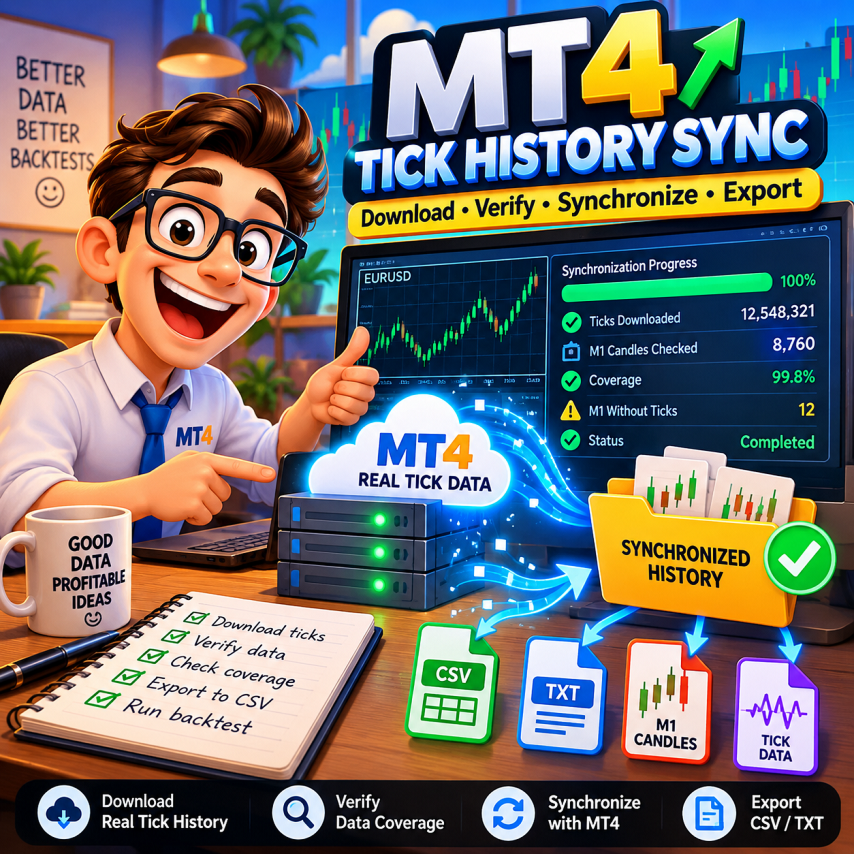
MT4 Tick History Sync by Zistilo is a professional MetaTrader 4 utility designed to download historical tick data, synchronize it with your terminal, verify tick availability against M1 candles, and export historical market data for further analysis.

Instead of blindly trusting your historical data, know exactly what is available, what is missing, and where potential gaps exist.

Key Features

1. Real Tick History Download & Synchronization

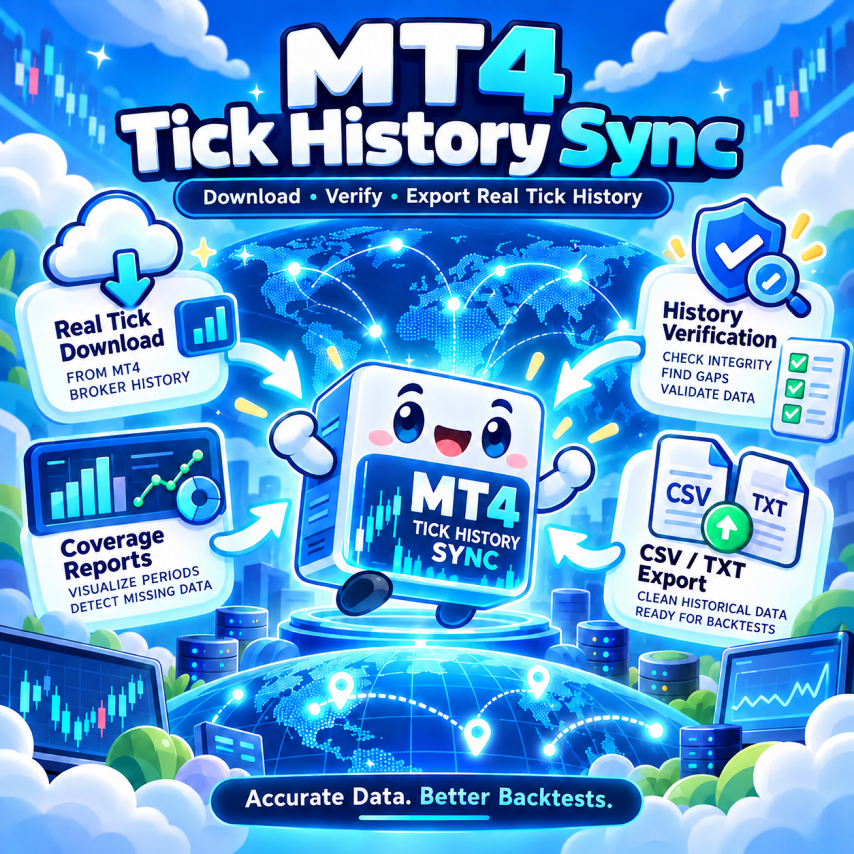
  • Download historical real tick data directly from your broker's available MT4 history.

  • Process large historical periods automatically, day by day.

  • Select any supported trading symbol and custom date range.

  • Synchronize downloaded ticks with the MetaTrader 4 terminal cache.

  • Automatically retry unsuccessful or incomplete data requests.

  • Verify download consistency through repeated tick-count checks.

2. Intelligent Tick History Verification

Not all historical price data is equally complete.

MT4 Tick History Sync compares real tick availability against historical M1 candles to identify potential weaknesses in your backtesting data.

  • Check whether every available M1 candle contains real ticks.

  • Detect M1 candles without corresponding real tick data.

  • Identify days with missing or incomplete tick history.

  • Distinguish normal market closures from unavailable historical data.

  • Highlight errors and days that cannot be fully verified.

  • Generate a clear coverage assessment for your selected period.

3. Professional Live Dashboard

Monitor the entire synchronization process directly on your MT4 chart.

The interactive visual dashboard displays:

  • Synchronization progress and current processing status.

  • Total historical ticks and M1 candles.

  • Historical coverage information.

  • M1 candles without real tick data.

  • Daily verification results.

  • Download and export statistics.

  • Final verification status.

No more guessing whether your historical data is ready for testing.

4. Flexible Historical Data Export

Go beyond MetaTrader 4 and use your market data in external research environments.

Export:

  • Real tick history.

  • M1 OHLC candle history.

  • Both datasets together.

Available formats:

  • CSV — ideal for Python, Excel, data science, and custom analysis.

  • TXT — tab-separated historical data.

Flexible file organization:

  • One file for the entire selected period.

  • Separate monthly files.

  • Separate daily files.

Choose between terminal-specific and shared MT4 file storage.

5. Detailed Verification Reports

Generate structured reports that make historical data auditing simple.

  • Daily synchronization and verification results.

  • Number of ticks downloaded per day.

  • M1 candle counts.

  • Number of M1 candles without real ticks.

  • Download attempts and error information.

  • Overall synchronization summary.

Useful for documenting data quality before running important strategy tests.

6. Designed for Serious Backtesting & Quantitative Research

Particularly valuable for:

  • Expert Advisor developers.

  • Gold (XAUUSD) scalping strategy developers.

  • Algorithmic trading researchers.

  • Quantitative analysts.

  • Python-based trading model development.

  • Historical market data analysis.

  • MT4 Strategy Tester users.

Why Choose MT4 Tick History Sync?

Because historical data quality matters.

A profitable backtest means very little if the underlying historical data is incomplete or unreliable.

MT4 Tick History Sync helps you discover missing tick coverage before investing hours in strategy optimization.

With automated synchronization, transparent verification, detailed reporting, and flexible exporting, it provides a practical foundation for more informed backtesting and trading research.

Simple Workflow

  1. Attach the script to any MT4 chart.

  2. Select your symbol and historical date range.

  3. Configure verification and optional export settings.

  4. Run the script and monitor the live dashboard.

  5. Review the final coverage results and generated reports.

No trading operations. No automatic orders. No changes to your trading strategy.

This utility focuses entirely on historical market data management.

Important Information

Historical tick availability depends on your broker and its available data.

The utility cannot create missing real ticks or guarantee that broker history is complete. It identifies missing coverage so you can evaluate the suitability of your data.

A successful verification confirms tick availability for the checked M1 candles; it does not independently certify the accuracy of every individual tick.

Take Control of Your Historical Data

Better data visibility. Better backtesting decisions. More confident strategy research.

Stop assuming your tick history is complete. Start verifying it.

MT4 Tick History Sync – Developed by Zistilo

Version 1.10 | MetaTrader 4 | Historical Data Utility

Другие продукты этого автора
Zistilo EA X01
Hussein Adnan Kadhim
Zistilo AI Gold Tester Zistilo AI Gold Tester is an automated MetaTrader 5 trading system designed primarily for Gold (XAUUSD) . The EA combines a proprietary multi-timeframe Zistilo signal engine with automated BUY/SELL execution, individual and basket-based trade management, weighted fair-price calculations, session controls, economic news protection, floating-loss protection, and daily profit management. The system analyzes market direction and signal strength across several configurable time
Support & Resistance Screener – FREE Indicator for MetaTrader Get multiple professional trading tools combined into one powerful all-in-one indicator — completely FREE! Instead of using several indicators separately, this screener helps you analyze market structure, identify important support and resistance zones, monitor pullbacks, and receive alerts directly from one dashboard. Included Tools Market Structure Screener Bullish Pullback Zones Bearish Pullback Zones Daily Pivot Poin
FREE
Export Pairs name
Hussein Adnan Kadhim
Этот продукт предназначен для экспорта всех пар, которые у вас есть в вашей мета-торговле. если у вас слишком много пар, акций, индикаторов, CFD и т. д., вам просто нужно 1 щелчок, чтобы экспортировать все или их в текстовый файл. Работает как скрипт, читая все пары. Нет возможности изменить. Веб-запроса нет. Там нет использования DLL. Расположение файла: MQL5\Files . с именем имя брокера._Symbols.txt
FREE
автоматически устанавливает предустановленные тейк-профит и стоп-лосс для всех ордеров, в которых отсутствует выбранный стоп (ордера без SL/TP или и того, и другого). Это особенно позволяет быстрее открывать ордера, если вы используете общий тейк-профит, стоп-лосс или и то, и другое для всех ордеров текущей пары. Вам нужно только открывать ордера, не рассчитывая свои стопы, и независимо от того, сколько ордеров вы открыли, советник будет устанавливать стопы для вас, если вы прикрепили советник
Tool sends trades when open and close with chart to telegram channel.  Tool can send multiple charts and magic numbers and pairs from a single chart. Send information of all type of orders: Opened (including Pending Orders), closed tiggered, and modified orders. Telegram Setup instruction Open your Telegram APP and search for "BotFather". Type  /start  and click/type  /newbot  to create a new bot. Give your bot a nickname and username (e.g., nickname: Bestnavisignal and username: Bestnavisignal
Close MyOrders
Hussein Adnan Kadhim
Этот советник полезен для одновременного закрытия всех типов ордеров, вы можете выбрать либо немедленное закрытие ордеров, либо используя внутреннее правило прибылей и убытков. Если «общая прибыль» или «общий убыток» счета будет больше указанной прибыли / убытка, этот советник автоматически закроет все ваши открытые позиции вместе. Закрытие: вы можете выбрать закрытие сразу после запуска советника, либо использовать правило общей прибыли / убытка, либо использовать закрытие в указанное время
Tool sends trades when open and close with chart to telegram channel.  Tool can send multiple charts and magic numbers and pairs from a single chart. Send information of all type of orders: Opened (including Pending Orders), closed tiggered, and modified orders. Telegram Setup instruction Open your Telegram APP and search for "BotFather". Type  /start  and click/type  /newbot  to create a new bot. Give your bot a nickname and username (e.g., nickname: Bestnavisignal and username: Bestnavisignal
Evening Scalper Pro is the state-of-the-art mean-reversion trading system that operates during all trading session. It's very different from most other scalping systems, since it uses a unique trading logic on cross pairs that have a strong mean-reverting tendency with high profit targets. EA not enters the market with market orders, it does not open trades. In terms of a trade duration, it's classical scalping: in and out of the trade within a few hours at the most. The EA uses a number of adv
Alebrahimi EA
Hussein Adnan Kadhim
Благодарим за интерес к " Alebrahimi EA ". Торгую с 2015 года. Обычно торгую по разворотным паттернам ежедневно и еженедельно. Обычно я не использую «стоп-лосс» или «тейк-профит» в своих сделках, но я беру убытки, когда моя первоначальная причина торговли изменилась. Некоторые сделки будут проводиться в течение длительных периодов времени, например, недель или даже месяцев. Не волнуйтесь, это часть моей торговой системы. Я не использую ни мартингейл, ни сетку, ни какую-либо опасную систему, н
Evening Scalper Pro is the state-of-the-art mean-reversion trading system that operates during all trading session. It's very different from most other scalping systems, since it uses a unique trading logic on cross pairs that have a strong mean-reverting tendency with high profit targets. EA not enters the market with market orders, it does not open trades. In terms of a trade duration, it's classical scalping: in and out of the trade within a few hours at the most. The EA uses a number of adv
Новичок или эксперт, наша первоклассная многопрофильная система Turn Prof улучшит ваш обмен и предоставит вам удивительные открытые двери обмена с уровнями помощи и препятствий, которые используют эксперты. Обмен оборотов — это простой и убедительный метод входа и выхода из рынка на ключевых уровнях, который используется экспертами в течение довольно долгого времени и устраняет все изображения: Forex, Crypto, Stocks, Indicies и так далее. Turn Prof предоставляет брокеру премиальные уровни, ко
TradeMetrics Pro
Hussein Adnan Kadhim
The TradeMetrics Pro indicator enhances trade analysis and performance evaluation by presenting trade history and metrics directly on the chart. It accomplishes this through three key features: Summary Trade Panel: The Summary Trade Panel provides a concise overview of open and closed trades. It organizes trade summaries by symbol, lots traded, pips gained or lost, profit, and advanced statistics. This panel enables quick assessment and comparison of trade performance across different symbols.
Indicator Description: Market Session Overlay The Market Session Overlay indicator for MT5 visually highlights the key global trading sessions — Asian, European, and American — directly on your chart. It allows traders to clearly identify the time ranges of each session and their respective highs, lows, and opening levels, improving session-based analysis and strategy execution. Features: Draws colored rectangles for each session (Asian, European, American) on the chart. Configurable se
Zistilo AI Gold Zistilo AI Gold is a professional multi-engine signal indicator for MetaTrader 5, developed mainly for Gold / XAUUSD traders who want structured, score-based market analysis instead of relying on a single technical condition. The indicator combines trend direction, momentum strength, execution confirmation, market structure, and swing-location filtering inside one unified analytical engine. Rather than producing signals from one indicator alone, Zistilo AI Gold evaluates multipl
Auto TP SL EA
Hussein Adnan Kadhim
Auto TP SL – Smart Trade Manager for MetaTrader 5 Protect Your Trades. Automate Your Exits. Take Full Control. Managing multiple trading positions manually can be stressful, time-consuming, and prone to costly mistakes. Auto TP SL by Zistilo is a powerful and easy-to-use trade management Expert Advisor for MetaTrader 5, designed to automatically manage Take Profit, Stop Loss, Trailing Stop, individual profit targets, and total basket profit or loss. Whether you trade Forex, Gold, Indices, or oth
FREE
Фильтр:
Нет отзывов
Ответ на отзыв