
BlueDigitsFx Symbol Changer
- 지표
- 버전: 1.10
- 업데이트됨: 29 12월 2025

무료 BlueDigitsFx 도구 + 생태계 액세스
이 무료 도구는 BlueDigitsFx 트레이딩 인프라 생태계의 일부입니다.
BlueDigitsFx 봇을 통해 업데이트, 워크플로우 리소스, 제품 출시 정보 및 공식 생태계 액세스를 받아보세요.
BlueDigitsFx Symbol Changer MT4 — MetaTrader 4 분석 효율성을 높여주는 원클릭 심볼 전환 도구
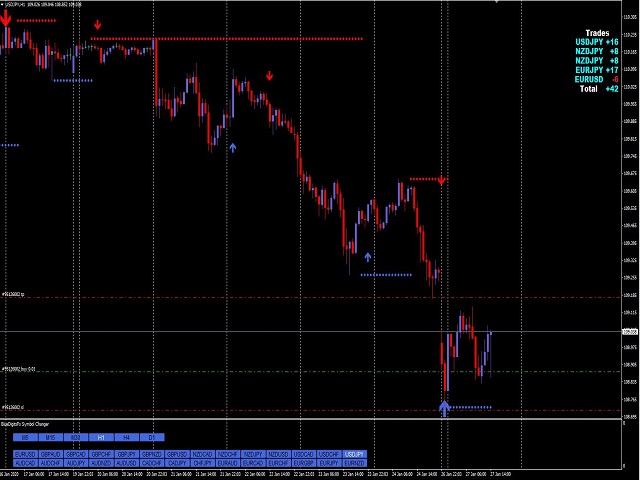
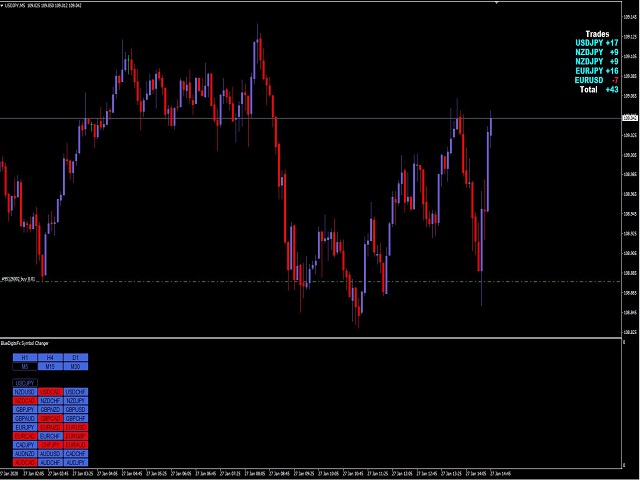
BlueDigitsFx Symbol Changer는 기존 차트의 심볼을 빠르게 변경하면서도 지표, 객체, 템플릿 및 차트 설정을 그대로 유지할 수 있는 가벼운 MT4 유틸리티입니다.
여러 금융상품을 분석하는 MetaTrader 4 트레이더를 위해 설계되었으며, 새로운 차트를 열거나 작업 환경을 다시 구성하지 않고도 시장 간 전환을 더욱 빠르게 수행할 수 있습니다.
심볼을 변경하더라도 동일한 차트 레이아웃을 유지할 수 있어 시장 스캔 속도를 높이고, 여러 종목을 효율적으로 비교하며, 더욱 깔끔한 분석 워크플로우를 유지할 수 있습니다.
주요 기능
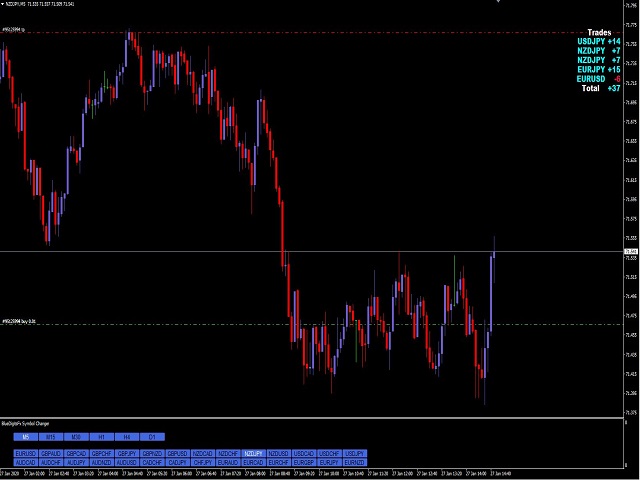
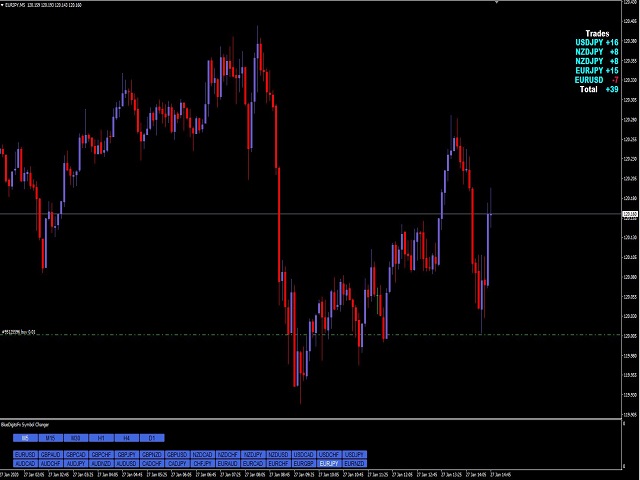
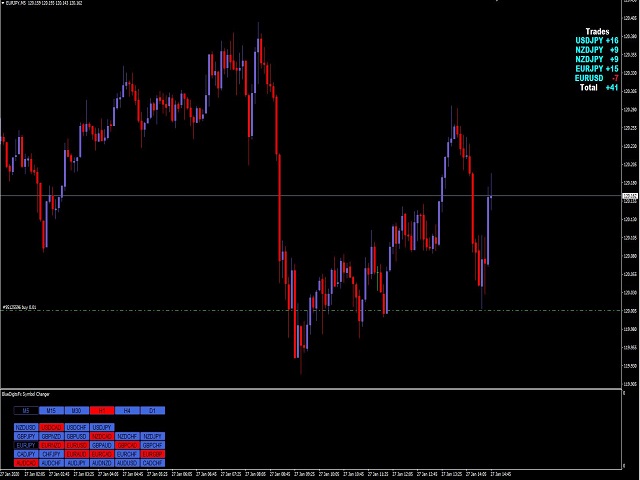
- 원클릭 심볼 전환 — 새로운 차트를 열지 않고 현재 차트의 심볼을 빠르게 변경합니다.
- 차트 설정 유지 — 지표, 객체, 템플릿 및 차트 설정을 그대로 유지합니다.
- 더 빠른 다중 시장 분석 — 동일한 레이아웃으로 여러 통화쌍이나 금융상품을 분석할 수 있습니다.
- 워크플로우 효율성 향상 — 반복적인 차트 설정 및 템플릿 로딩을 줄여줍니다.
- 경량 유틸리티 — 단순성, 안정성 및 낮은 리소스 사용량을 위해 설계되었습니다.
- MetaTrader 4 전용 설계 — 실용적인 MT4 차트 분석 환경 개선에 중점을 둡니다.
트레이더들이 사용하는 이유
여러 시장을 분석할 때 새로운 차트를 열고 템플릿을 다시 불러오는 작업은 분석 속도를 저하시킬 수 있습니다.
Symbol Changer를 사용하면 하나의 깔끔한 차트 레이아웃을 유지하면서 동일한 분석 환경에서 여러 종목을 빠르게 전환할 수 있습니다.
활용 예시
- 수동 차트 분석 — 동일한 지표와 차트 객체를 유지한 상태에서 다양한 종목을 분석합니다.
- 다중 통화쌍 스캔 — 동일한 차트 레이아웃으로 여러 통화쌍을 검토합니다.
- 상관관계 분석 — 차트를 다시 설정하지 않고 관련 시장을 빠르게 비교합니다.
- 전략 테스트 — 동일한 시각적 설정을 여러 심볼에 효율적으로 적용합니다.
- 작업 공간 정리 — MetaTrader 4에서 너무 많은 차트를 동시에 열 필요를 줄여줍니다.
사용 방법
- BlueDigitsFx Symbol Changer를 MT4 차트에 추가합니다.
- 전환하려는 심볼을 선택하거나 입력합니다.
- 현재 차트가 선택한 심볼로 변경되며 기존 설정은 그대로 유지됩니다.
중요 안내
- 이 도구는 유틸리티 도구이며 거래 시스템이 아닙니다.
- 신호, 알림, 진입·청산 포인트 또는 자동매매 기능을 제공하지 않습니다.
- 워크플로우 효율성, 안정성 및 단순성을 위해 설계되었습니다.
- MetaTrader 4의 Market Watch 창에 표시되는 심볼에서 작동합니다.
추천 인프라 조합
Symbol Changer는 동일한 시장 구조 분석을 여러 종목에 적용하려는 트레이더를 위해 BlueDigitsFx Easy 123 System과 함께 사용할 때 특히 효과적입니다.
Easy 123은 시장 구조, 반전 탐지, 돌파 탐지, 지지·저항 구역 및 시각적 확인에 중점을 두며, Symbol Changer는 이러한 분석 워크플로우를 다양한 종목에 더욱 효율적으로 적용할 수 있도록 지원합니다.
BlueDigitsFx Easy 123 System:
https://www.mql5.com/en/market/product/43555
BlueDigitsFx 인프라 생태계의 일부
Symbol Changer는 실용적인 도구, 워크플로우 유틸리티, 대시보드, 시장 구조 시스템 및 전문 MetaTrader 트레이더를 위한 거래 관리 지원에 중점을 둔 BlueDigitsFx MT4 및 MT5 트레이딩 인프라 생태계의 일부입니다.















































Very useful indicator. Helps speed up the analysis.