PatternPilot AI
- Experts
- 버전: 1.0
- 활성화: 10

PatternPilot AI — chart-pattern finder and one-click trade panel
PatternPilot AI reads the structure of your chart, shows you the pattern that fits best, and prepares the complete trade: entry, stop loss at the point where the pattern is proven wrong, take profit at the next level, and a lot size calculated from the risk you choose. You decide; one click places the order.
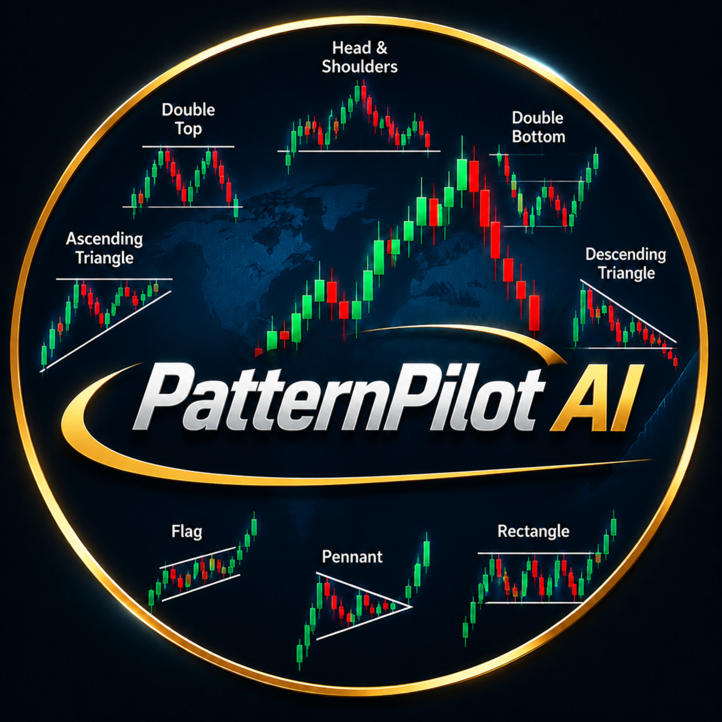
17 pattern families, scored 0 - 100
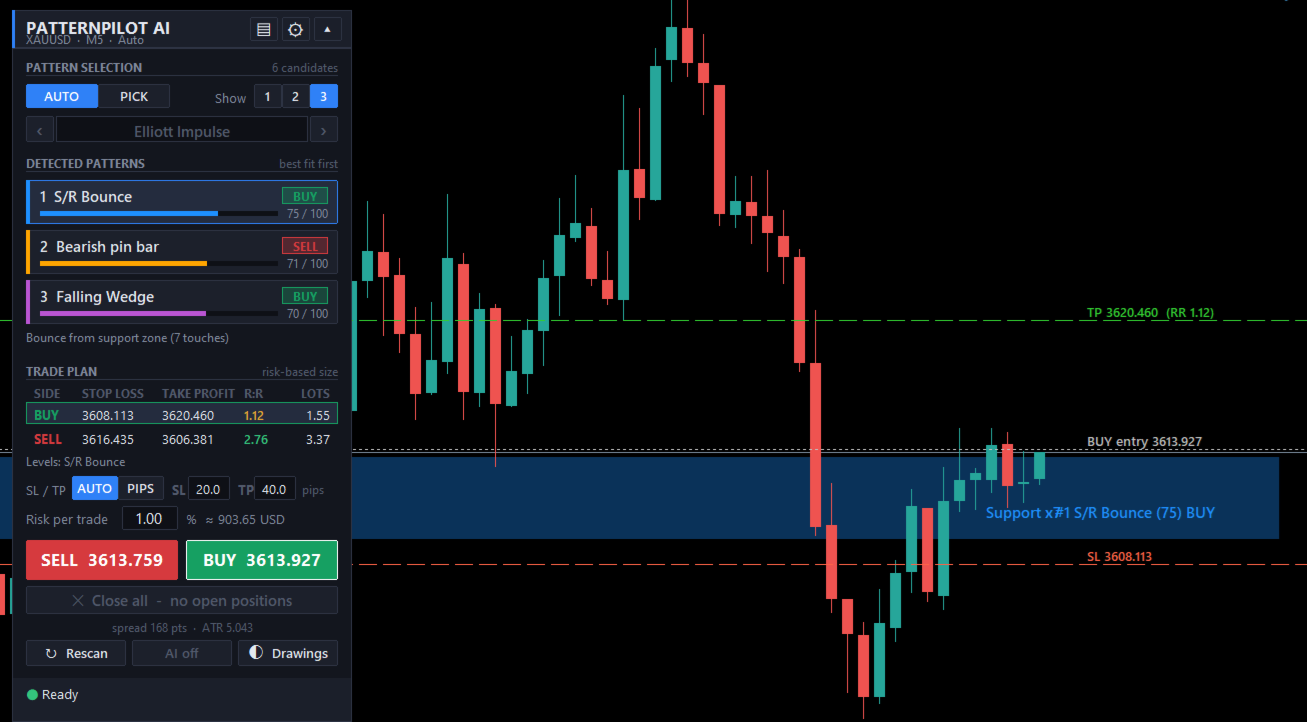
- Support and resistance: bounce, breakout and retest, fakeout / liquidity sweep
- Supply and demand zones: RBR, DBR, RBD, DBD, traded on the first return to a fresh zone
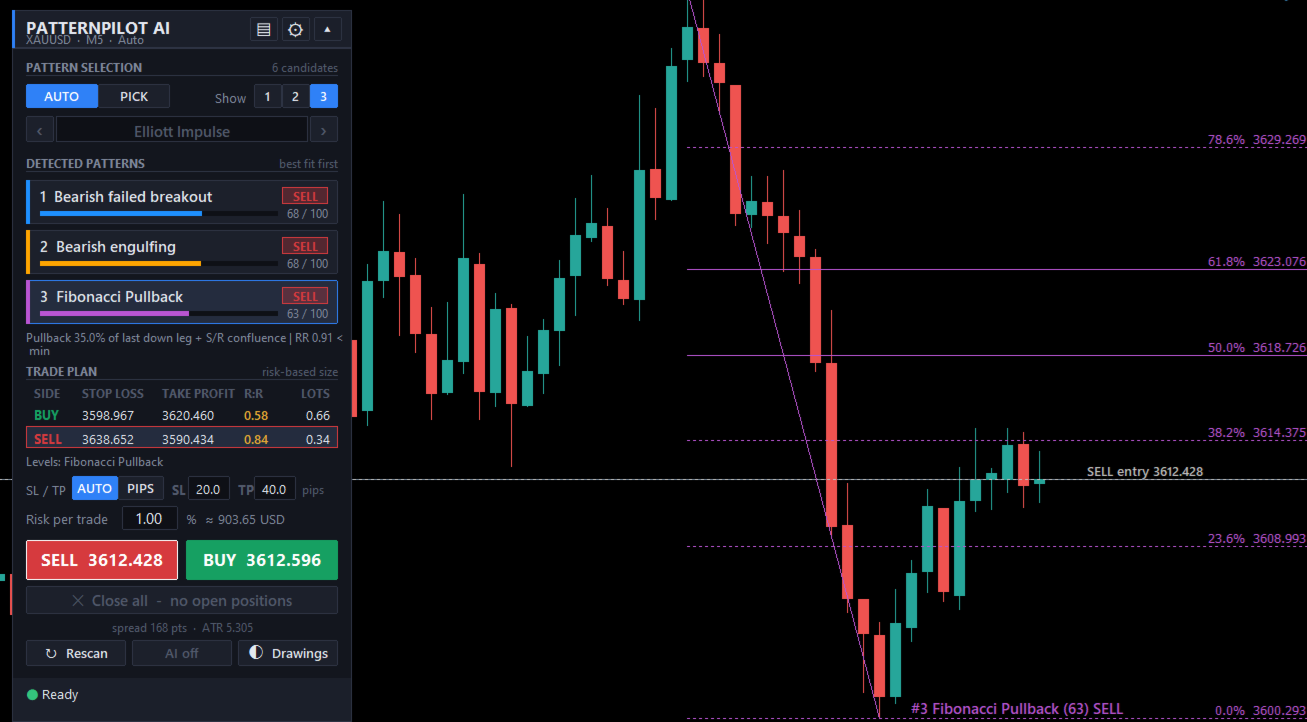
- Fibonacci pullbacks with 127.2% extension targets
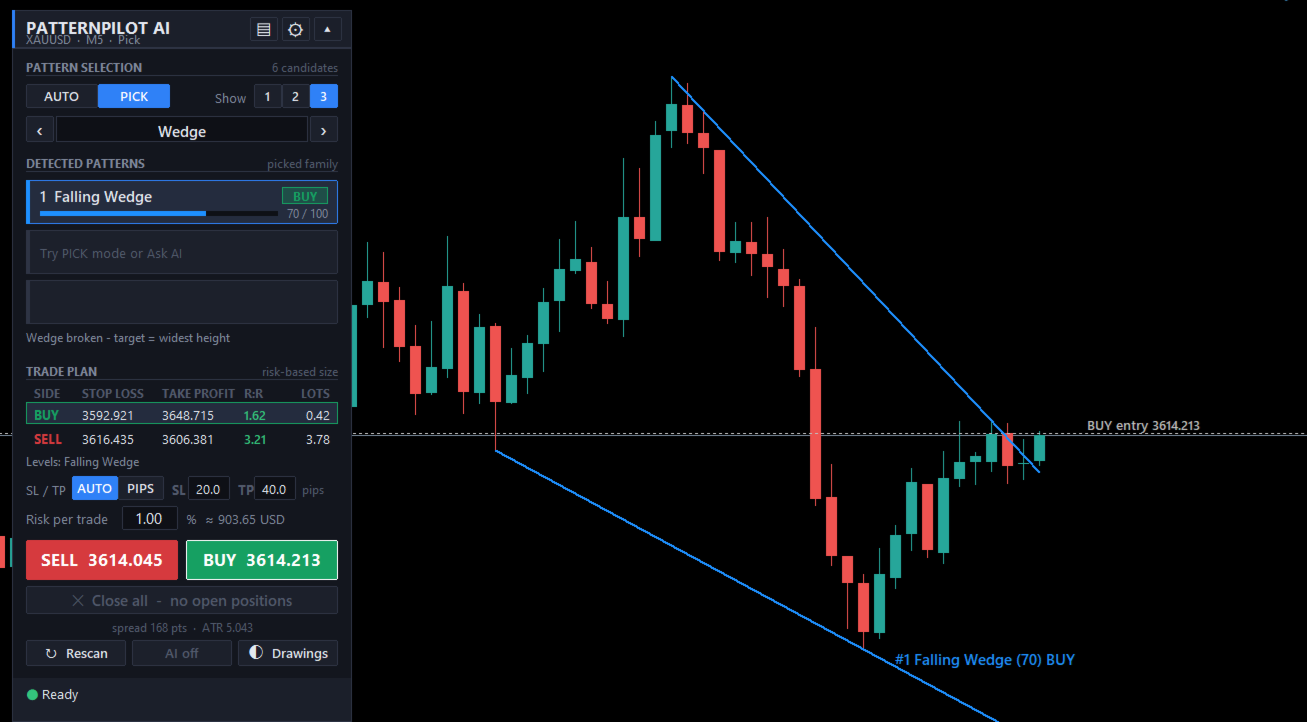
- Trend channels, triangles (ascending, descending, symmetrical) and rising / falling wedges
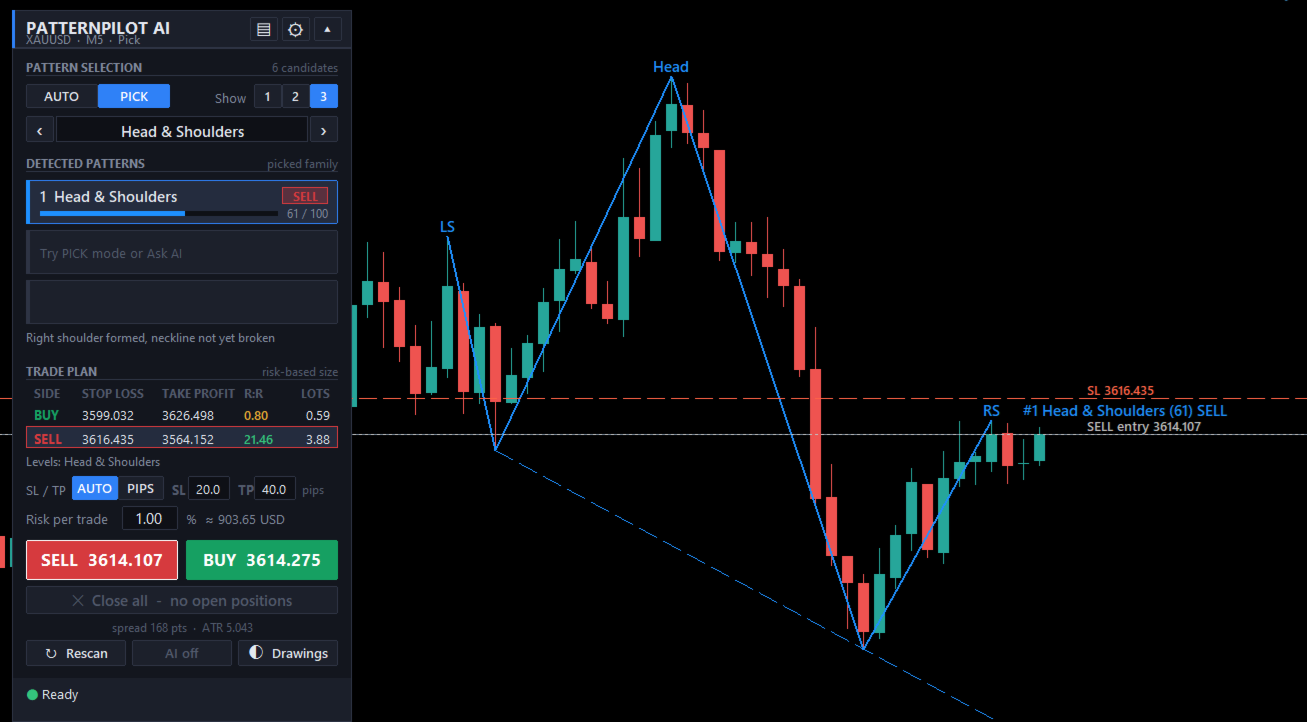
- Double tops and bottoms, head and shoulders and inverse head and shoulders
- Flags and pennants with pole-height targets
- Elliott impulse (finished 5-wave and running wave 5) and ABC corrections
- Harmonic patterns: Gartley, Bat, Butterfly, Crab and ABCD
- Candles at key levels: pin bar, engulfing, morning / evening star, inside-bar breakout
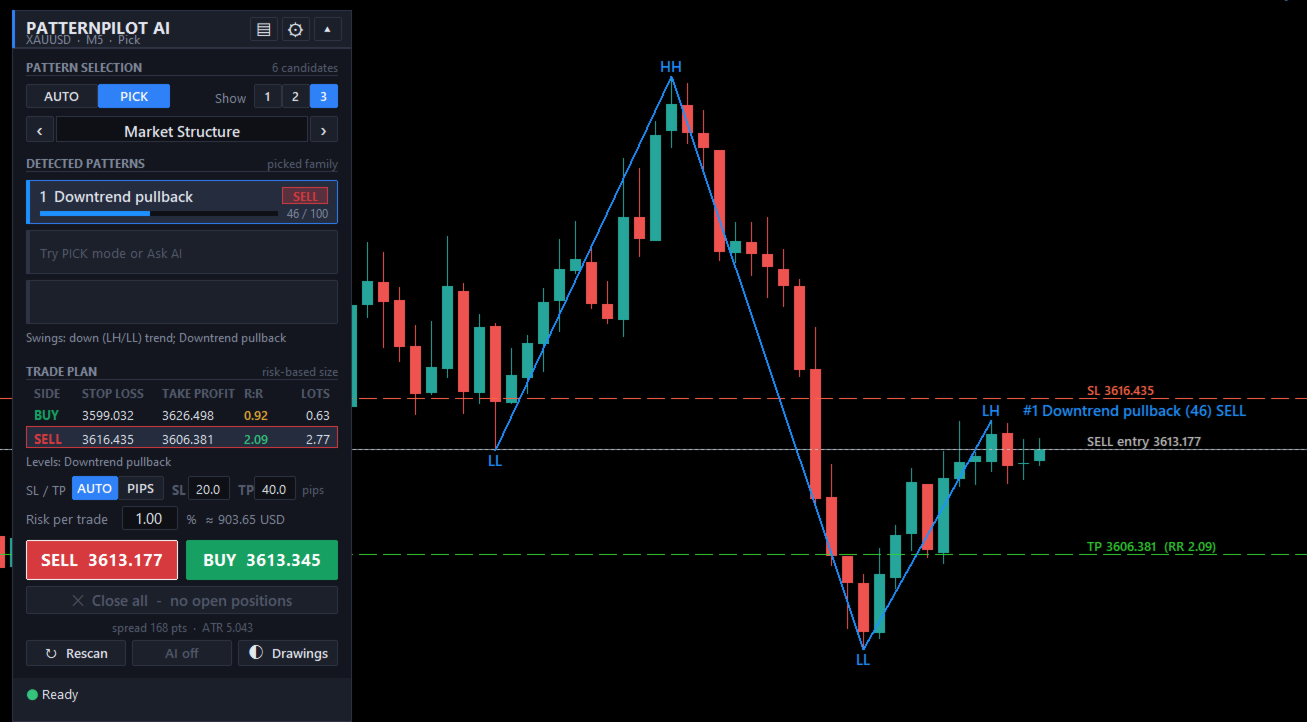
- Market structure: break of structure (BOS), change of character (CHoCH), trend pullback
- RSI divergence, regular and hidden
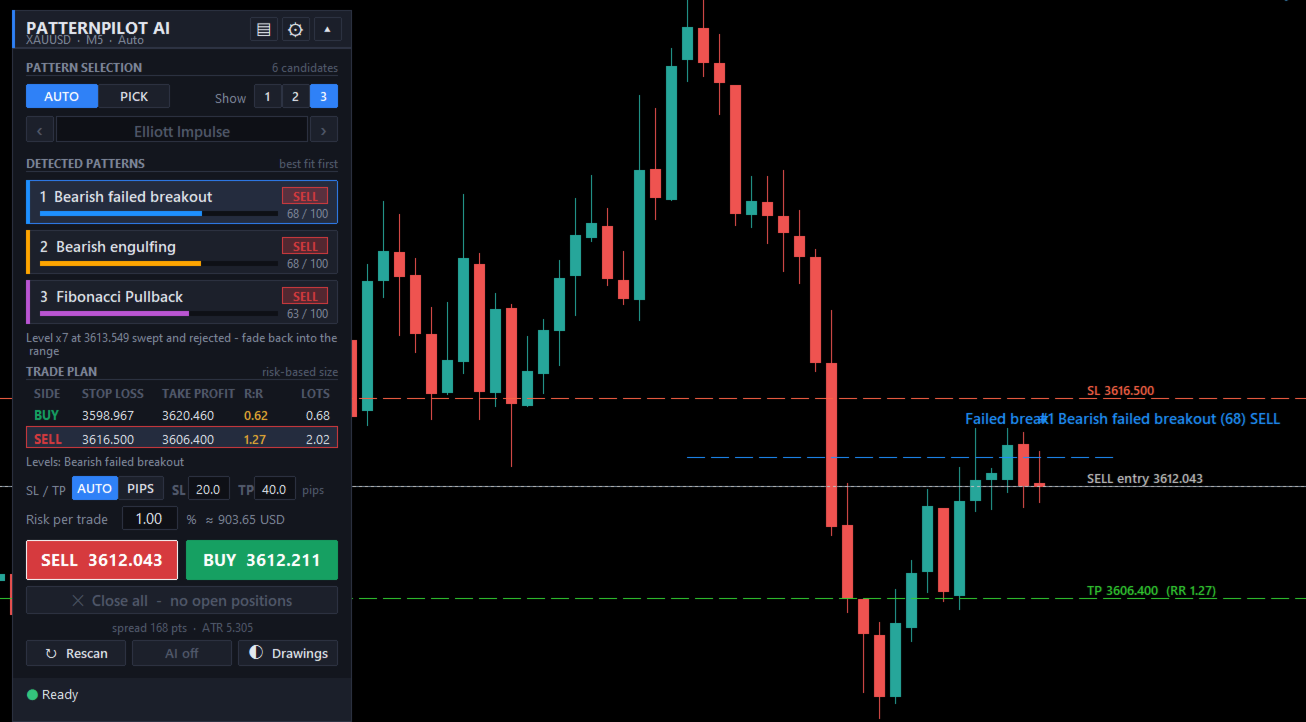
Each candidate is scored for how well it fits, how fresh it is, whether it agrees with the trend and whether its reward:risk meets your minimum. AUTO mode shows the best fits; PICK mode shows only the family you choose. The selected pattern is drawn on the chart with its levels.
Trade panel
- Ready BUY and SELL plans with stop loss, take profit, reward:risk and lots, updated every second
- Stops from chart structure (with an ATR buffer and spread correction) or fixed pips; take profit optional
- Position size from risk % of balance; trades that would exceed your risk at the broker's minimum lot are blocked, not oversized; lots never exceed the broker's maximum lot, volume limit or free margin
- One-click BUY, SELL and Close all, with an optional confirmation box
- Optional trailing stop measured in ATR (start and distance in % of ATR); the TP is never moved
- Rescan on every new candle or every N seconds
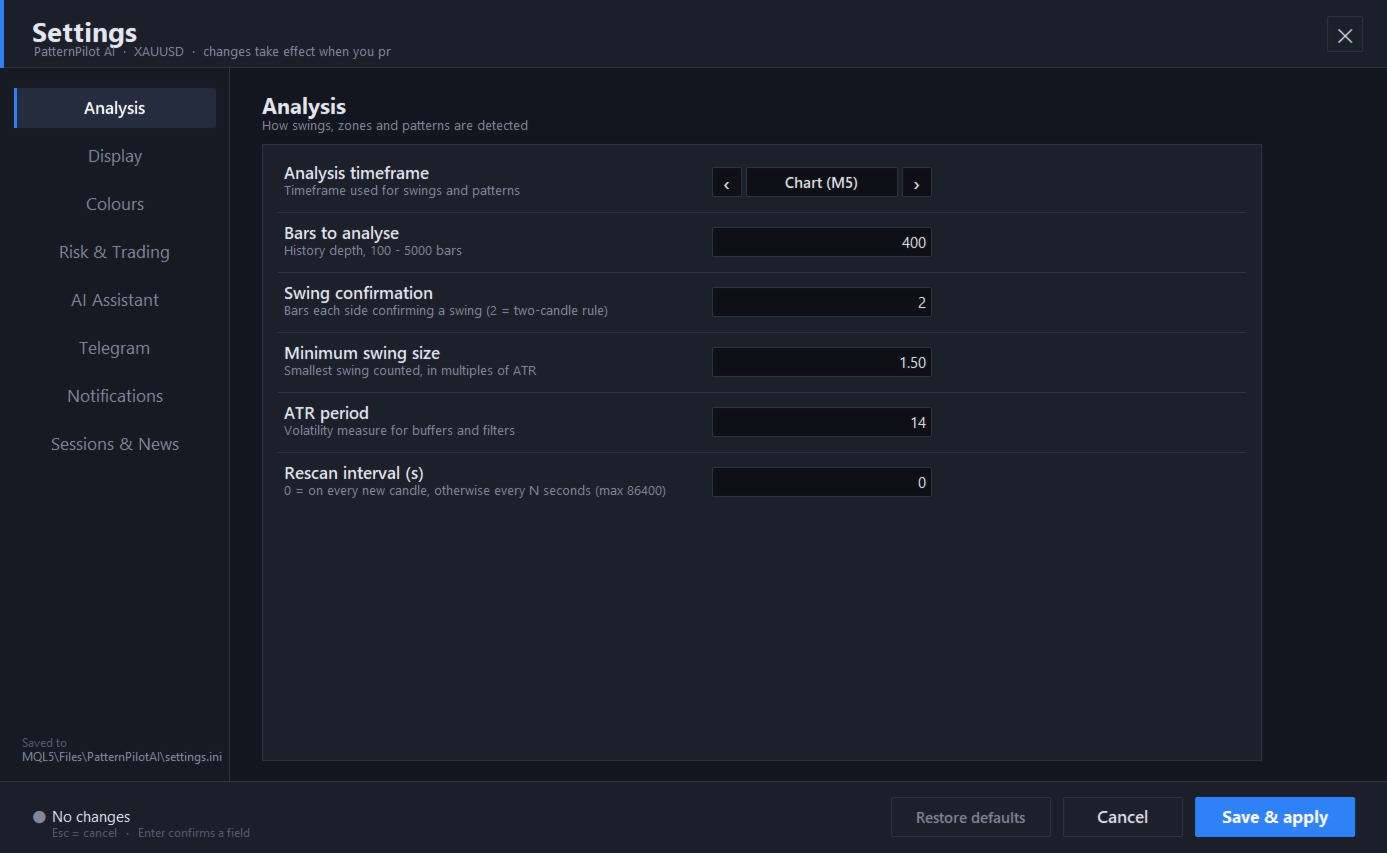
- Full-screen settings window: no input tab to edit for live trading, everything changes while the EA runs
- Strategy Tester inputs for backtests and optimisation: timeframe, pattern (Auto or one family), risk %, stop buffer, minimum pattern score, minimum reward:risk, manual SL/TP in pips and trailing stop (ignored on live charts)
Chart tools (optional)
- Heiken Ashi candles in place of the price candles (display only: analysis and orders use real prices)
- Tokyo, London and New York session ranges with the range in pips; summer time and the broker's clock are handled automatically
- Economic-news timeline from the built-in MQL5 calendar, filtered by impact and currency, with a countdown to the next event
Optional AI review
Ask an AI model (Anthropic Claude, DeepSeek or any OpenAI-compatible API, with the provider's current models in a selector) to review the chart. It receives the recent bars, swing points and the EA's own candidates and returns its own reading with levels, shown as a separate card. Requires your own API key; requests are sent only when you click Ask AI, or on a new bar if you enable Auto-ask.
Optional Telegram
- Alerts for new patterns, AI results, fills, stop loss and take profit hits, and a daily summary
- Tap-to-approve for trades requested from Telegram and for pattern alerts (optional PIN); the EA re-checks price, spread and reward:risk before sending
- Commands: /status, /stats, /positions, /buy, /sell, /closeall, /pause, /resume, /shot
- Several charts can share one bot
Statistics
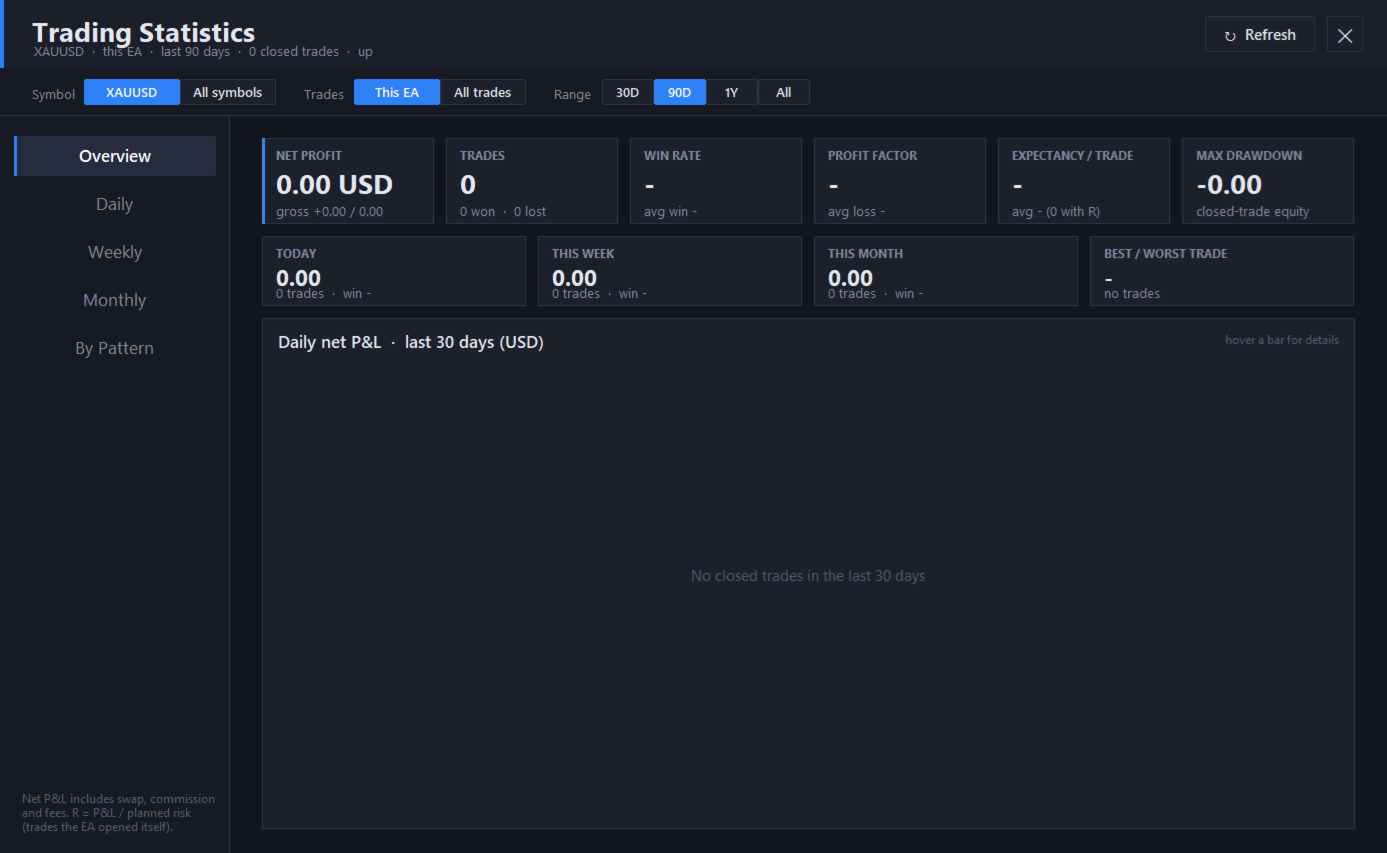
A full-screen statistics window with daily, weekly and monthly results and results per pattern family: win rate, profit factor, expectancy, average R and maximum drawdown, plus a 30-day P&L chart.
Good to know
- On live charts the EA never trades by itself: every order needs your click or your Telegram approval. In the Strategy Tester it trades the best pattern automatically so you can backtest it.
- AI and Telegram use WebRequest: add the URLs in Tools › Options › Expert Advisors. They do not run in the Strategy Tester.
- Works on any symbol and timeframe, hedging and netting accounts (on netting accounts one EA position per symbol at a time). One chart per symbol.
- A detailed user guide is available in https://www.mql5.com/en/blogs/post/781794.
Risk warning: pattern scores measure how well a shape matches the rules; they do not guarantee results. Test on a demo account first. Trading leveraged products carries a high risk of loss.