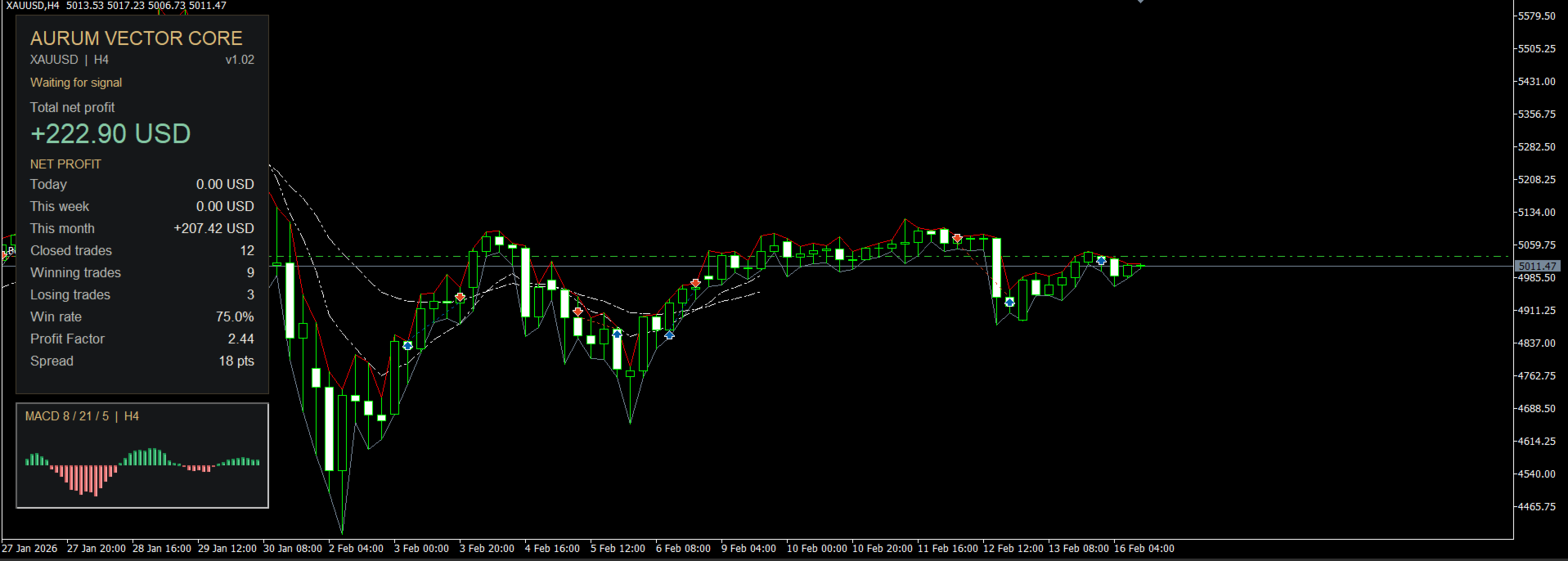
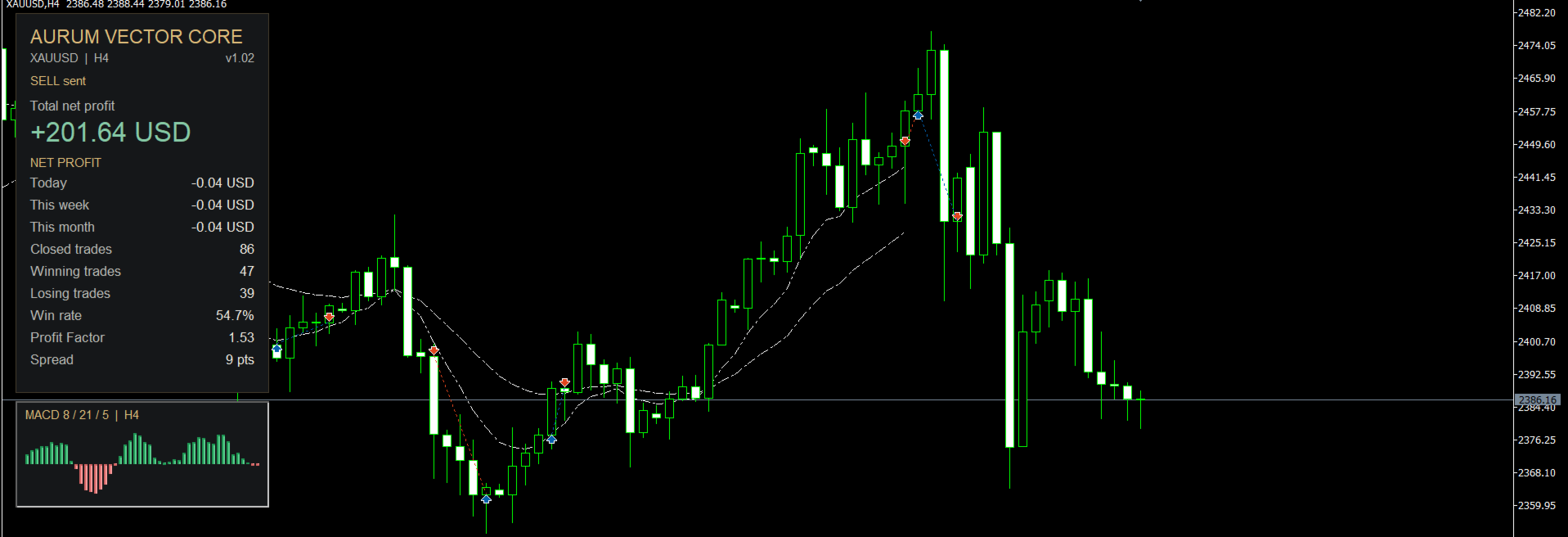
Aurum Vector Core
- Experts
- 버전: 1.3
- 활성화: 5

Automated Gold Trading for MetaTrader 5
Aurum Vector Core is an Expert Advisor developed for XAUUSD trading on the H4 timeframe. It combines confirmed MACD signals, fixed-volume execution, and structured position management with a clear performance dashboard.
The strategy follows a defined set of rules, evaluating completed candles to identify changes in market momentum.
Trading Strategy
Aurum Vector Core calculates MACD using a fast EMA, a slow EMA, and an EMA signal line. Default settings are 8 / 21 / 5.
-
Buy: the MACD histogram crosses above zero.
-
Sell: the MACD histogram crosses below zero.
-
Confirmation: signals are evaluated on completed H4 candles.
-
Opposite signal: the EA closes its existing position before considering a new trade in the opposite direction.
-
Daily close: the EA attempts to close its positions at the configured broker server hour, set to 20:00 by default, and pauses entries for the rest of the day.
H4 remains the signal timeframe regardless of the chart period selected.
Key Features
-
Automated buy and sell execution.
-
Adjustable MACD parameters.
-
Fixed lot sizing, with 0.01 lot as the default.
-
No martingale, grid, or automatic lot increases after losses.
-
Free margin check before entry.
-
Configurable daily closing hour.
-
Dedicated Magic Number for identifying the EA’s positions.
-
Option to pause new entries while keeping exit management active.
-
EMA lines and a compact MACD histogram on H4 charts.
-
English dashboard and input descriptions.
-
One EA file, with no separate custom indicators required.
Performance Dashboard
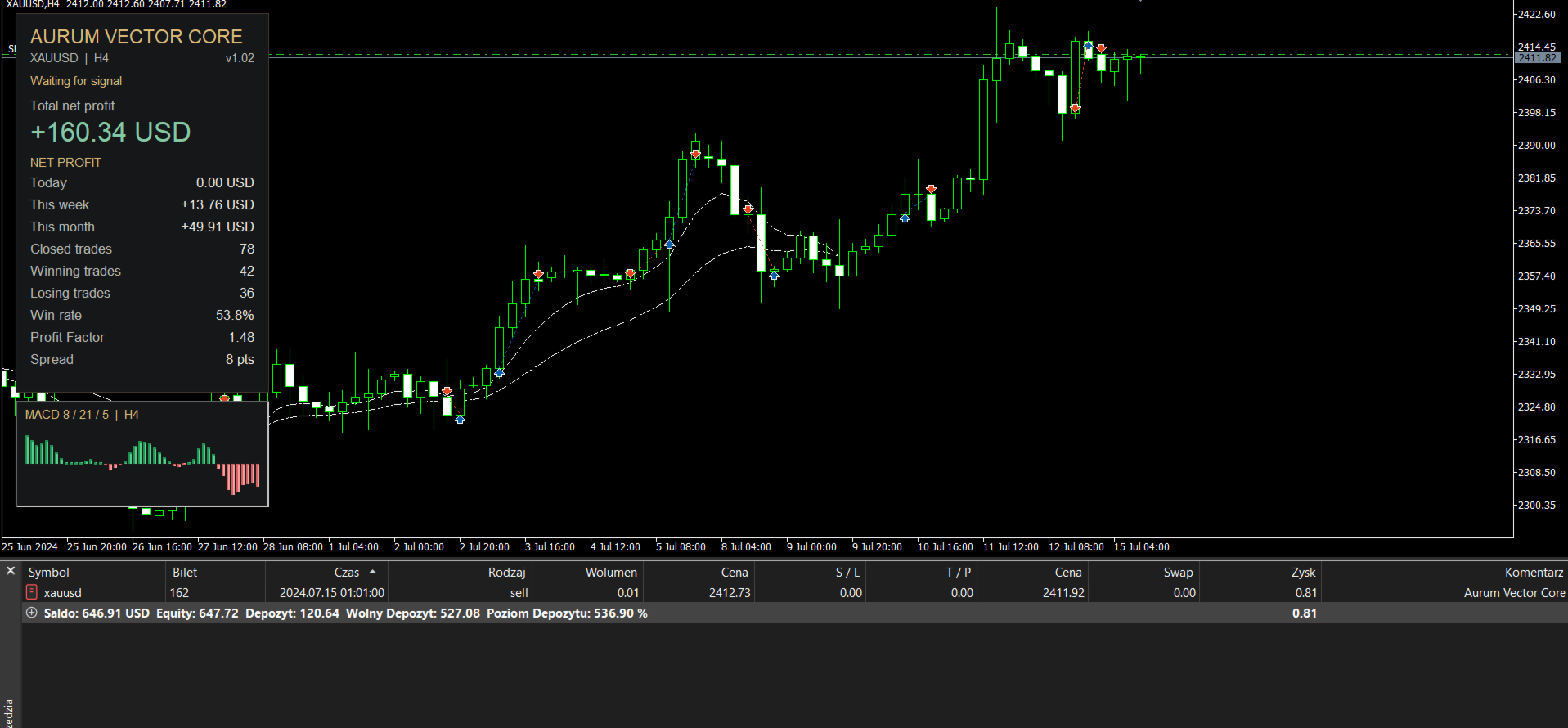
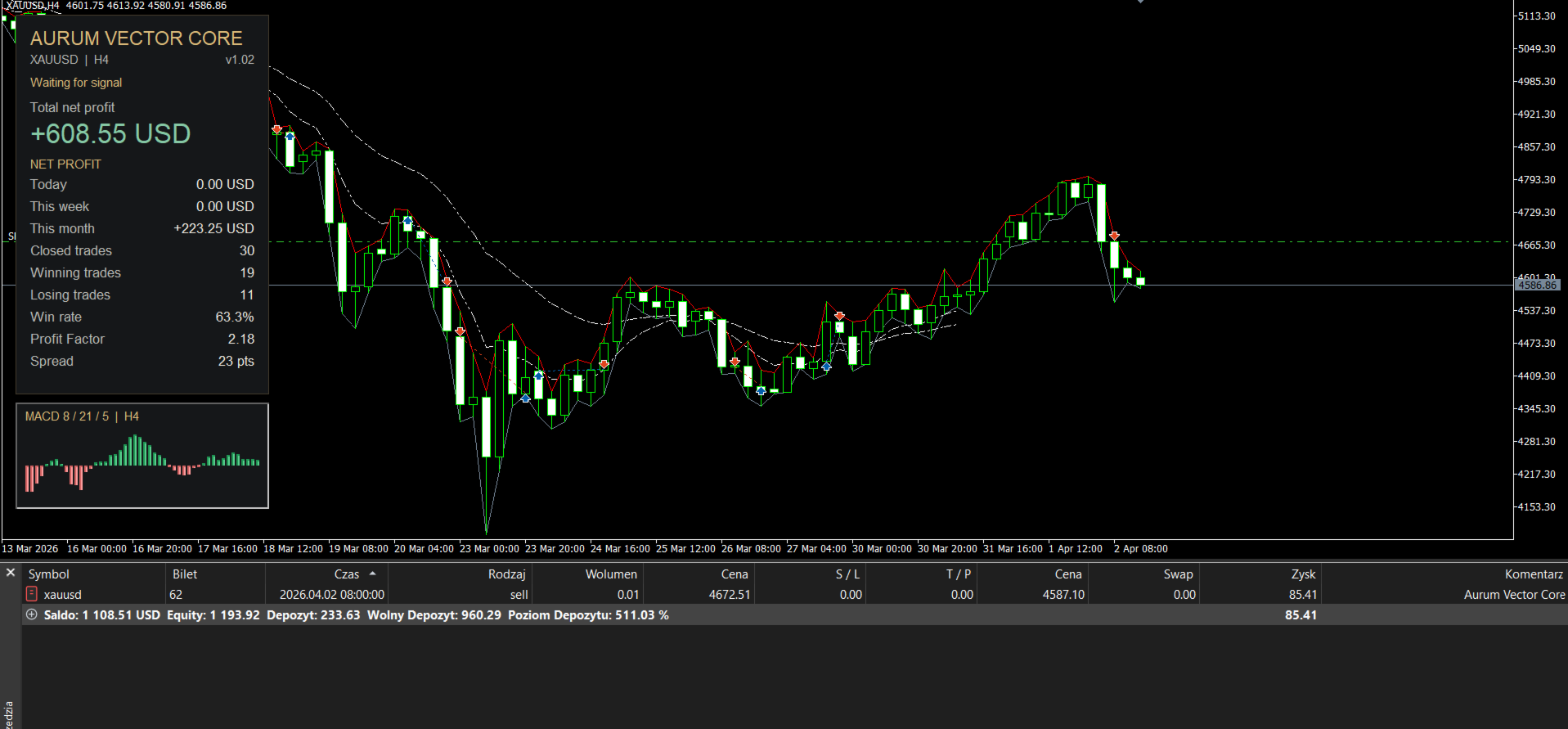
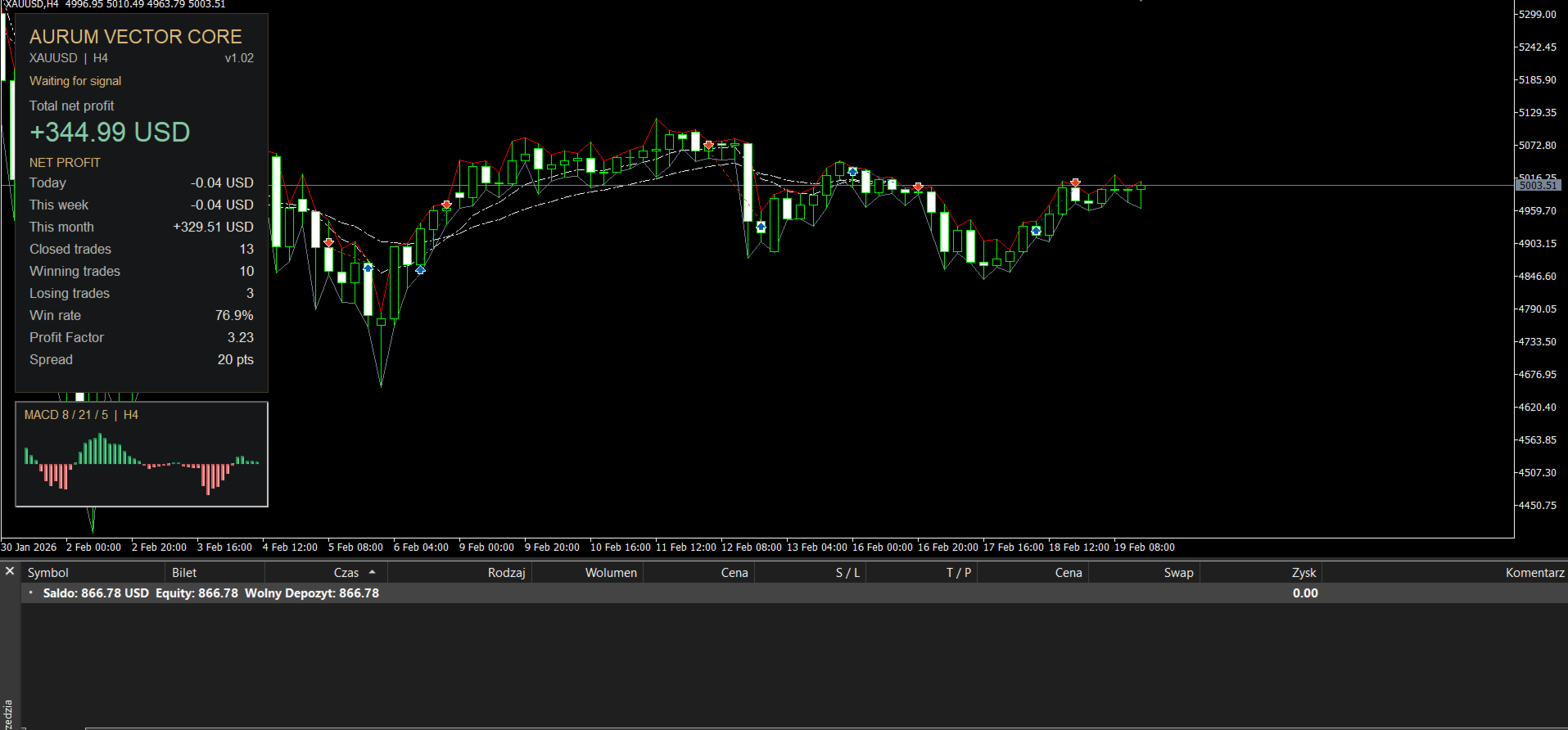
Monitor the EA’s activity directly on your chart:
-
Total net profit.
-
Daily, weekly, and monthly net results.
-
Closed trades.
-
Winning and losing trades.
-
Win rate.
-
Profit factor.
-
Current spread and trading status.
Winning and losing trades are classified by their net result after recorded commissions, swaps, and fees. Trades with a zero net result are excluded from both counts.
Account Requirements
Starting account balance: USD 500, using the default trading volume of 0.01 lot.
Required margin depends on your broker’s XAUUSD contract specifications, leverage, and current gold price. Confirm that your account has sufficient free margin before enabling trading.
| Setting | Recommended Setup |
|---|---|
| Platform | MetaTrader 5 |
| Instrument | XAUUSD / Gold |
| Chart timeframe | H4 |
| Starting balance | USD 500 |
| Fixed lot size | 0.01 |
| MACD parameters | 8 / 21 / 5 |
| Daily closing hour | 20:00 broker server time |
Installation
-
Copy Aurum Vector Core.ex5 into the terminal’s MQL5 → Experts folder.
-
Refresh the Navigator or restart MetaTrader 5.
-
Attach the EA to an XAUUSD H4 chart.
-
Review the lot size, Magic Number, and daily closing hour.
-
Enable Algo Trading and keep the terminal connected.
After initialization, the EA waits for a new H4 candle and a fresh confirmed signal.
Position Management and Risk
Aurum Vector Core uses opposite MACD signals and a scheduled daily close to manage exits. It does not place fixed broker-side Stop Loss or Take Profit orders.
The terminal must remain running, connected, and authorized to trade for exit management to operate. Scheduled closures depend on market availability and successful execution and do not cap potential losses.
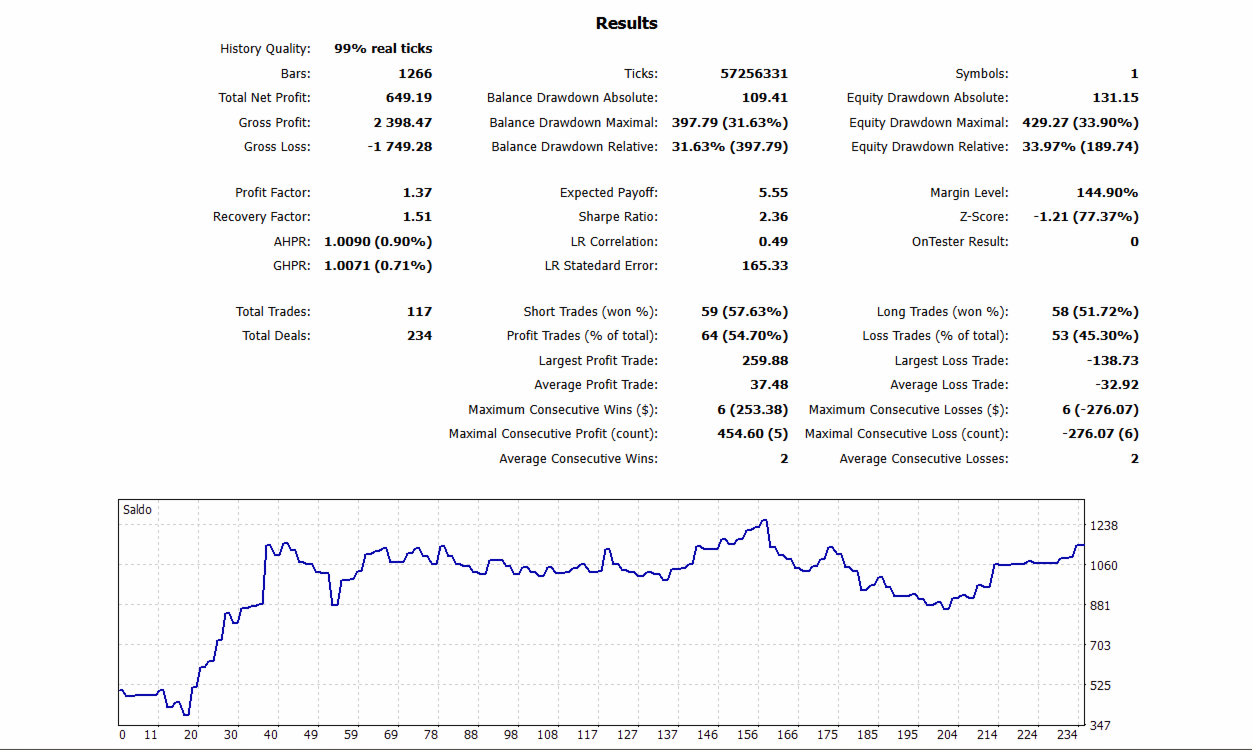
Historical tests do not guarantee future performance. Results depend on market conditions, broker specifications, trading costs, and execution quality. Test your chosen settings on a demo account before live use.