Kiwi Forex Engine MT5
- Experts
-
- Nguyen Ngoc Diep
 KiwiBots — Expert Advisors, Indicators & Trading Utilities for MetaTrader 4 and MetaTrader 5.
We develop the KiwiBots collection with a focus on practical automated trading systems, trading tools, market analysis and risk management. - 버전: 3.364
- 업데이트됨: 8 8월 2026
- 활성화: 10
Overview
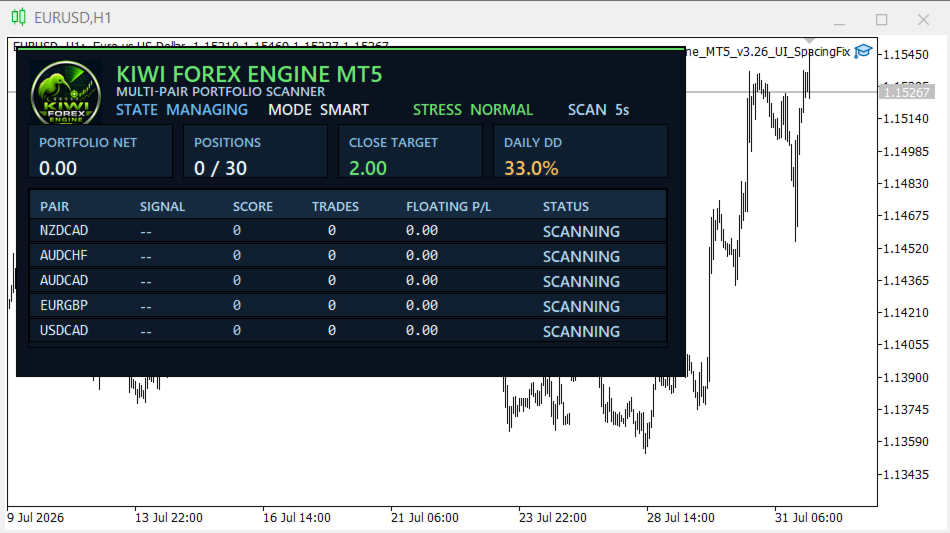
Kiwi Forex Engine MT5 is a multi-currency Expert Advisor designed for traders who prefer one chart to monitor and trade several Forex pairs.
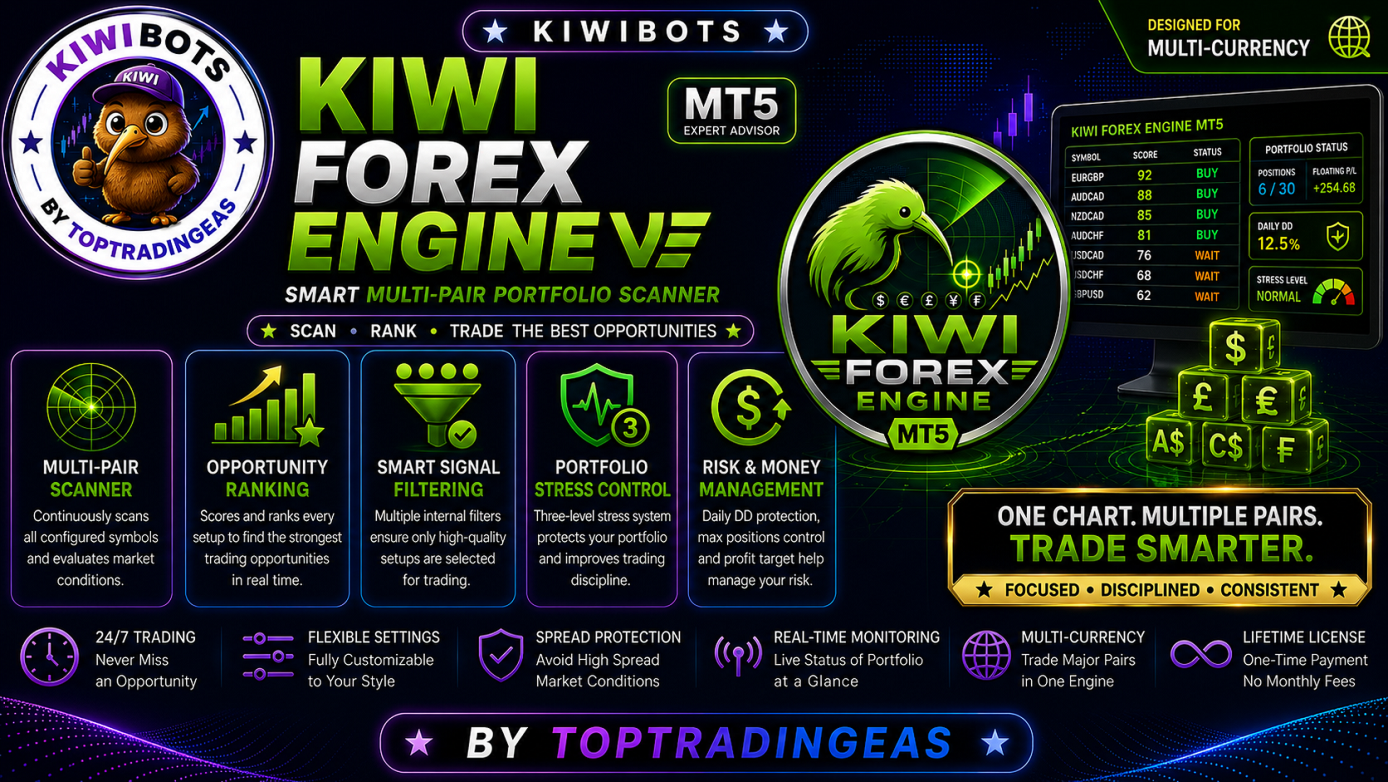
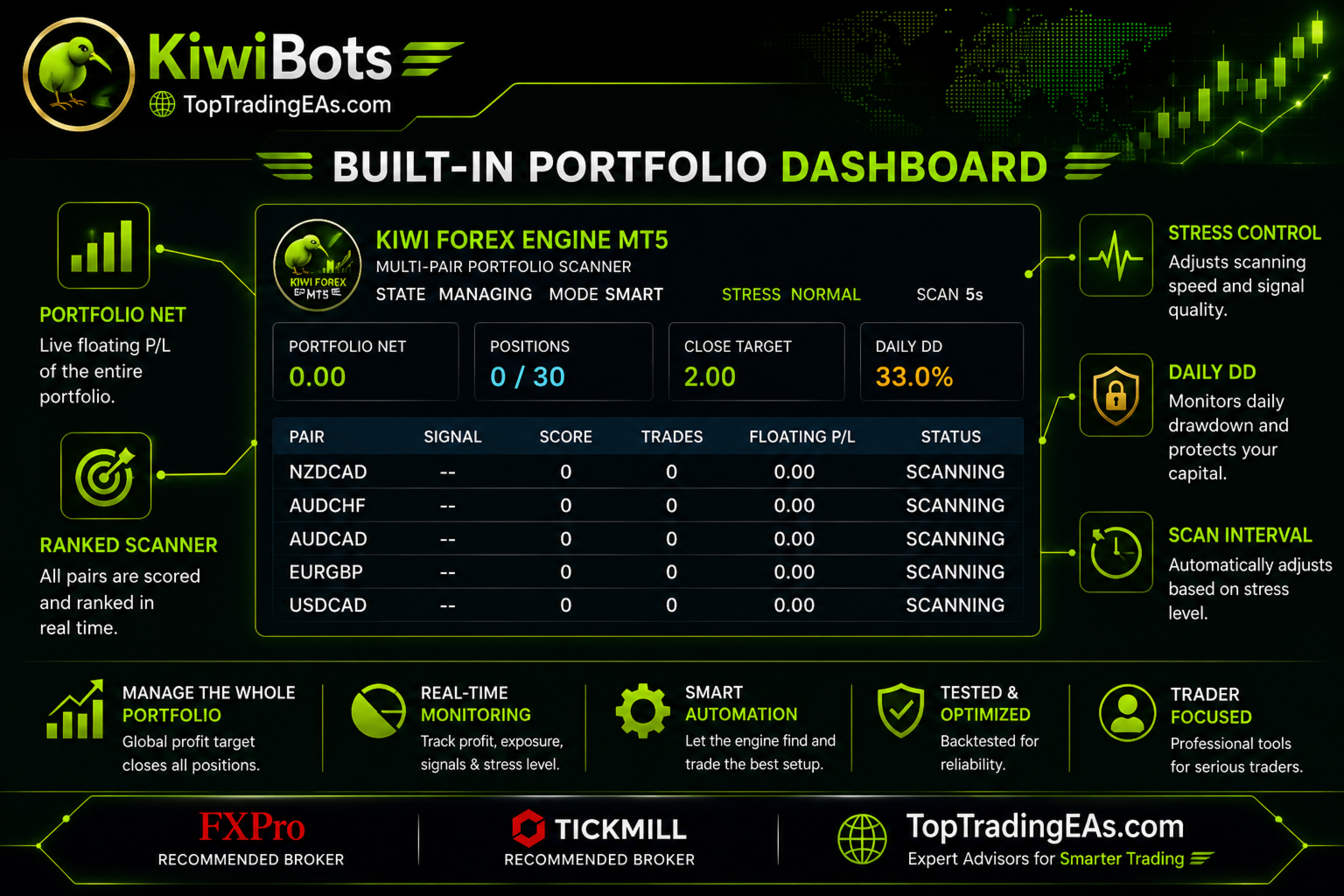
Instead of opening trades on every signal, the EA continuously scans all configured symbols, ranks available opportunities, and selects only the strongest setups that satisfy its internal filters.
The focus is on portfolio management, controlled exposure, and disciplined trade selection.
Main Features
• Multi-pair portfolio scanner
• One-chart operation
• Opportunity ranking system
• Smart signal filtering
• Portfolio stress control
• Daily drawdown protection
• Maximum portfolio position control
• Configurable profit target
• Automatic portfolio monitoring
• Designed for MetaTrader 5
How It Works
The EA scans every configured currency pair at a fixed interval.
For every symbol it calculates an internal opportunity score using multiple technical filters.
Only setups that satisfy the required score are considered for trading.
If several symbols generate signals simultaneously, the EA prioritizes the highest-ranked opportunities while respecting portfolio limits.
When overall portfolio exposure increases, the engine automatically becomes more selective before allowing additional entries.
This helps reduce unnecessary positions during periods of higher market activity.
Portfolio Management
Kiwi Forex Engine MT5 includes several portfolio-level controls.
These include:
• Maximum positions per symbol
• Maximum total portfolio positions
• Portfolio profit target
• Daily drawdown protection
• Automatic stress management
These controls work together to help manage trading activity across multiple symbols.
Smart Stress Control
The built-in Stress Control system monitors the overall portfolio condition.
When portfolio activity increases, the EA can:
• Increase the required signal quality
• Delay new entries
• Reduce trading frequency
• Resume normal operation automatically once conditions improve
The goal is to avoid excessive trade clustering during periods of increased portfolio stress.
Default Symbols
The default configuration includes:
• AUDCAD
• AUDCHF
• NZDCAD
• EURGBP
• USDCAD
The symbol list can be changed to match your broker's available instruments.
Recommendations
Recommended timeframe:
M5
Recommended account type:
MT5 Hedging Account
Recommended VPS:
24-hour operation is recommended for continuous portfolio scanning.
Notes
Kiwi Forex Engine MT5 is intended for automated portfolio trading.
As with any automated trading system, results depend on market conditions, broker execution, account settings, and user configuration.
Users are encouraged to test the Expert Advisor on a demo account before using it on a live account.