SmartGuard Risk Manager
- 유틸리티
-
PT KARYA PUTRA GANESHA
 I develop MetaTrader 5 utilities focused on trading journal, risk monitoring, account protection, and performance analytics.
My main interest is building practical tools for traders who want better discipline, transparent records, local CSV exports, and risk-based decision support. - 버전: 1.3
- 활성화: 5
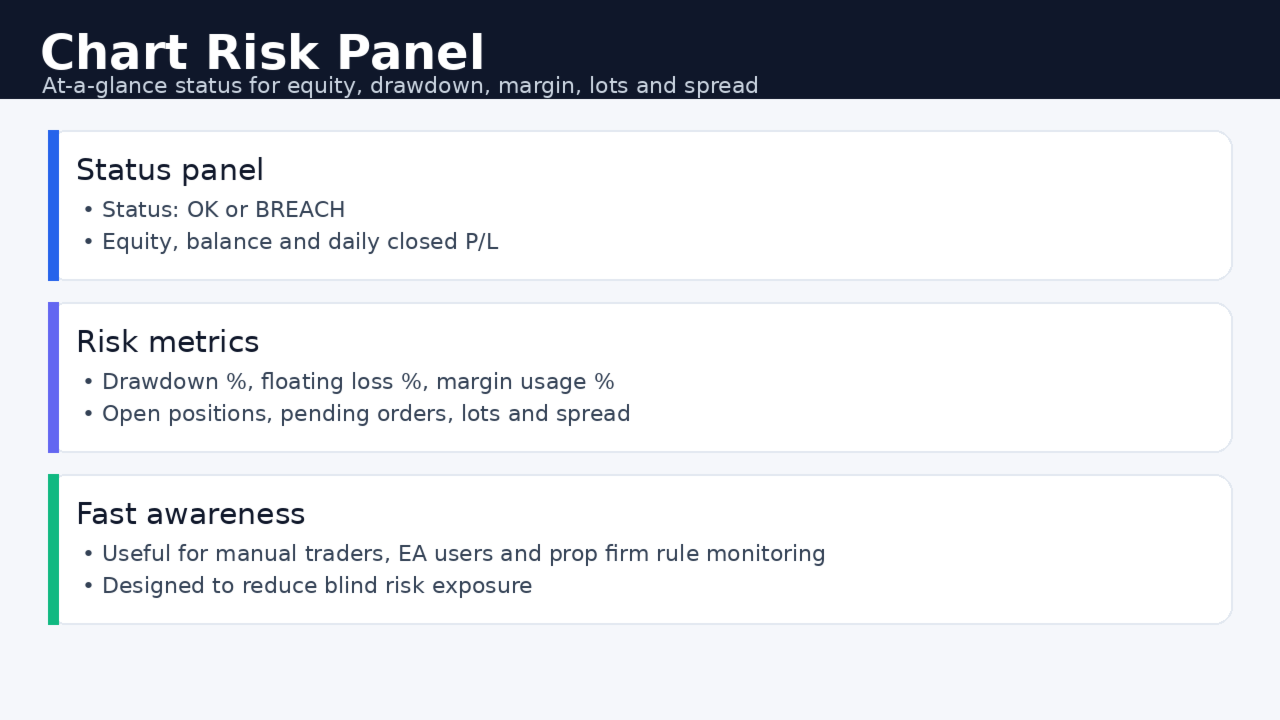
SmartGuard Risk Manager helps MetaTrader 5 traders control account exposure before risk becomes too large.
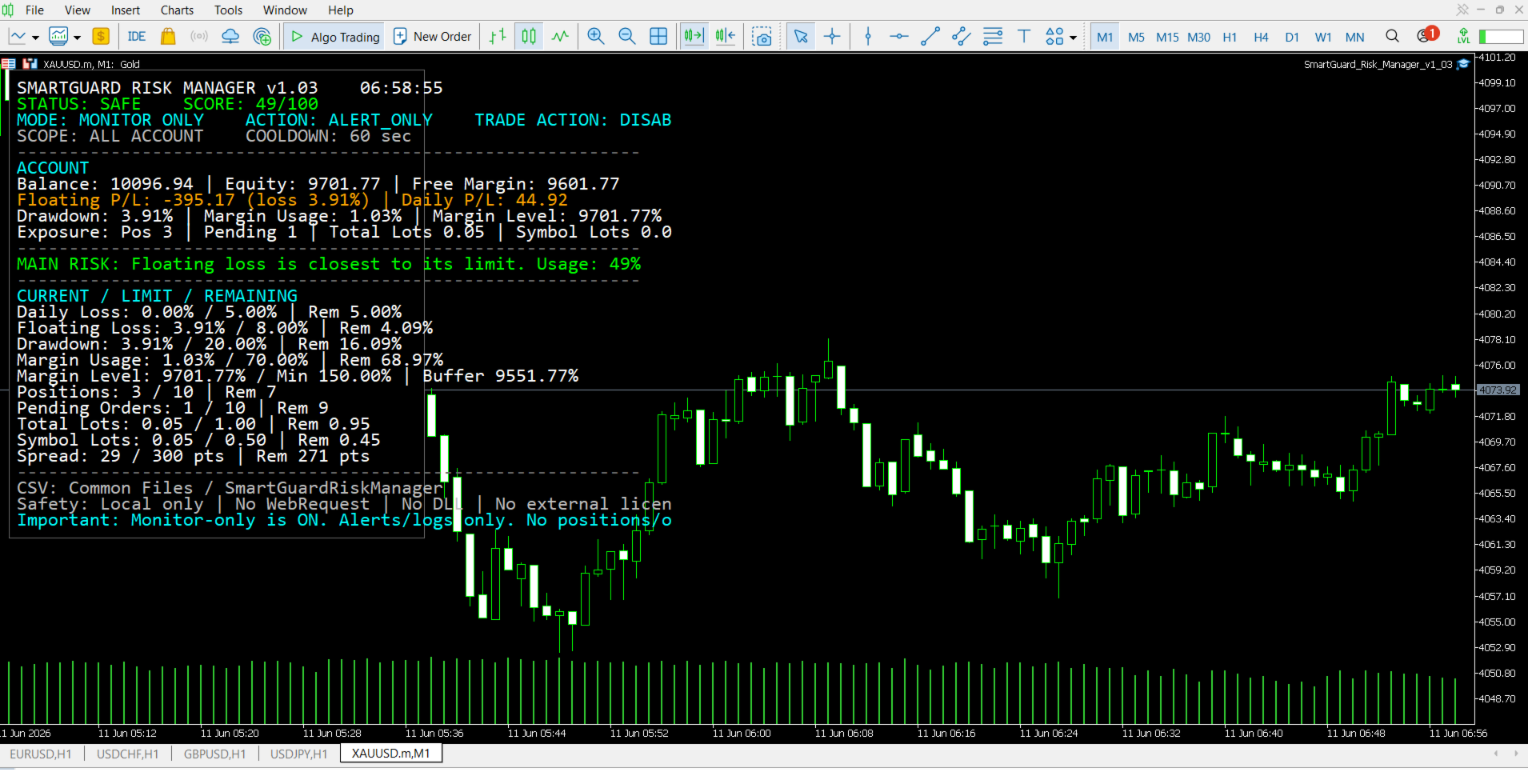
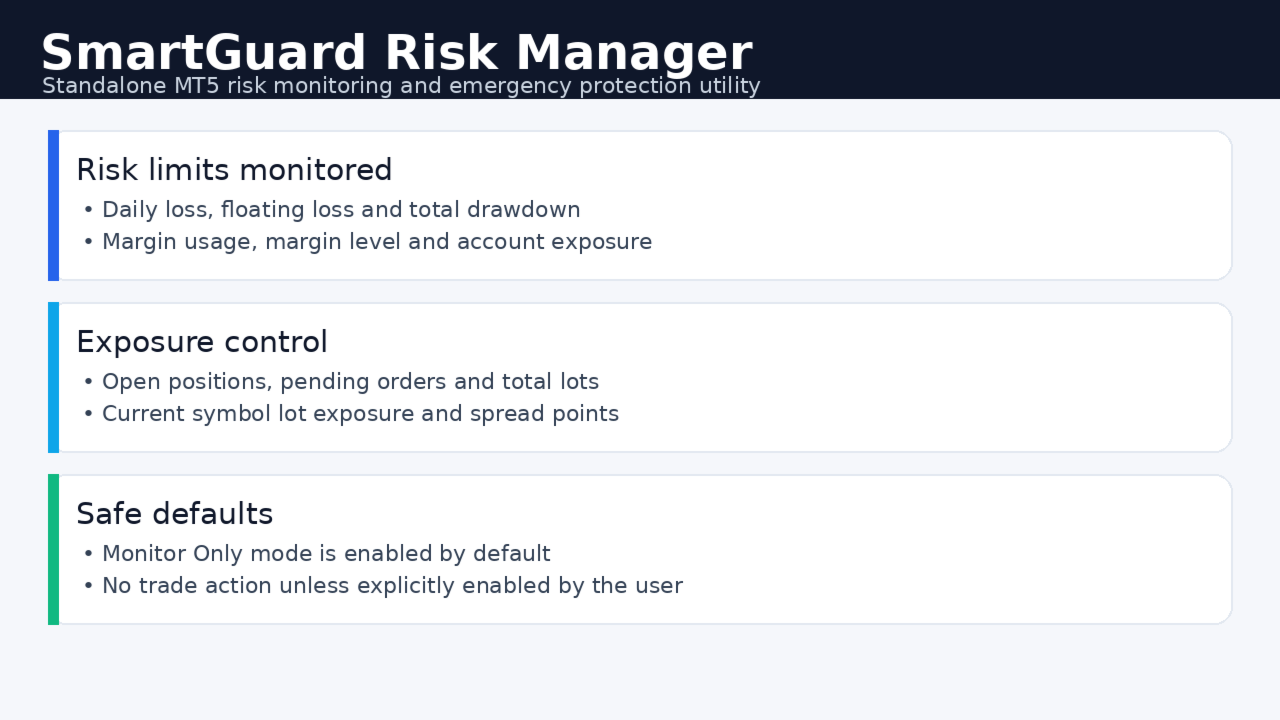
It monitors daily loss, floating loss, drawdown, margin level, open positions, pending orders, lot exposure and spread conditions directly on the chart.
Start safely in Monitor Only mode: the utility shows risk status, alerts and local CSV logs without opening, closing or modifying trades. Emergency protection actions can be enabled manually after demo testing.
Main features:
-
Daily closed loss monitoring
-
Floating loss and drawdown monitoring
-
Margin usage and margin level monitoring
-
Open position count monitoring
-
Pending order count monitoring
-
Total lot exposure monitoring
-
Current symbol lot exposure monitoring
-
Spread limit monitoring
-
Clear on-chart risk dashboard
-
SAFE / WATCH / HIGH RISK / BREACHED status
-
Risk score display
-
Current / limit / remaining risk view
-
Main risk reason display
-
Terminal, push and email notification options
-
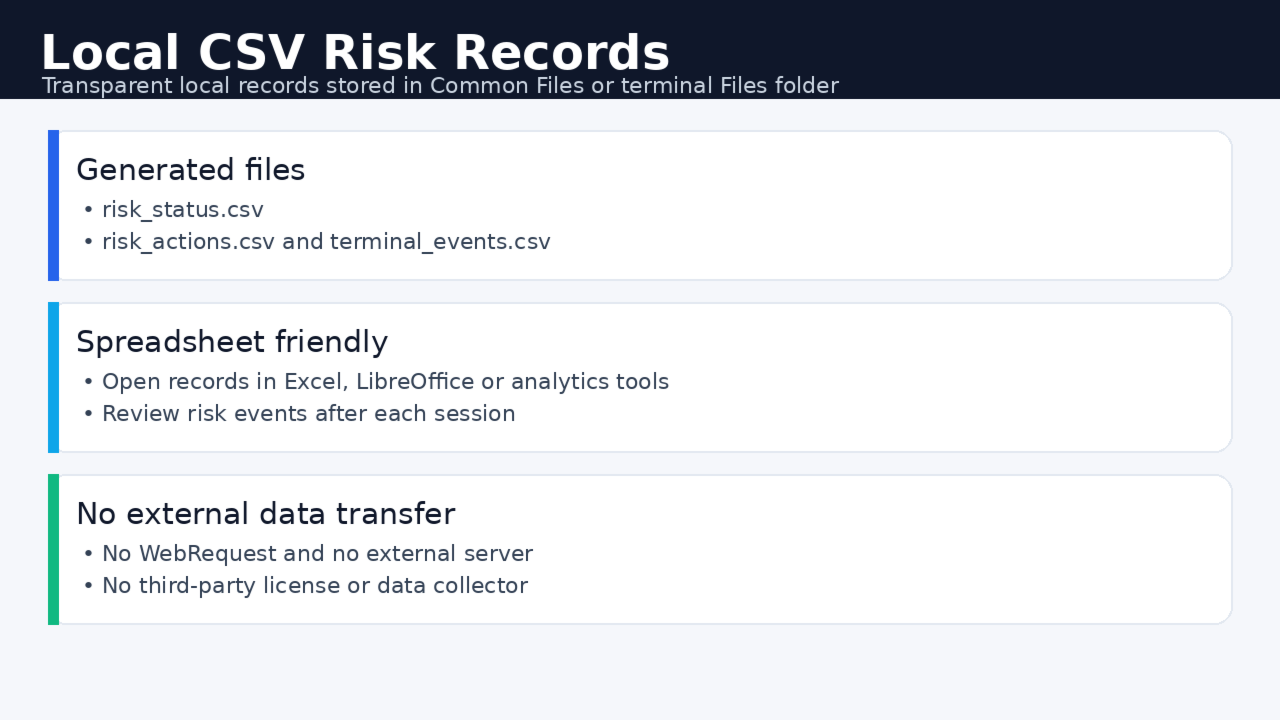
Local CSV risk logs
Emergency action options:
-
Alert only
-
Close all positions
-
Close current symbol positions
-
Delete pending orders
-
Close positions and delete pending orders
Safety and privacy:
-
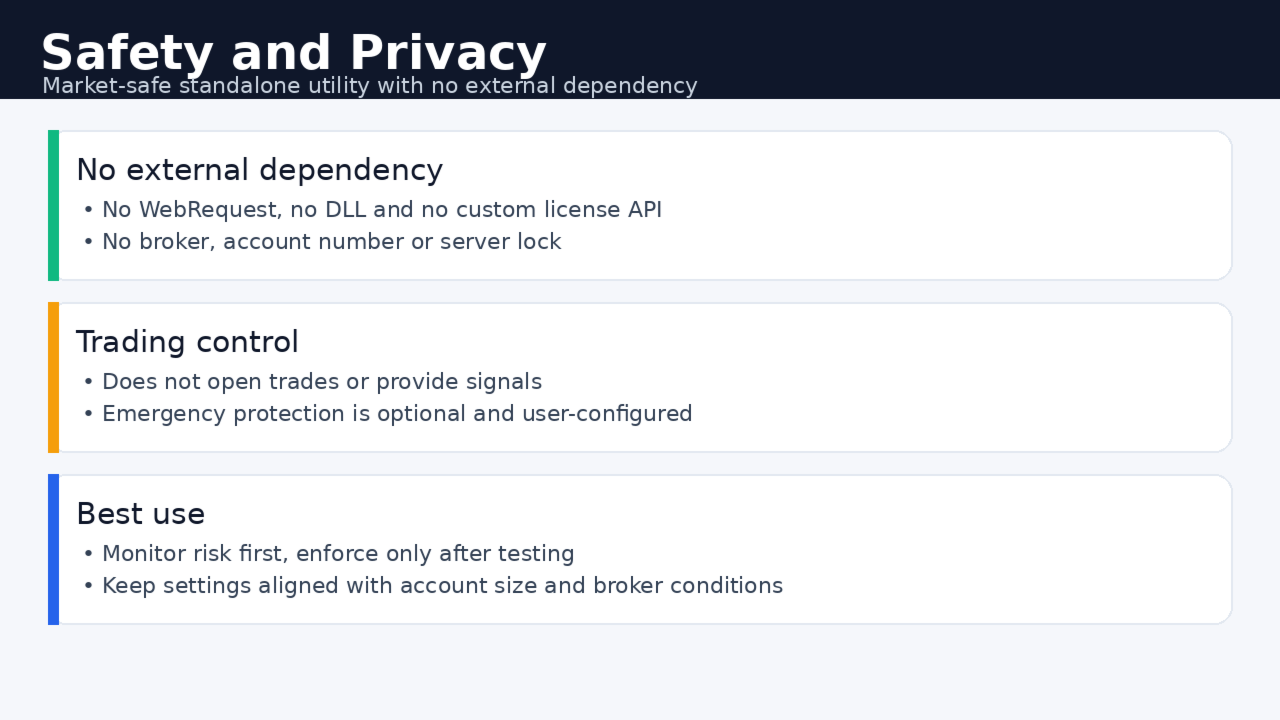
No WebRequest
-
No DLL import
-
No external license server
-
No broker lock
-
No account number lock
-
No server lock
-
No symbol lock
-
No external data transfer
Important note:
SmartGuard Risk Manager is a risk monitoring and protection utility. It does not provide trading signals and does not guarantee profit or loss prevention. Trading results depend on market conditions, broker execution, spread, slippage, leverage, account settings and user configuration.
For first-time users, the 1-month rental is recommended for testing the utility on a demo or small live account before choosing a longer license.
Recommended first use:
-
Attach the utility to any MT5 chart.
-
Keep Monitor Only mode enabled.
-
Review the risk dashboard and local CSV logs.
-
Adjust risk limits according to your account size and trading style.
-
Enable emergency actions only after testing on a demo account.