Evgenii Aksenov / プロファイル
- 情報
|
7+ 年
経験
|
26
製品
|
4210
デモバージョン
|
|
0
ジョブ
|
3
シグナル
|
0
購読者
|
📈 signals: https://robomarket.org/product-category/signals
📧 email: admin@robomarket.org
👨🏻🏫 telegram: https://t.me/robomarket_org
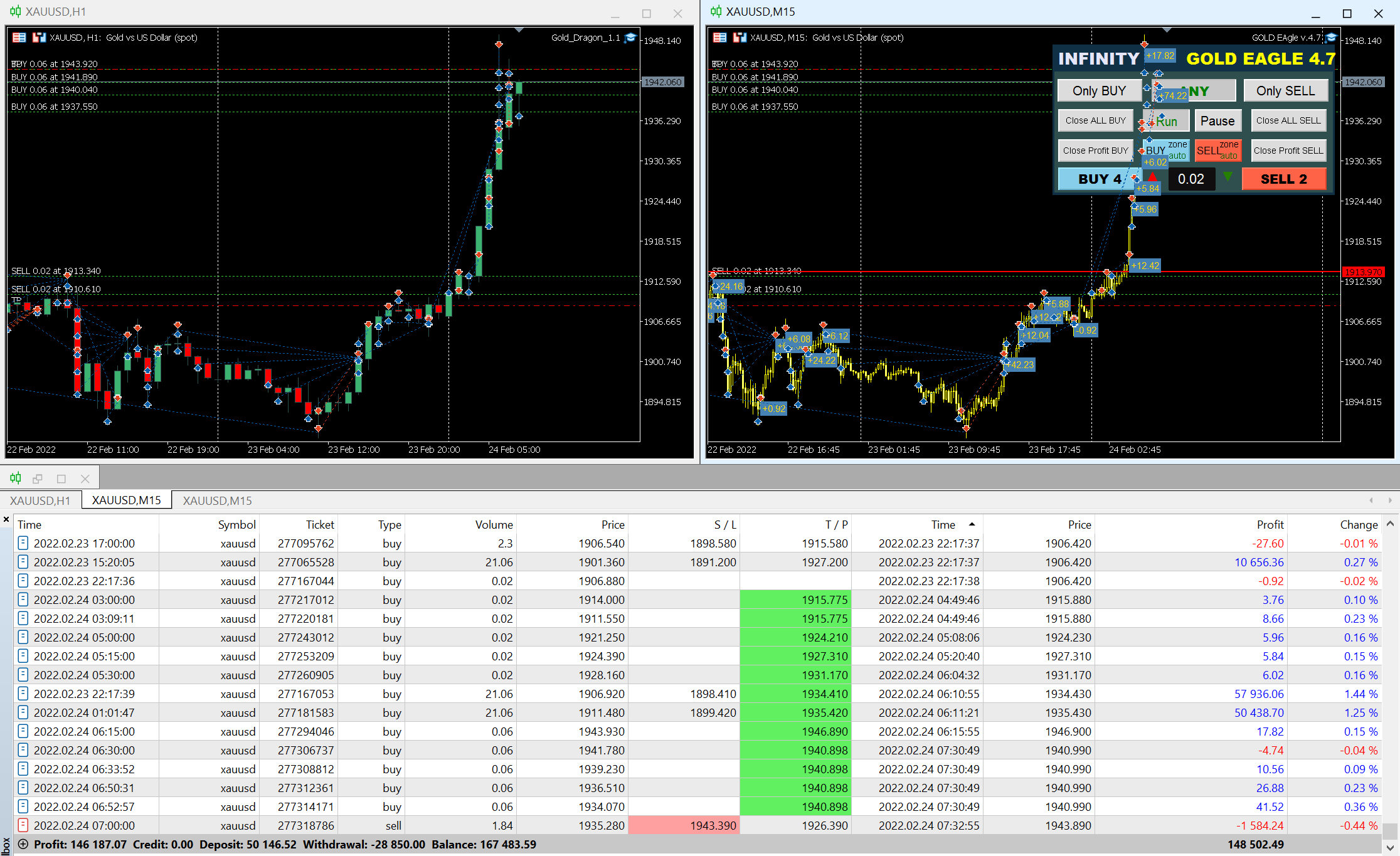
Big sale 50% OFF! Price $199. Regular price $399 Real Signal: click here Unique set files and all recommendations are provided free of charge. All future updates of the adviser are included in the price. After the purchase, contact me and I will help you install and configure the robot correctly. I will also share with you information on how to get a free VPS from a reliable broker. Trend Line REVOLUTION EA trade the first order based on the indicator signal and builds
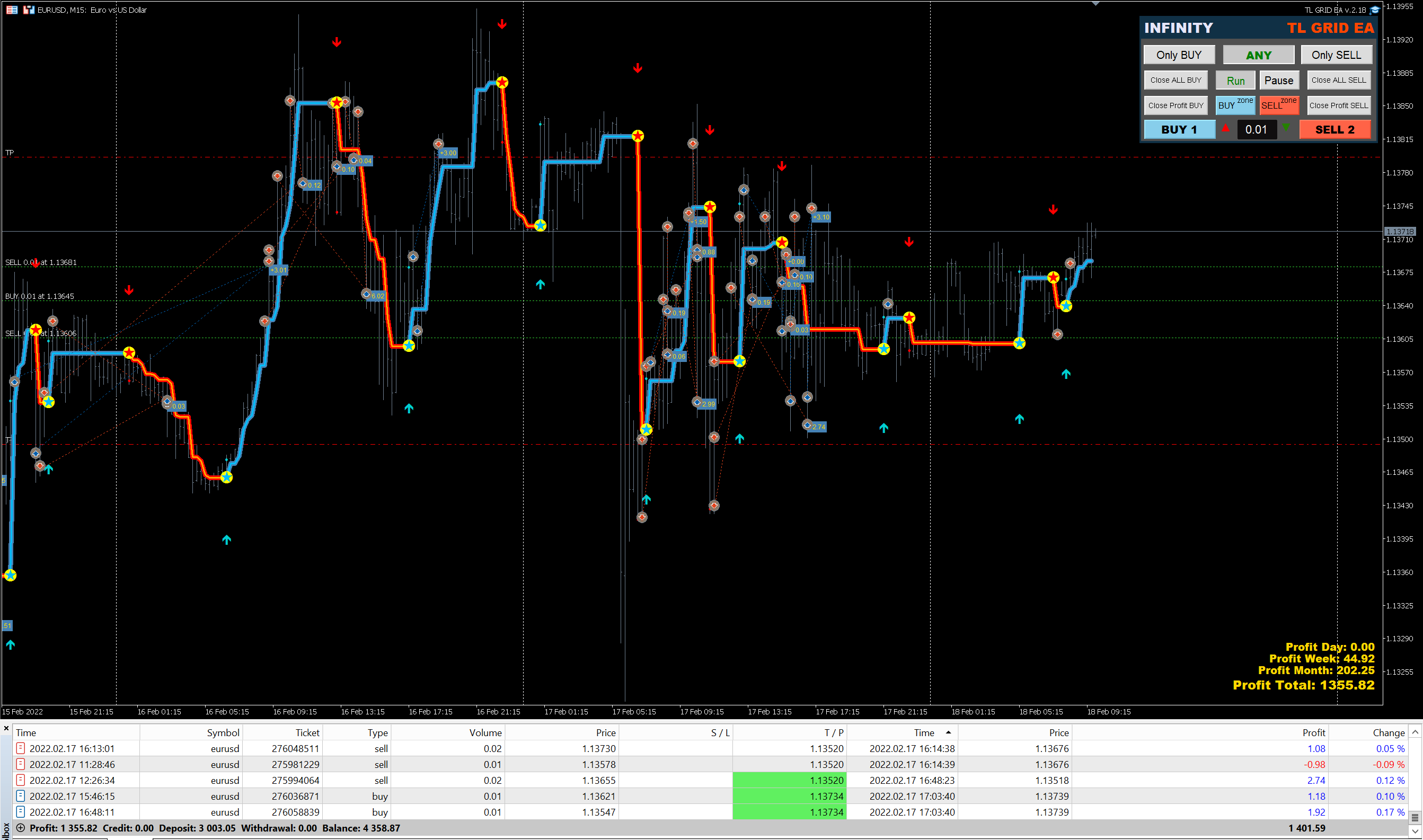
Trend Line REVOLUTION (GRID) EA trade the first order based on the indicator signal and builds a grid if the price deviates. After a certain number of orders, the DrawDown Reduction function is enabled, which reduces the most unprofitable orders by closing them with a counter profit. EA also accompanies trades opened in manual mode and resolves them into a profit. The recommended Deposit amount is from $100 to a micro-account. You need to have a VPS to automatically
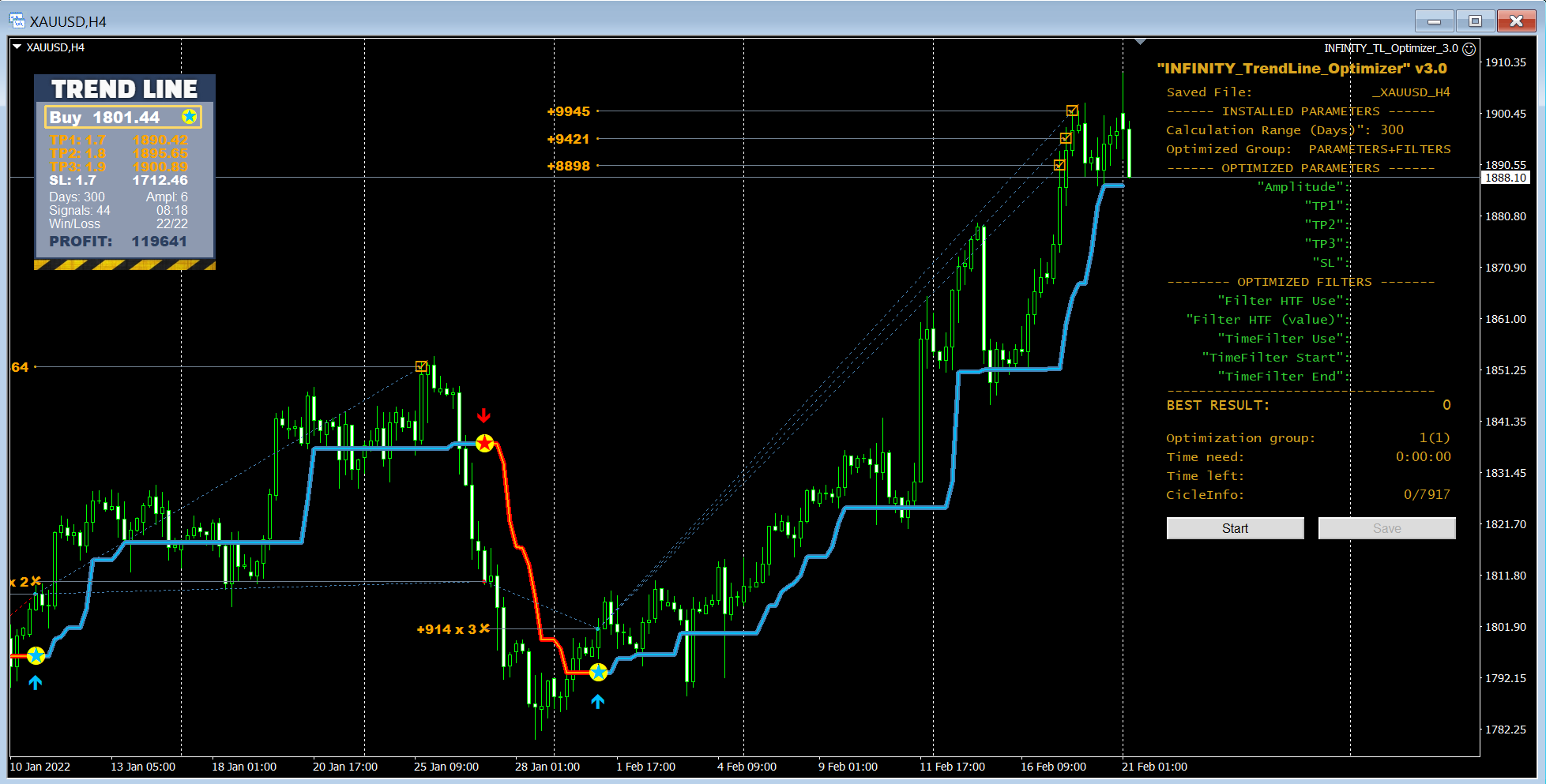
これは、トレンドラインPROインジケーターの自動パラメータオプティマイザです 簡単かつ迅速に、あなたのお気に入りのトレンドラインプロインジケーターに最適なパラメータを選択します。 最適化には数秒しかかかりません。 オプティマイザでは、振幅、TP1-TP3、StopLoss、および選択した履歴セクション(日)の時間フィルタとHTFフィルタの値など、各ペアと期間に最適なパラメータを見つ 異なる時間枠を最適化するには、異なる範囲の履歴が必要です: M5-M15計算範囲パラメータ(日)=60(三ヶ月)を設定します。 M30-H1計算範囲パラメータ(日)=120(6ヶ月)を設定します。 H4パラメータの計算範囲(日数)を設定する=240(1年) D1-W1パラメータ計算範囲(日)=720(三年)を設定します。 MN1パラメータ計算範囲(日)=1200(五年)を設定します。 最適化後、パラメータはmql4>Files>T R E N D Lineoptimizedsettingsフォルダ内の既製のセットファイルに自動的に保存されます オプティマイザユーティリティの使用方法
AVAILABLE FOR FREE DOWNLOAD FOR A LIMITED TIME !!!
🔴MT4: https://www.mql5.com/en/market/product/67814
🎥 VIDEO: https://youtu.be/4C0oU5tyN6U