Ahmet Metin Yilmaz / プロファイル
- 情報
|
11+ 年
経験
|
83
製品
|
51
デモバージョン
|
|
28
ジョブ
|
0
シグナル
|
0
購読者
|
Nexxt Indicator This indicator shows you trend and also how strenght it is together. You can use this indicator for your own experts with iCustom() BlueBuffer is in the buffer ( 0 ) and GoldBuffer is in the buffer ( 1 ) there are afew parameters for using this indicator on different currencies and different time frames. Best Results are in M15 , H1 and H4 ( depends on currencies ) you can test it and optimize it . Input Parameters: Nexxt1: default is 7 Nexxt2: default is 14
Moving Averages Of ATR This indicator shows you Average of Average true Range. You can use this indicator for your own experts with iCustom() ATR is in the buffer ( 0 ) and moving average is in the buffer ( 1 ) there are afew parameters for using this indicator on different currencies and different time frames. you can test it and optimize it . Input Parameters: ATRPeriod: default is 13 SignalMaPeriod : default is 28 SignalMAMode : default is SSMA
Moving Average of Momentum This indicator shows you trend and also how strenght it is together. You can use this indicator for your own experts with iCustom() Momentum is in the buffer ( 0 ) and moving average is in the buffer ( 1 ) there are afew parameters for using this indicator on different currencies and different time frames. you can test it and optimize it . Input Parameters: MomentumPeriod: default is 40 SignalMaPeriod : default is 28 SignalMAMode
Standart MACD indicator but All parameters can be changed for users. Extern Inputs: FastMA method : Simple, Exponential, Smoothed and Linear Weighted FastMA Price : Close, Open, Low, High, Median, Typical and Weighted FastMA count : Default is 12 SlowMA Method : Simple, Exponential, Smoothed and Linear Weighted SlowMA Price : Close, Open, Low, High, Median, Typical and Weighted SlowMA Count : Default is 26 Draw Mode
This indicator shows you reversal levels for trade. You can also use it as an exit indicator for your regular trades. It is useful if you use this indicator on H4 charts. There is no input parameters. It is using price actions to generate reversal levels. test it with your regular trade systems and see the difference It can be use multi time frames and multi currencies
FxF is an indicator and shows the possible direction of the trend in the selected time period. If "Lime" line is greater than zero trend is uptrend and "Red" line lower than zero the trend is downtrend in the selected timeframe. You can change bar period and price type on the control panel easily. It can be used for all currencies and time frames. Default settings are: BarPeriod=30, PriceType=MedianPrice
This indicator is produced from the value of two different moving averages calculated with a special formula and the moving average of this value. * This is not just an crossover of two moving averages. You can use this indicator on all time frames, but it is useful for M5 time frame with default parameters. Silver colored line shows the trend; if it is crossing up to zero line trend probably starting at the up direction. You can use crossover silver and red lines to the opposite direction of
Test it as demo
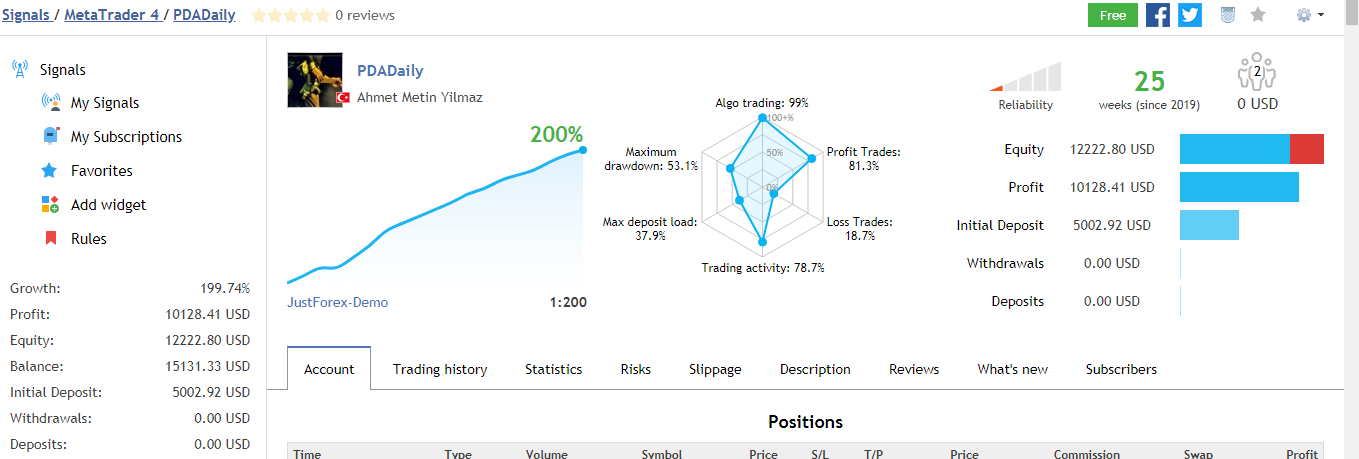
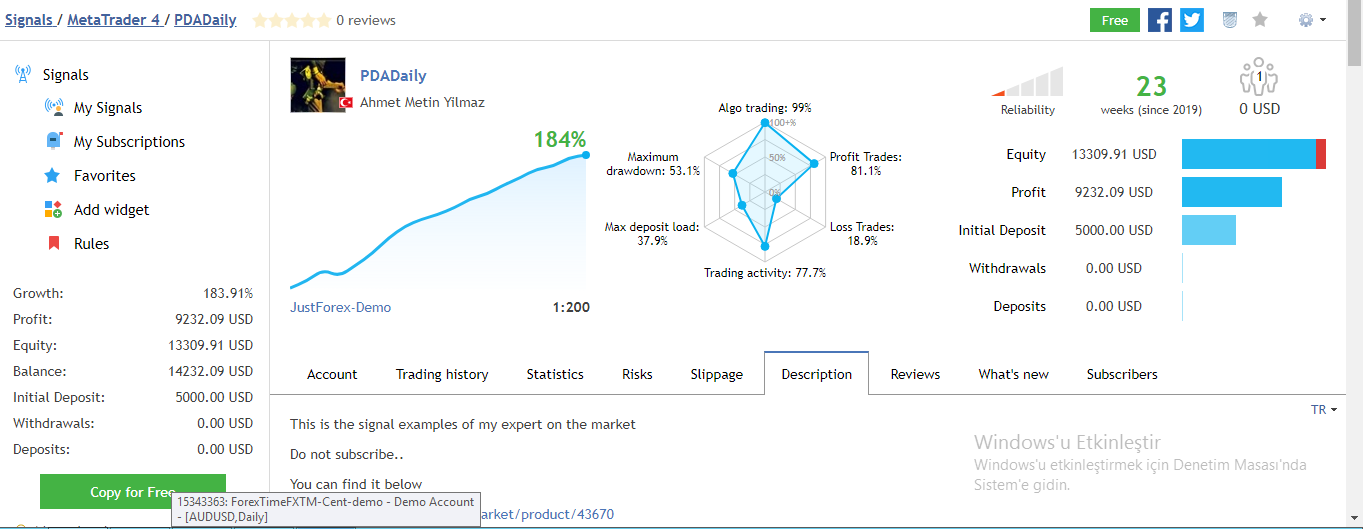
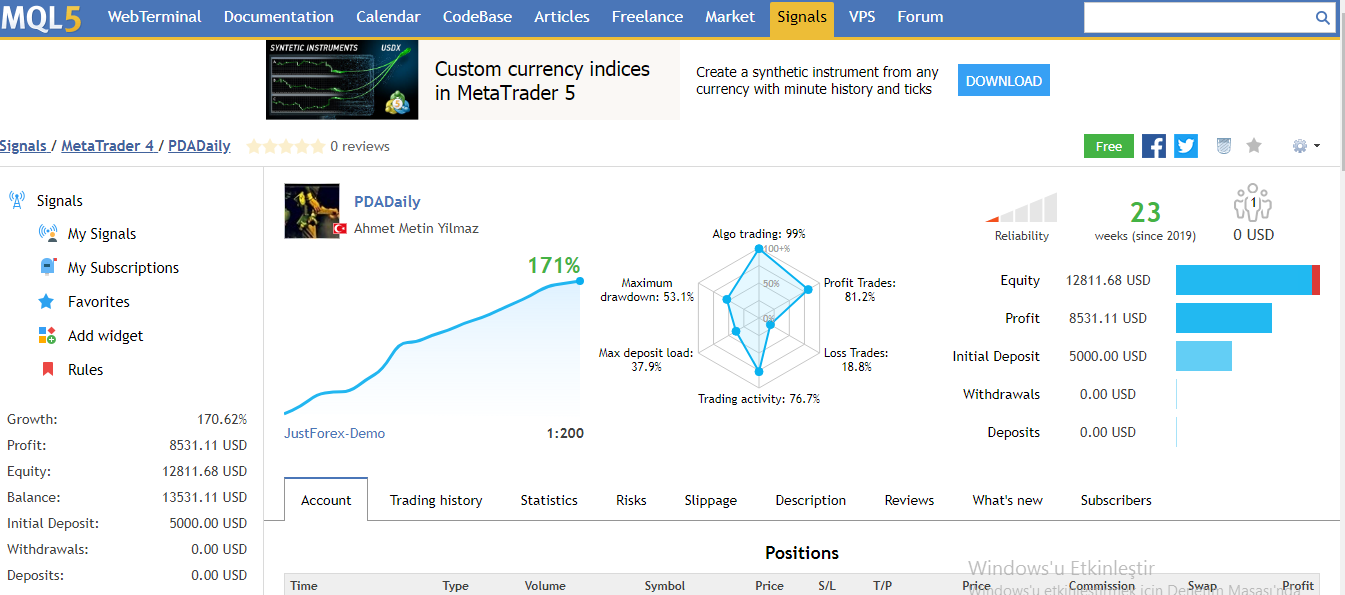
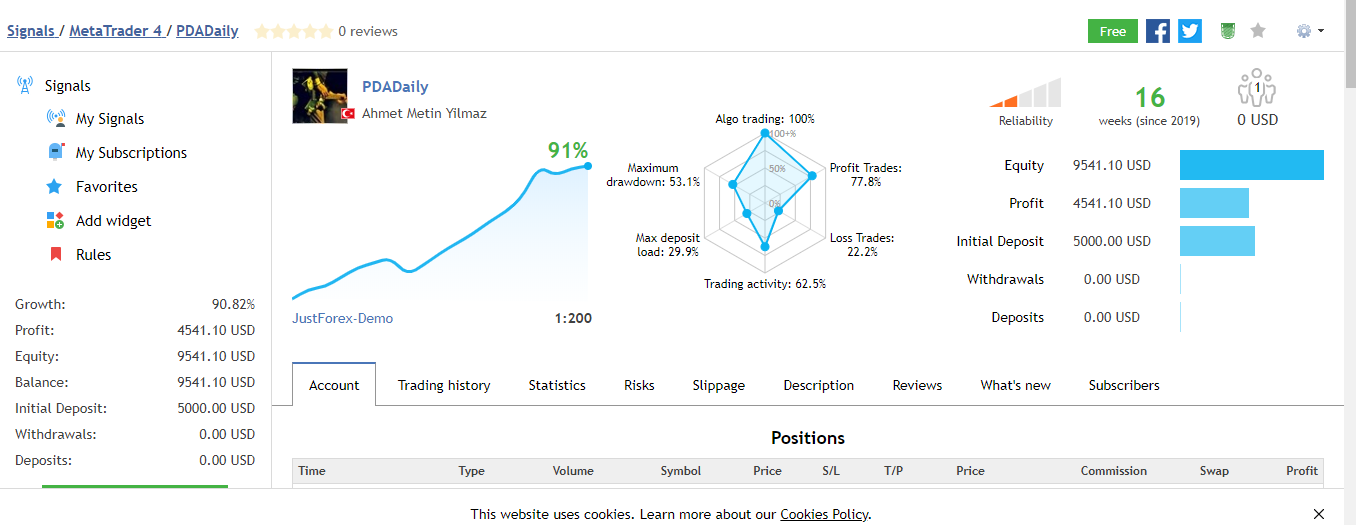
*This Price for only limited time and limited copy to 1 year rent. **Signal page can be found this link https://www.mql5.com/en/signals/614621 PDADaily Expert Advisor This expert advisor works well on daily charts. Opens a pending order based on daily price movements and may revise this pending order based on price movements during the day. It can keep the current order by following the price movements and can open additional orders as soon as it sees the opportunity. If a
Standart "PureDailyEA" 's signal link has been working on 25 different instruments since 09.07.2019. It will be stopped after a while. https://www.mql5.com/en/signals/605823 Differences between Standart " PureDailyEa" and "PureDailyAdvanced" are: 1. Added one more input parameters for fine tuning ( optimizasyon ) 2. Only 5 currencies works together. You can add daily all 25 currencies but experts open orders ( if conditions met ) only five of them. This because margin problem
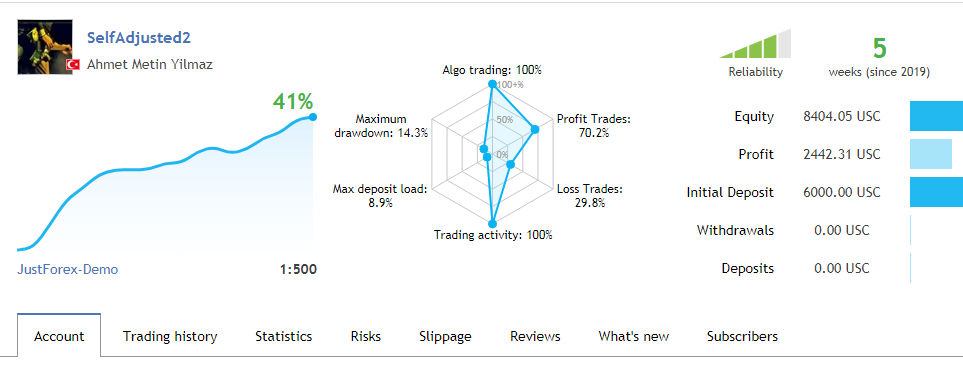
Each broker uses different parameters for different currency pairs. In addition, each currency pair has its own price movements. Self-Adjusted EA tolerates many of these differences and provides easy operation. Begining capital must be at least 1.000 USD. with standart lots amount 0.01. Default parameters are based on variables commonly used by most brokers and can be used for time frames that are in line with the following currency pairs. If your broker does not give a positive result in this