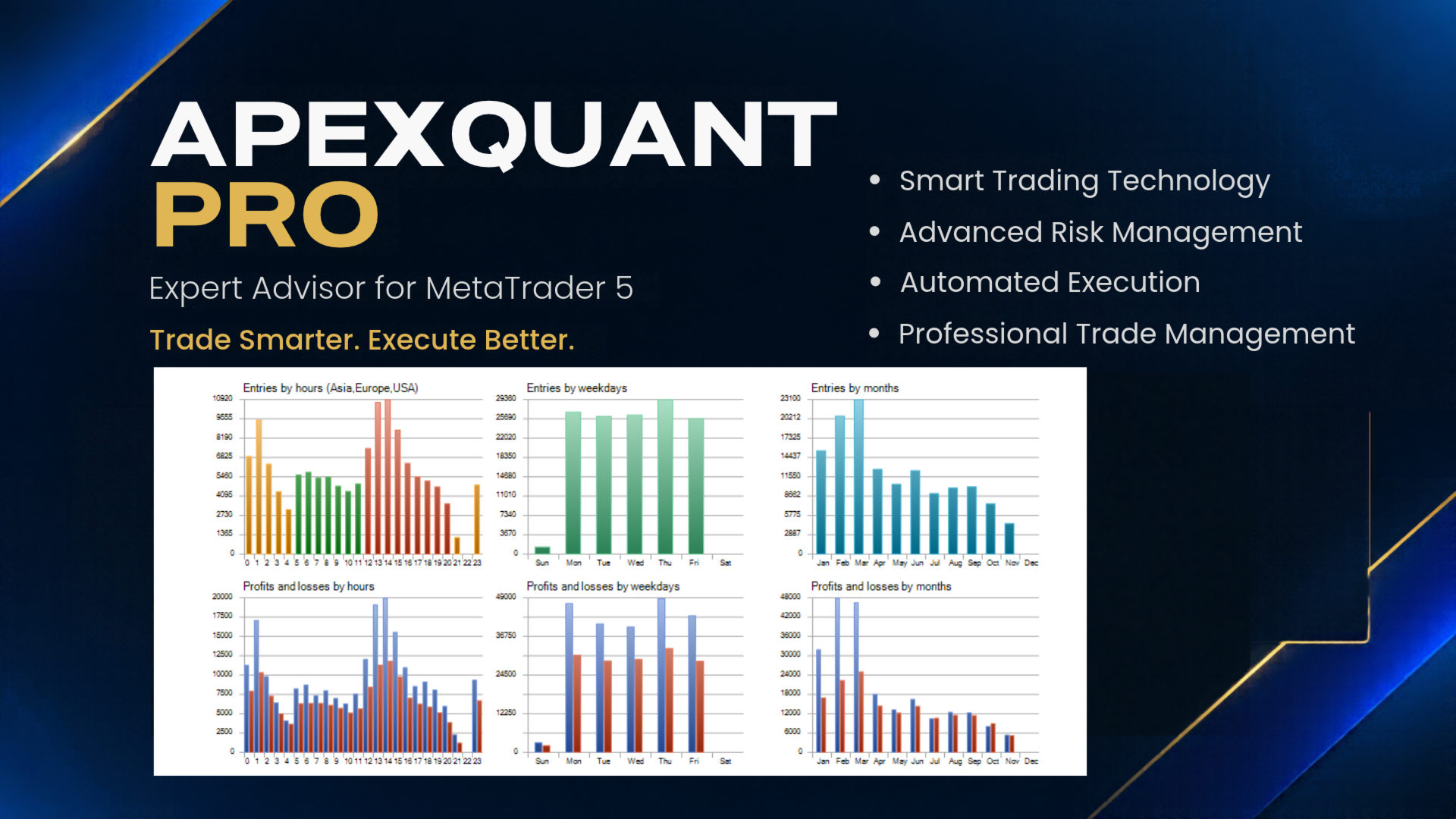
ApexQuant Pro
- エキスパート
- バージョン: 1.0
- アクティベーション: 10

ApexQuant Pro provides flexible input settings that allow traders to customize trading volume, signal detection, trade execution, target levels, and chart interface.
1. Core Parameters
-
VolumeA: Sets the trading lot size. Default: 0.01.
-
IDCode: Unique Expert Advisor identification number (Magic Number). Default: 77777.
-
ExecRange: Defines the execution range used by the EA. Default: 20.
-
AutoStart: Enables or disables automatic EA startup. Default: true.
2. Signal Parameters
-
SignalTimeframe: Selects the timeframe used for signal detection. Default: M1 (1 Minute).
3. Execution Parameters
-
DistanceA: Configures the execution distance. Default: 300.
-
TriggerA: Adjusts the trigger threshold for execution. Default: 2.0.
-
FollowRate: Controls the follow-up rate used by the execution system. Default: 3.0.
4. Target Parameters
-
TargetA: Sets the target value for the trading system. Default: 1000.0.
5. Interface Parameters
-
DisplayPanel: Shows or hides the EA information panel. Default: true.
-
PanelLeft: Adjusts the horizontal position of the information panel. Default: 20.
-
PanelTop: Adjusts the vertical position of the information panel. Default: 60.
6. VPS Requirement (Mandatory)
A VPS (Virtual Private Server) is 100% REQUIRED to run ApexQuant Pro.
-
A VPS must be running continuously (24/7).
-
MetaTrader 5 must remain active on the VPS.
-
ApexQuant Pro must remain attached to the chart and running.
-
A stable internet connection is required for uninterrupted operation.
-
Local PC operation alone is not recommended for continuous automated trading.
Important: Users must have access to a reliable VPS before using ApexQuant Pro.
Customization
All available input parameters can be adjusted according to your trading preferences and strategy requirements.
ApexQuant Pro – Trade Smarter. Execute Better.