The Beway Sync
- インディケータ
- バージョン: 1.0
- アクティベーション: 5

The Béway Sync is a chart-workflow utility indicator, not a trading robot. It never places, modifies or closes an order. It saves you the time of lining up charts and redrawing the same levels on every timeframe.
What you get
1. Scroll Sync (same real time on every chart)
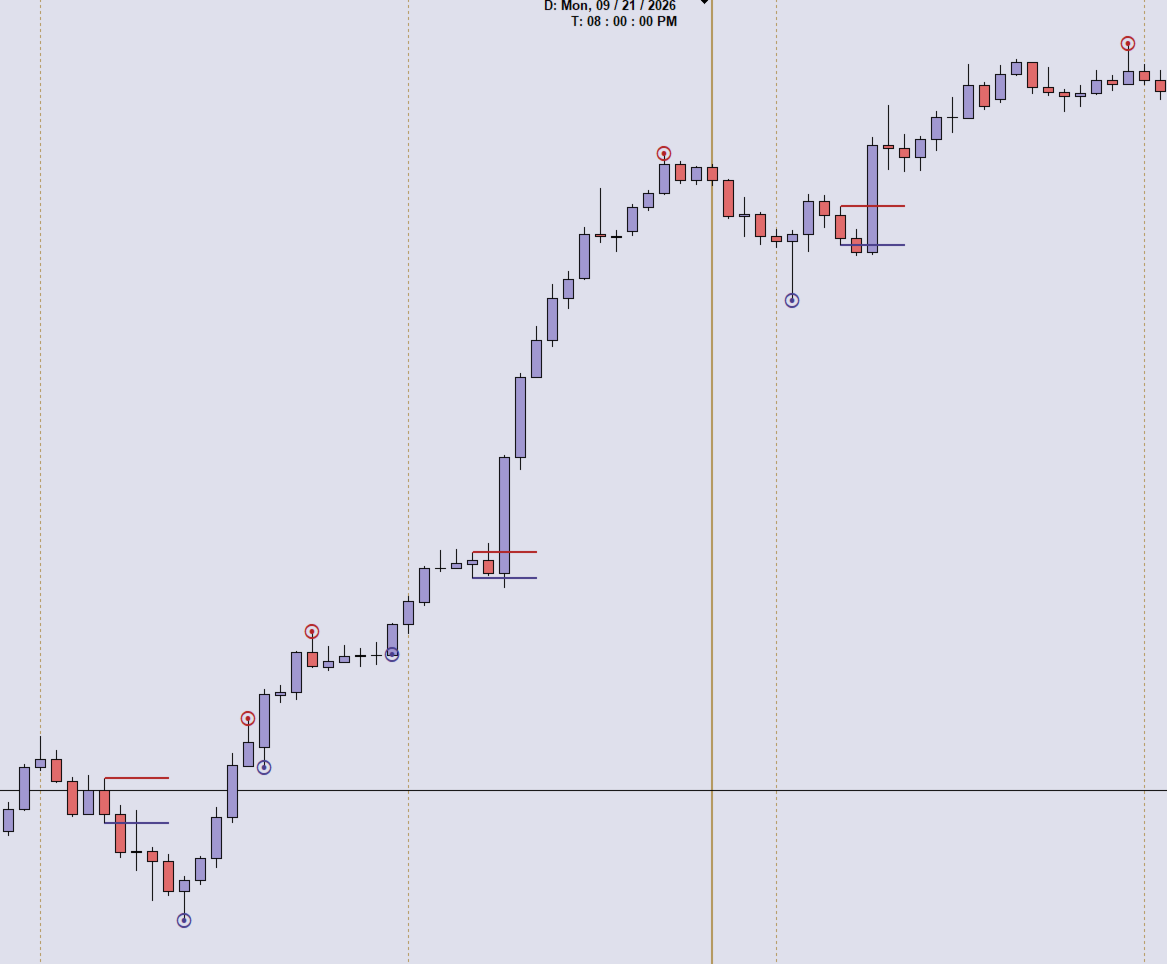
- Charts in the same sync group and symbol stay locked to the same calendar moment at the chart-shift marker. An H1 chart and an M1 chart land on the same instant, each snapped to its own nearest bar.
- Every chart jumps straight to that moment in one step. There is no slow catch-up.
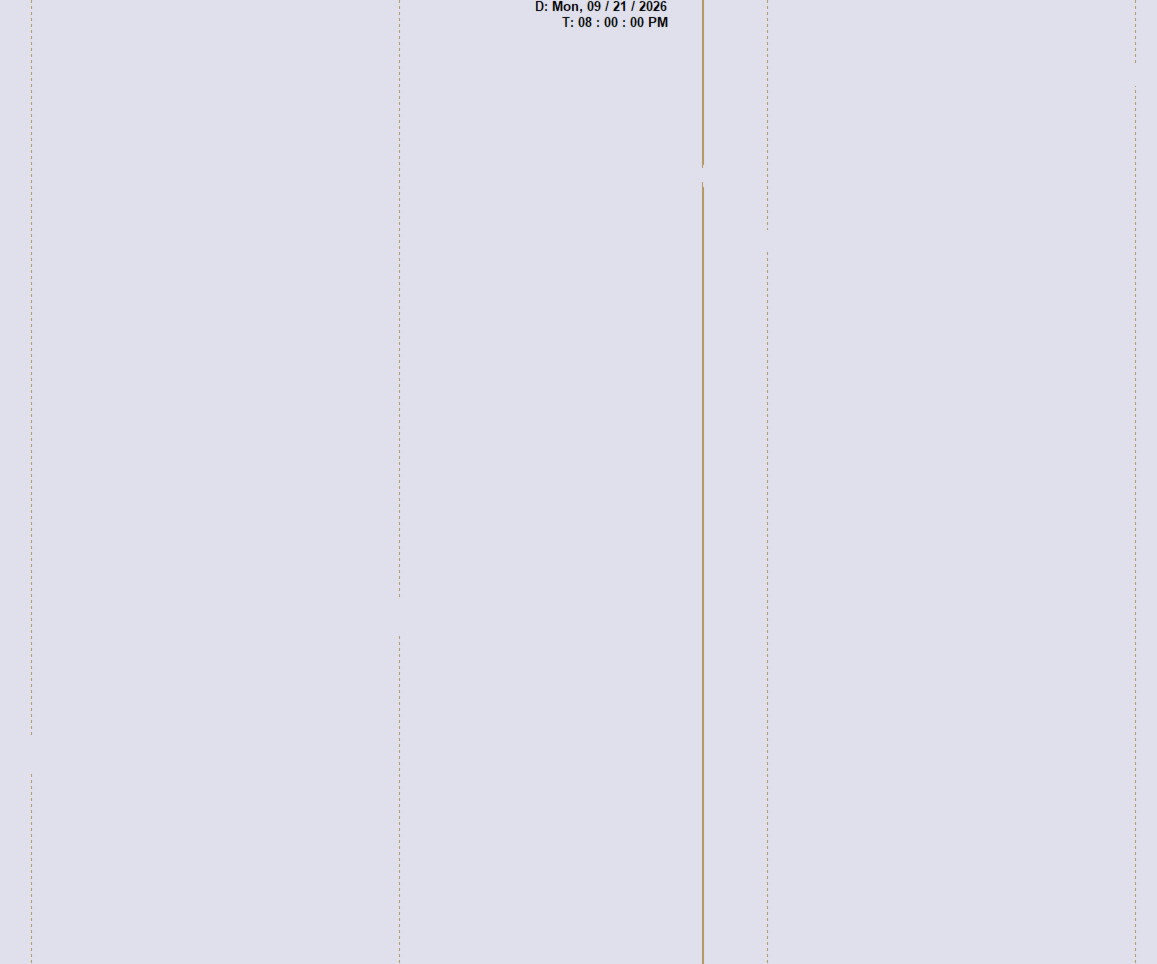
- A vertical sync line and a time/date label show you the exact moment all charts are looking at.
- Show the label in your own local time with one setting.
- Optional position lock keeps the chart from jumping to the current price when you change timeframe or inputs.
- Left/Right arrow keys are handled so stepping through candles stays in sync.
- Use sync groups to keep separate sets of charts independent.
2. Object Sync (drawings mirrored everywhere)
- Draw once and see it on every chart of the same symbol: trendlines, rays, rectangles, Fibonacci tools, text and more, with their properties (colors, levels, fills, visibility).
- Works in both directions, and deleting a drawing on one chart removes it from the others.
- On load, drawings that exist on one chart but not another are copied across without overwriting what is already there.
- Filters: sync only objects with a given name prefix, exclude prefixes, skip background or hidden objects, or keep tags and vertical lines on their own chart.
3. Daily Midnight Lines
- One vertical line at every 12:00 AM New York time, marking each day boundary.
- Set how many days back and forward to draw, and optionally skip Saturdays or Sundays.
- Choose color, style, width, and whether lines sit behind price.
- Drawn separately on each chart and never mirrored by Object Sync.
Extras
- Turn Scroll Sync and Object Sync on or off independently.
- Optional small text watermark in the chart corner, switchable in the inputs.
- Adjustable timer interval to balance responsiveness and CPU use.
Quick start
- Open the charts you want to link (for example EURUSD on M1, M5 and H1).
- Drag the indicator onto each of them, using the same Group ID.
- Scroll or draw on any one chart and the others follow.
Important
- Attach it to every chart you want linked. Charts talk to each other through the terminal, so they must be in the same MT4 window.
- Object Sync links charts of the same symbol by default.
- The midnight-line setting assumes your broker server runs about 7 hours ahead of New York (typical for GMT+2/+3 brokers). Change it if your broker differs.
- Trading involves substantial risk. This tool does not give signals and does not guarantee profits.