Candle Countdown Time Left
- Indicatori
- Versione: 1.1
- Attivazioni: 5

Short description
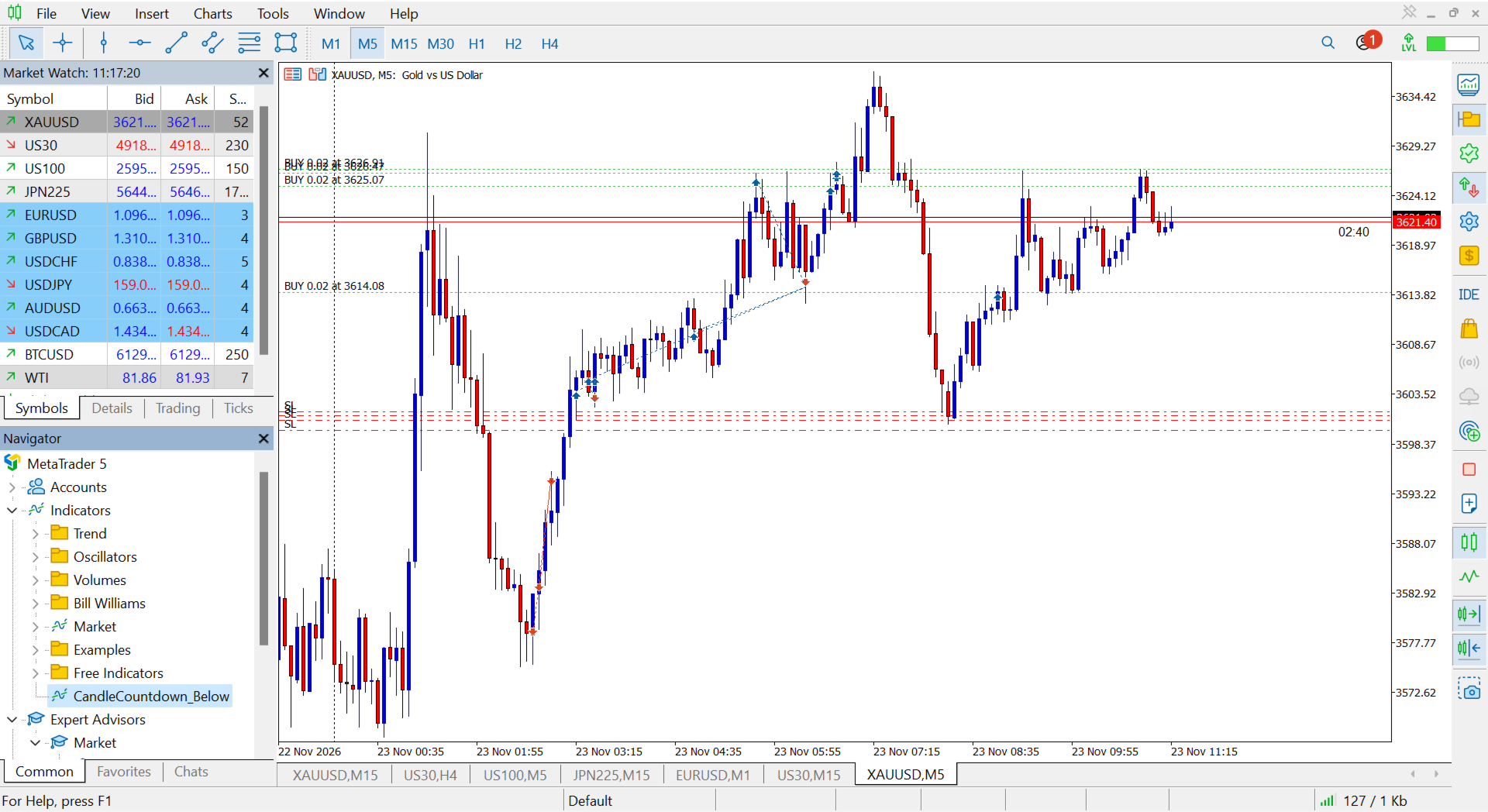
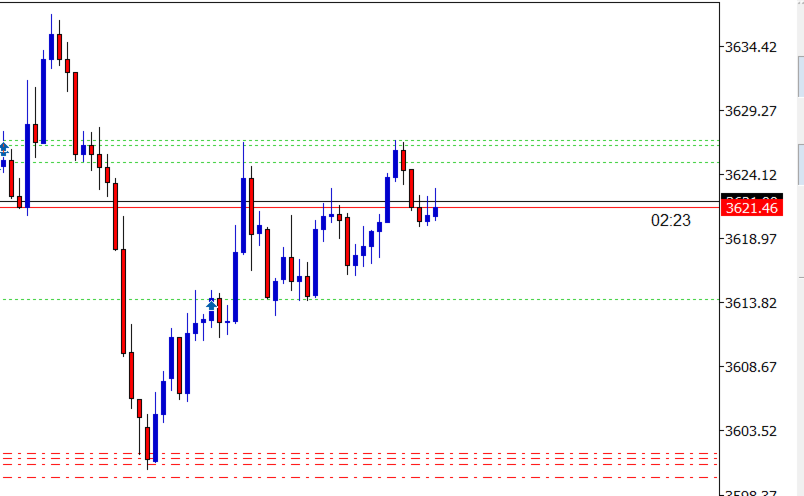
A clean countdown that shows exactly how much time is left before the current candle closes, placed right under your bid line.
Full description
Candle Countdown Time Left shows a live timer on your chart that counts down to the close of the current candle. Knowing the exact time left helps you avoid entering too early, wait for a confirmed close, and time your entries and exits with more confidence.
The timer sits slightly below the bid line at the right edge of the chart, next to the price scale. It stays out of the way of your candles and never covers the price line.
Features
- Live countdown to the close of the current candle
- Shown in minutes and seconds, or hours, minutes and seconds on higher timeframes
- Placed just below the bid line, following the price as it moves
- Text color switches automatically between black and white to match your chart background
- Adjustable font size, font name and distance from the price scale
- Adjustable gap below the bid line, so you can place it exactly where you want it
- Works on any symbol and any timeframe
- Light on resources and updates smoothly several times per second
- Does not open or close trades, and does not change your chart settings
Settings
- FontSize: size of the countdown text
- FontName: font used for the text
- PixelOffset: gap from the price scale edge
- BelowOffset: how far below the bid line the timer sits
How to use
Attach the indicator to any chart. The countdown appears at the right edge, below the bid line. Change the settings if you want it closer, further away, bigger or smaller.
The countdown is based on your broker's server time, so it matches the candle times you see on your chart.