Backtest Verdict MT5
- Utilità
-
Jevon Naldo Yoshield
 I build MetaTrader 5 tools I use on my own charts. Ten are on the Market.
Order Entry Panel sends market orders per click. Smart Risk and Lot Size Panel turns risk and stop into lots. Prop Firm Guard and Drawdown Lock caps my daily loss. - Versione: 1.1
- Attivazioni: 10
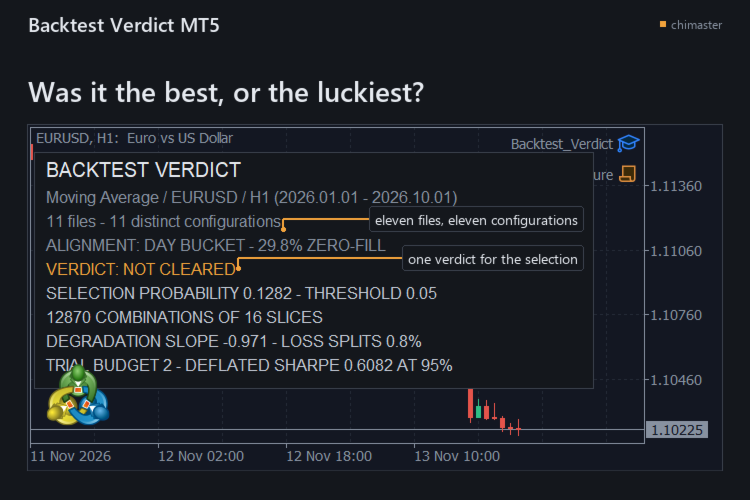
Tells you how likely it is that the best result in your backtest folder was the luckiest, for the trader who kept the winner of a parameter sweep. It re-runs your choice across every split of the closed trades and answers the overfitting question with one selection probability and one verdict.
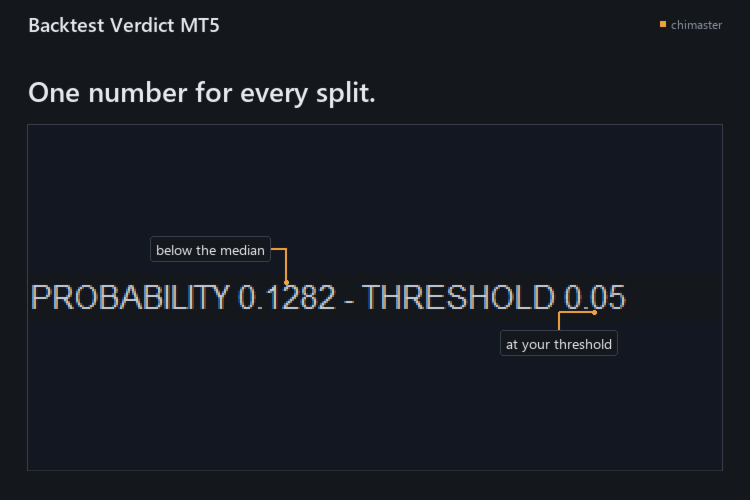
- See whether the winner held up: the timeline is cut into S slices and every half-and-half split picks the best configuration on one side and ranks it on the other, and the share of splits where it fell below the median is your selection probability.
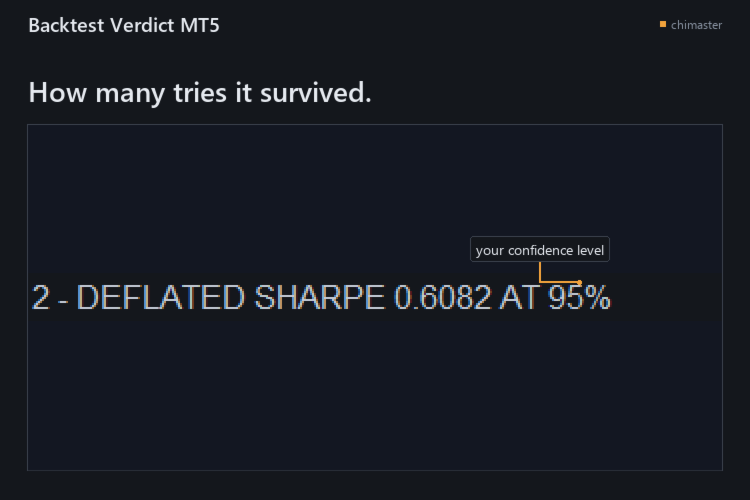
- Count the tries behind the result: a deflated Sharpe ratio and a trial budget say how many configurations it would have survived at your confidence level.
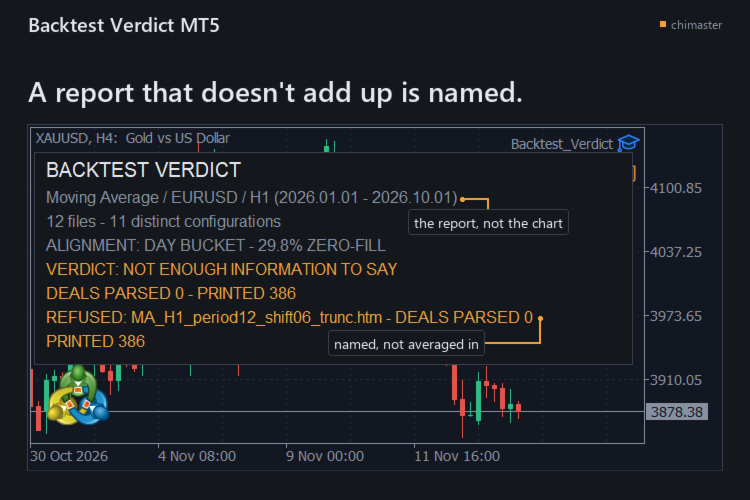
- Catch a report that does not add up: every deal row must reconcile to the report's printed deal count and net within 0.01, or that file is named and refused instead of averaged in.
- Read the folder as it is: the .htm and .html files the Strategy Tester wrote are enough, with no tester call, no re-export and no internet connection.
- Keep the evidence: one text report holds the verdict, the numbers behind it, the settings used, and a SHA-256 fingerprint and deal counts for every report read.
- Count configurations, not files: two reports with the same closed-operation series count as one configuration, so a copied export does not add a trial you never ran.
HOW IT WORKS
- Export each configuration's report from the Strategy Tester as HTML into one folder.
- Attach the tool to any chart, name the folder, and type the number you tried if the folder is missing some.
- Read the verdict on the chart, then open the text report for the numbers behind it.
SETTINGS
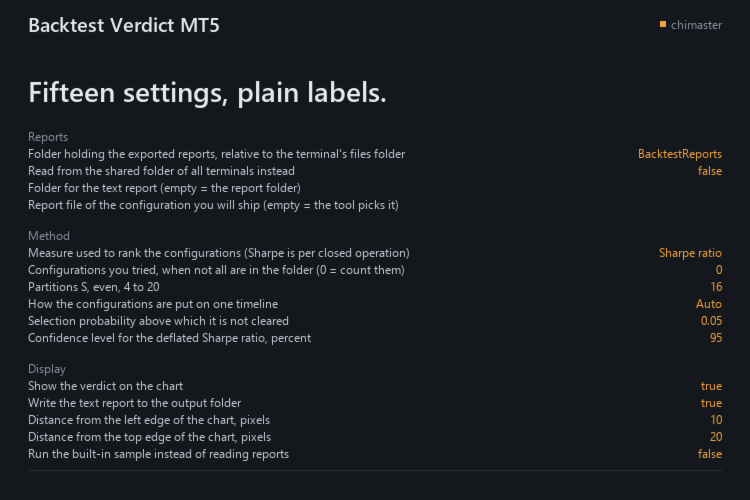
- Reports folder: where the exported reports sit, relative to the terminal's files folder.
- Shared folder: read from the shared folder of all terminals instead.
- Report to ship: the configuration you will ship; empty lets the tool use the best on the whole sample.
- Configurations you tried: your own count when not all are in the folder.
- Partitions: how many slices the timeline is cut into, even, from 4 to 20.
- Ranking measure: Sharpe, net profit or profit factor, with Sharpe per closed operation.
- Selection probability threshold: above it the verdict is not cleared.
- Confidence level: for the deflated Sharpe ratio, in percent.
All 15 inputs carry a plain-language label.
GOOD TO KNOW
- Eleven configurations at minimum: below that it names the count it read and withholds the selection probability, the cleared verdict and the trial budget, and the trial count it can see is the weak point of the answer.
- English reports only: the fields are read through the labels the Strategy Tester writes in the English interface, and a report from a terminal running another language has not been tested.
- A verdict is not a forecast: it judges the way you chose a configuration, not what the next trade will do.
The demo runs in the Strategy Tester, whose folder holds none of your exported reports, so the tool prints NOT ENOUGH INFORMATION TO SAY there. A one-month rental runs the full tool on your exported HTML reports.
MetaTrader 5, any broker, netting and hedging accounts.
First reply within two working days.
If you have used it, I would welcome a short review of what worked and what did not.