Dragon EA 5
- Experts
- Versione: 1.0
- Attivazioni: 5

Dragon EA for MetaTrader 5
Dragon EA is an automated trading robot with 17 independently configurable strategies. It opens and manages buy and sell positions, places a stop loss and take profit with each trade, and detects the broker’s server time automatically.
Dragon EA trades the symbol of the chart it is attached to. Its strategies were developed for XAUUSD (gold), and we recommend using it on gold only.
Recommended setup
| Setting | Suggested configuration |
|---|---|
| Platform and chart | MetaTrader 5. Attach Dragon EA to one XAUUSD M1 chart and enable Algo Trading. |
| Account type | Hedging allows strategies to hold independent positions. On a Netting account, the EA manages one position at a time on the symbol. |
| Starting balance and leverage | USD 1,000 at 1:100 is the suggested demo setup. Live capital requirements depend on your broker and your position size. |
| Starting lot size | 0.01 fixed lot, with Dynamic Lot disabled. |
| Price history | Allow MT5 to download the broker’s M1 history. The dashboard shows when the EA is waiting for data or server-time confirmation. |
Backtest settings
In the MT5 Strategy Tester, select Dragon EA, your broker’s XAUUSD symbol, and M1. Choose Every tick based on real ticks and turn Optimization off.
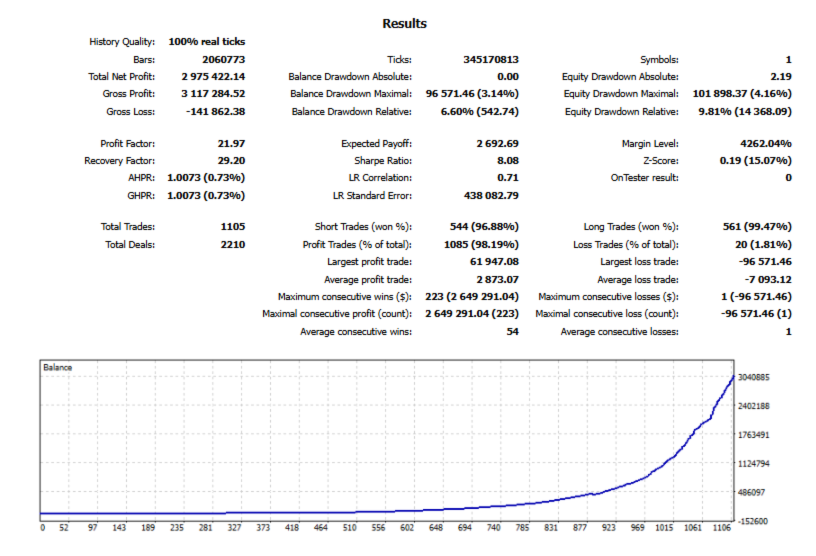
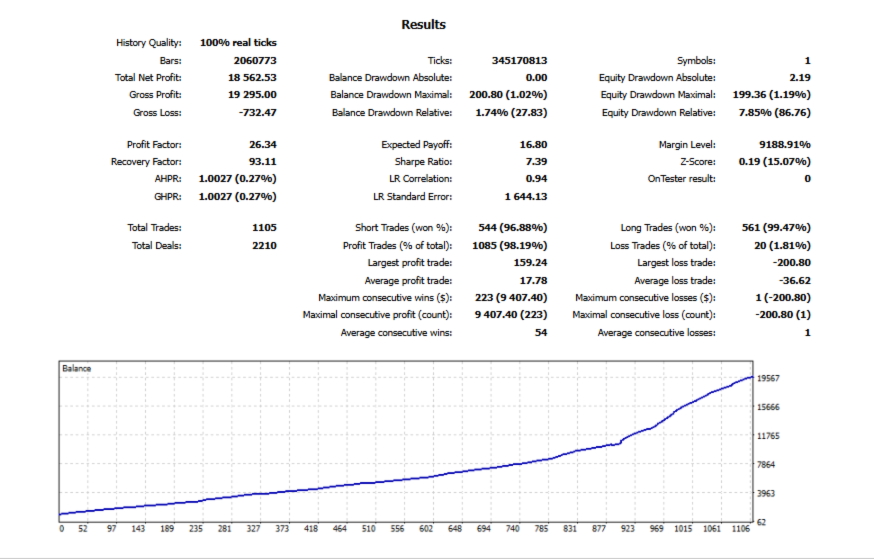
For a reference test, use a USD 1,000 deposit, 1:100 leverage, and the default EA inputs. Test from January 2021 through the latest date with reliable real-tick history from your broker. Use the commission and swap rates that apply to the account you intend to trade.
EA settings
| Input | Default | What it does |
|---|---|---|
| Magic Number | 10 | Identifies the trades managed by this EA. |
| Show Dashboard | On | Displays trading status, spread, open positions, and drawdown on the chart. |
| Allow Parallel Strategies | On | Allows several strategies to hold positions at the same time on a hedging account. Turn it off to allow one EA position at a time on the symbol. |
| Max Spread Points | 100 | Blocks new entries when the spread exceeds the limit. On XAUUSD, 100 reference points equal 1.00 in the gold price. |
| Max Slippage Points | 50 | Sets the requested execution deviation. On XAUUSD, 50 reference points equal 0.50 in the gold price. |
| Account Drawdown Percent | 20% | Triggers closure of the EA’s positions when the equity tracked by Dragon falls 20% from its peak. |
| Resume After Drawdown | On | After the drawdown closure is complete, resets the reference peak and waits for a new signal. |
| Fixed Lot Size | 0.01 | Sets the reference lot size per trade when Dynamic Lot is off. |
| Enable Dynamic Lot / Basket Risk [%] | Off / 5% | When enabled, sizes each trade using account equity, stop distance, and the selected risk percentage. The percentage applies per trade, so several open trades can have a higher combined risk. |
| Overflow Action | Ignore Risk | Applies when the broker’s minimum lot exceeds the dynamic risk budget. Skip Signal skips the trade. Force Close allows the minimum lot and requests closure when the cash loss reaches the budget. Ignore Risk allows the minimum lot without enforcing that cash limit. |
| Strategy [01]–[17] Mode | Buy & Sell | Set each strategy independently to Buy & Sell, Buy Only, Sell Only, or Disabled. |
| Chart Theme | Default colors | Adjusts the background, text, bullish and bearish candles, and bid-line colors. |