Ospe MultiTrend Sentinel
- Indicatori
- Versione: 1.1

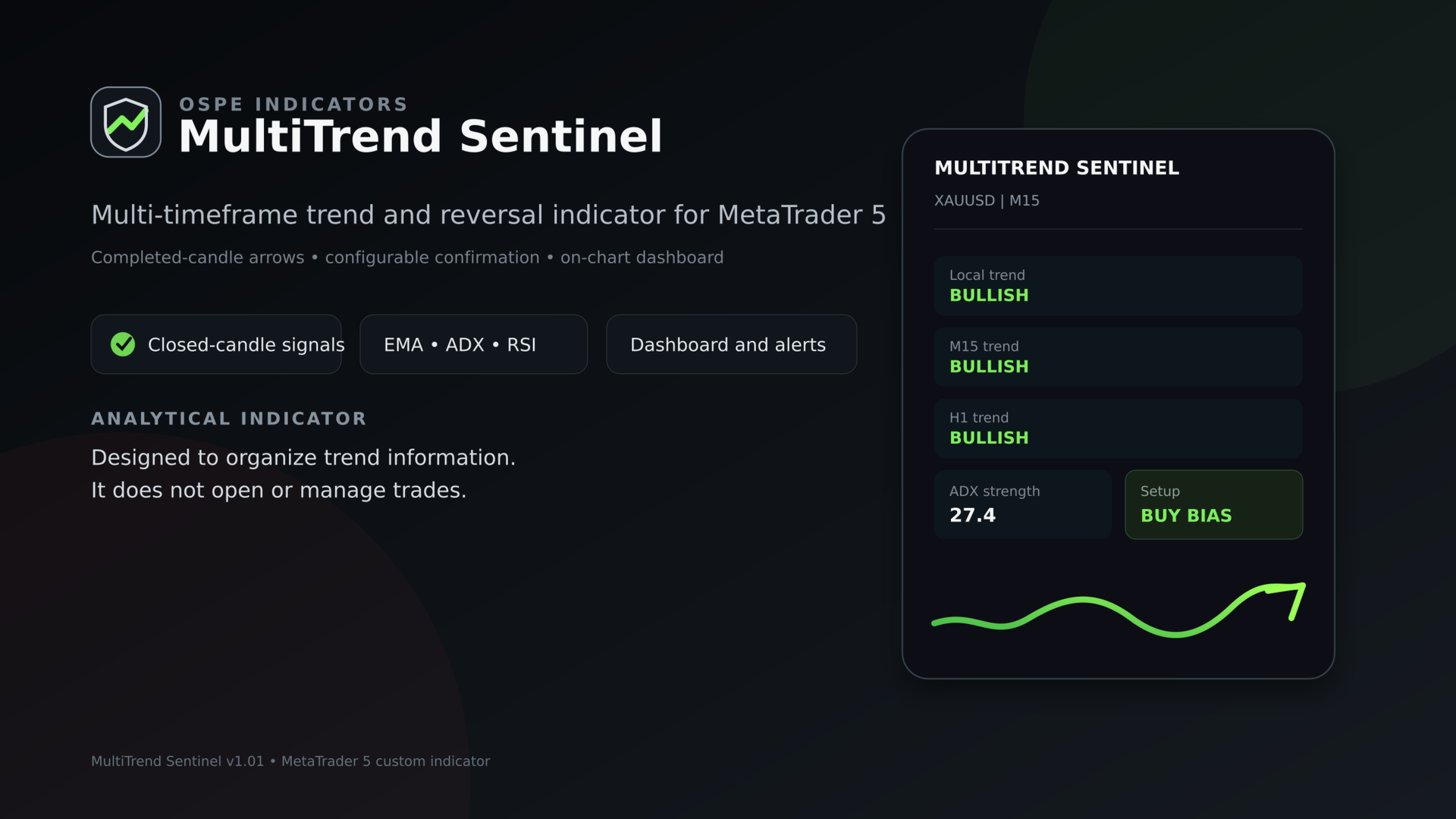
Multi-timeframe trend and reversal indicator with closed-candle arrows, ATR trend bands, EMA, ADX and RSI confirmation, dashboard and alerts.
Overview
MultiTrend Sentinel is a MetaTrader 5 chart indicator for monitoring trend
direction and potential changes in direction. It combines an ATR-based trend
line with optional EMA and ADX filters, then checks two selectable confirmation
timeframes using EMA direction and optional RSI confirmation.
Signal arrows are confirmed on completed candles. The indicator does not use
future bars to create historical signals. The current trend line may continue
to move while the active candle is forming, but a completed signal arrow is not
recalculated from future price data.
MultiTrend Sentinel is an analytical indicator. It does not open, modify or
close trades.
Main functions
- Bullish and bearish ATR trend lines on the main chart
- Buy and sell reversal arrows on completed candles
- Fast and slow EMA direction filter
- ADX strength and directional movement filter
- Two selectable confirmation timeframes
- Optional RSI confirmation on both higher timeframes
- Local, majority or all-timeframes confirmation modes
- Compact dashboard for local trend, timeframe bias, ADX and setup status
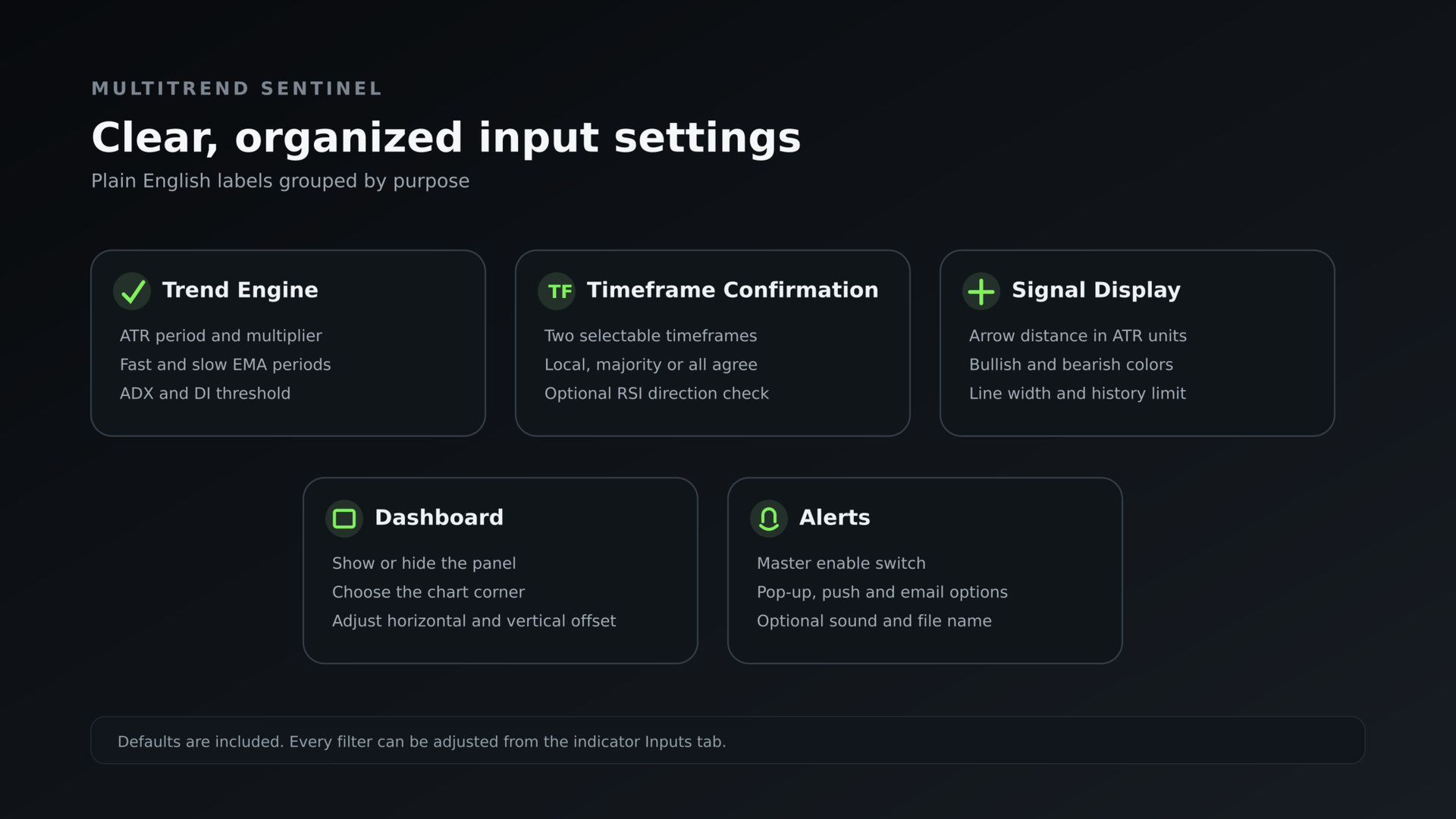
- Terminal pop-up, push, email and sound alert options
- Adjustable colors, line width, arrow distance and calculation history
- Suitable for any symbol and chart timeframe with user-selected settings
How the signal is calculated
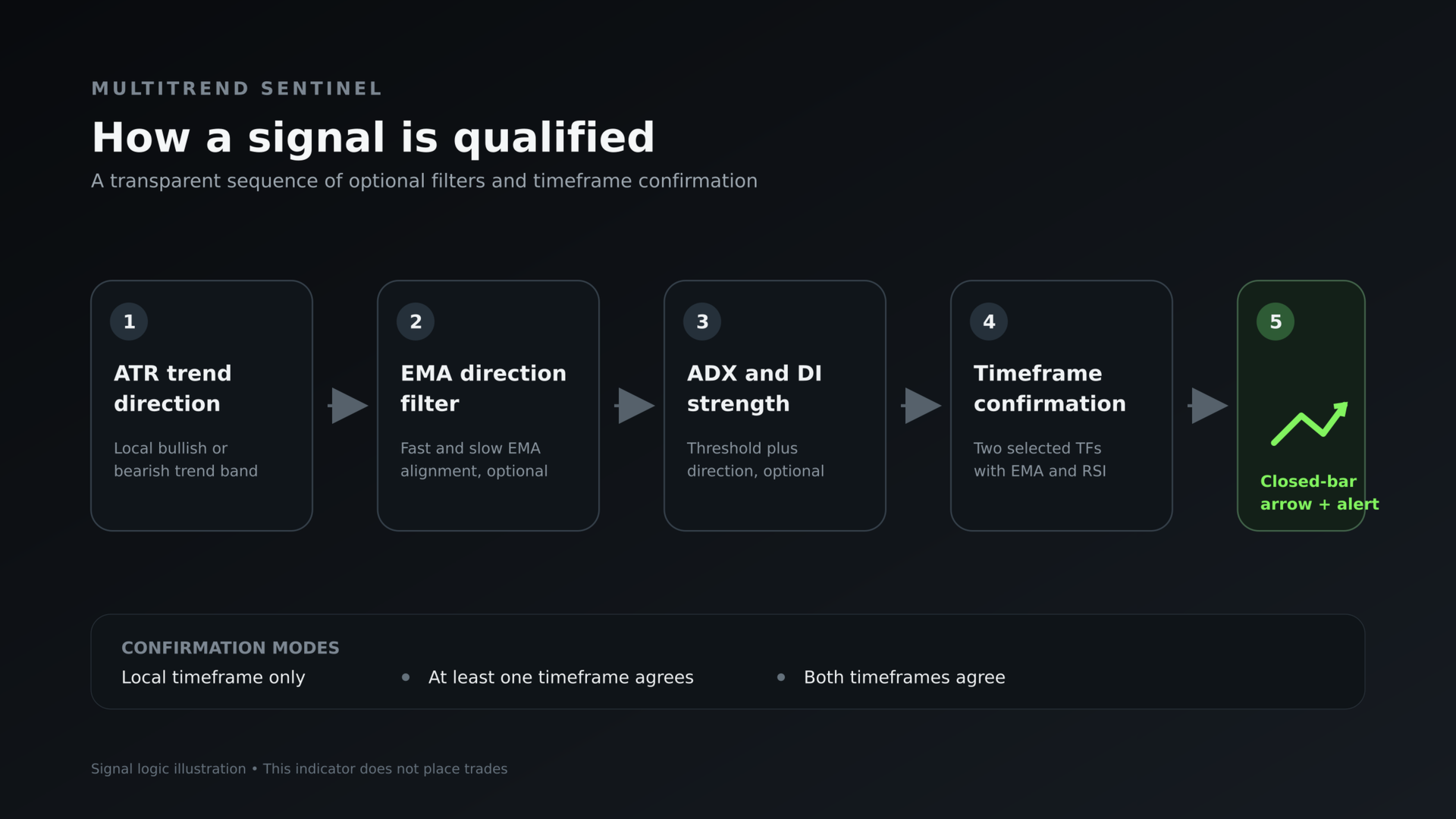
1. The ATR trend engine determines the local bullish or bearish direction.
2. When enabled, the fast EMA must agree with the slow EMA direction.
3. When enabled, ADX must meet the minimum level and the corresponding DI line
must be dominant.
4. The selected confirmation mode checks the two confirmation timeframes.
5. A new arrow is drawn when the completed candle changes to a qualified bullish
or bearish state.
Confirmation modes
Local timeframe only: no higher-timeframe agreement is required.
Majority confirmation: at least one selected confirmation timeframe must agree
with the local direction.
All timeframes agree: both selected confirmation timeframes must agree with the
local direction.
Default setup
ATR period: 10
ATR multiplier: 2.5
Fast EMA: 14
Slow EMA: 50
ADX period: 14
Minimum ADX: 20
Confirmation timeframe 1: M15
Confirmation timeframe 2: H1
Confirmation mode: All timeframes agree
RSI period: 14
RSI direction level: 50
Installation and use
1. Install the product from MQL5 Market through MetaTrader 5.
2. Open the required symbol and timeframe.
3. Drag MultiTrend Sentinel from Navigator > Indicators onto the chart.
4. Select the confirmation timeframes and filter settings.
5. Enable only the alert channels configured in the terminal.
6. Wait for a candle to close before evaluating a new arrow.
Important notes
The indicator requires sufficient price history for the chart and both selected
confirmation timeframes. If data is still loading, allow MetaTrader 5 to finish
synchronizing the chart.
Push notifications and email alerts require the corresponding MetaTrader 5
terminal settings to be configured by the user.
Signals are technical-analysis information, not investment advice. Historical
behavior does not predict future results. Test the settings on historical data
and a demo account before using them in trading decisions.
Overview
MultiTrend Sentinel is a MetaTrader 5 chart indicator for monitoring trend
direction and potential changes in direction. It combines an ATR-based trend
line with optional EMA and ADX filters, then checks two selectable confirmation
timeframes using EMA direction and optional RSI confirmation.
Signal arrows are confirmed on completed candles. The indicator does not use
future bars to create historical signals. The current trend line may continue
to move while the active candle is forming, but a completed signal arrow is not
recalculated from future price data.
MultiTrend Sentinel is an analytical indicator. It does not open, modify or
close trades.
Main functions
- Bullish and bearish ATR trend lines on the main chart
- Buy and sell reversal arrows on completed candles
- Fast and slow EMA direction filter
- ADX strength and directional movement filter
- Two selectable confirmation timeframes
- Optional RSI confirmation on both higher timeframes
- Local, majority or all-timeframes confirmation modes
- Compact dashboard for local trend, timeframe bias, ADX and setup status
- Terminal pop-up, push, email and sound alert options
- Adjustable colors, line width, arrow distance and calculation history
- Suitable for any symbol and chart timeframe with user-selected settings
How the signal is calculated
1. The ATR trend engine determines the local bullish or bearish direction.
2. When enabled, the fast EMA must agree with the slow EMA direction.
3. When enabled, ADX must meet the minimum level and the corresponding DI line
must be dominant.
4. The selected confirmation mode checks the two confirmation timeframes.
5. A new arrow is drawn when the completed candle changes to a qualified bullish
or bearish state.
Confirmation modes
Local timeframe only: no higher-timeframe agreement is required.
Majority confirmation: at least one selected confirmation timeframe must agree
with the local direction.
All timeframes agree: both selected confirmation timeframes must agree with the
local direction.
Default setup
ATR period: 10
ATR multiplier: 2.5
Fast EMA: 14
Slow EMA: 50
ADX period: 14
Minimum ADX: 20
Confirmation timeframe 1: M15
Confirmation timeframe 2: H1
Confirmation mode: All timeframes agree
RSI period: 14
RSI direction level: 50
Installation and use
1. Install the product from MQL5 Market through MetaTrader 5.
2. Open the required symbol and timeframe.
3. Drag MultiTrend Sentinel from Navigator > Indicators onto the chart.
4. Select the confirmation timeframes and filter settings.
5. Enable only the alert channels configured in the terminal.
6. Wait for a candle to close before evaluating a new arrow.
Important notes
The indicator requires sufficient price history for the chart and both selected
confirmation timeframes. If data is still loading, allow MetaTrader 5 to finish
synchronizing the chart.
Push notifications and email alerts require the corresponding MetaTrader 5
terminal settings to be configured by the user.
Signals are technical-analysis information, not investment advice. Historical
behavior does not predict future results. Test the settings on historical data
and a demo account before using them in trading decisions.