
Lumen Chart Panel
- Indicatori
- Versione: 1.0

Lumen Chart Panel — a clean market panel for MetaTrader 5
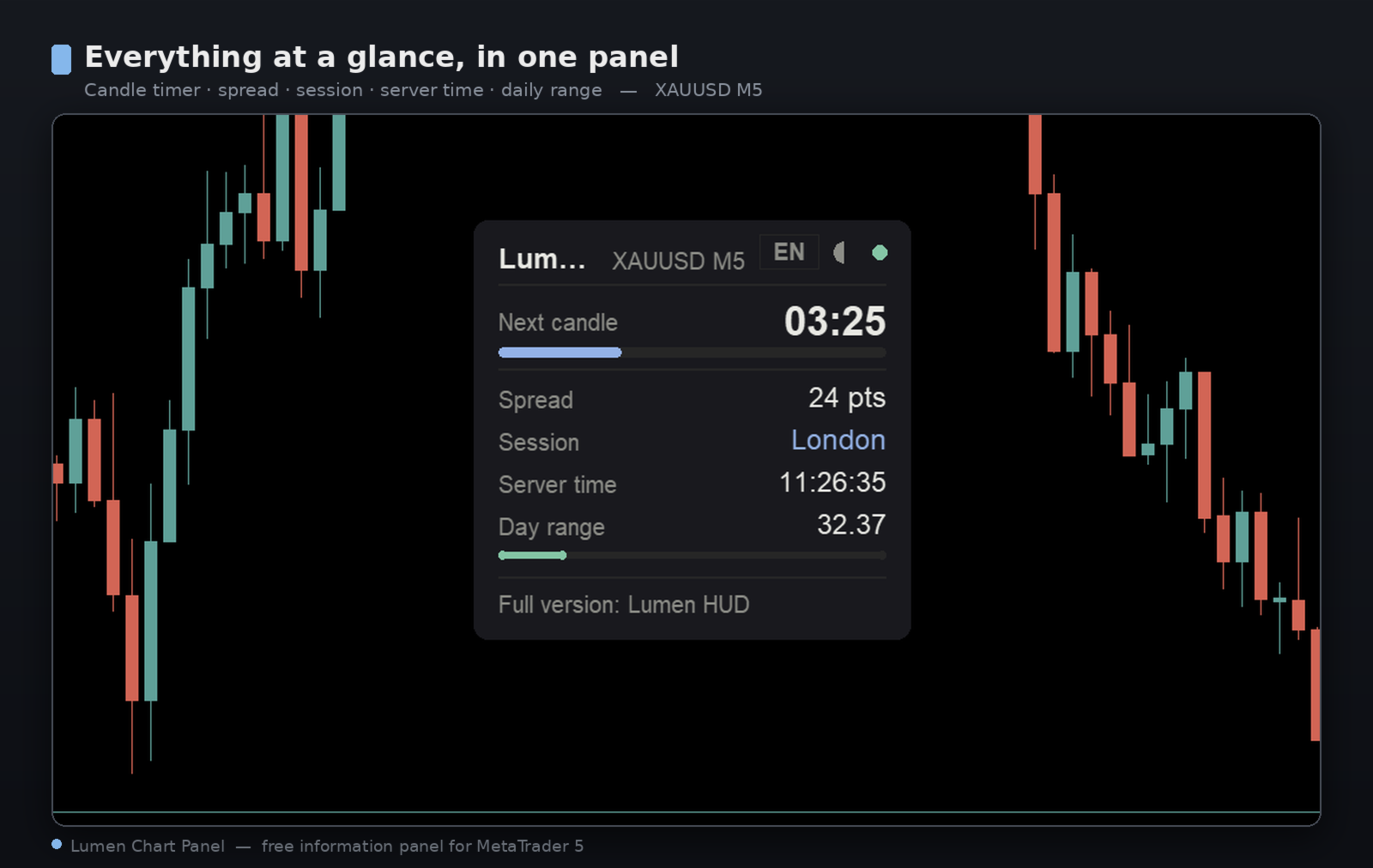
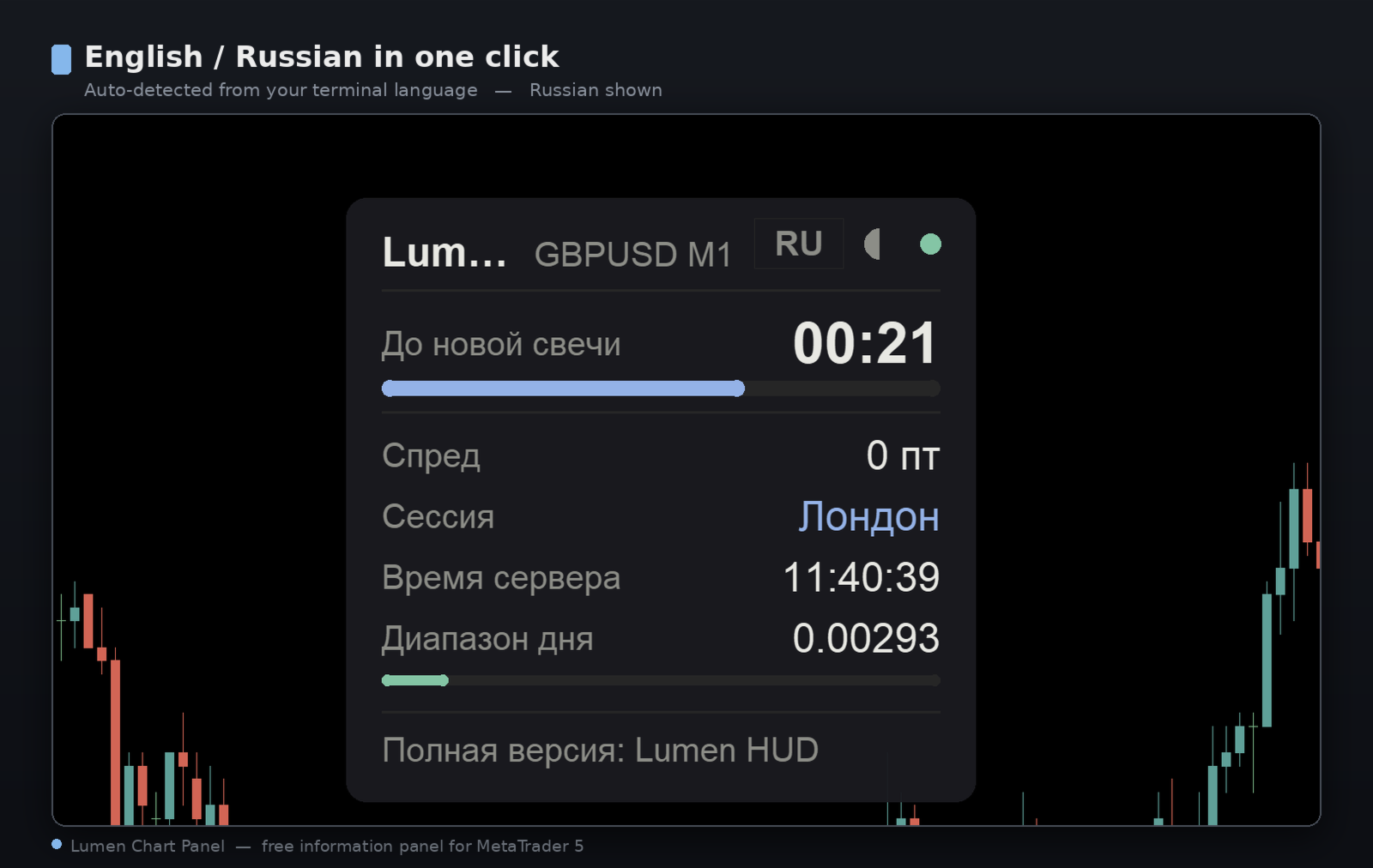
Lumen Chart Panel puts your essential market context in one tidy panel on the chart: the countdown to the next candle, the current spread, the active trading session, server time, and the day's range with the live price inside it. No more crowding your chart with several small indicators or switching between terminal tabs to check the same things every day.
It is read-only — it shows information and nothing else. It places no trades, sends nothing over the internet, and uses no DLLs. It simply reads your chart's market data and displays it clearly.
What it shows
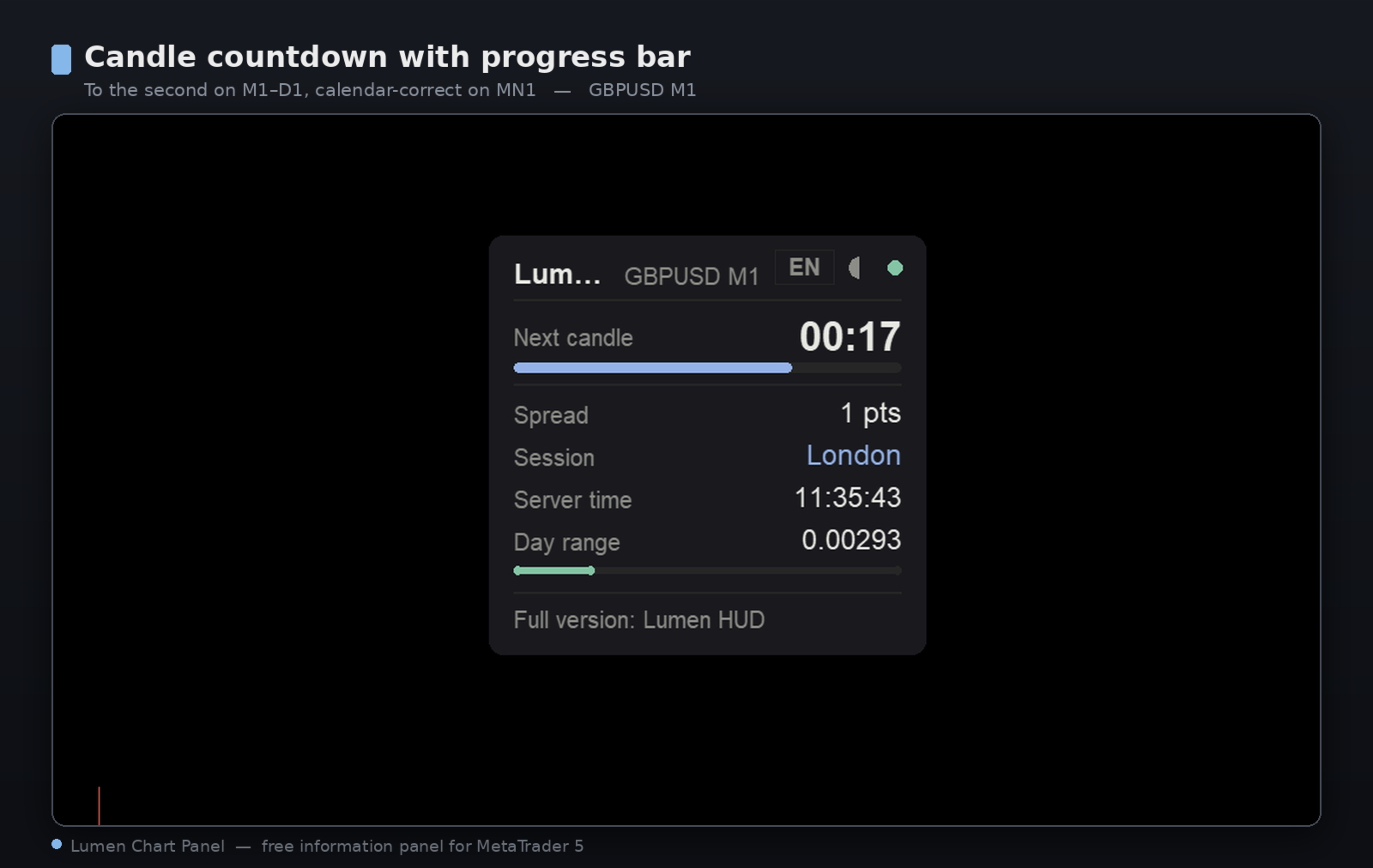
- Candle countdown with a progress bar — accurate to the second from M1 to D1, and calendar-correct on the monthly (MN1) timeframe (28/29/30/31 days).
- Spread in points or pips, handled correctly for 2-, 3-, 4- and 5-digit symbols.
- Active trading session — Sydney, Tokyo, London, New York — with daylight-saving transitions that are calculated honestly (EU and US), not hardcoded to fixed dates.
- Server time and the current day's high-low range, with a marker showing where price sits inside it.
Built to look good and stay light
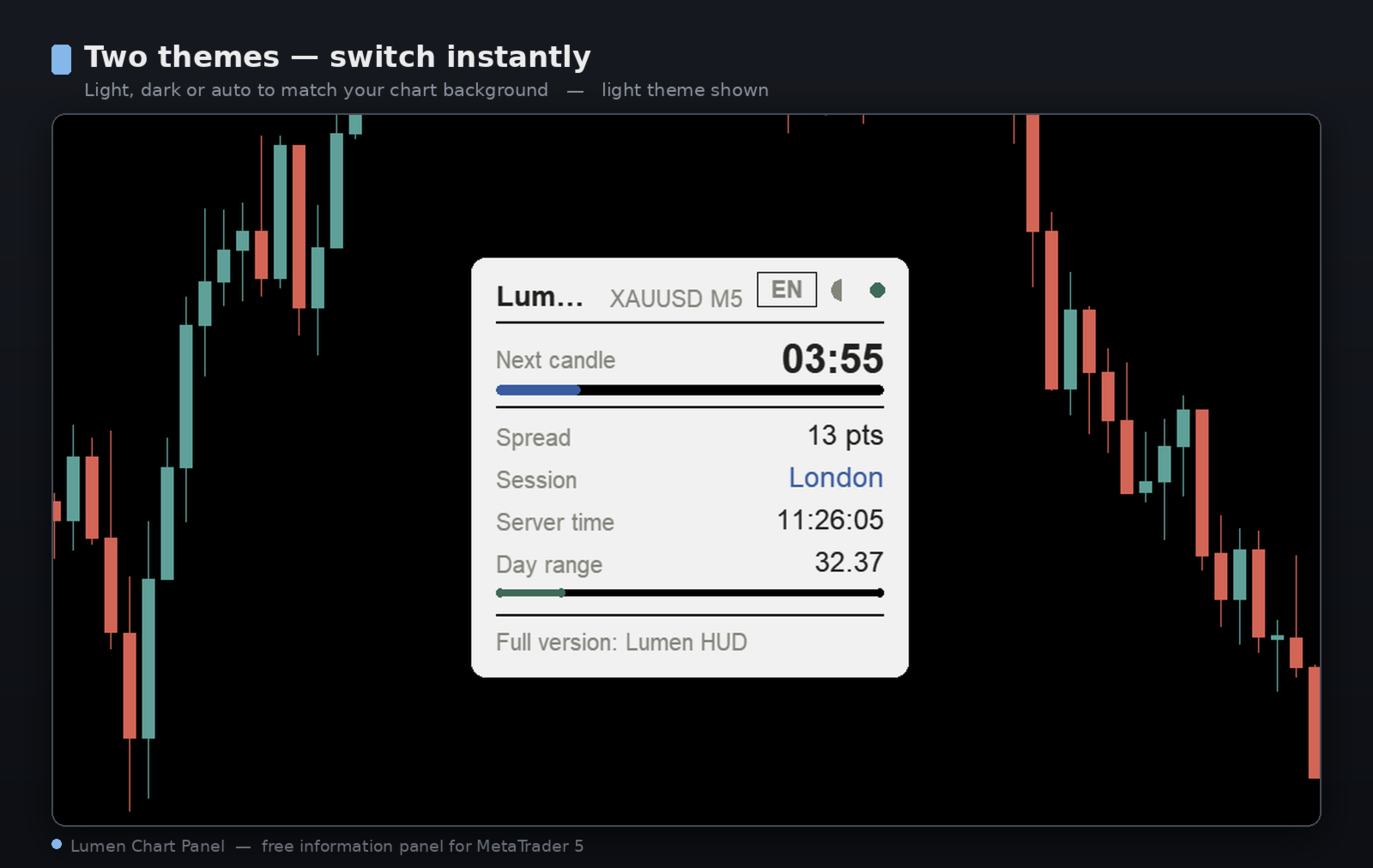
- Two themes — light, dark, or auto (matched to your chart background) — switch instantly.
- English and Russian interface, auto-detected from your terminal language and switchable with one click on the panel.
- Drag the panel anywhere by its header; its position is remembered for each chart.
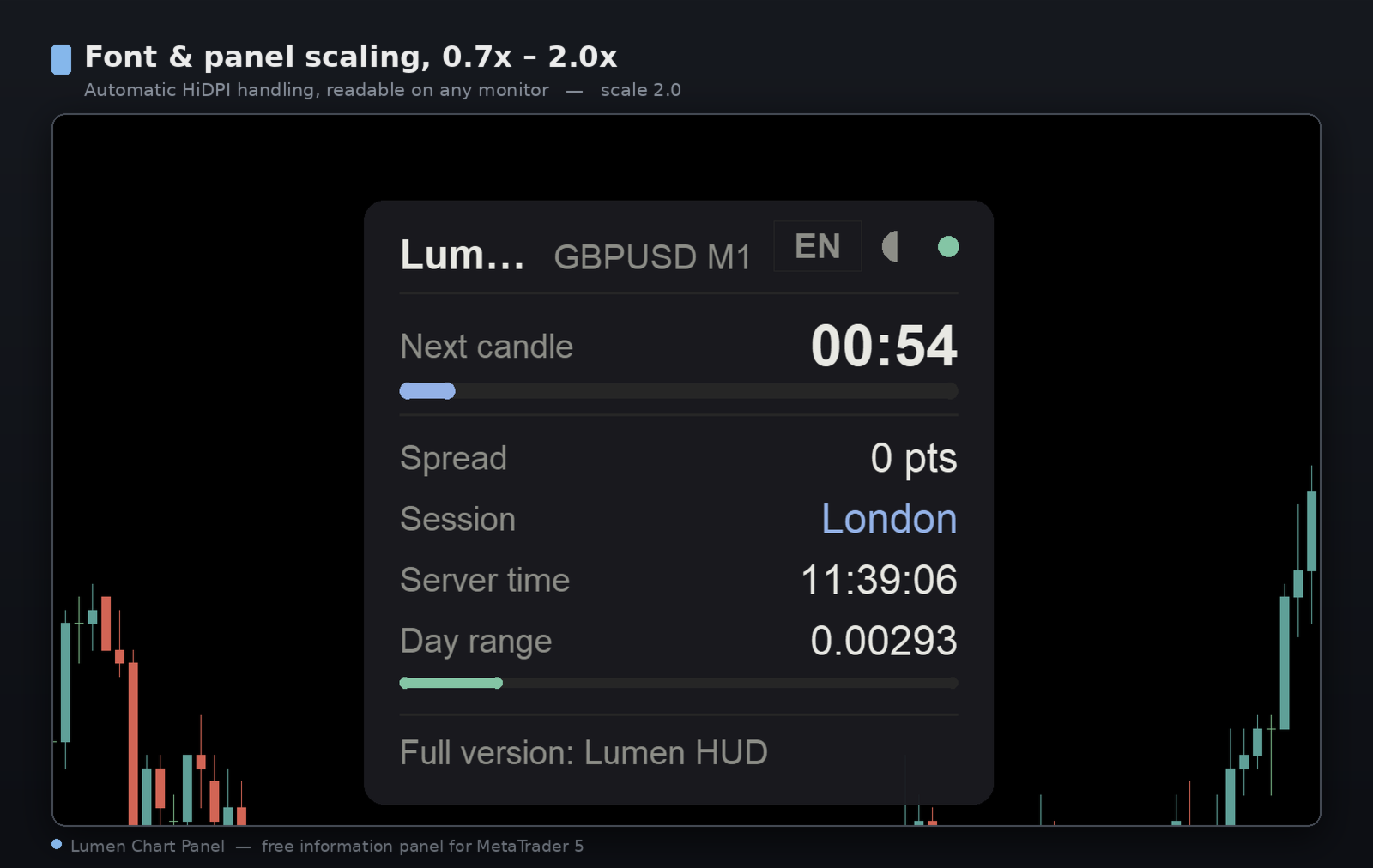
- Font and panel scaling from 0.7x to 2.0x, with automatic HiDPI handling — readable on any monitor.
- The panel refreshes on a timer rather than on every tick, so it stays smooth even on heavy symbols such as gold (XAUUSD).
Works out of the box
Attach it to any symbol and any timeframe — it runs immediately with sensible defaults. Every setting is optional: panel corner and offset, drag on/off, remember position, theme (Auto / Light / Dark), language (Auto / EN / RU), font scale, opacity, spread units (points / pips), and time-zone handling (automatic by default; a manual GMT offset with a US-DST option is available for broker servers with a non-standard shift).
Good to know
- On a market with very rare ticks, and on weekends or a closed market, the countdown shows "—" and the progress bar freezes — there is never a negative countdown. This is by design.
- In the Strategy Tester, session times can differ from live trading because the tester does not provide GMT. If you run it there, set the GMT offset manually.
Free, and there is more if you want it
Lumen Chart Panel is completely free and fully functional on live charts — just download it and attach it to a chart. If you would also like your account on the panel — open positions and pending orders, floating P/L, your realised result for the day, week and month, and account balance, equity and free margin — there is a separate, fuller panel, Lumen HUD, that adds the trade and account layer on top of this same fast, clean foundation.
Support
Questions, ideas, or something not working as expected? Leave a note in the Comments tab — I read and reply. Your reviews and suggestions shape what comes next.
Lumen Chart Panel — a clean market panel (HUD / dashboard) for MetaTrader 5
(panel, dashboard, HUD, candle timer, spread, session, server time)
Lumen Chart Panel — a clean market panel (HUD / dashboard) for MetaTrader 5
(panel, dashboard, HUD, candle timer, spread, session, server time)
































L'utente non ha lasciato alcun commento sulla valutazione.