Voltix
- Indicatori
- Versione: 1.1
- Aggiornato: 23 ottobre 2025
- Attivazioni: 20

Voltix Indicator: Real-Time Volatility Detection and Alerts
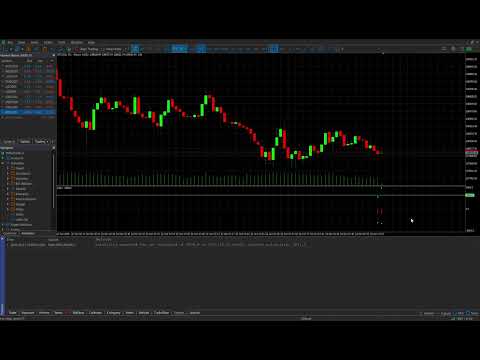
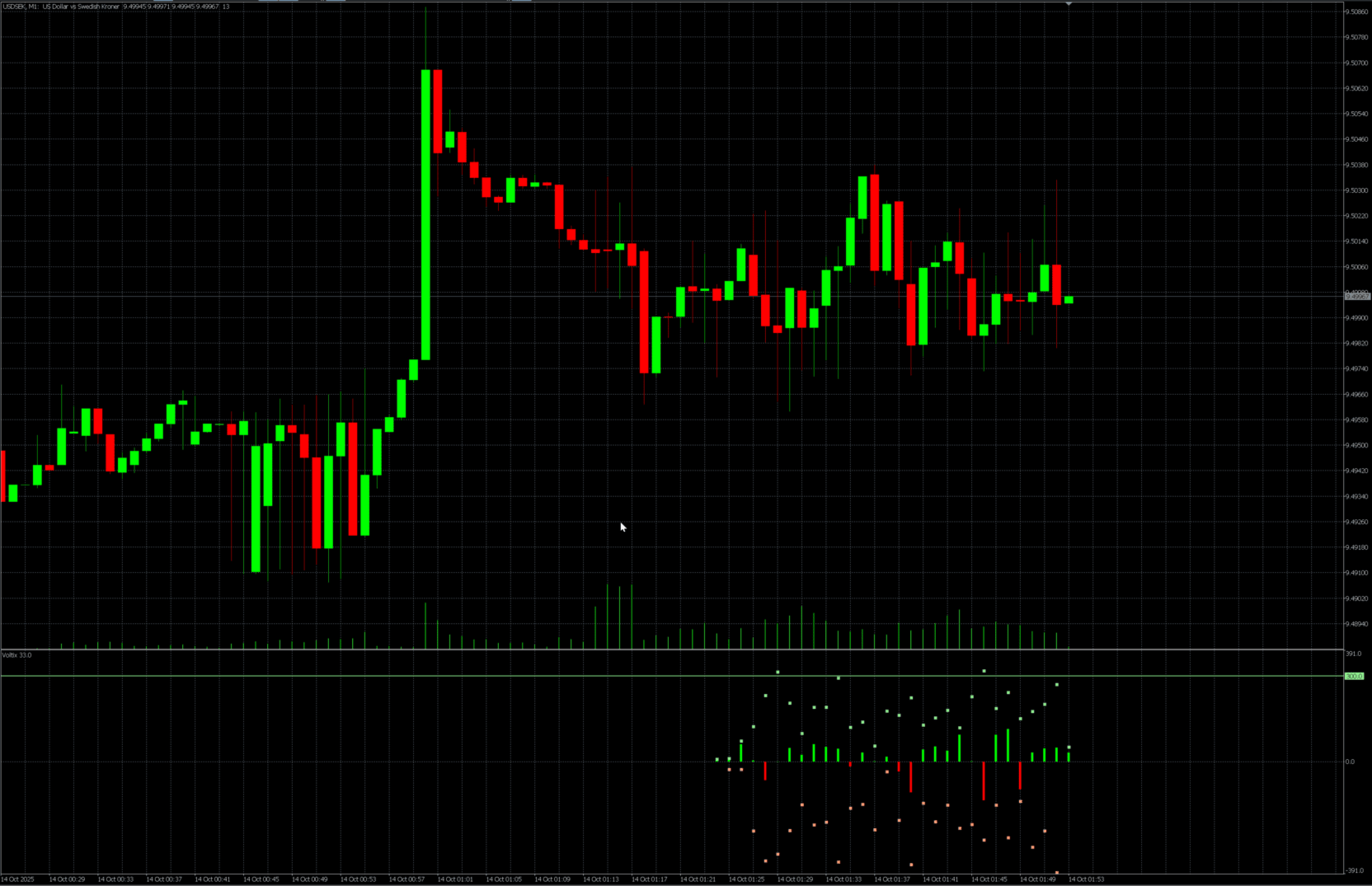
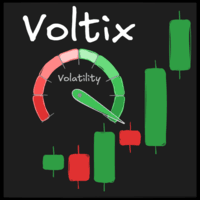
Voltix is an advanced volatility indicator for MetaTrader 5 that analyzes and visualizes real-time price changes, helping traders spot high-volatility moments and extremes directly in a dedicated chart window. It provides clear histograms, dynamic arrows for highs and lows, and configurable alert systems for smarter decision-making.
What Does Voltix Do?
-
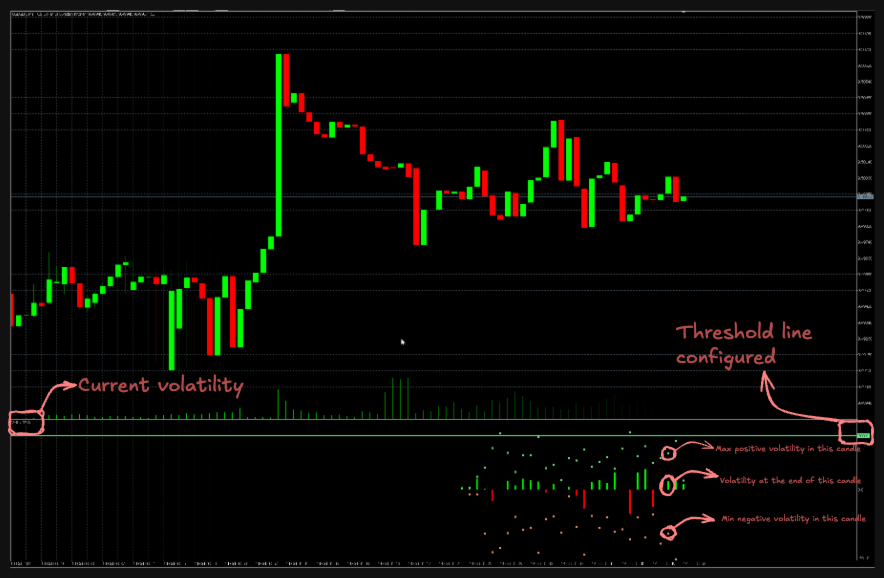
Calculates live price change using a fully configurable sample of ticks and velocity timing, rendering colored histograms (red, neutral, green) to signal bearish or bullish momentum instantly.
-
Marks highs and lows for current timestamp, making it easy to identify current volatility extremes.
-
Allows users to define upper and lower “thresholds” for volatility; these appear as lines in the indicator window and can trigger push, email, or sound alerts when breached.
-
Features adjustable chart scaling (fixed or dynamic) for enhanced clarity, letting traders tailor the visuals to their trading needs.
Major Settings
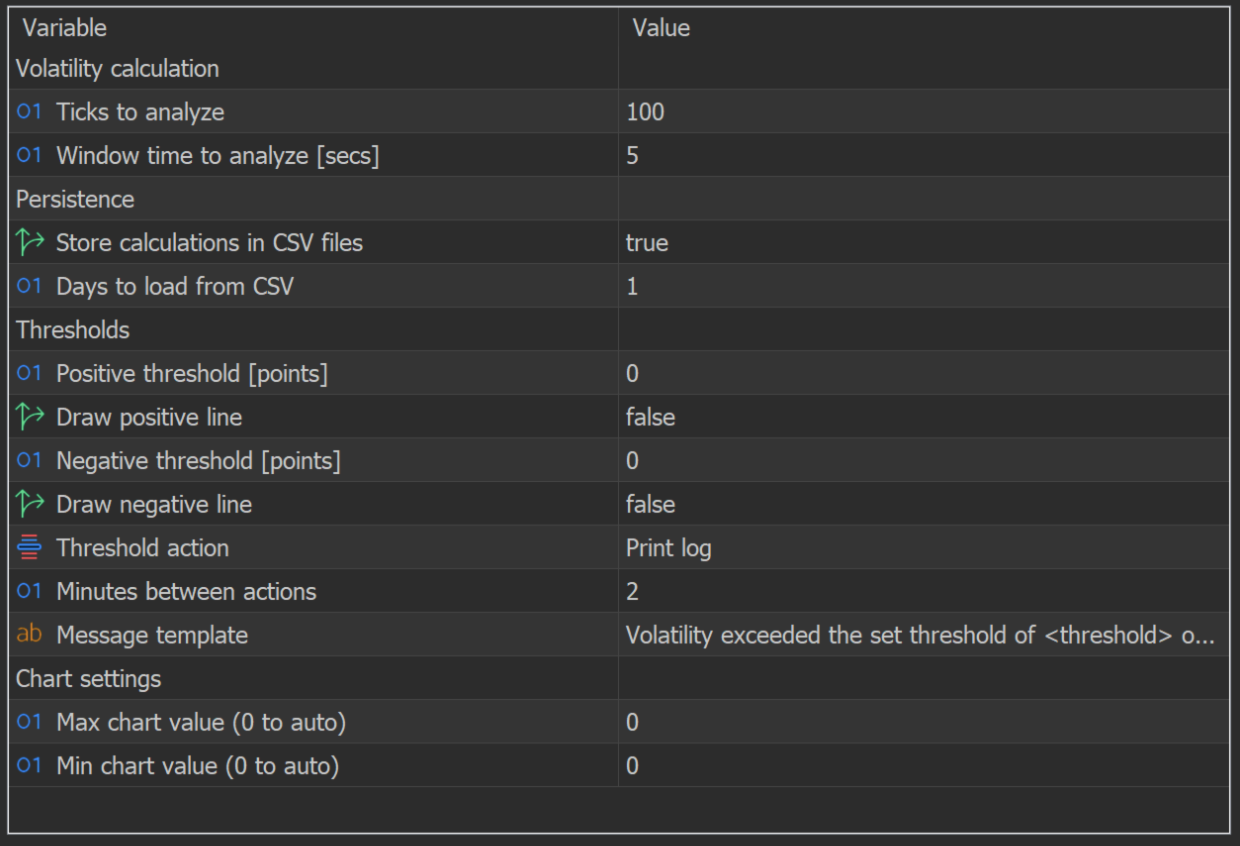
Voltix offers complete customization through the following parameters:
| Parameter | Description |
|---|---|
Ticks to analyze | Number of ticks used for volatility calculation. |
Window time to analyze [secs] | Time window (seconds) to measure significant price change. |
| Store calculations in CSV files | Enable store calculations to CSV files. |
| Days to load from CSV | Number of recent days’ data to load from the CSV files for historical analysis. |
| Positive threshold [points] | Positive volatility value to trigger alerts or an upper line. |
| Draw positive line | Whether to draw the positive threshold line on the chart. |
| Negative threshold [points] | Negative volatility value to trigger alerts or a lower line. |
| Draw negative line | Whether to draw the negative threshold line on the chart. |
| Threshold action | Alert type (Print, Push, Email, Sound) activated when thresholds are crossed. |
| Minutes between actions | Minimum time between repeated alerts. |
| Chart fixed max/min | Fixed or auto scale for chart display. |
Installation & Usage
-
Download Voltix.
-
Add Voltix from the Navigator to your target chart.
-
Open settings and adjust input parameters for your trading strategy and instrument.
-
Set desired thresholds and choose alert type. Make sure notifications (push/email) are enabled in your terminal if needed.
-
Watch the indicator window for volatility patterns, peaks and troughs, and receive automatic alerts for actionable market changes.
Use Cases
-
News trading: Quickly react to sharp moves after economic releases.
-
Risk management: Receive instant notifications when volatility exceeds safe limits.
-
Scalping strategies: Operate during optimal momentum conditions.
-
Intraday analysis: Trace price movement amplitude and volatility extremes with ease.
Voltix is designed for traders who want responsive, visual, and configurable volatility monitoring tools, ensuring more confident trading decisions through clear alerts and a powerful graphical interface.