Rejection Velocity Echo
- Indicatori
- Versione: 1.0
- Attivazioni: 5

RVE Echo Indicator is a custom MetaTrader 5 technical indicator designed to detect abnormal price rejection, sharp velocity changes, and possible reversal zones in the market.
RVE stands for Rejection Velocity Echo. The indicator studies how strongly price moves compared to its recent rejection behavior, then highlights moments where the current price movement appears unusually aggressive. This can help traders identify possible exhaustion, rejection, and reversal opportunities earlier and more clearly.
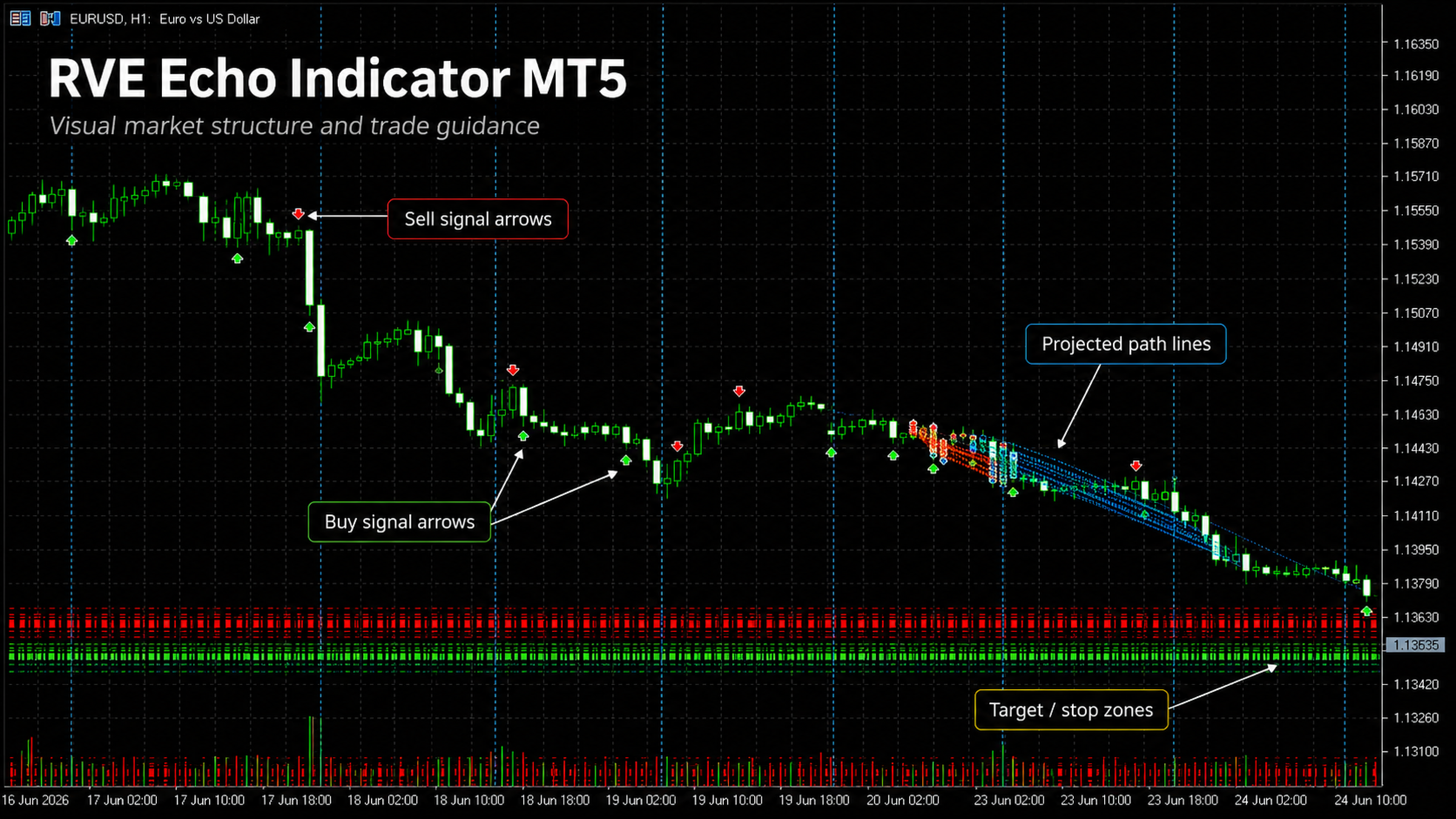
Unlike standard indicators that mainly follow trend or momentum, RVE Echo focuses on the speed and abnormality of rejection movement. When price makes a sharp move that stands out from recent behavior, the indicator produces a clear signal using the RVE line, threshold levels, and optional chart arrows.
How It Works
The indicator measures price velocity from candle to candle and compares the current movement against recent rejection strength. If the current movement is unusually strong, RVE Echo calculates a rejection value and smooths it into a clean signal line.
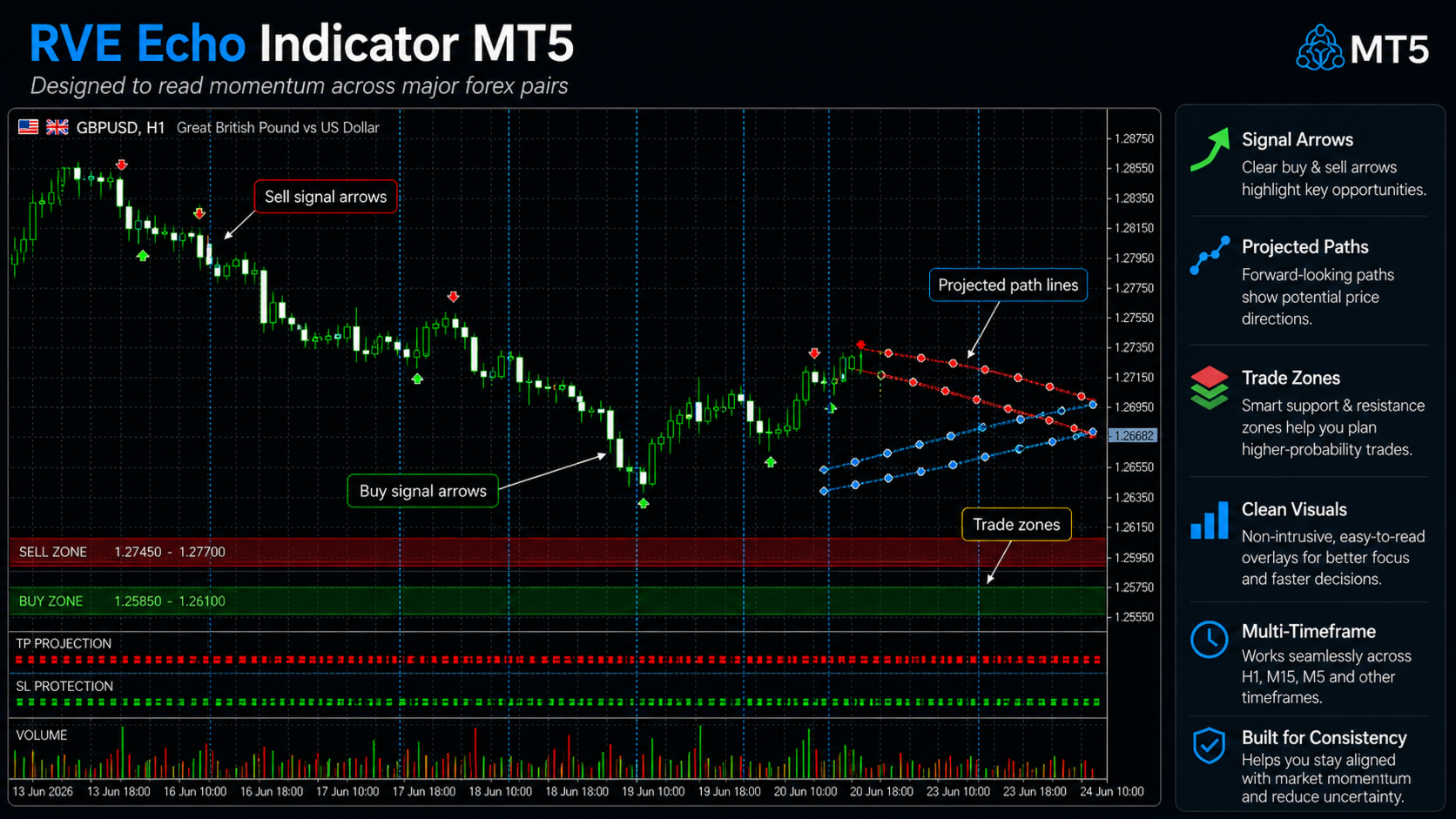
When the RVE value rises above the positive threshold, the indicator can show a possible BUY signal.
When the RVE value falls below the negative threshold, the indicator can show a possible SELL signal.
The default threshold is 40 , but traders can adjust it depending on the symbol, timeframe, and trading style.
Main Features
-
Custom Rejection Velocity Echo calculation
-
Detects abnormal price rejection and velocity spikes
-
Displays a clean RVE signal line in a separate indicator window
-
Shows BUY and SELL arrows directly on the chart
-
Adjustable threshold levels
-
Optional popup, push, and email alerts
-
Threshold-cross mode to reduce repeated signals
-
Works on multiple symbols and timeframes
-
Suitable for forex, gold, indices, and synthetic markets depending on broker availability
-
Lightweight and simple to use
Signal Guide
RVE above +40
Possible bullish reversal or upward rejection signal.
RVE below -40
Possible bearish reversal or downward rejection signal.
RVE near 0
No strong abnormal rejection detected.
For cleaner signals, the indicator can be set to alert only when the RVE line crosses the threshold, instead of alerting on every candle while the value remains above or below the signal zone.
Recommended Usage
RVE Echo Indicator can be used by traders who want to identify possible reversal zones, rejection candles, and fast market reactions.
It may be useful for:
-
Reversal trading
-
Scalping confirmation
-
Intraday trading
-
Price-action confirmation
-
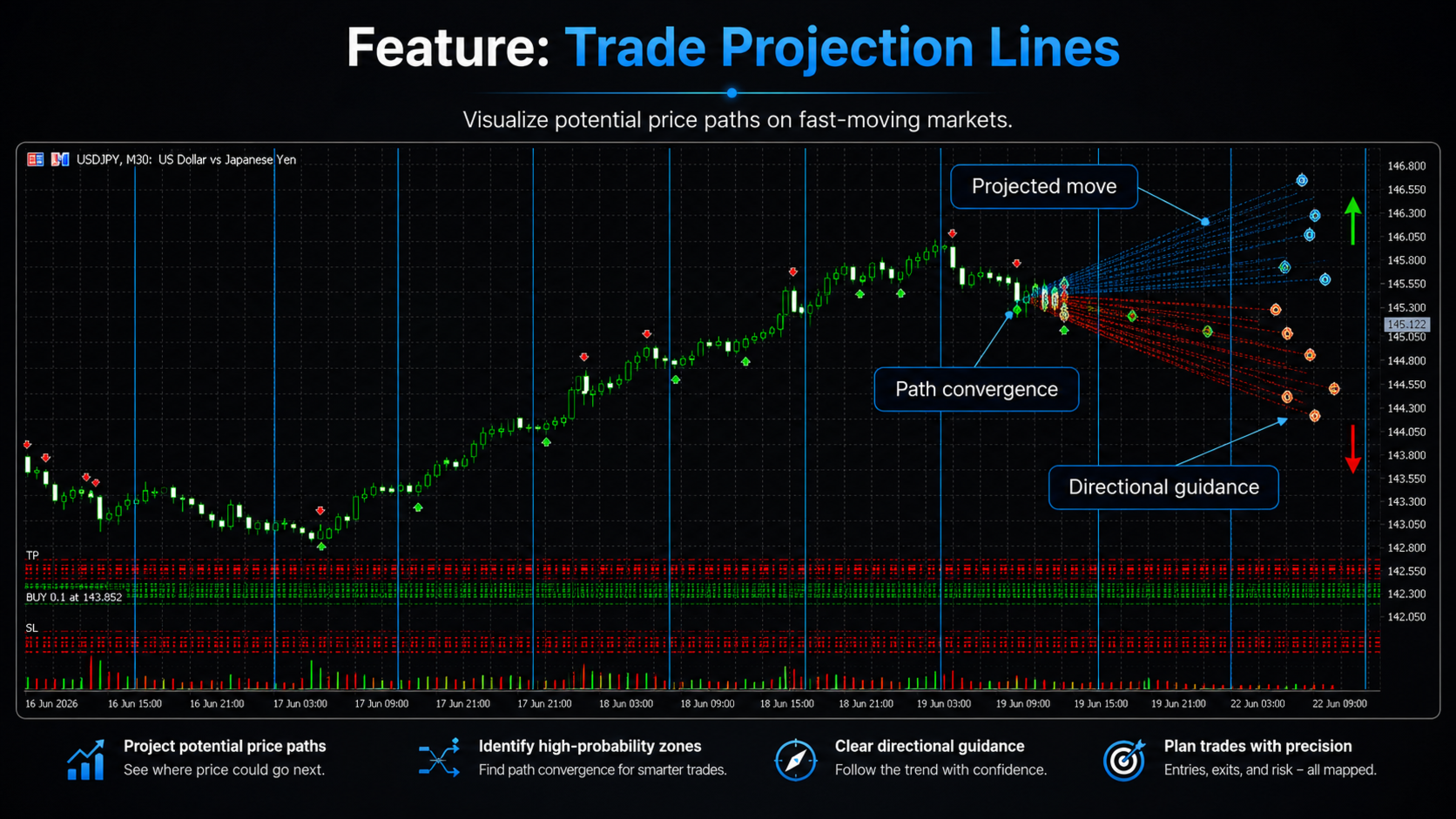
Detecting exhaustion after sharp moves
-
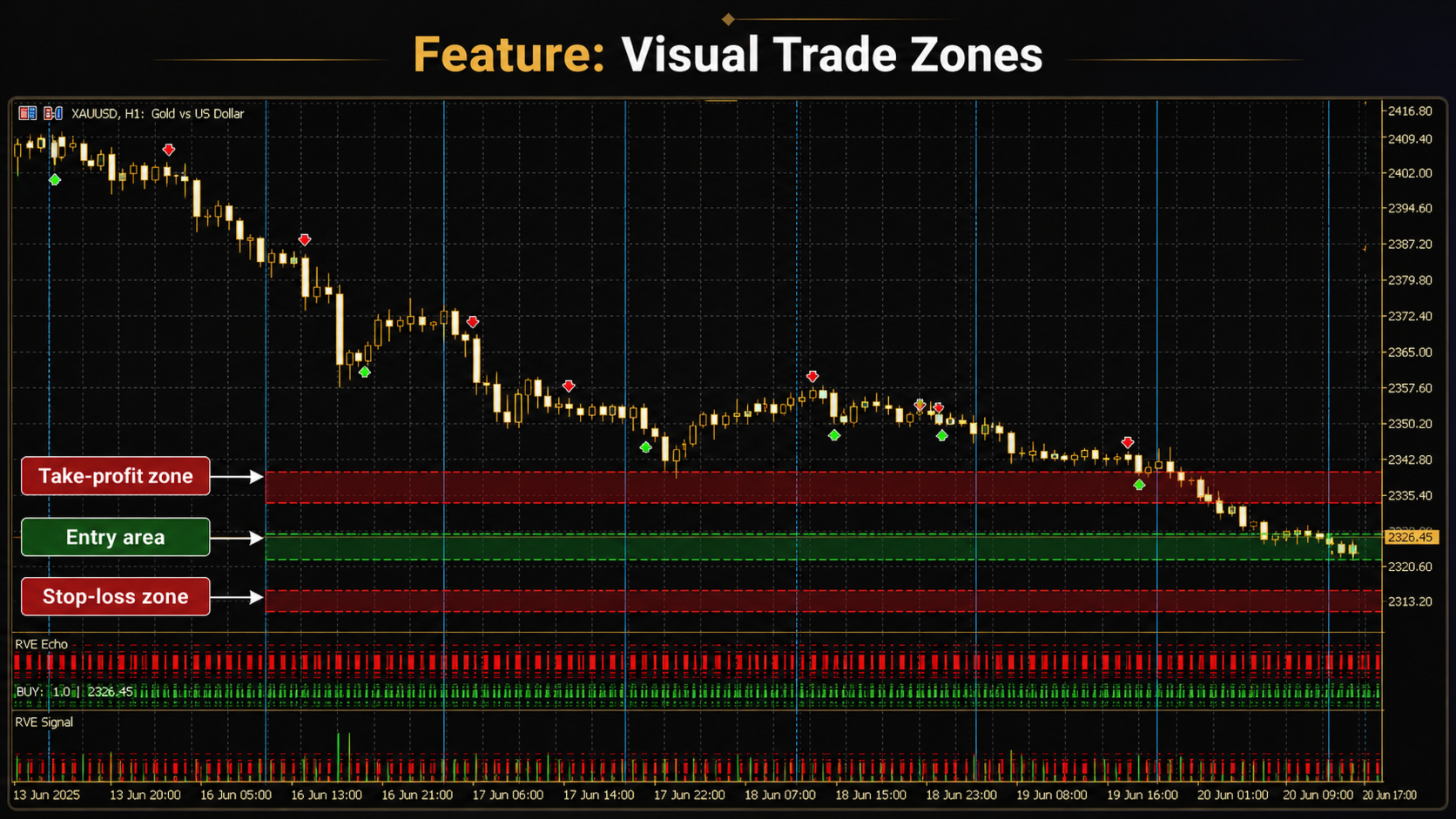
Filtering entries around support and resistance
-
Confirming possible rejection after news-driven movement
For best results, combine RVE Echo with your existing trading plan, support and resistance, trend direction, price action, and proper risk management.
Inputs
-
Calculation Bars — Number of candles used for calculation
-
Echo Window — Period used to measure recent rejection behavior
-
Deviation Multiplier — Controls how abnormal the current movement must be
-
Smooth Period — Smooths the RVE line
-
RVE Threshold — Signal level for BUY and SELL zones
-
Signal On Threshold Cross Only — Reduces repeated signals
-
Show Arrows — Displays BUY/SELL arrows on the chart
-
Popup Alerts — Enables terminal alerts
-
Push Alerts — Sends mobile notifications
-
Email Alerts — Sends email alerts if configured in MT5
Who Is It For?
RVE Echo Indicator is suitable for traders who prefer clean, visual signals and want a different way of analyzing market rejection and momentum exhaustion.
It is especially useful for traders who do not want to rely only on traditional indicators such as RSI, MACD, or moving averages, and instead want a custom signal based on sharp rejection behavior.
Important Note
RVE Echo Indicator is a technical analysis tool. It does not guarantee profits and should not be used as a standalone trading system without confirmation, testing, and proper risk management.
Always test the indicator on a demo account and adjust the settings according to your trading style, symbol, timeframe, and broker conditions.