Smart trend and Smart oscillator
- Indicatori
- Versione: 1.0
- Attivazioni: 5

"Smart Trend and Smart Oscillator" are two indicators in one.
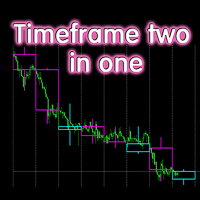
Smart trend shows the current trend direction. Using the settings, you can make sure that, for example, on the M15 timeframe, the trend direction is shown from the H1 or D1 timeframe, and so on.
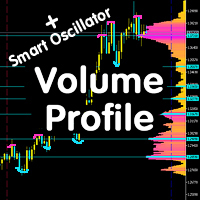
The smart oscillator shows overbought and oversold zones. This indicator consists of several oscillators that show the best result. The readings for all indicators are summed up and the average value zone is painted over in the selected color.
Smart Trend and Smart Oscillator can be used both together and separately. For example, you can enter a trend using the overbought and oversold zones of the oscillator to fix a position or partially fix it. Another example is to look at the direction of the global trend based on the Smart Trend readings, and enter on the same timeframe or smaller according to the trend, on the overbought or oversold zones broadcast by the Smart Oscillator.
In general, there are an infinite number of strategies for using the Smart Trend and Smart Oscillator indicator. It all depends on your experience and creativity.
Other useful free and paid products can be viewed here: https://www.mql5.com/en/users/raprofit/seller Settings:
Use Smart trend - enable / disable the Smart trend indicator;
Timeframe coefficient - the larger the coefficient, the more global the trend is shown, and vice versa-the smaller the trend, the more local it is;
Period - number of candlesticks used to calculate the trend;
Display style-The smart trend is shown as a line, or bars are painted over, or candlesticks are painted over;
Use Smart oscillator-enable / disable the Smart Oscillator indicator.
You can adjust the colors in the corresponding tab when installing the indicator.