How to Rent a VPS for Forex Trading
Learn how to rent and manage a forex hosting server
Launching MetaTrader VPS takes only a few clicks directly from the platform.
Open the virtual hosting wizard (Navigator — Right-click your trading — "Register a Virtual Server").

The system automatically selects the hosting server closest to your broker in order to provide the lowest possible latency and best performance. You can then choose the most suitable subscription plan and specify the migration mode: indicators and robots, signals, or all.
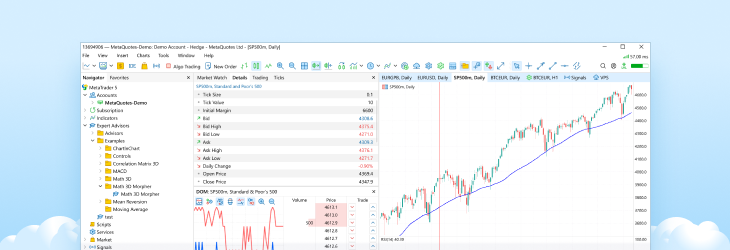
Once completed, your trading account is instantly launched on a virtual machine together with all the settings, charts, robots and subscriptions. The rented VPS appears directly under your account in the Navigator window:

Whenever you make changes to your trading setup, simply synchronize your desktop platform with the virtual server. For example, if you subscribe to a new signal, the appropriate entry appears in the Navigator window. Execute the "Synchronize signal only" command from the context menu to start copying trades on a virtual machine.

If you want to launch an Expert Advisor, attach it to the desired chart in your desktop platform and execute the "Synchronize experts, indicators and signal" command. The VPS will then run both your trading robot and the subscribed signal simultaneously, ensuring uninterrupted automated trading 24/7.
How to manage MetaTrader VPS
You can manage resources, as well as launch and disable the remote machine directly from the MetaTrader platform (Navigator — Righ-click your trading account — Details). In addition to synchronization commands, the Details section allows you to monitor CPU, RAM, and disk usage.

The built-in logs provide complete information about all actions performed on the virtual server within a selected time interval. The logs include trade operations executed by a robot, resource usage statistics, and VPS management functions. This gives you full control and transparency over your hosted trading environment

Watch the video to learn more about VPS management: