Confluence Level Map MT4
- Indicators
-
Kazuma Uezono
 MQL5 / MQL4 / Pine Script v6 developer and active trader.
Seller on the MQL5 Market (indicators for MT4/MT5).
Services:
- TradingView Pine Script to MT5/MT4 conversion (bar-by-bar matching, with tester report)
- MT4 to MT5 migration - Version: 1.3
- Updated: 17 November 2026
- Activations: 5
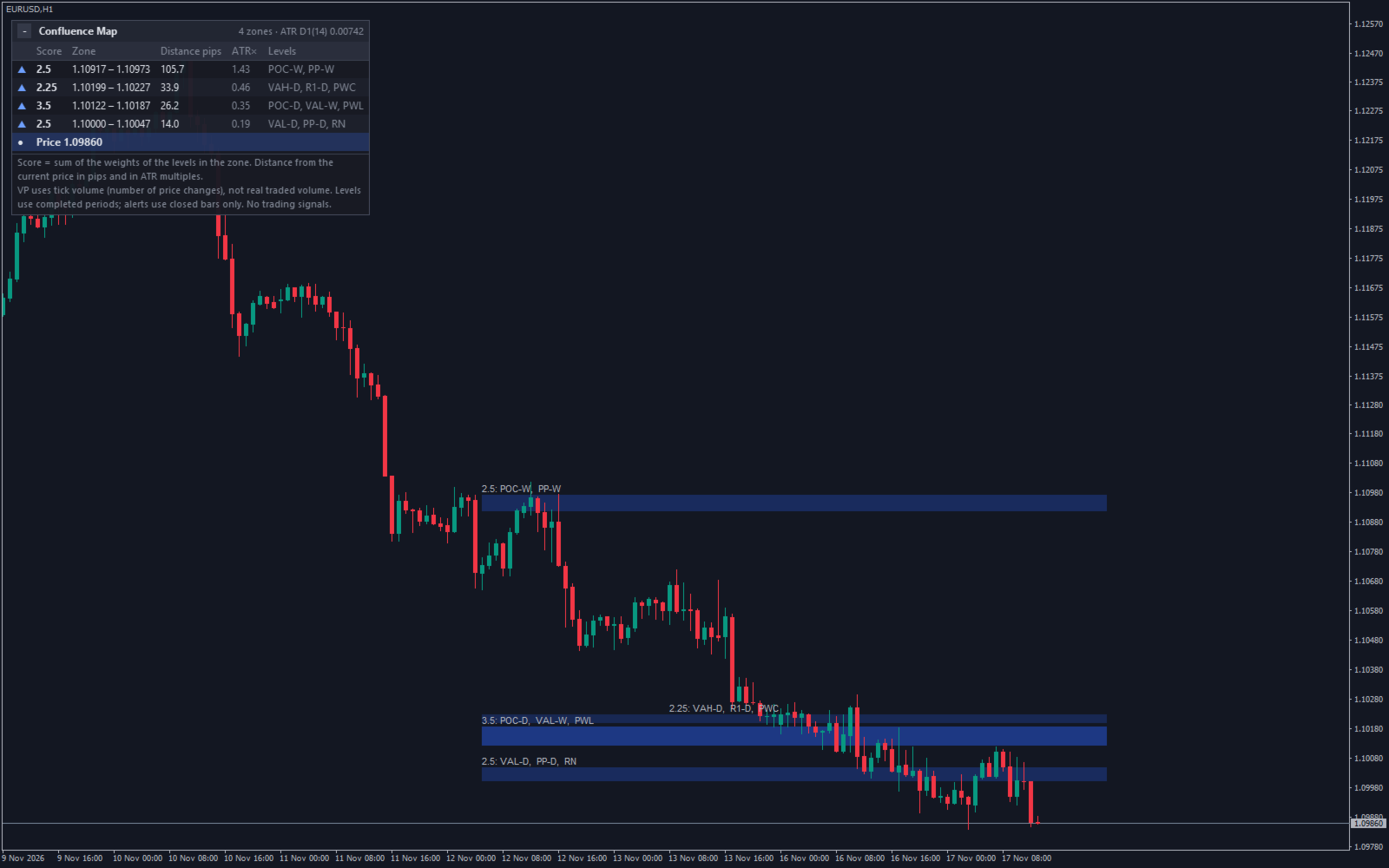
Confluence Level Map for MT4 shows on your MT4 chart where many well-known price levels gather in a narrow area. It collects volume profile levels (POC, VAH, VAL of the previous day and week), pivot points, the previous day / week / month high, low and close, Fibonacci levels of the recent swing and round numbers, joins the levels that are close to each other into zones and scores every zone by the weights of its levels.
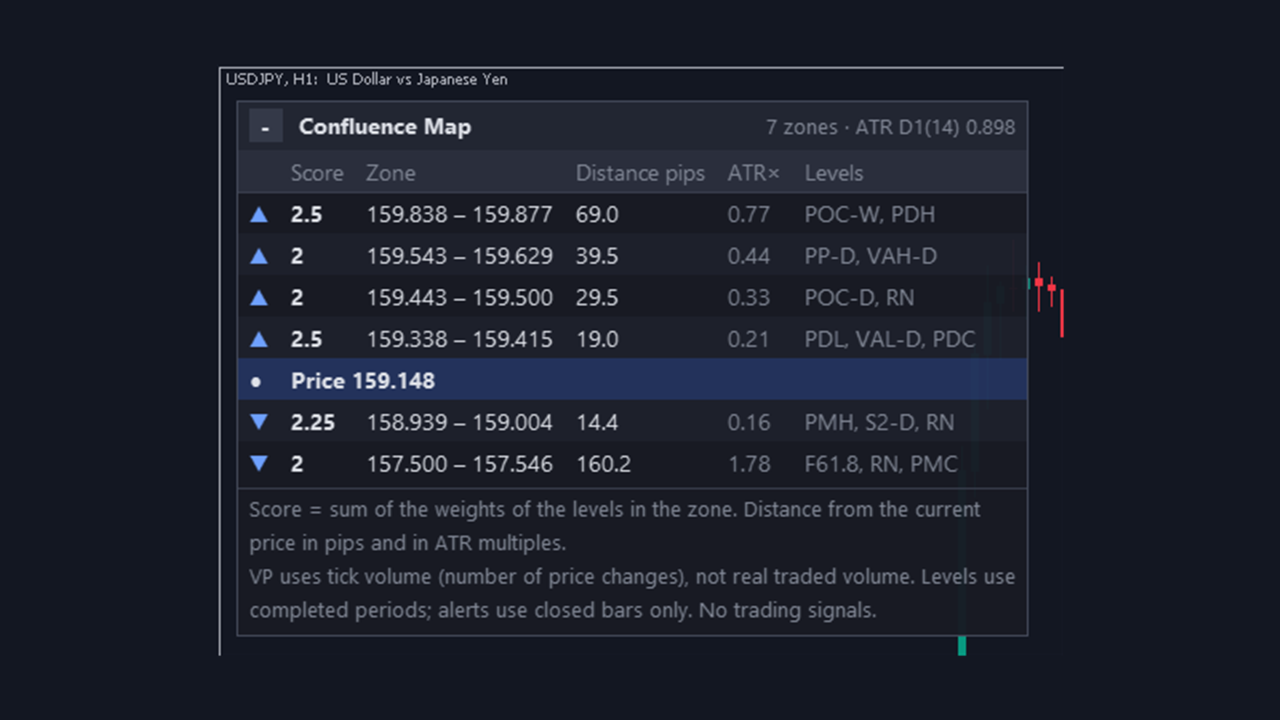
Each zone is labelled with the levels inside it, and a panel lists the closest zones above and below the price. It is a level map for your own chart reading: no trading signals, no forecast of price reactions, no orders.
Features
- Level groups with their own on / off switch and weight: previous day and week volume profile, daily / weekly / monthly pivots (Traditional, Classic, Fibonacci, Woodie, Camarilla; 1-3 levels per side), previous day / week / month high-low-close, swing Fibonacci, round numbers.
- Levels inside the merge width form one zone. Merge width = ATR multiple (default 0.10 x D1 ATR 14) or pips.
- Zone score = total weight of its levels. Low-score zones are hidden; stronger color for higher scores.
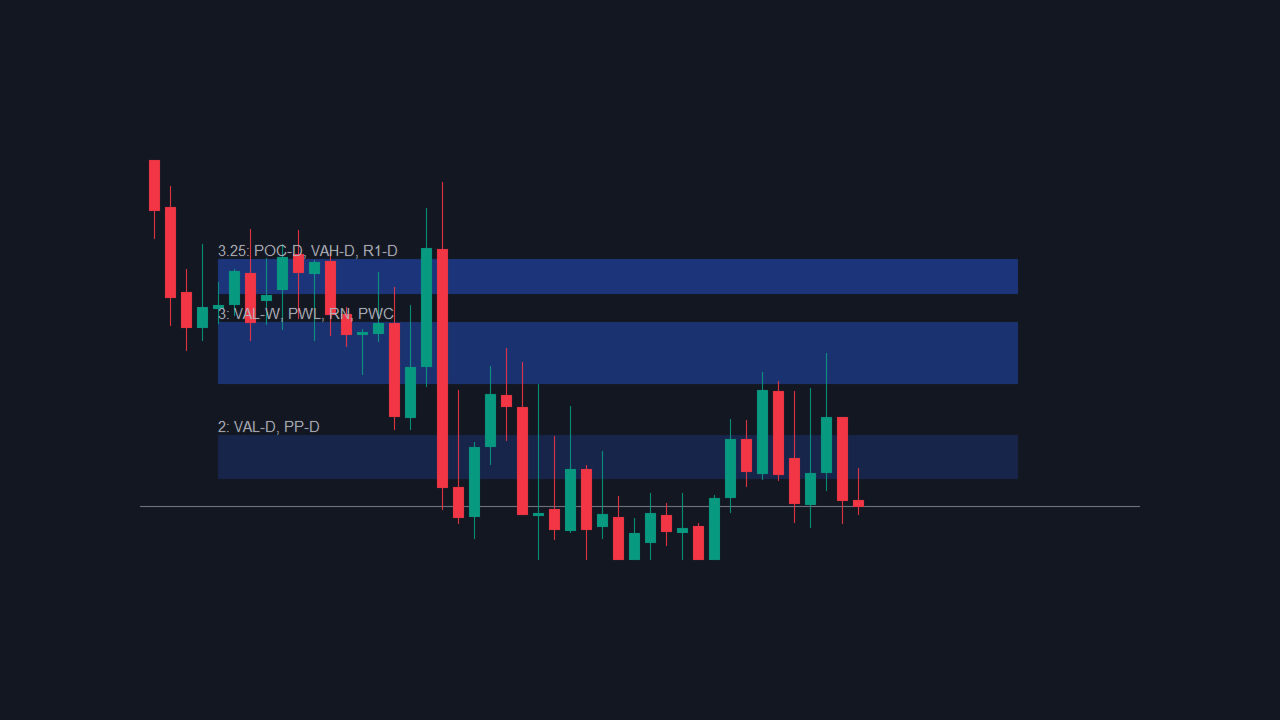
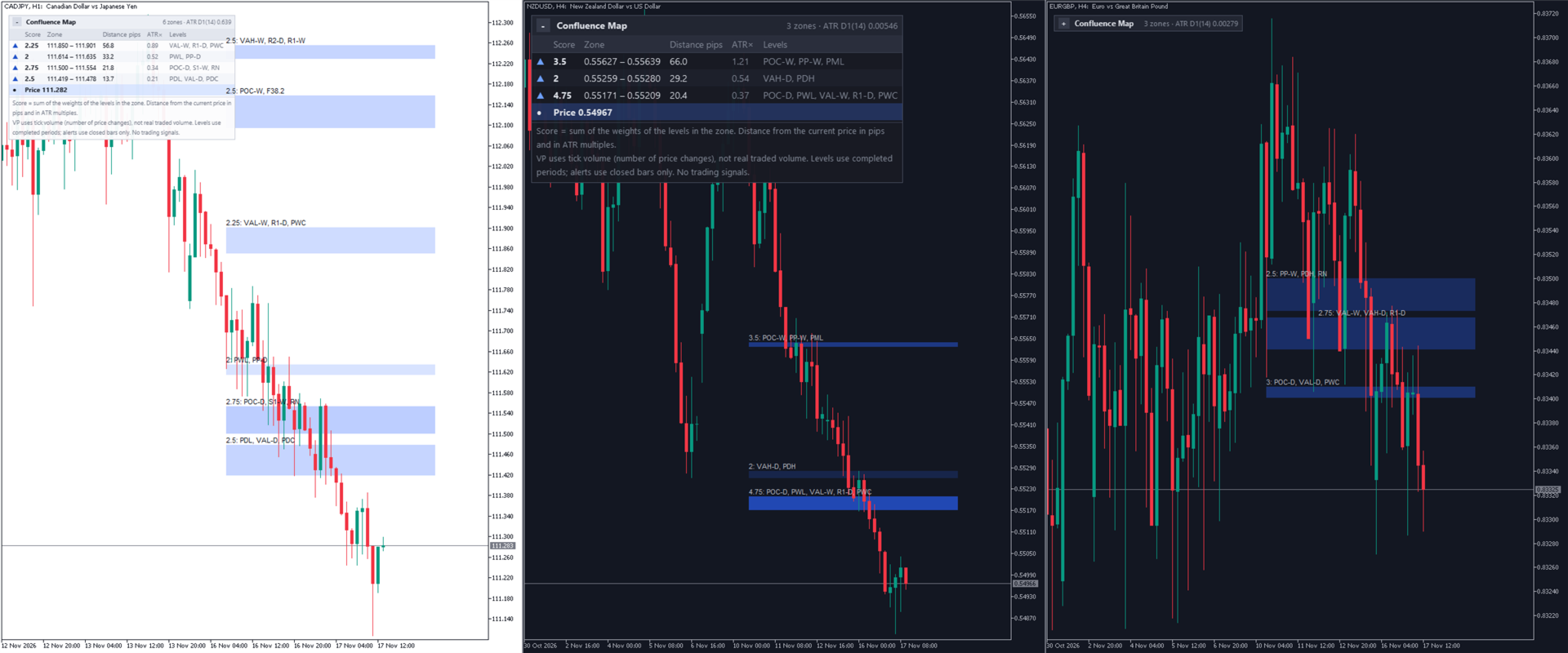
- Bands on the chart with labels like "3.5: POC-W, PDH, R1-D, RN"; the tooltip lists every level and the price range.
- Panel of the nearest zones (default 4 above and 4 below) with score, range, distance in pips (price difference on non-FX symbols), distance in ATR and level names.
- Closed-bar alerts: zone touched, and optionally bar closed near a zone. Pop-up, sound, push, e-mail; one alert per bar, also after a restart.
- 11 languages, three panel sizes, light / dark colors from the chart background, collapse button, four corners, up to 8 copies per chart.
Main Inputs
- Volume profile: day / week, value area % (70), rows (100) or row height in points, source bars M1-H1 (M5), weights.
- Pivots: day / week / month, type, levels per side, weights.
- Previous day / week / month: on / off, close included, weights.
- Fibonacci: timeframe (D1), swing bars (60), levels (38.2, 50, 61.8; up to 10), weight.
- Round numbers: step in points (0 = auto), weight.
- Zones: ATR timeframe and period, unit, merge width, level range (3 ATR), minimum score (2), full-color score (5), skip weekend daily bars.
- Chart, panel and alerts.
How It Is Calculated
- Only completed periods are used for the levels; today, this week and this month are never used.
- Volume profile: each source bar's tick volume is shared evenly across its high-low range. POC = centre of the busiest row; the value area is extended from the POC toward the busier neighbour until it reaches the chosen share.
- Fibonacci: highest high and lowest low of the last N closed bars; levels run from the newer extreme toward the older one.
- A level joins a zone if it lies within the merge width of the zone's lowest level (zone height never exceeds the merge width).
- Levels farther than the chosen ATR range from the last closed bar's close are ignored. Zones are recalculated on each new closed bar.
- Touch alert = closed bar's range overlaps the zone, previous bar did not. Near alert = closed bar's close within the approach distance, previous bar neither touched nor was near.
Notes and Limits
- A zone only shows that levels meet there. It does not forecast a reversal, and the score is not a hit rate or probability. Price may break through any zone. You make your own trade decisions.
- The bands show today's zones extended to the left of the chart. They are not the zones of those older bars, so do not judge the indicator by how past candles reacted to them. Bands that would overlap are cut at their midpoint.
- Tick volume (number of price changes) is used instead of real volume. The weekly profile needs last week's history of the source timeframe (M5 by default).
- Days, weeks and months follow server time, and the weekly bar begins on Sunday. Set "Skip Saturday / Sunday" to false for weekend-traded symbols such as crypto.
- Pips apply to 3- and 5-digit FX symbols; other symbols use a price difference. The automatic round-number step is 50 pips on those FX symbols and follows the price size elsewhere, widened when the range would hold too many lines. A fixed step in points can be set.
- Alerts come from closed bars only and never from the Strategy Tester. After a restart only the last closed bar is checked (bars closed while MT4 was off are skipped). With chart history more than 4 days behind (still loading) no alerts are sent.
- During loading the panel shows "Loading history" and the reason; after 30 seconds the zones are built from whatever history is there. After a timeframe change the old zones may remain briefly.
- MT4 hides a panel behind the candles when "Chart on foreground" is on. The indicator turns this option off while its panel is shown and turns it back on when the last copy is removed. It may stay off in some cases, for example after MT4 is force-closed or crashes, or when you load a template or profile that was saved with the indicator attached; in that case, switch it on again in the chart properties (F8).
- MT4 redraws the panel and zones with incoming ticks. With no ticks (market closed) the display may not update until the next tick.
- With 2 or more copies on one MT4 chart, overlapping bands of different copies invert their colors (how MT4 fills rectangles).
- Labels are spread over up to 3 columns; long labels can be cut at the right edge.
- Push and e-mail need the terminal's notification settings.
- MT4 handles the text of pop-up alerts, push notifications, e-mails and the Experts log with the Windows language setting (ANSI code page). If the selected language uses characters that this Windows setting does not support (for example Korean on Japanese or English Windows), these texts are in English automatically. The panel is drawn as an image and shows every language.
Compatibility and Support
- MetaTrader 4 only. The MetaTrader 5 version is a separate product.
- No DLLs, no internet access, no orders.
- PDF user guide (English or Japanese) on request through MQL5 messages after purchase.
- Support through MQL5 messages within 3 business days for installation, settings and bug reports. The MT4 limits above are explained by support but are not treated as bugs. Market views, zone choices and trade decisions are not covered.