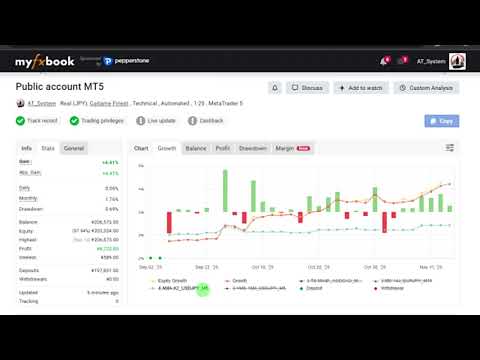
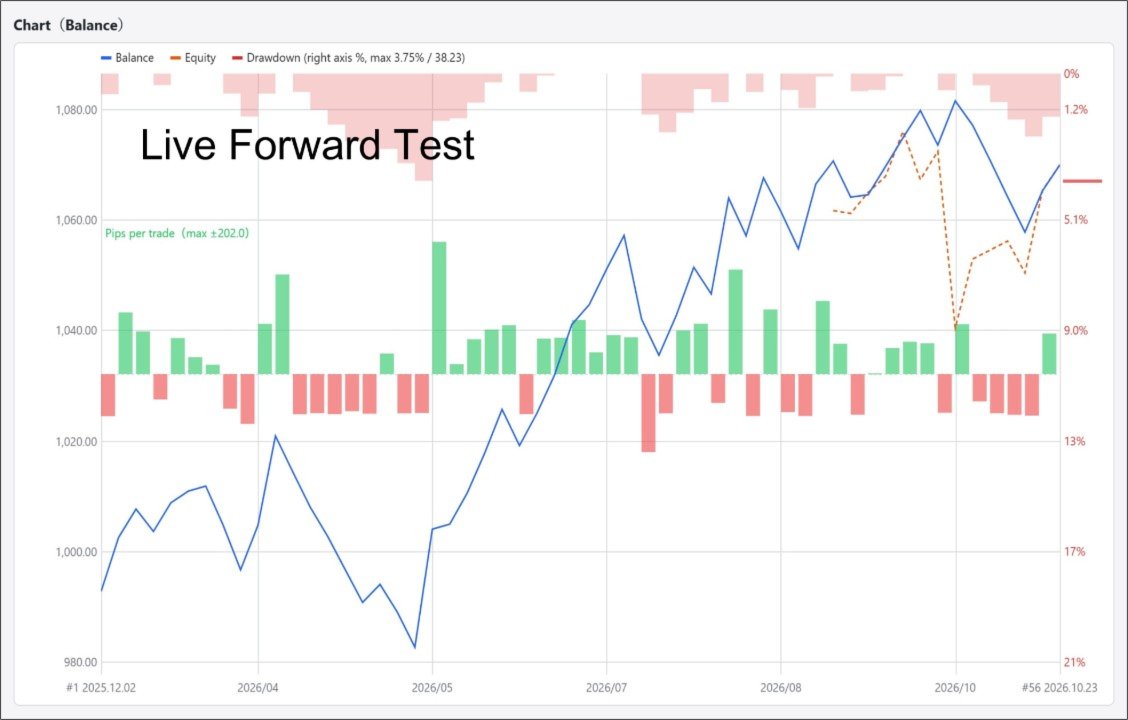
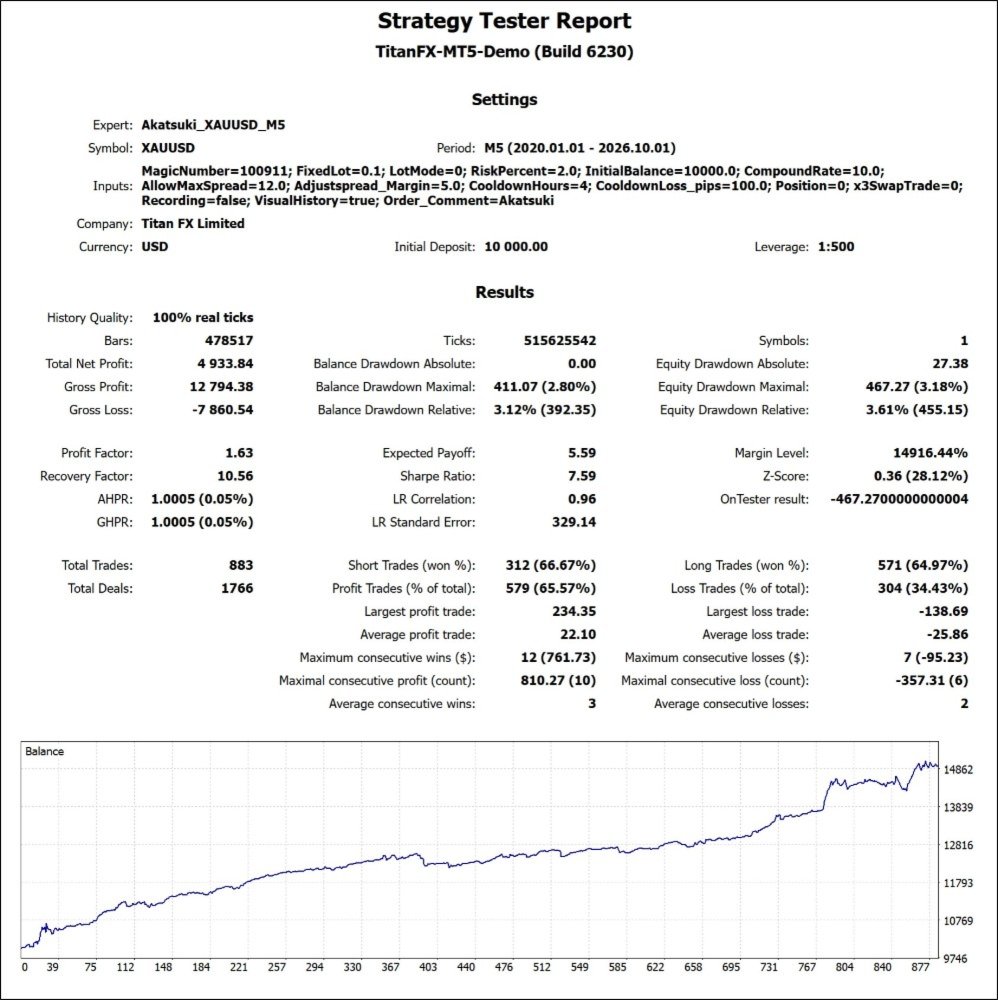
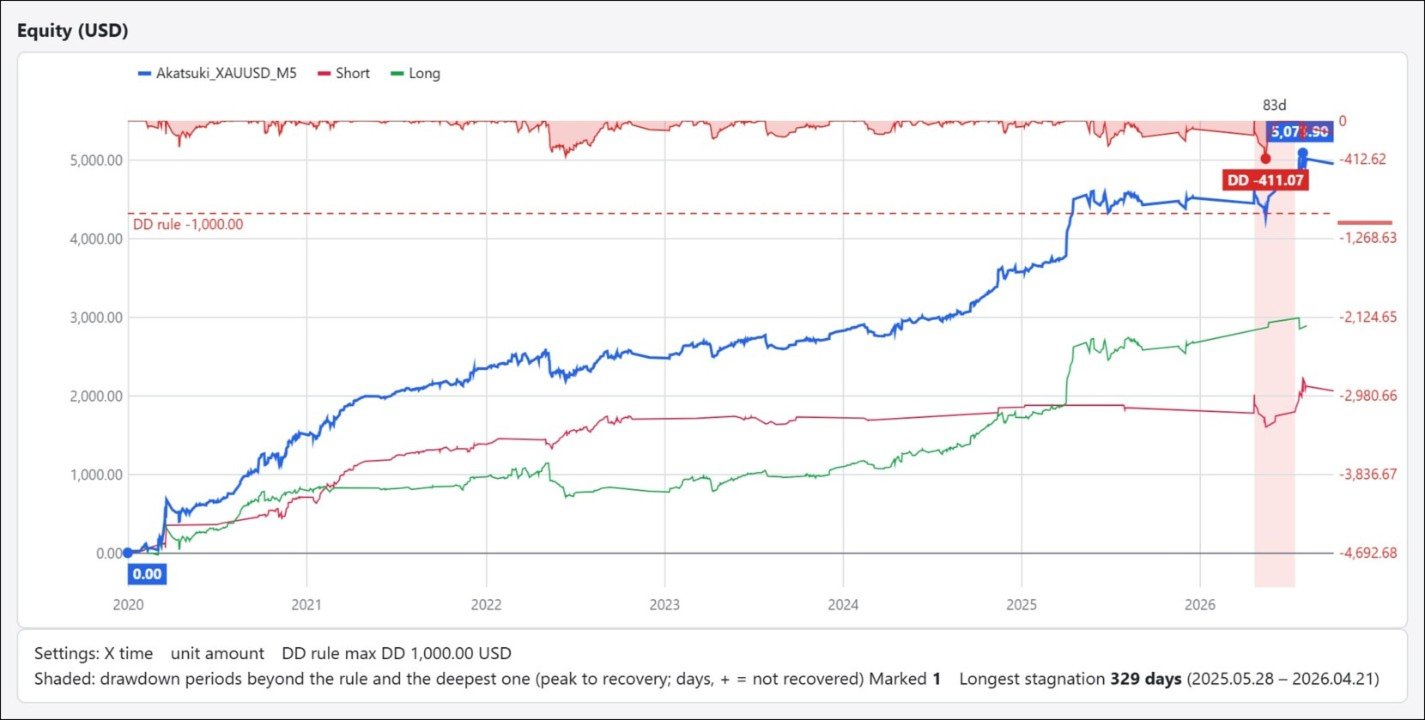
Akatsuki MT5
- Experts
- Version: 3.61
- Activations: 5

overview
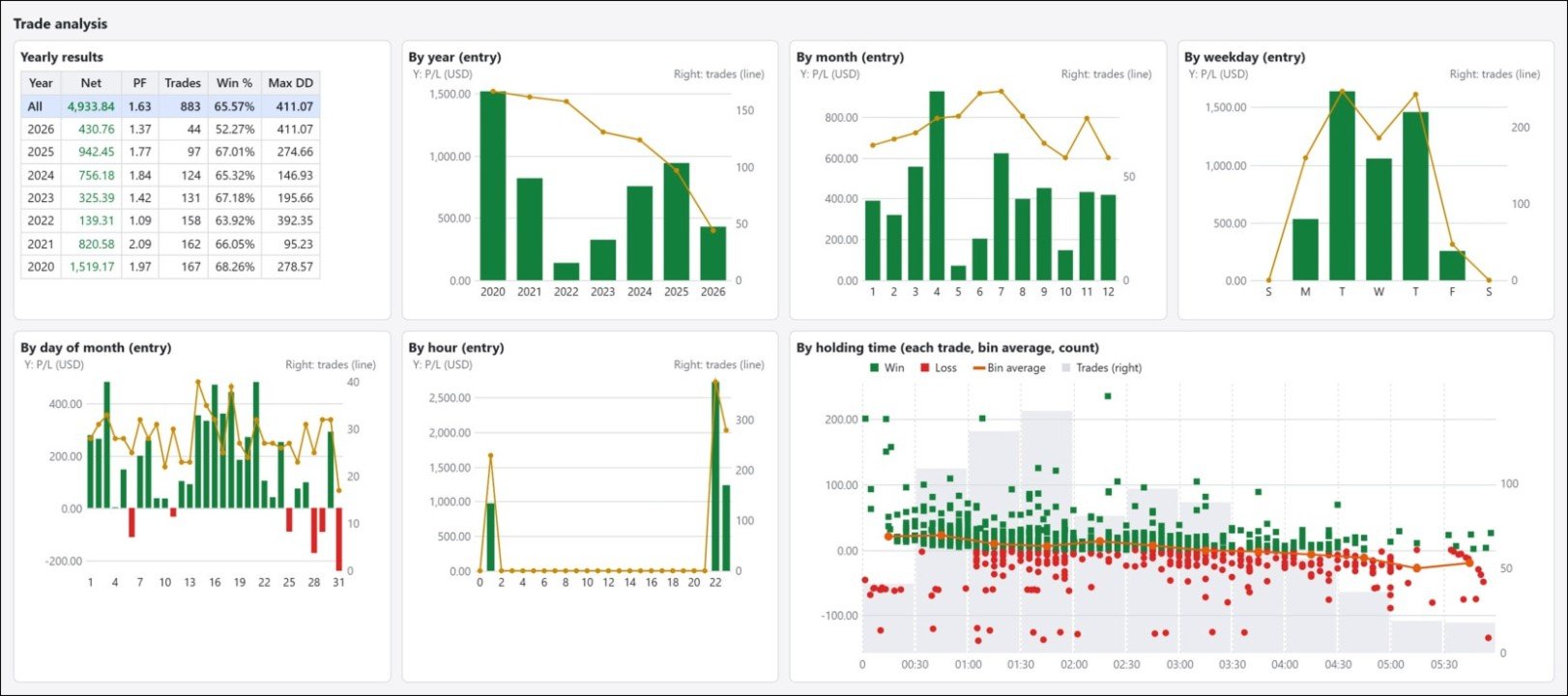
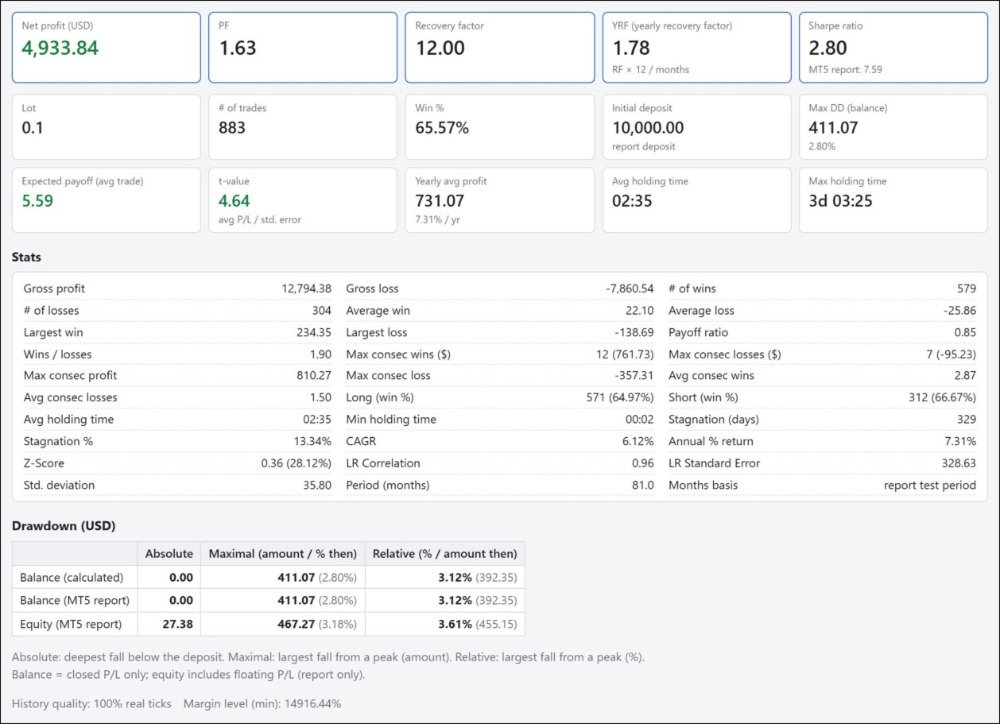
"Akatsuki" is a recovery-focused, short-term counter-trend system for XAUUSD, with an average holding time of about 3 hours per trade.
Around the 0:00 hour of server time (GMT+2), spreads widen on FX currency pairs, while XAUUSD is less affected by that widening.
Taking advantage of this, it trades counter-trend in thin ranges with few market participants.
XAUUSD volatility can change significantly.
The EA is designed so that its internal parameters change and adapt to the volatility.
The technical indicators used in the internal filters use my own parameter settings, so that they are less affected by calculation differences between platforms.
Development and testing were done on data from 2012 onward. Behavior may differ in market conditions before that.
No grid, martingale, or hedging. One position only.
With a fixed SL and a single position, the risk per trade is easy to grasp. XAUUSD is a highly volatile instrument, but the stop loss is at most 120 pips.
After a large loss, a cooldown also pauses new entries for a set time.
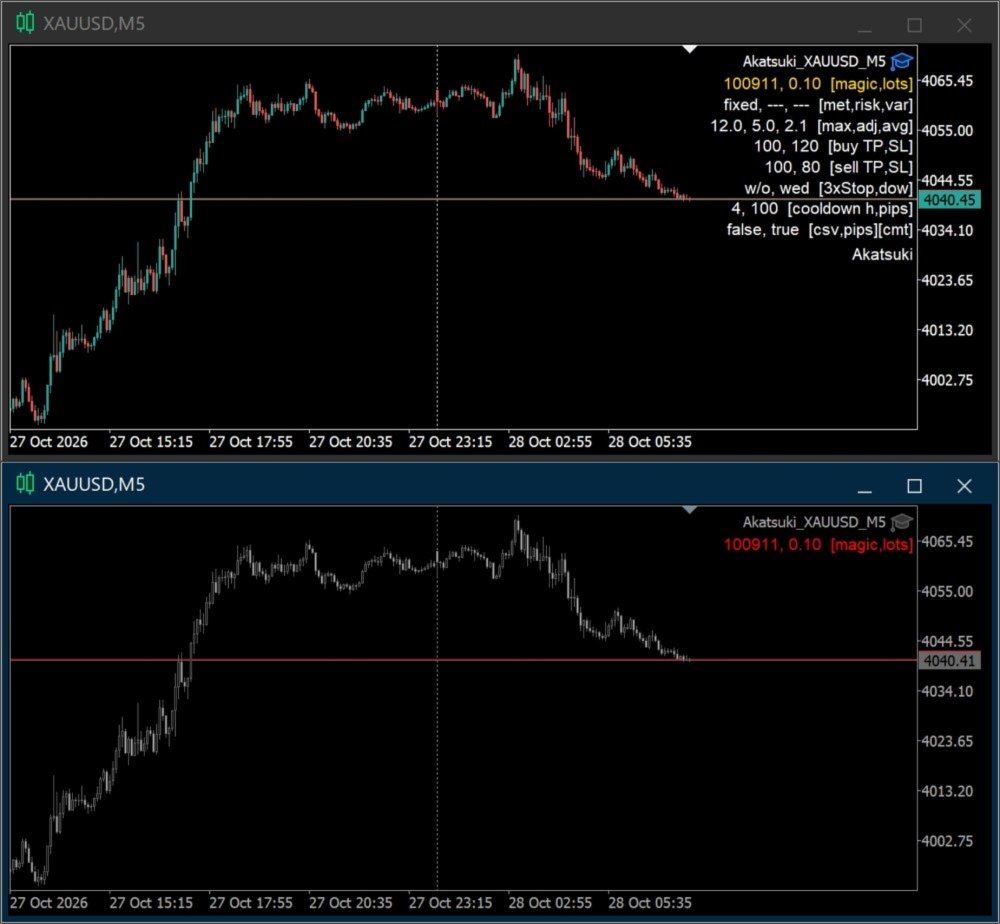
To prevent operational mistakes in live trading, the EA includes extensive support functions.
These include automatic chart setup, magic number duplicate alert, and insufficient-funds entry prevention.
This makes it easy to use even for those new to automated trading. Please try it thoroughly on a demo account first.
Installation
- Symbol | XAUUSD
- Timeframe | M5
- GMT | +2/+3 (for 5 daily bars per week only)
- Max bars setting | 1000 or more
* Even if placed on a symbol other than XAUUSD, the chart automatically switches to XAUUSD and is set up.
specification
- Positions | 1
- Max TP/SL | 200/120 pips (not changeable)
- Weekend holding | None in principle.
* If Friday is a market holiday, stop the EA manually on Thursday. - Year-end/New Year | Dec 20 – Jan 3: no new entries, exits only
Parameter Overview
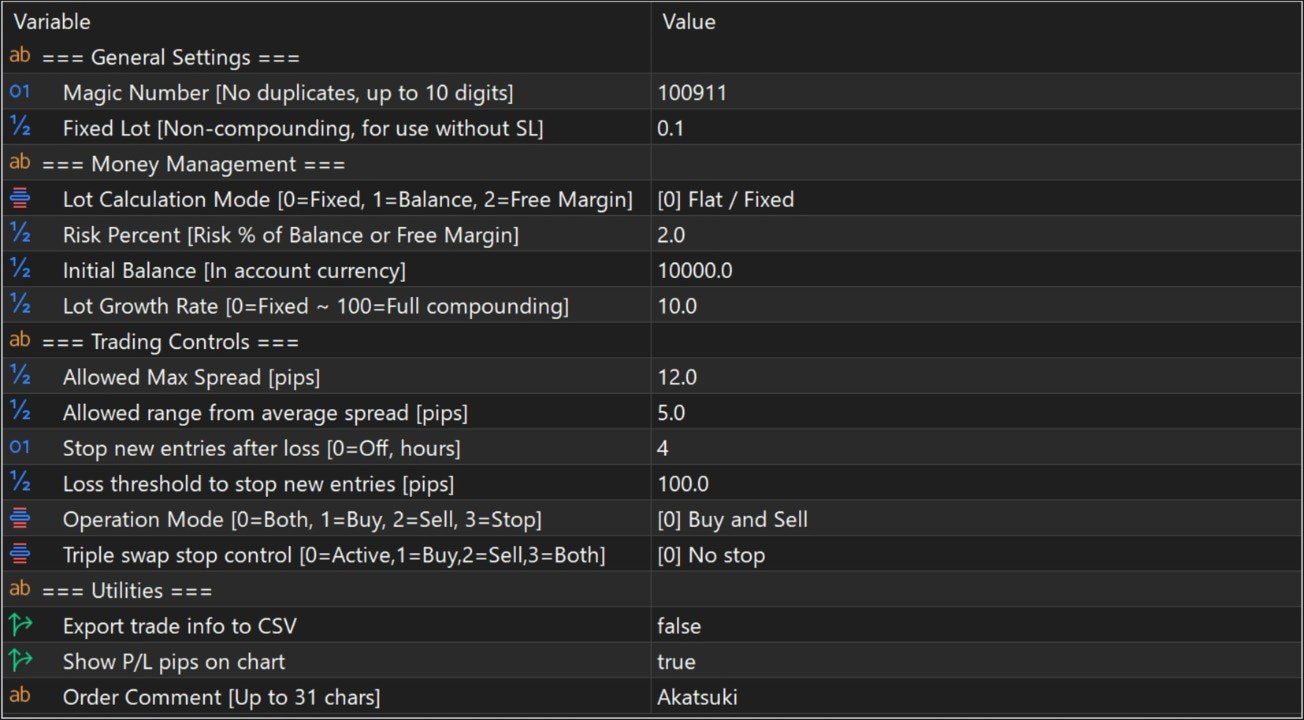
- Risk Percent | Sets the loss at SL exit as a percentage of the base balance.
- Initial Balance | The balance used as the base for Lot Growth Rate. Enter your balance at the start of operation, in your account currency.
- Lot Growth Rate | Sudden lot changes carry high risk, so the lot change can be controlled. 0 fixes it to Initial Balance; 100 links it fully to the selected funds.
- Allowed range from average spread | The allowed range from the internally measured average spread. The rollover period is hard to control with a maximum value alone, so setting a deviation from the average covers a wider range.
- CooldownHours / CooldownLoss_pips | If the loss from a single closed position is CooldownLoss_pips or more, new entries are prohibited for the number of hours set in CooldownHours. Use it to curb overtrading during sudden market moves. Setting CooldownHours to 0 disables the function.
- Export trade info to CSV | Outputs details such as the execution spread, average spread, and slippage at the time of each trade.
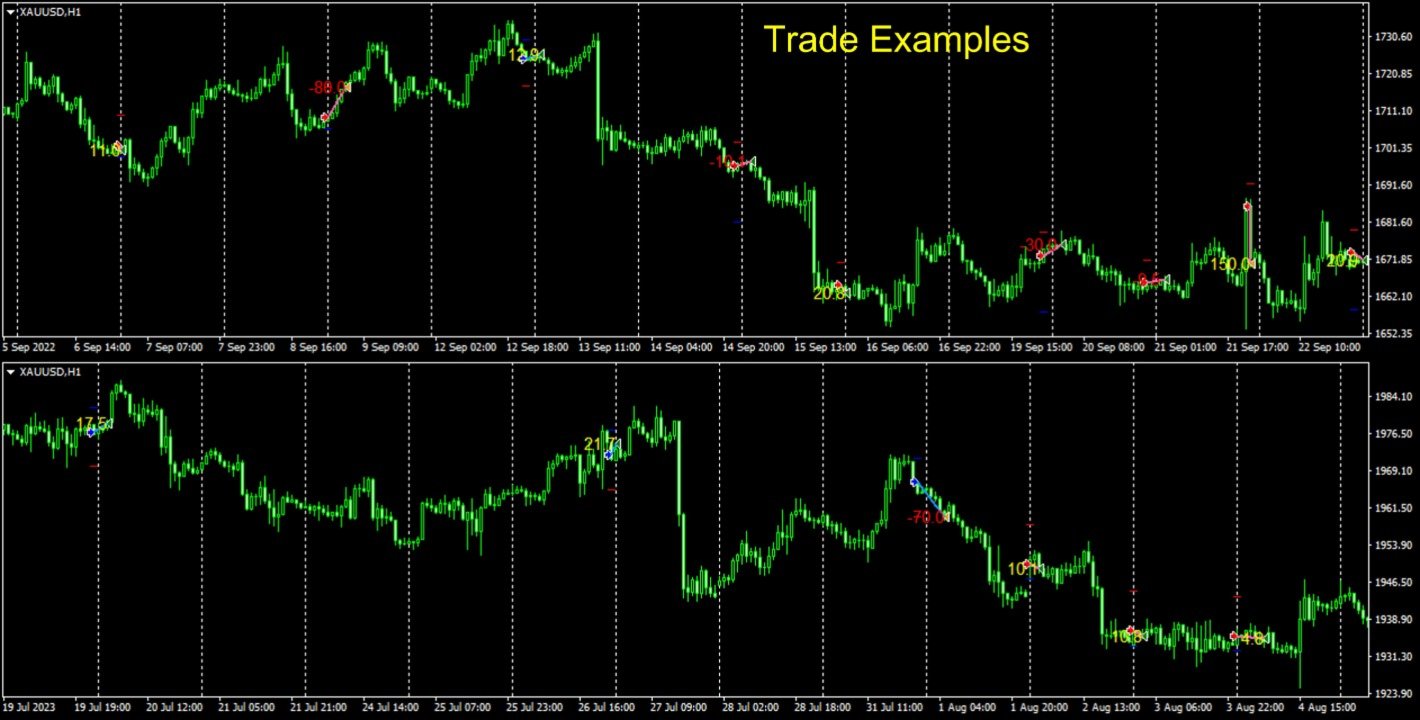
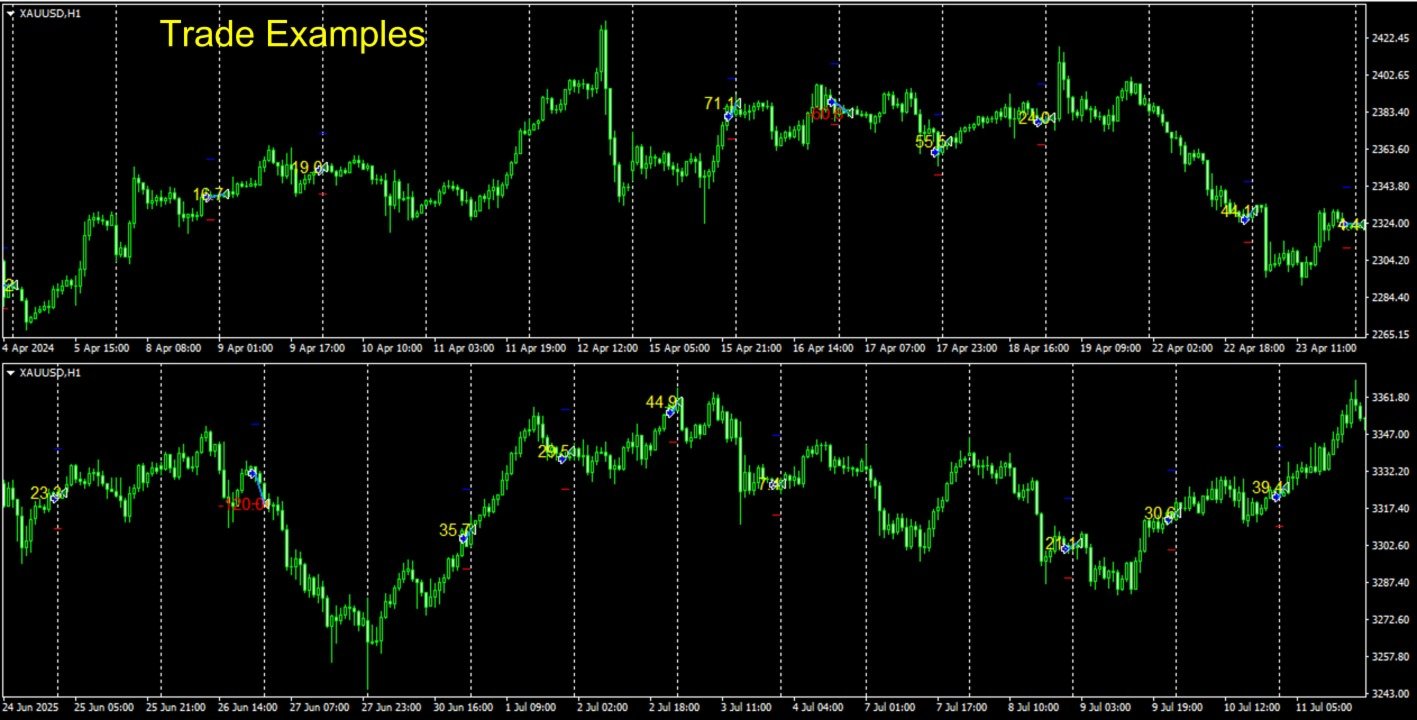
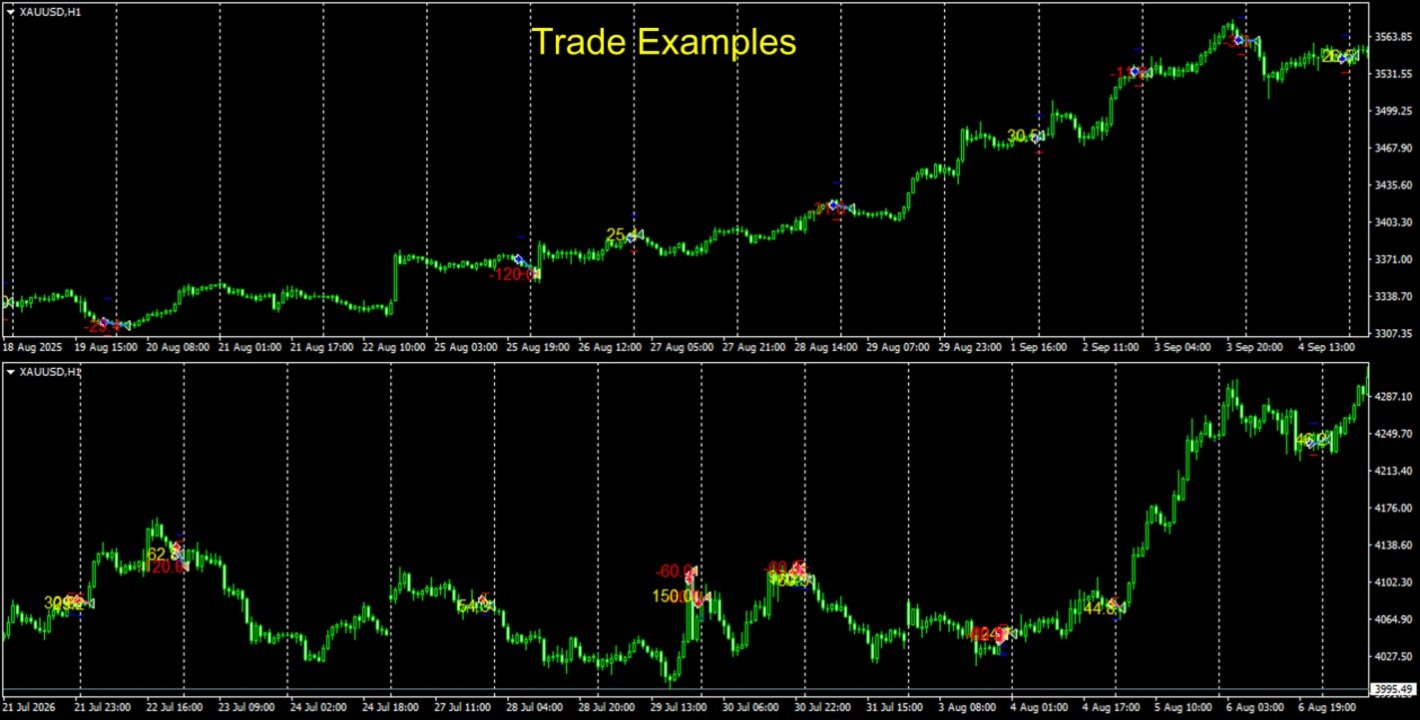
* Logs tend to be output twice when closed by TP/SL, so please be aware. - Show P/L pips on chart | Displays trade lines and pips on the chart.
How to Determine Compound Lot Size
Lot size should be decided at your own responsibility, according to your trading environment and capital. No recommended values are provided.
When Lot Calculation Mode is set to 1=Balance or 2=Free Margin, the lot size is determined as follows:
- Base balance = Initial Balance + (Fund balance for 1 or 2 − Initial Balance) × Lot Growth Rate
- Lot size = Base balance × (Risk Percent ÷ 100) ÷ (SL pips × profit/loss per pip for 1 lot)
* The larger of the Buy SL and Sell SL (in pips) is used.
- Enter your balance at the start of trading in Initial Balance, in your account currency.
- Run a backtest optimization on two parameters: Risk Percent and Lot Growth Rate.
- Check the maximum drawdown in the results list and choose a combination you can tolerate.
* In backtests, currency conversion rates may be calculated with approximate values. The lot size will not exactly match live trading, so please use it as a guide.