Zippy Bot MT4
- Experts
- Version: 1.0
- Activations: 5

If you're reading this message — congratulations, you've just found your key to consistent profits in the market!!!
Zippy Bot is a scalping Forex robot. It's a high-tech algorithm that scans and analyzes data from leading financial portals such as Finviz, SBPRO X and others to open precise positions at the perfect moment.
Forget about dangerous strategies! Our EA works accurately and safely, delivering consistent performance across any currency pair.
The EA scans all currency pairs on the M1 timeframe to hunt for ideal entry points.
Every trade is protected: a clear Stop-Loss safeguards your deposit, while Take-Profit locks in profits at the right time.
Our EA has undergone rigorous real-market testing in live market conditions — on real ticks, with slippage and spreads included.
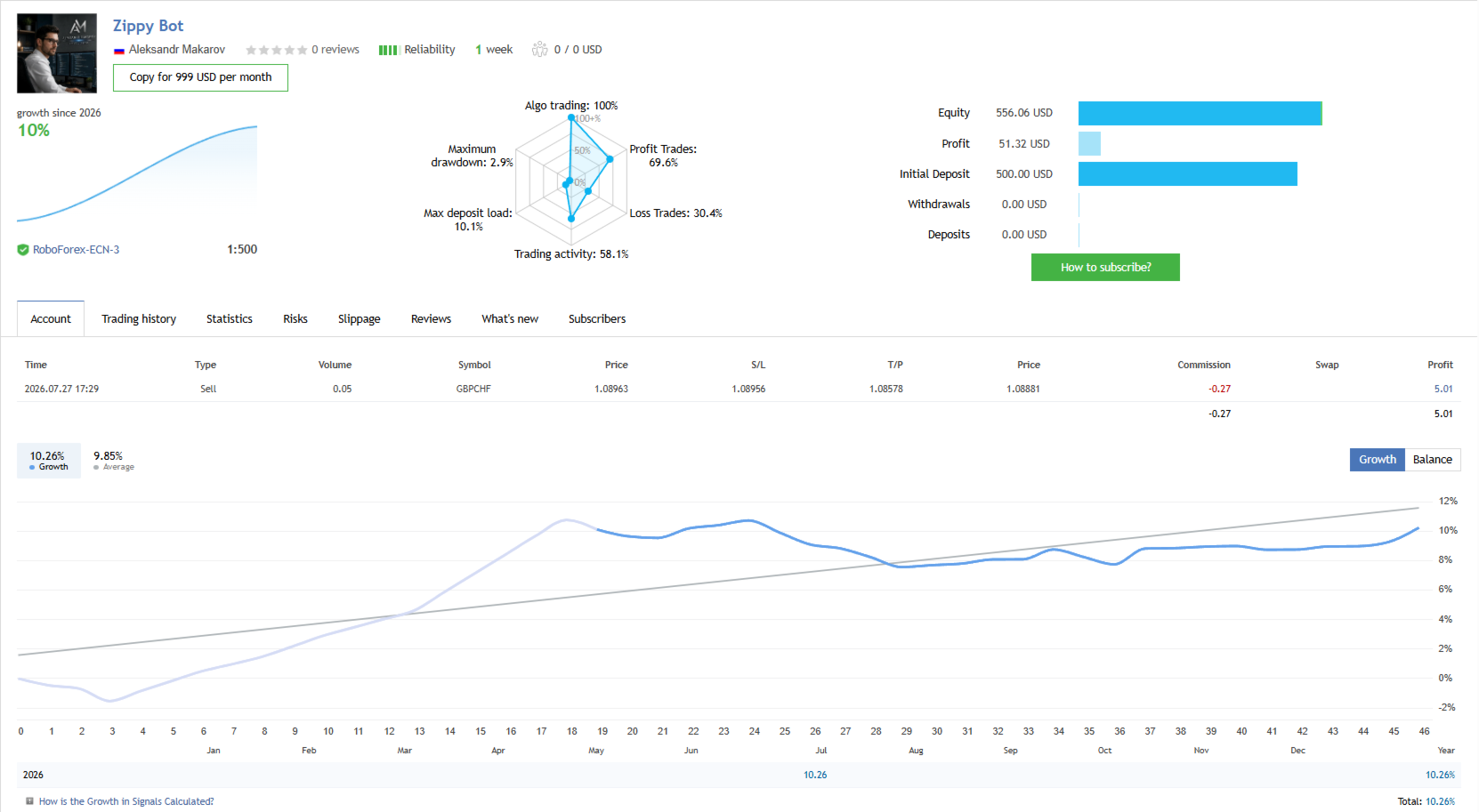
All results are transparently documented:
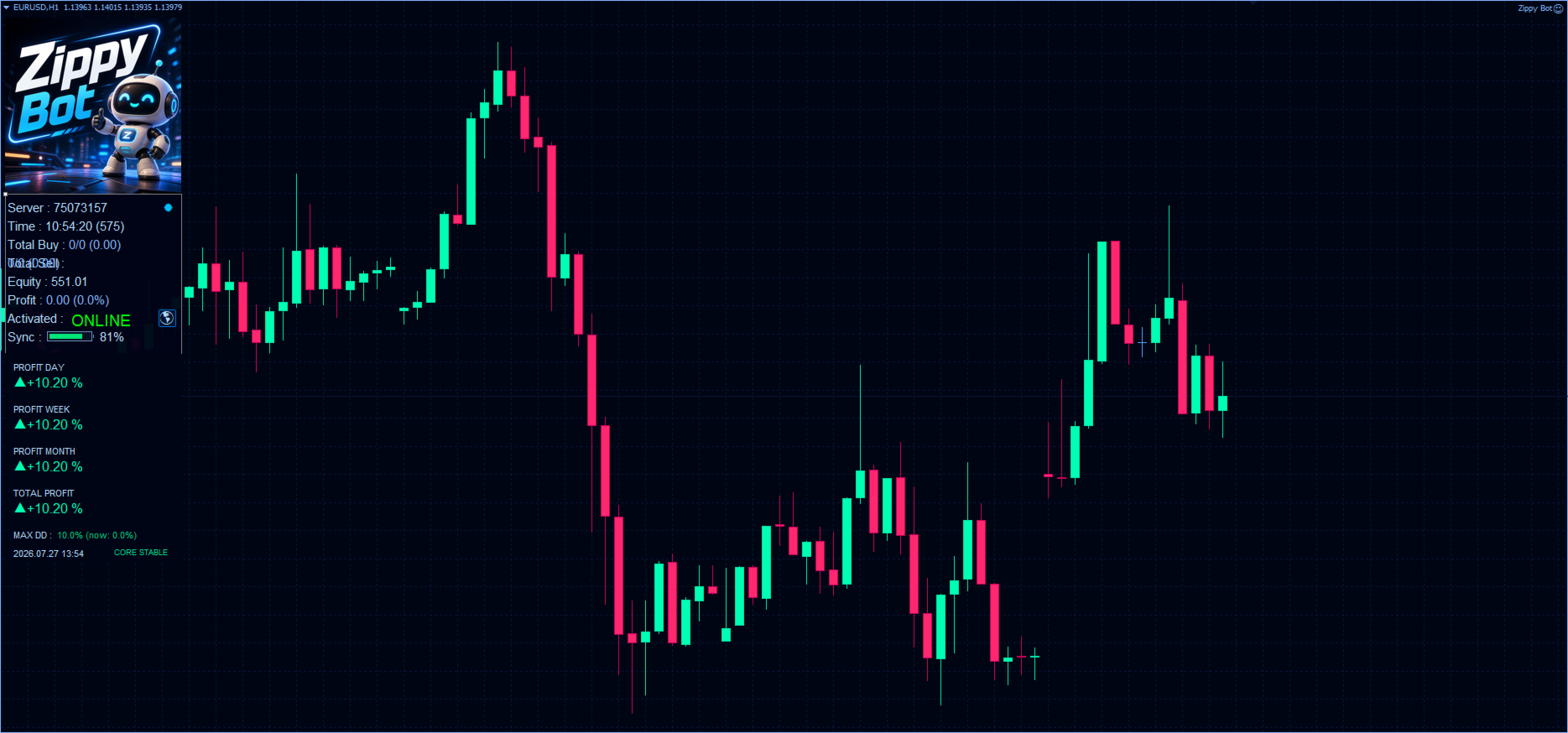
But we didn't stop there. I personally refined the trading core to make the algorithm even gentler on your deposit. In this new version, we've overhauled the risk management logic and implemented a strict drawdown cap — no more than 10%
Live Signal:
Important: After payment, make sure to message me privately. Without this step, you won't receive your personalized License.
Installation instructions -https://www.mql5.com/en/blogs/post/773243
Technical Specifications (simple and clear):
- Working symbols: EURUSD (other pairs will be auto-detected)
- Timeframe: M1
- Minimum deposit to start: 100$
- Recommended leverage: 1:500
- Account type: any
- Broker: ANY (but with a low spread, the EA performs even more efficiently)
- I recommend installing on VPS — for 24/7 uninterrupted performance
Why This EA Is the Best Choice:
- No Martingale — no "snowball" effects or blown accounts
- No dangerous methods — only proven, reliable algorithms
- Stop-Loss & Take-Profit — on every single position
- Stability — backed by real market testing
- Not fussy — works under any broker conditions (no pending orders, no breakout hunting — all entries are market orders)
- Drawdown — You stay in full control: you personally set the maximum drawdown directly in the EA settings.
- Easy installation — even a beginner can handle it
Frequently Asked Questions (FAQ)
Safety Comes First
We take security extremely seriously. All critical processes are managed through our secure servers, which completely eliminates hacking or unauthorized access to your Zippy Bot.
How does it work? After purchase, you send us your trading account number, and we activate your personal license in return. Simple and secure.
Why Can't I Test It in the Strategy Tester?
Zippy Bot cannot be tested in the standard Strategy Tester! Why? Because the real magic happens on our servers in real time. This is designed to protect our intellectual property and strategy confidentiality.
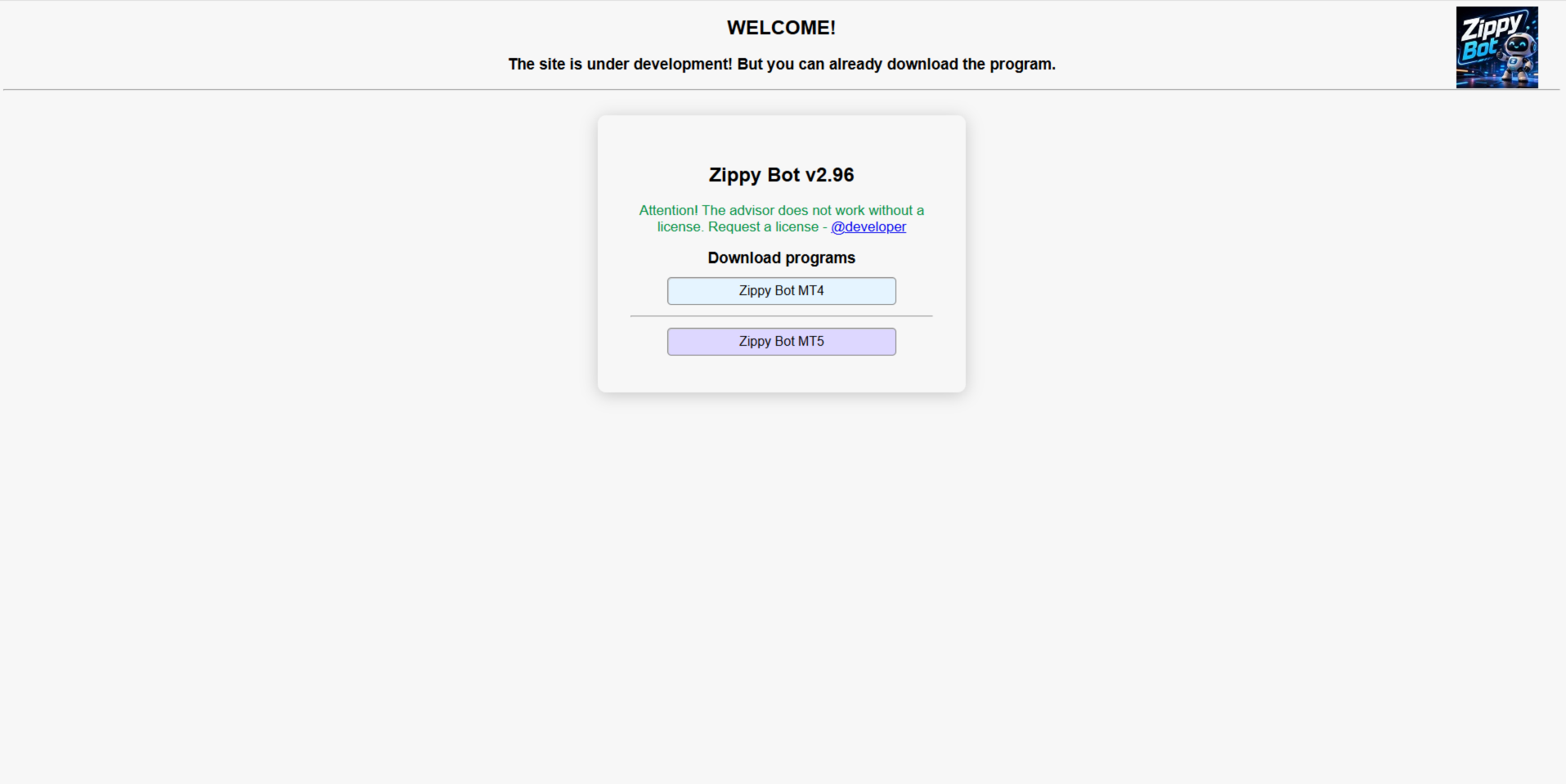
After purchase, you'll receive the full original version along with detailed installation instructions.
Versions for MT4 and MT5
After purchase, you'll get access to download the ORIGINAL VERSION. You choose — MT4 or MT5. Everything tailored to your needs!
Important: The license is issued for 1 trading account, but after 1 week of use, you can request to connect one additional account completely free of charge. A bonus for active traders!
Both MT4 and MT5 versions are available.
Installation and Updates
Everything has been thought through down to the smallest detail:
- You purchase the EA.
- You send me your account number.
- You receive a download link and install the EA.
Open the EURUSD M1 chart (or any other pair), drag and drop the EA, allow DLL imports, and LEAVE EVERYTHING AS DEFAULT — we've already pre-configured it all for you! Set the lot to automatic or choose a fixed lot — recommended 0.01 per $100.
Updates
I've built a smart system: the EA will automatically notify you as soon as an update is available.
It's like autopilot for updates. You'll always be on the latest and most secure version without lifting a finger.
Want us to handle everything for you? That's possible! Just send us your VPS access details, and we'll personally install and configure the EA for your account.