Proxy server
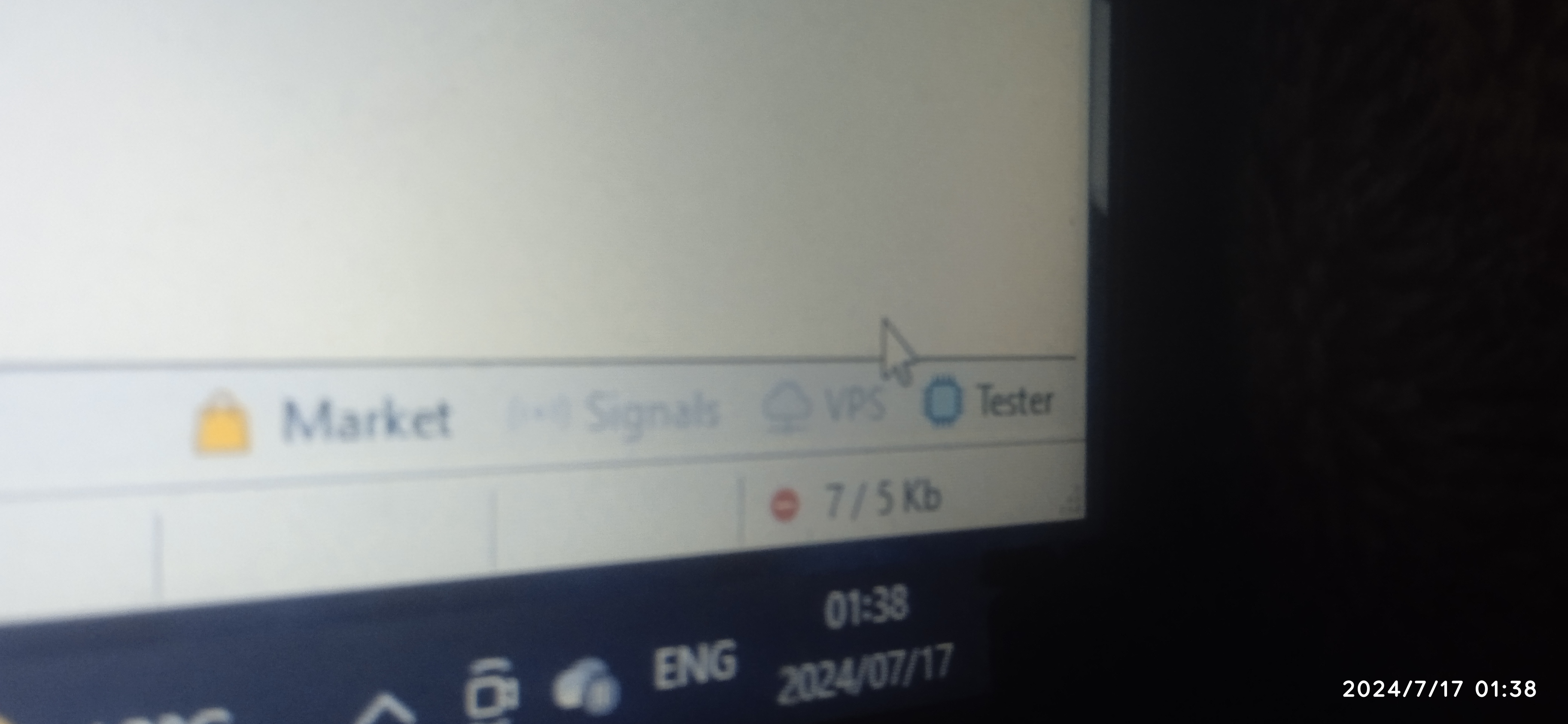
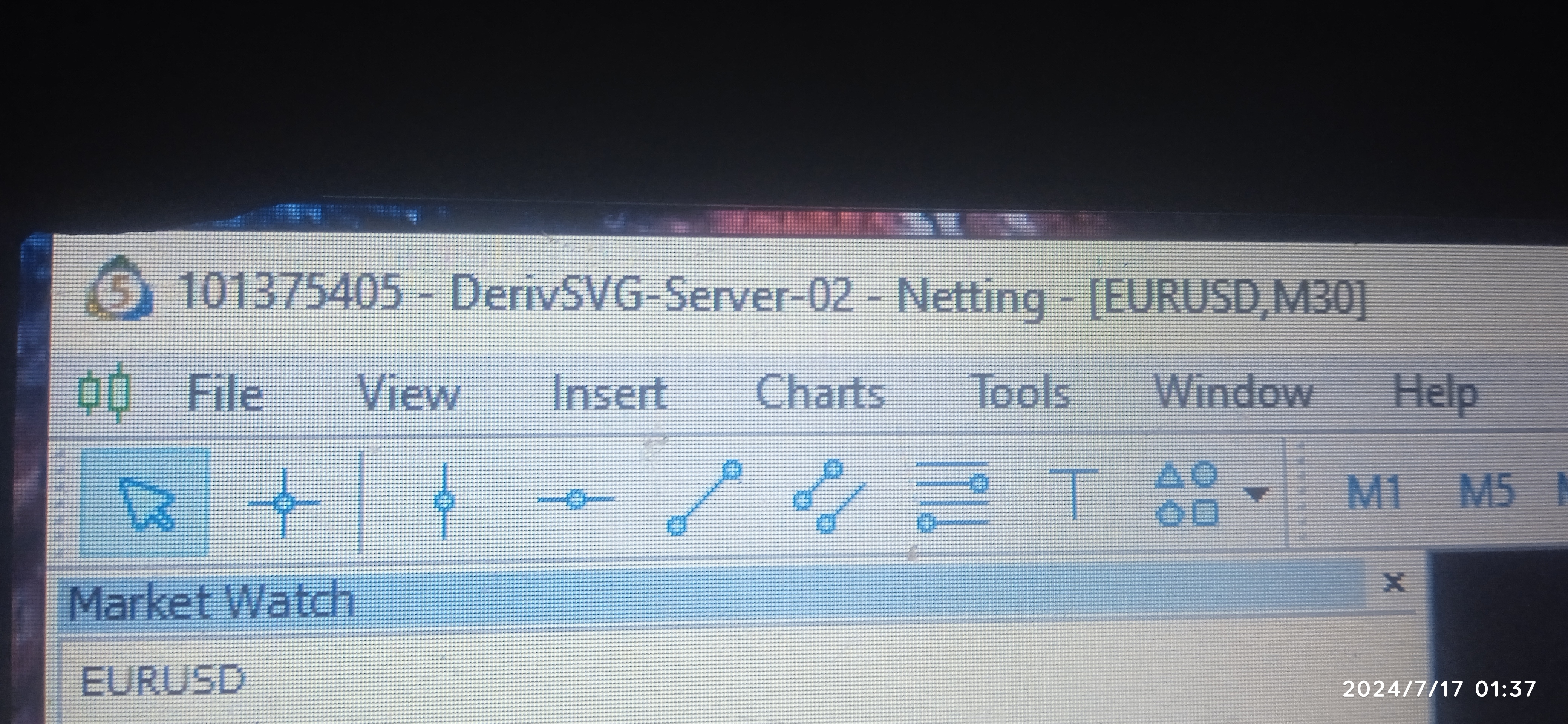
Hi there, I have trouble setting up my mt5 platform upon installation it wants a proxy server from me I'm stuck and can't proceed because all this is strange to me I never had this issue before installation used to be easy and never needed all these extra gimmicks
Files:
16515633611157921072159124032356.jpg
3409 kb
- "Please specify the proxy server options" - How to install MT4 platforms?
- new MT4 download asking for proxy server! HELP!
- Can't install MT4 or MT5 due to proxy setting (Windows 10)
Brendon Carey:
Hi there, I have trouble setting up my mt5 platform upon installation it wants a proxy server from me I'm stuck and can't proceed because all this is strange to me I never had this issue before installation used to be easy and never needed all these extra gimmicks
Yes, it is strange ... because if you have Windows 10 with 64-bit so it is very rare case for asking the proxy.Hi there, I have trouble setting up my mt5 platform upon installation it wants a proxy server from me I'm stuck and can't proceed because all this is strange to me I never had this issue before installation used to be easy and never needed all these extra gimmicks
You can cancel this proxy server (there is "OK" and "Cancel" so you cancel) and continue the installation.
Or you can download Metatrader 5 from official link here Download MetaTrader 5 and install, and after that - connect Metatrader to the trading account.
Sergey Golubev #:
Yes, it is strange ... because if you have Windows 10 with 64-bit so it is very rare case for asking the proxy.
You can cancel this proxy server (there is "OK" and "Cancel" so you cancel) and continue the installation.
Or you can download Metatrader 5 from official link here Download MetaTrader 5 and install, and after that - connect Metatrader to the trading account.
The problem still persists even with your solutions.
Yes, it is strange ... because if you have Windows 10 with 64-bit so it is very rare case for asking the proxy.
You can cancel this proxy server (there is "OK" and "Cancel" so you cancel) and continue the installation.
Or you can download Metatrader 5 from official link here Download MetaTrader 5 and install, and after that - connect Metatrader to the trading account.
Brendon Carey #:
The problem still persists even with your solutions.
The problem still persists even with your solutions.
I provided two solutions: skip this "proxy window" and download MT5 from official link (not from the broker's website).
My solution worked for many people (but for some people - not sorry).
If you are having Windows 10 64-bit computer, and if you downloaded MT5 installator from official release (from this link Download MetaTrader 5 ) and if it is still asking proxy during the installation so it may be the following:
- your computer is not Windows 10 64-bit;
- you are using Mac computer;
- you (or your internet/local provider/network) are really having/using proxy;
- you are using some external VPS which is using proxy (AWS VPS and others);
- may be more
read the following thread about the suggestions (if it does not help so sorry - you need to change computer or internet provider for example):
"Please specify the proxy server options" - How to install MT4 platforms?
- 2021.01.14
- www.mql5.com
I have downloaded MT4 platform on my new laptop and when I try to install it asks for "Please specify the proxy server options...
I do not know about AWS VPS anything (it is Windows OS, Window 10, or Linux ...).
But I found some thread where the users had same issue with proxy and they fixed it on AWS VPS
So, read this thread "Please specify the proxy server options" AWS Amazon VPS installation
(especially the post #2 )
But I found some thread where the users had same issue with proxy and they fixed it on AWS VPS
So, read this thread "Please specify the proxy server options" AWS Amazon VPS installation
(especially the post #2 )
"Please specify the proxy server options" AWS Amazon VPS installation
- 2022.03.09
- www.mql5.com
Hello, during installation of MT4 on AWS Cloud from Amazon I get "Please specify the proxy server options" . How I can solve this problem...
Sergey Golubev #:
I do not know about AWS VPS anything (it is Windows OS, Window 10, or Linux ...).
But I found some thread where the users had same issue with proxy and they fixed it on AWS VPS
So, read this thread "Please specify the proxy server options" AWS Amazon VPS installation
(especially the post #2 )
Thank you so much, the solution worked
I do not know about AWS VPS anything (it is Windows OS, Window 10, or Linux ...).
But I found some thread where the users had same issue with proxy and they fixed it on AWS VPS
So, read this thread "Please specify the proxy server options" AWS Amazon VPS installation
(especially the post #2 )
"Please specify the proxy server options" AWS Amazon VPS installation
- 2022.03.09
- www.mql5.com
Hello, during installation of MT4 on AWS Cloud from Amazon I get "Please specify the proxy server options" . How I can solve this problem...
hi i m using windows 7 (32 bit). i can't install mt5 due to proxy server login issue. is there any solution?