Custom Regression Signals PRO
- Göstergeler
- Sürüm: 2.1
- Etkinleştirmeler: 5

Custom Regression Signals PRO
Short description: Advanced channel indicator with Multi-Timeframe (MTF) functionality and an interactive panel. Identify the global trend and get non-repainting reversal signals right on your working chart!
Full description:
Custom Regression Signals PRO is a professional tool for linear regression channel trading, designed for traders who want to see the bigger market picture. Unlike standard channels, the PRO version features powerful MTF (Multi-Timeframe) capabilities and a convenient interactive control panel right on the chart.
The indicator automatically plots the higher timeframe channel on your current working chart and provides arrow signals for boundary bounces, always taking the global trend into account.
Main Advantages of the PRO version:
-
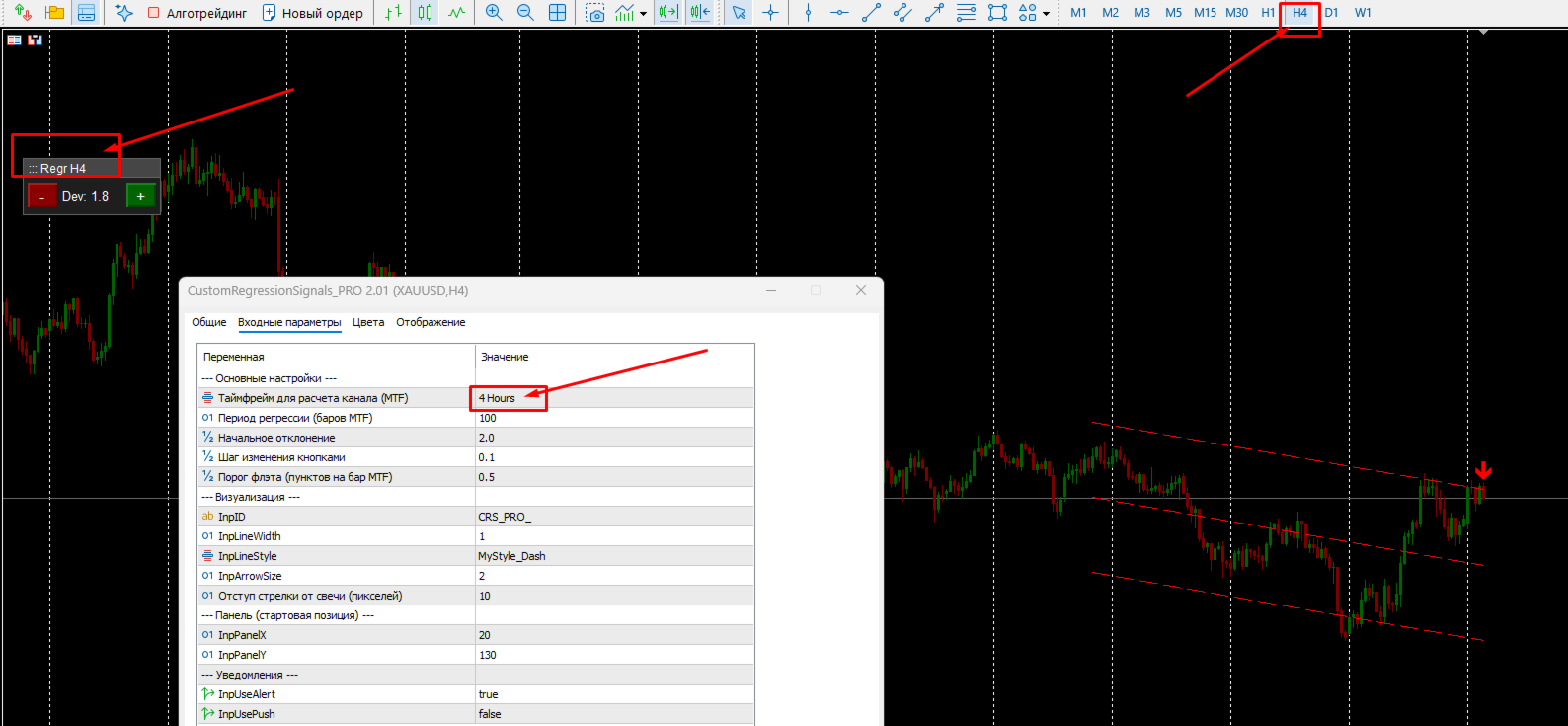
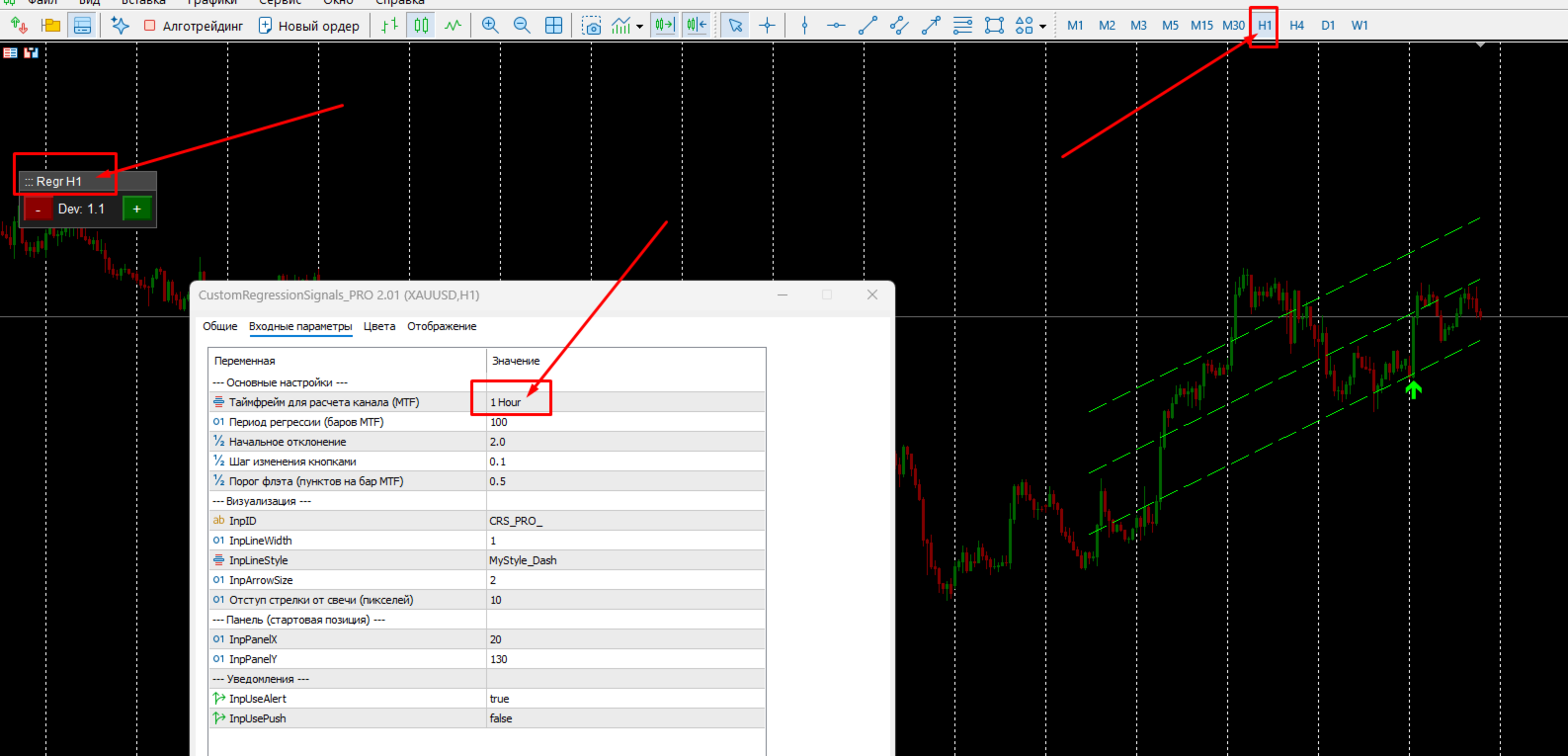
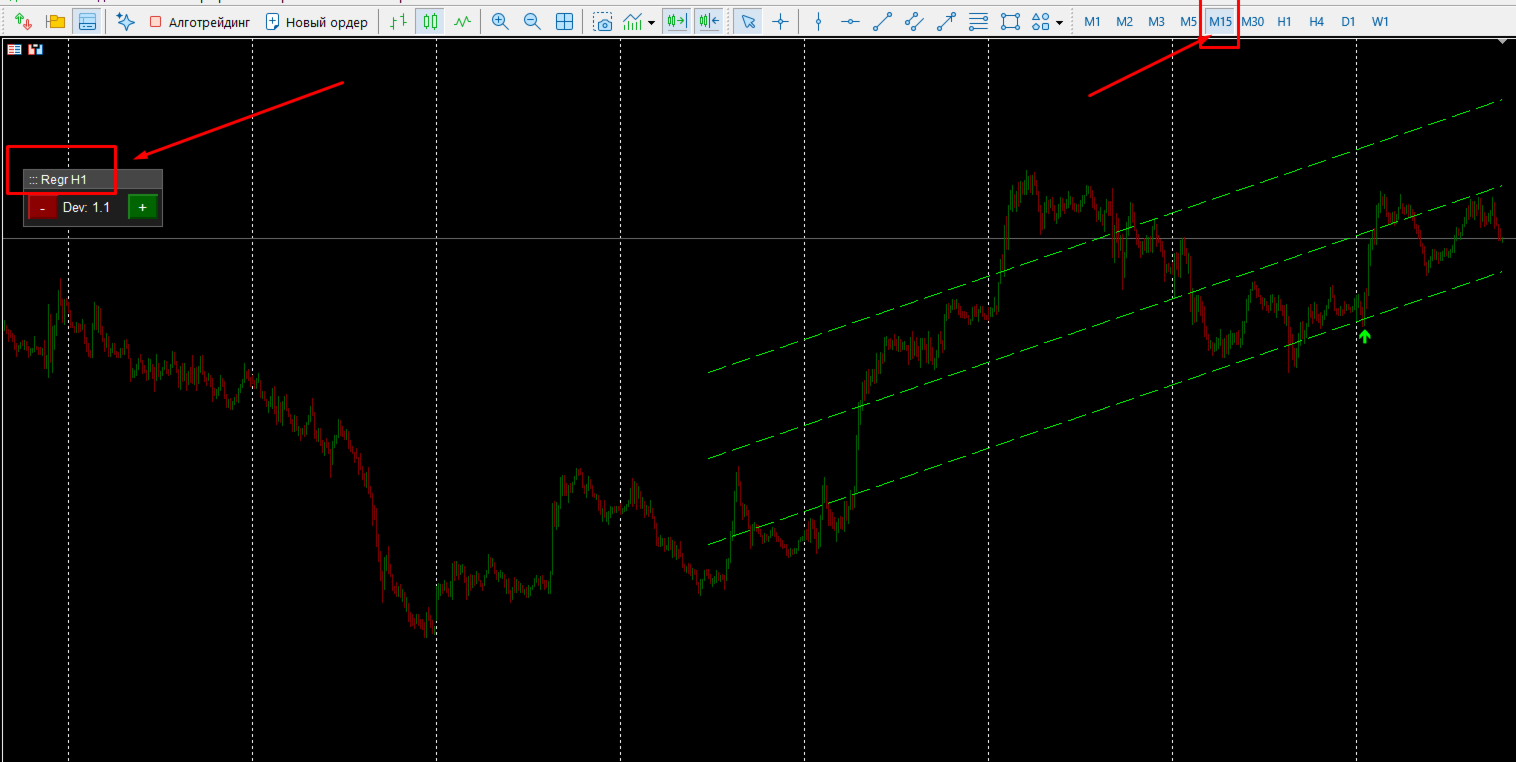
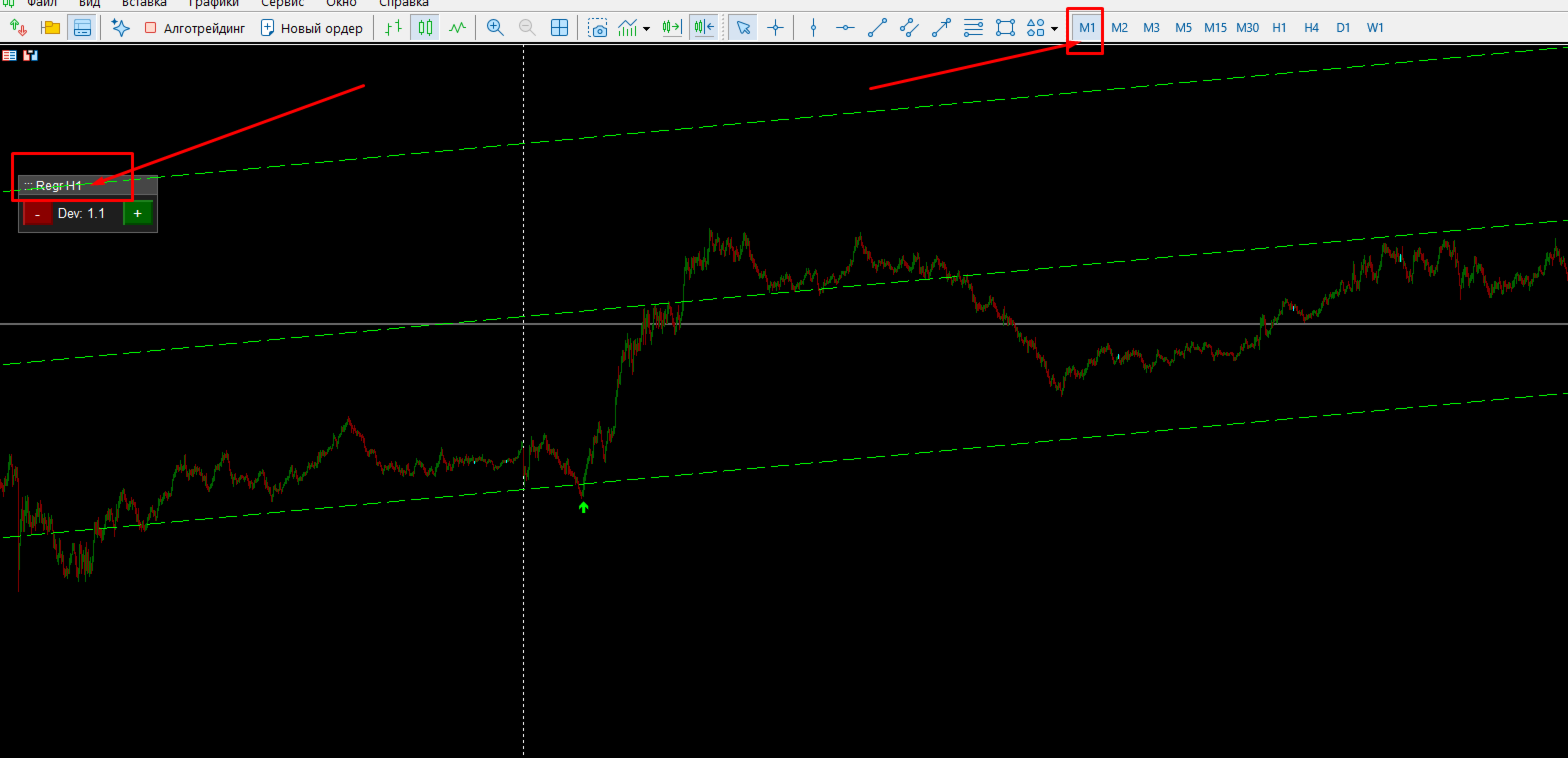
MTF (Multi-Timeframe) Mode: Analyze the channel from H4 or D1 while staying on your M15 chart. You get to see the true market boundaries where major bounces occur.
-
Interactive Draggable Panel: Adjust the channel width (Deviation) directly on the chart with a single click using the [+] and [-] buttons. The panel can be freely moved around the screen so it never covers your candlesticks.
-
Smart Signal Filtering: The indicator automatically determines the market state (Trend or Flat) based on the channel's slope angle. Colored arrows indicate trend trading, while gray arrows represent a flat market.
-
100% Non-Repainting: Signals (arrows) are formed strictly on the candle close and never disappear or repaint.
-
Comprehensive Alert System: Pop-up Alerts, Push notifications to your mobile device, and Email alerts.
Professional Strategy: "PRO + FREE"
Want to find the perfect entry points? Use a powerful combination of two of our indicators! Download our basic free version (https://www.mql5.com/ru/market/product/162966?source=Site+Profile+Seller) and attach it alongside the PRO version on the same chart.
How it works:
-
Set the PRO version to a higher timeframe (e.g., H4). It will reveal the global trend and the wide boundaries where major market players reverse the price.
-
Attach the FREE version to your current timeframe (e.g., M15).
-
The Signal: Wait for the price to approach the boundary of the higher timeframe channel (PRO), and enter the trade exactly when the lower timeframe channel (FREE) prints a reversal arrow in the direction of the global trend! This allows you to catch massive moves with minimal risk and sniper precision.
Main Settings:
-
Timeframe — timeframe for the channel calculation (e.g., set to H4 for trading on M15).
-
Period — number of higher timeframe bars used to build the regression channel.
-
Dev (Deviation) — initial channel deviation (width).
-
DevStep — the step size for changing the channel width when clicking the panel buttons (great for quick adjustments based on market volatility).
-
FlatThreshold — threshold for defining a flat market. If the slope angle is below this value, signals are colored gray (flat).
-
ArrowShift — distance of the arrows from the candlesticks for a clean visual display.