Fibonacci Robot Pro
- Uzmanlar
- Sürüm: 2.31
- Etkinleştirmeler: 5

Fibonacci Robot Pro is an automated Expert Advisor developed for MetaTrader 5, with a primary focus on Gold (XAUUSD) trading.
The system combines Fibonacci-based price analysis, Exponential Moving Average (EMA) trend conditions, automated order execution, basket management, and configurable recovery logic within a single trading framework.
Version 2.31 introduces additional risk management options, a compact trading dashboard, recovery-cycle analytics, and execution monitoring while preserving the underlying trading strategy.
The EA provides two operating modes, allowing users to choose between its original trading behavior and a configuration with additional risk restrictions.
1. Trading Strategy
Fibonacci Robot Pro uses a combination of technical analysis and automated position management.
Fibonacci Price Analysis
The EA calculates Fibonacci levels using historical price data and dynamically identifies price zones according to its internal strategy conditions.
It uses Fibonacci objects and configurable historical candle references to support its trading logic.
EMA-Based Trend Analysis
Three configurable Exponential Moving Averages are included:
-
Fast EMA: 5 (default)
-
Slow EMA: 12 (default)
-
Trend EMA: 100 (default)
The moving averages help evaluate market direction and trading conditions.
Automated Trade Execution
When the required strategy conditions are satisfied, the EA can automatically execute and manage trades.
Trading behavior depends on market conditions, chart timeframe, broker specifications, and the selected input parameters.
2. Main Features
Fibonacci-Based Trading Logic
Uses Fibonacci calculations and predefined strategy conditions for automated trade decisions.
EMA Trend Conditions
Includes configurable moving averages to support market trend analysis.
Automated Buy and Sell Operations
Manages trade execution according to the EA's internal trading rules.
Grid and Basket Management
Supports multiple-position management, configurable trade spacing, and basket-based exit conditions.
Configurable Recovery Logic
Includes position recovery and adjustable lot progression parameters.
Recovery strategies may increase market exposure and should be evaluated carefully.
Basket Exit Management
Provides configurable basket-closing conditions as part of the trading system.
Trailing Stop Management
Includes adjustable trailing stop and trailing step parameters within the EA's position management logic.
Optional Risk Controls
Provides configurable equity and position exposure restrictions in Protected Mode.
Spread Filtering
Includes an optional maximum spread condition for new entries in Protected Mode.
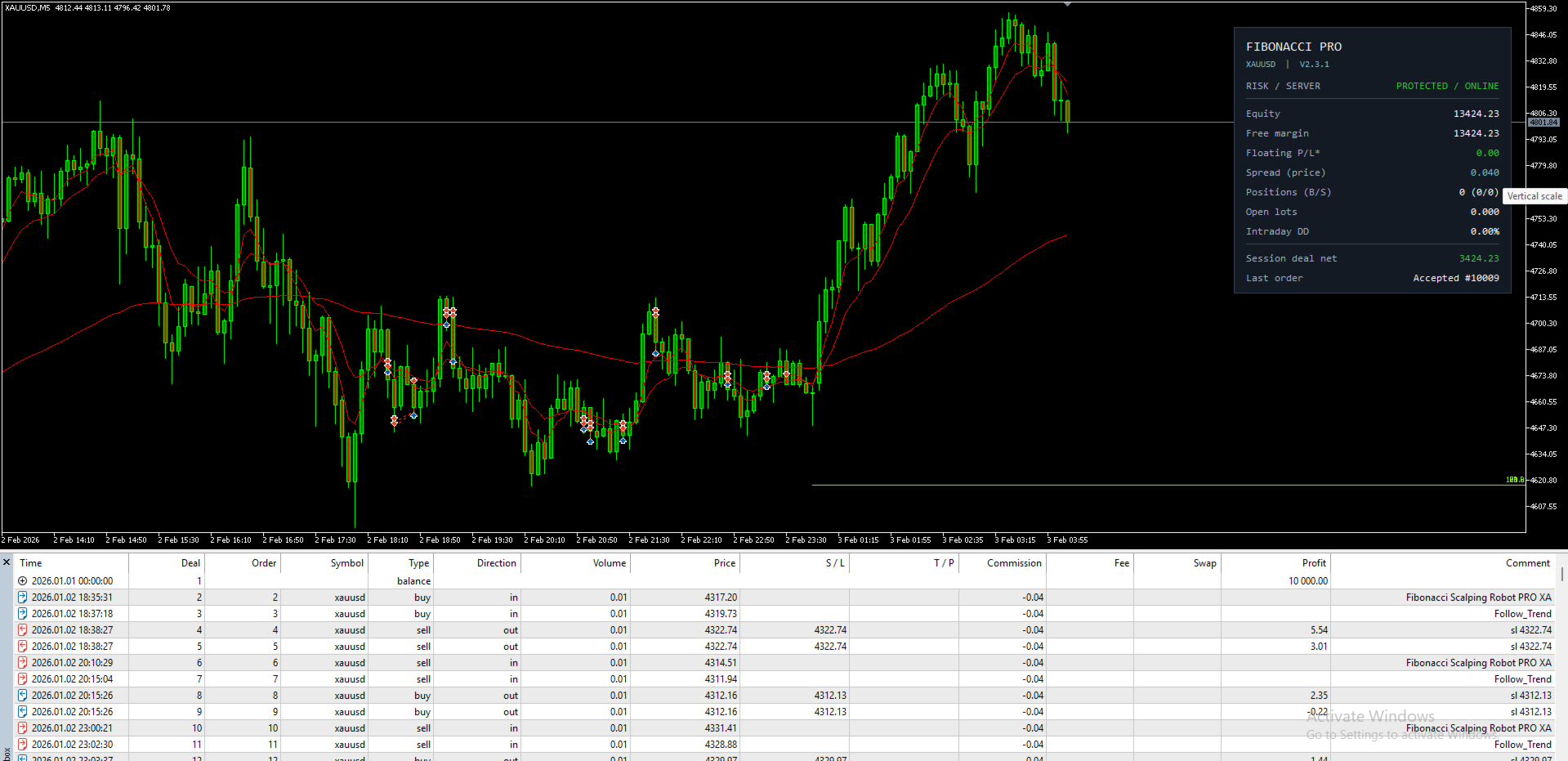
Trading Dashboard
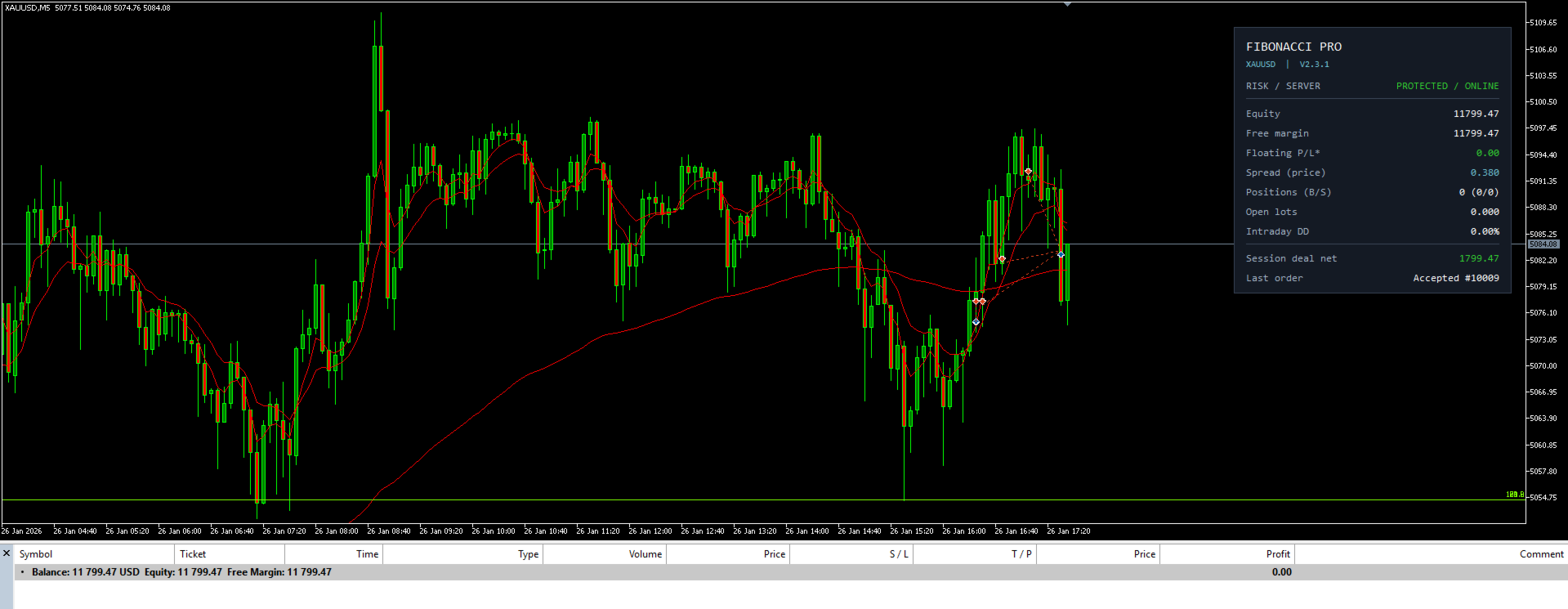
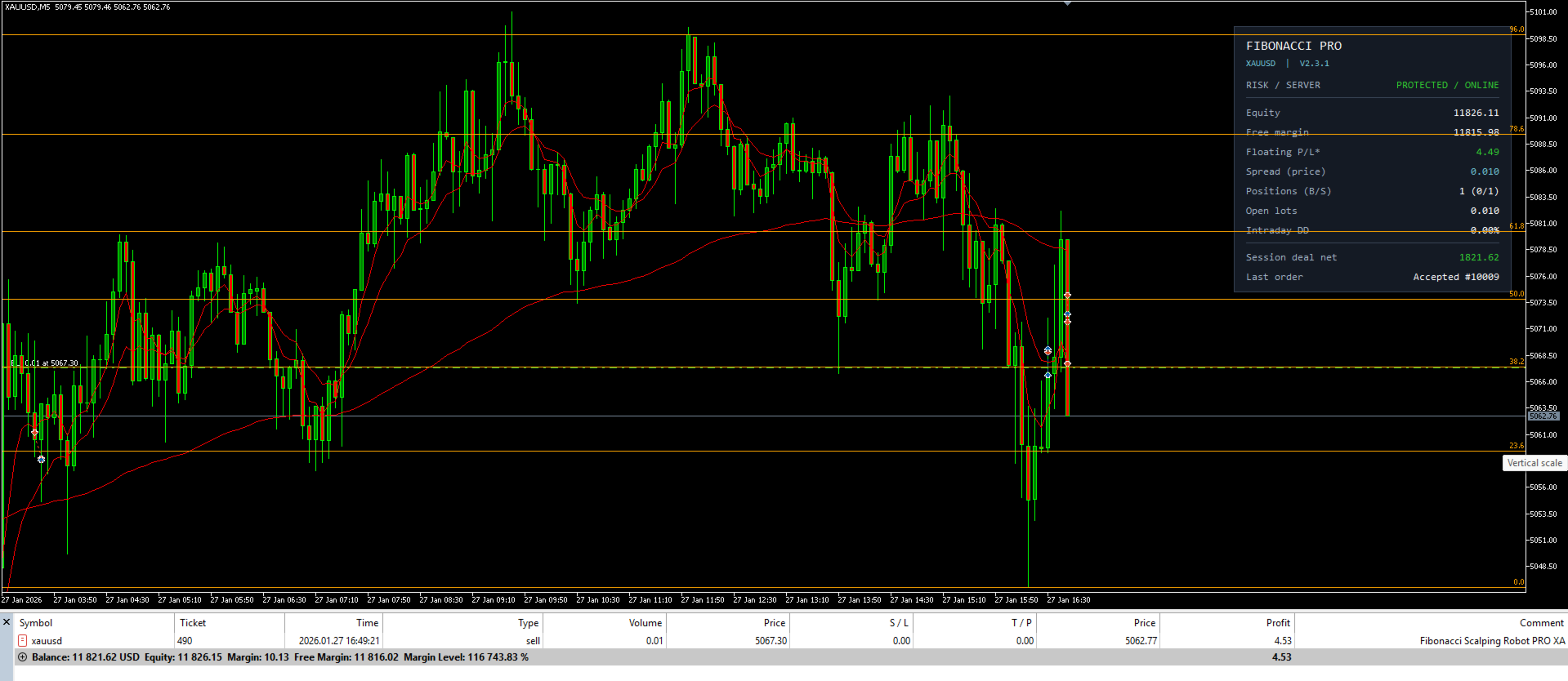
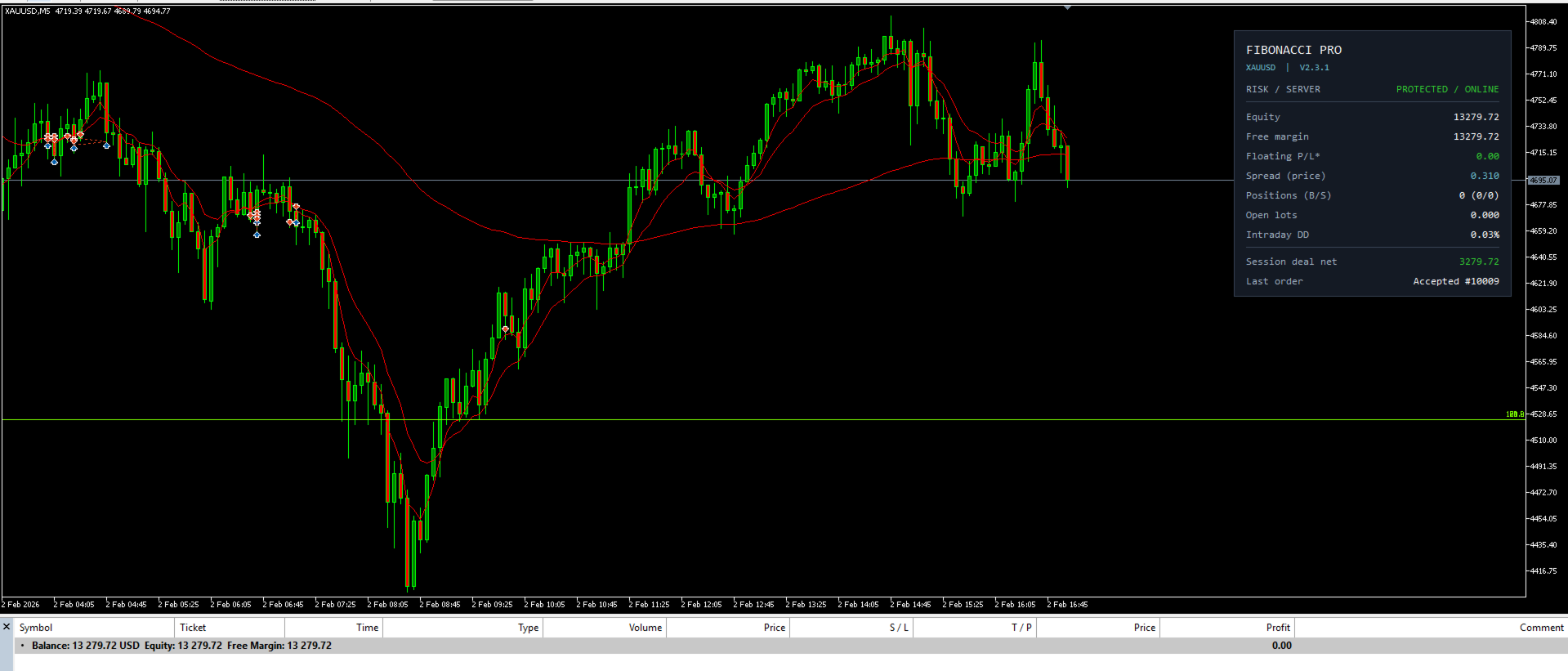
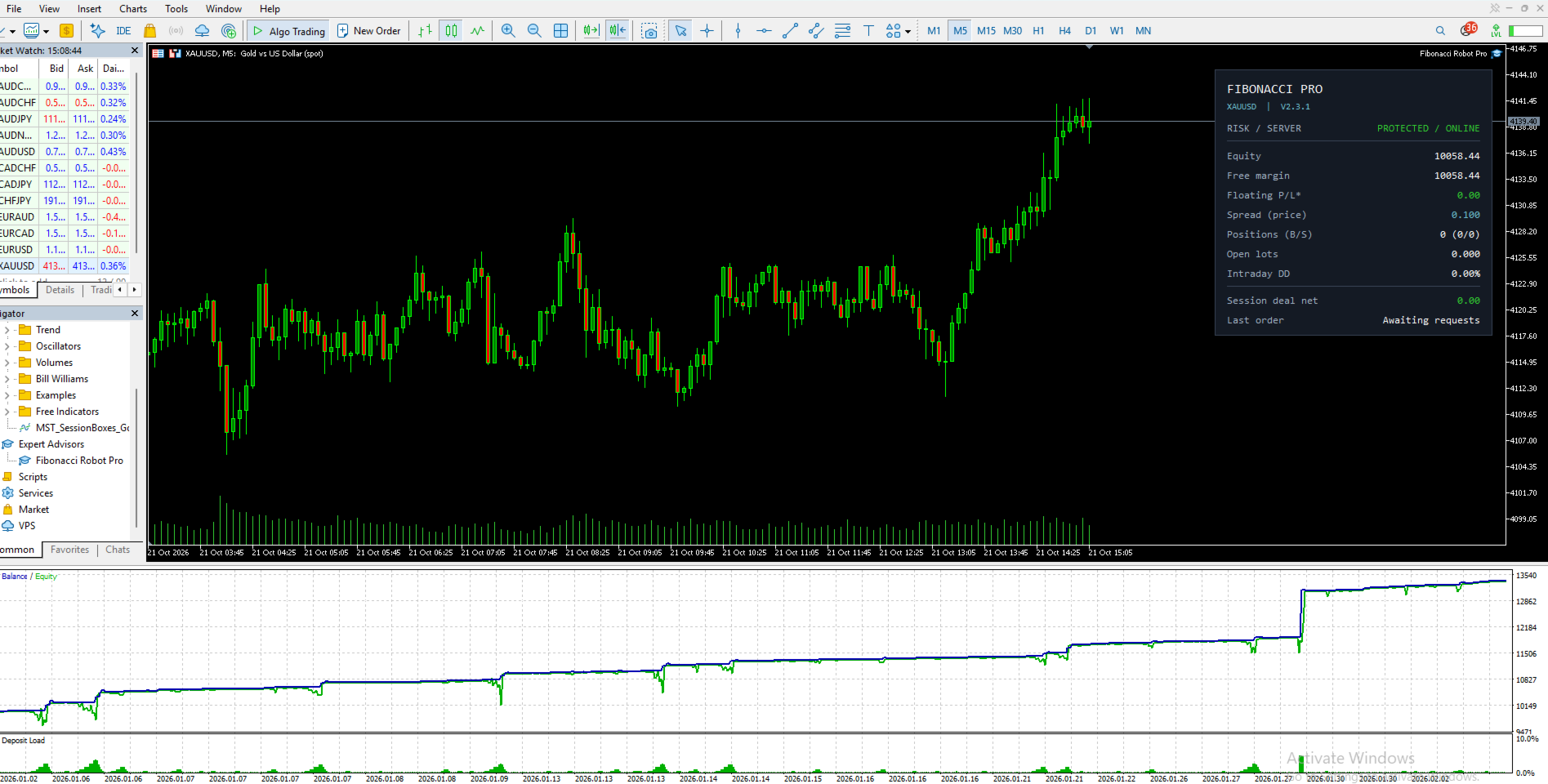
Displays important account information, trading statistics, and EA operating status directly on the chart.
Execution Diagnostics
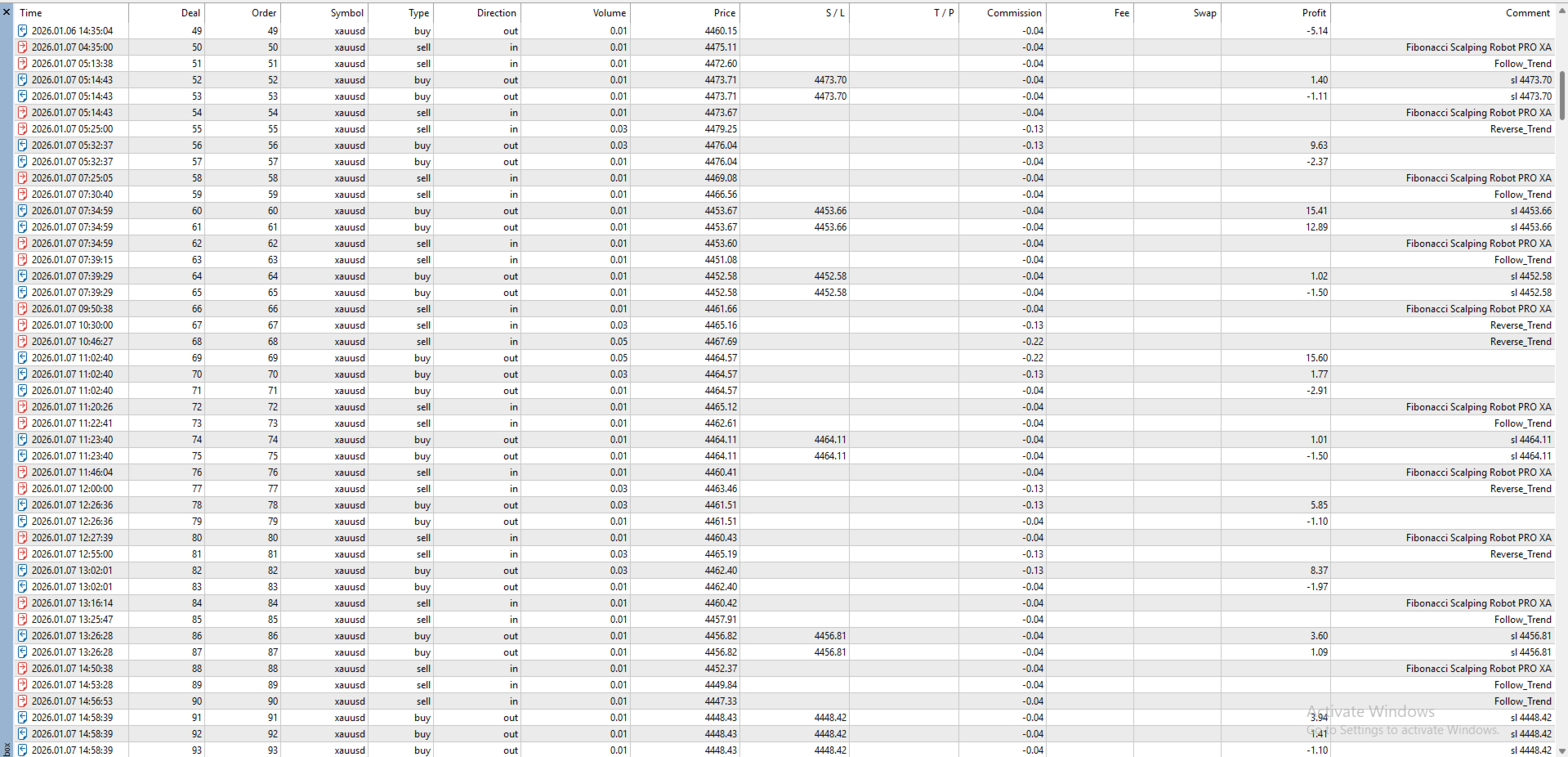
Records selected trade execution results and broker-related information to assist with monitoring and troubleshooting.
3. Two Risk Management Modes
Fibonacci Robot Pro includes two operating configurations.
Protected Mode
Protected Mode activates additional configurable risk controls.
Available settings include:
-
Daily equity loss threshold
-
Intraday equity drawdown threshold
-
Maximum number of open EA positions
-
Maximum combined EA position volume
-
Optional spread filter for new entries
-
Optional broker volume validation
-
Configurable action when an equity threshold is reached
When an equity threshold is triggered, the EA can pause new entries or attempt to close its own positions, depending on the selected action.
Equity calculations use account-level information, while position-count and volume restrictions apply to positions identified by the EA's symbol and magic number.
These controls operate through the trading terminal and do not represent guaranteed broker-side protection.
Legacy Mode
Legacy Mode preserves the original strategy behavior without the additional Pro risk restrictions.
It retains the underlying Fibonacci logic, trading conditions, basket management, and recovery behavior.
In this mode, the additional equity, exposure, and spread restrictions are disabled.
Important: Legacy Mode can involve substantially higher trading exposure and drawdown. Users should understand the recovery mechanism and its risks before selecting this configuration.
4. Trading Dashboard
Version 2.31 includes a compact chart dashboard for observing the EA's operation.
The dashboard can display:
-
Active risk mode and terminal connection status
-
Account equity and available margin
-
Current floating profit or loss
-
Market spread
-
Number of buy and sell positions
-
Total open EA lots
-
Intraday drawdown in Protected Mode
-
Session trading results
-
Latest trade execution status
The dashboard can be enabled or disabled through the input settings.
Its position and refresh interval can also be adjusted.
5. Recovery Cycle Analytics
The EA includes optional analytics for monitoring recovery cycles and position exposure.
When the extended dashboard is enabled, additional information may include:
-
Maximum positions reached during an active cycle
-
Peak combined lot exposure
-
Worst observed floating profit or loss during a cycle
-
Duration of the oldest position
-
Average buy price
-
Average sell price
-
Exit deal statistics
Session-based analytics begin when the EA is attached and do not represent a complete historical performance report.
Optional event logging provides additional information through the MetaTrader Experts journal.
6. Main Input Parameters
Core Strategy Settings
-
Lots – Initial trade volume
-
End_Candle_ID – Historical candle reference for Fibonacci calculations
-
EMA_Fast – Fast EMA period
-
EMA_Slow – Slow EMA period
-
EMA_Trend – Trend EMA period
Basket and Recovery Settings
-
Grid_Distance – Configurable position spacing
-
Lot_Plus – Additional recovery lot progression parameter
-
Close_pips – Basket exit threshold
-
Trailing_Stop – Trailing stop distance
-
Trailing_Step – Trailing adjustment step
-
XAU_Use_Original_Distances – Switch between original and custom distance settings
Risk Management Settings
-
Pro_Risk_Mode – Legacy or Protected operation
-
Pro_Daily_Equity_Loss_Pct – Daily equity loss threshold
-
Pro_Intraday_Drawdown_Pct – Intraday equity drawdown threshold
-
Pro_Max_Open_Positions – Maximum EA position count
-
Pro_Max_Total_Lots – Maximum combined EA lot exposure
-
Pro_On_Equity_Breach – Action on equity threshold breach
-
XAU_Spread_Filter_Enabled – Optional spread restriction
-
XAU_Max_Spread_Price – Maximum permitted spread in quote-price units
Monitoring Settings
-
Dashboard display controls
-
Dashboard position and refresh interval
-
Recovery analytics
-
Extended statistics panel
-
Trade execution logging
-
Cycle event logging
Several additional settings are available for monitoring and execution diagnostics.
7. Platform and Trading Environment
Platform: MetaTrader 5 (MT5)
Primary Trading Instrument: XAUUSD (Gold)
Strategy Type: Fibonacci and EMA-based automated trading with basket and grid management
Execution: Automated Expert Advisor
Account Configuration: A hedging account is preferable for evaluating the intended multiple-position basket behavior. Netting accounts may produce different position-management results.
Broker Considerations: Trading conditions depend on the broker's symbol specifications, spread, execution conditions, minimum lot size, lot step, and margin requirements.
Timeframe: The EA uses the current chart timeframe for its relevant calculations. Results may differ between timeframes.
No specific broker, timeframe, account balance, or parameter combination is guaranteed to produce profitable results.
8. Getting Started
-
Install Fibonacci Robot Pro in MetaTrader 5.
-
Open the intended trading instrument's chart.
-
Attach the Expert Advisor.
-
Review the initial trade volume and strategy parameters.
-
Select the appropriate risk management mode.
-
Check broker symbol specifications and trading permissions.
-
Evaluate the configuration using the MT5 Strategy Tester and a demo environment before considering other use.
Default input values are starting configurations for testing. They are not guaranteed optimal settings for any particular broker or market condition.
9. Important Risk Information
Fibonacci Robot Pro is an automated trading application, not a guaranteed income system.
Trading Gold and other leveraged financial instruments involves significant financial risk.
The grid and recovery mechanisms can accumulate multiple positions and increase overall exposure. During sustained market movements, floating losses and margin requirements may increase considerably.
The optional risk restrictions cannot eliminate trading risk or guarantee that positions will close at a specific price or equity level.
Results are affected by market volatility, spreads, slippage, execution quality, margin conditions, and user-selected parameters.
Historical testing results do not guarantee future performance.
Users should independently evaluate the EA and understand its trading and recovery mechanisms before using it with financial capital.
10. Product Version and Support
Product: Fibonacci Robot Pro
Version: 2.31
Platform: MetaTrader 5
Developer: Maa Sharda Trading
For technical questions, product assistance, or issue reports, please use the MQL5 product comments or the MQL5 messaging system.
Fibonacci Robot Pro brings together Fibonacci analysis, trend conditions, automated basket management, configurable risk controls, and operational monitoring in one MT5 Expert Advisor.