Optimization Grid Budget
- Утилиты
- Версия: 1.0
- Активации: 5

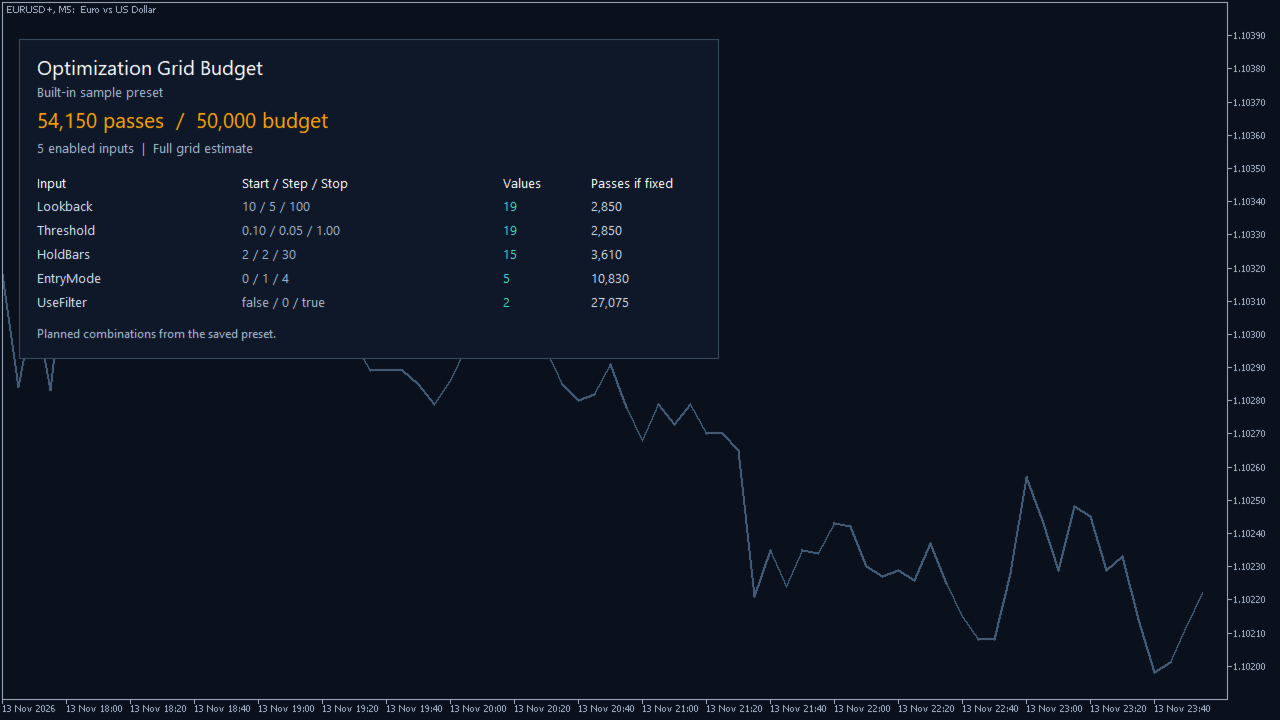
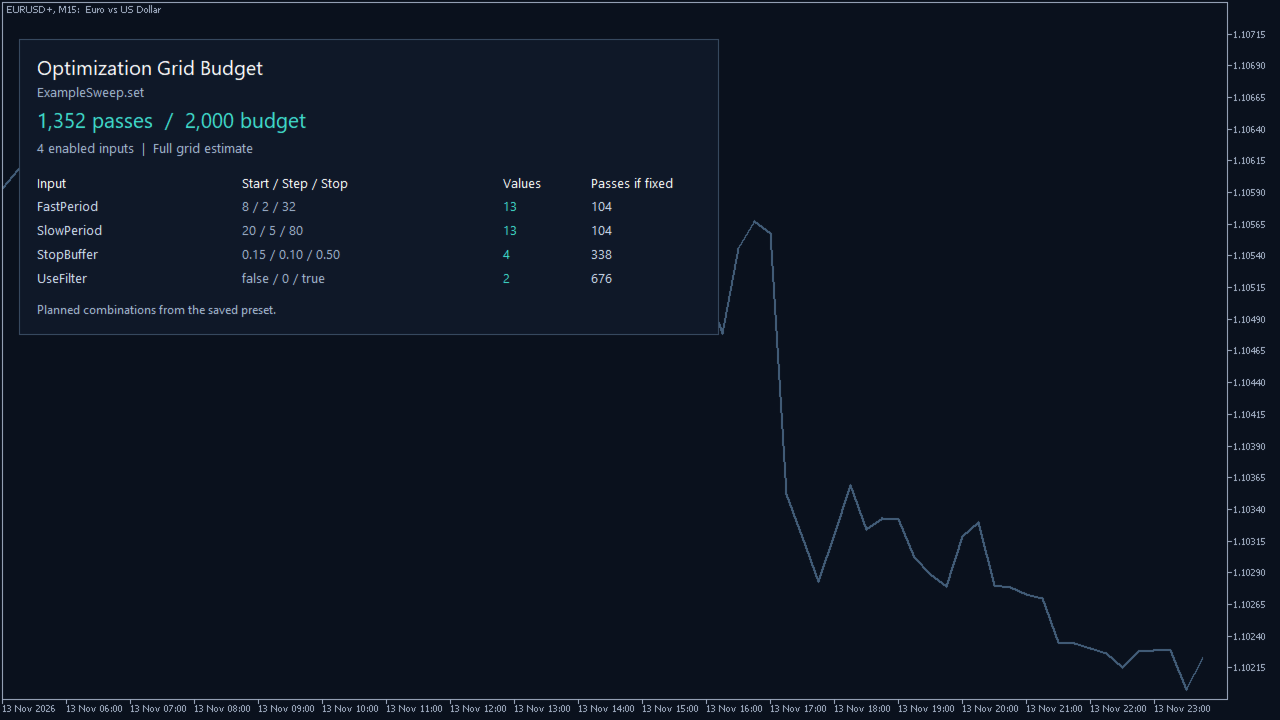
See how many input combinations an MT5 Tester preset describes before starting an optimization. Optimization Grid Budget reads one saved .set file and shows the full-grid count, the enabled inputs with the most values, and how many combinations would remain if you held each shown input fixed. Set a pass budget to flag grids larger than the number you planned to test.
Getting started
1. Save an inputs preset from the MT5 Strategy Tester. In the terminal data folder, create MQL5/Files/OptimizationGridBudget and copy the preset there.
2. Add Optimization Grid Budget to a chart. Enter the preset filename under PresetFile and set your PassBudget. Leave PresetFile blank to see the built-in example. Use a chart at least 720 pixels wide to see every column.
3. Check the full-grid estimate and the Passes if fixed column. Re-apply the indicator after editing the preset to read the updated file.
The estimate multiplies the value counts of enabled ranges. The table displays the seven largest ranges, and the total includes all supported enabled inputs. An upper limit that falls between steps contributes only the reachable values below it. Ordinary integers, decimals and explicit Boolean ranges are supported. Integer-coded choices are counted as numeric ranges, so gaps in an EA's enum or invalid combinations can change the actual tester count.
The estimate is for a complete Cartesian grid. Genetic sampling, forward passes, cached runs, elapsed time, broker data and EA behavior are outside the calculation. The indicator opens files read-only, runs no optimizations and places no orders. Test the interface in visual mode with the built-in example, or place a saved preset under the terminal's shared Common/Files/OptimizationGridBudget folder for tester use.