Supply Demand Scanner MT5
- Индикаторы
- Версия: 1.50
- Активации: 10

Supply Demand Scanner MT5
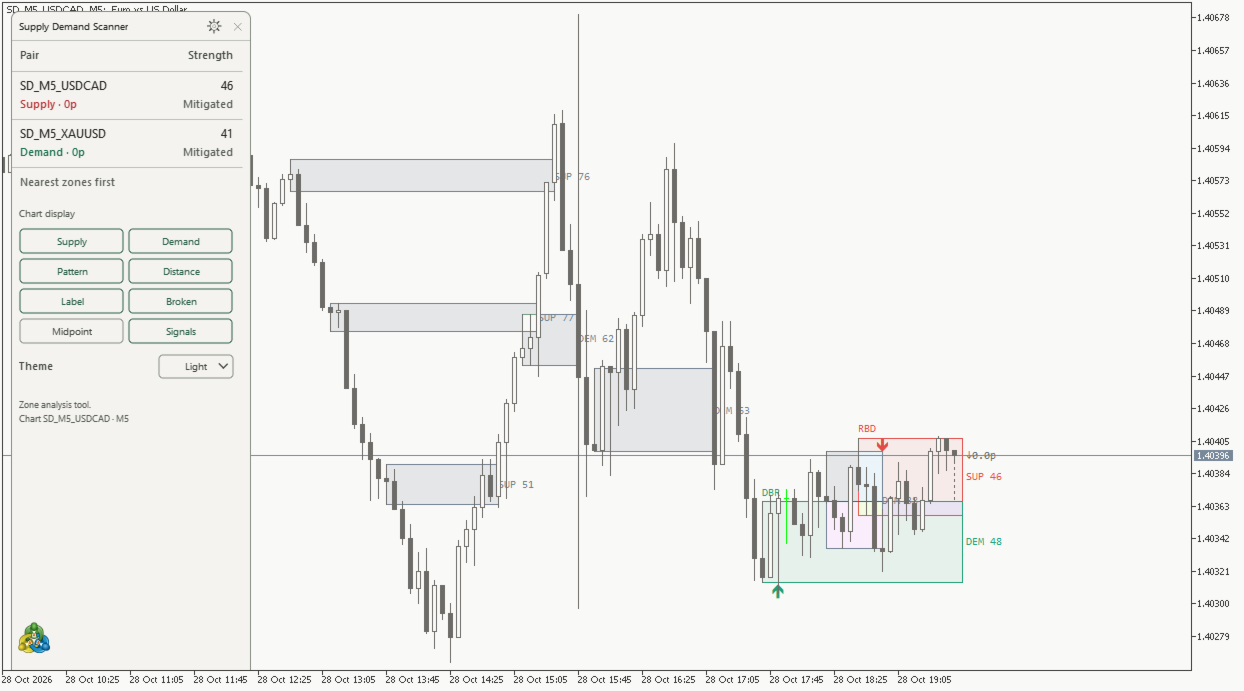
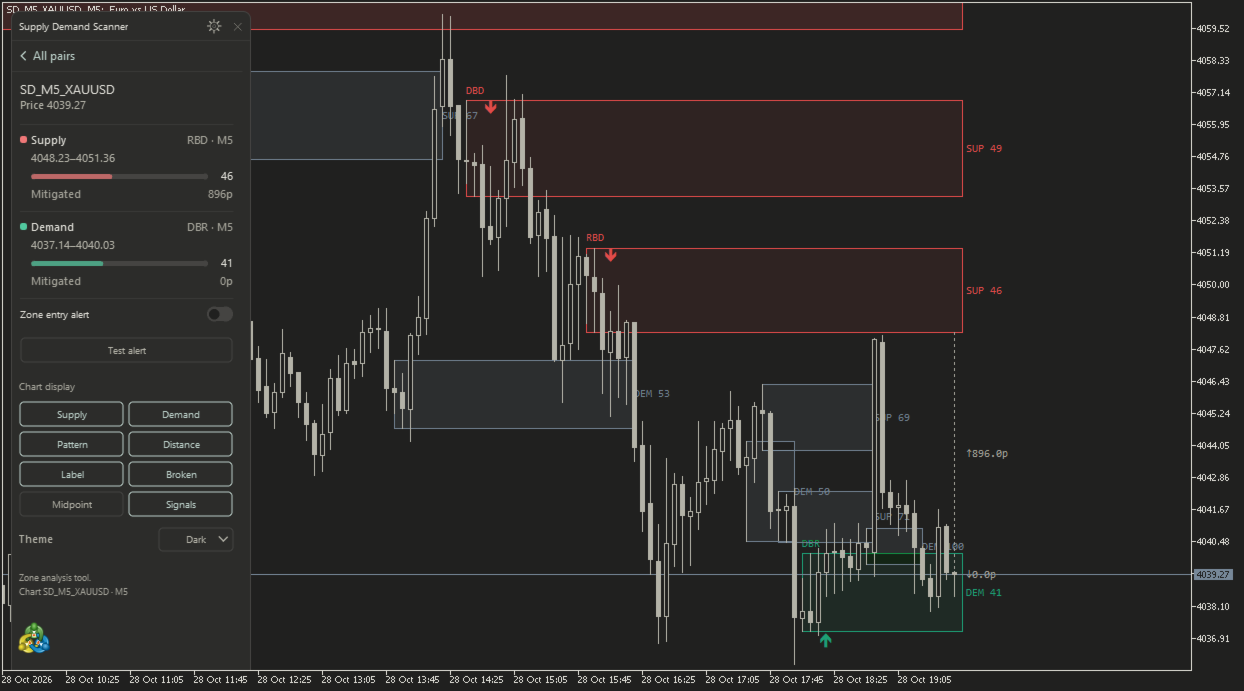
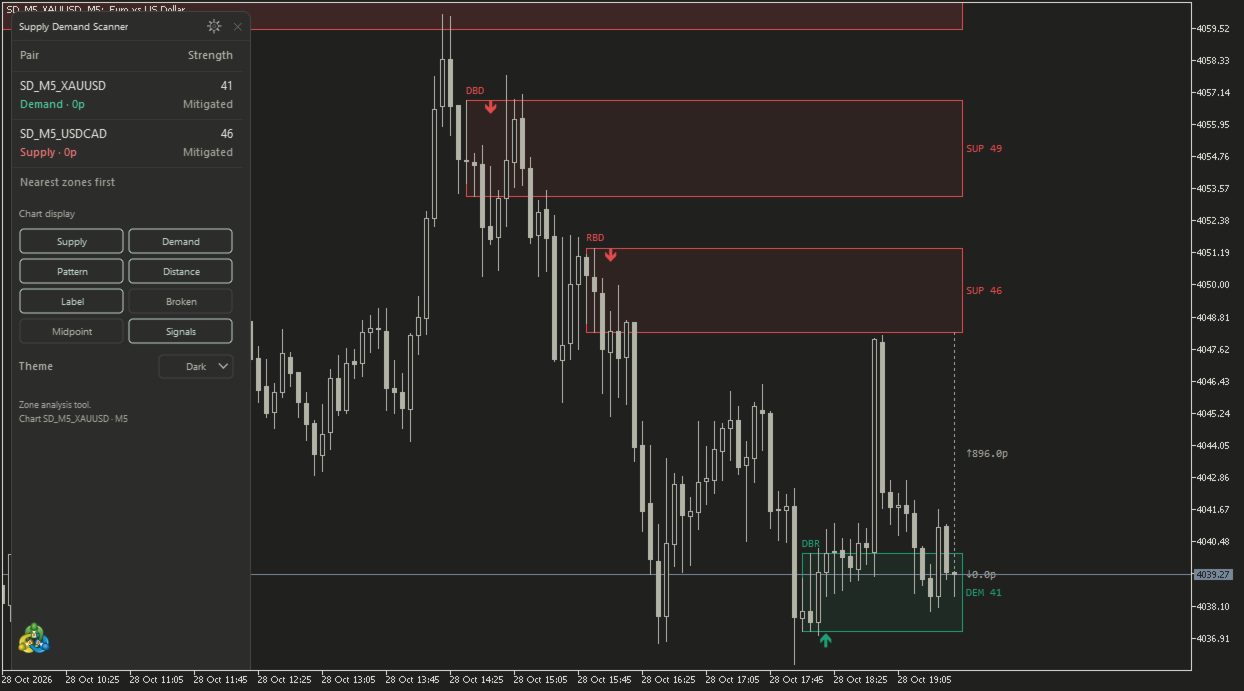
Supply Demand Scanner MT5 identifies supply and demand bases following closed-candle impulses and displays them with a multi-symbol analysis panel. It is designed for discretionary chart analysis and does not place or manage orders.
What it displays
- Supply and demand zones anchored to the base candles that preceded a qualifying impulse.
- A fixed detection score from 0 to 100. The score measures the configured pattern components; it is not a probability of a successful trade.
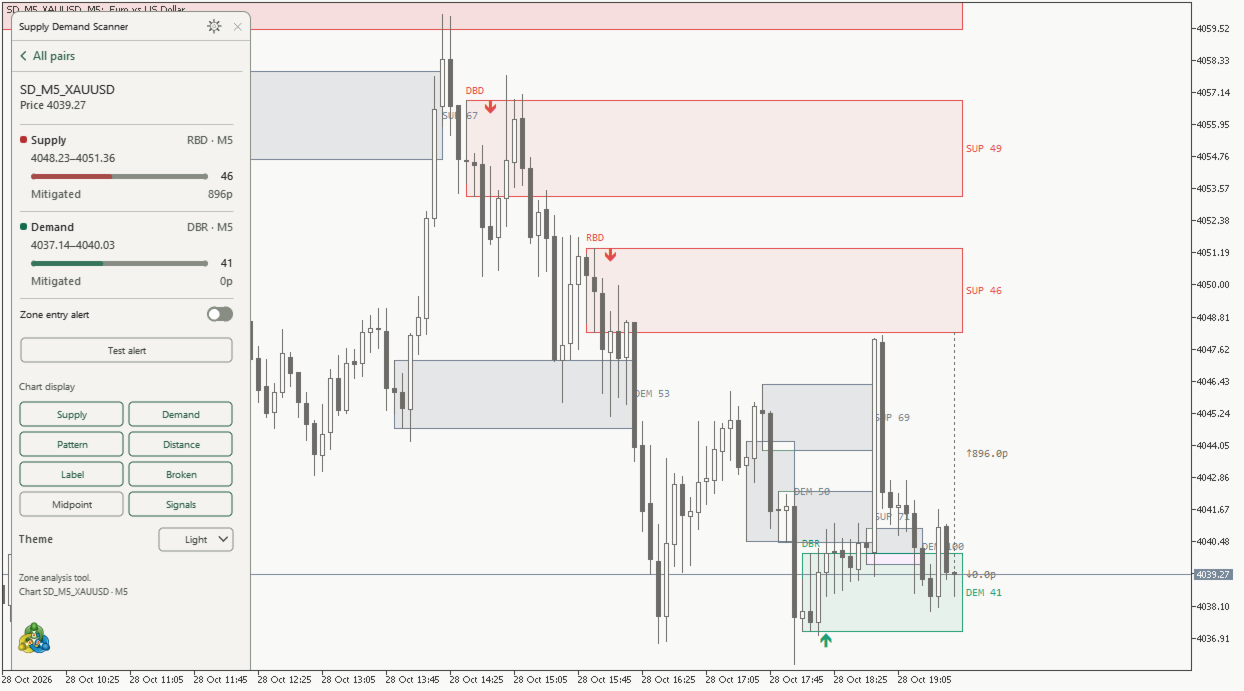
- Fresh, Tested, Mitigated and Broken zone states, confirmed from completed candles.
- Independent display limits: active zones nearest to the current Bid, and broken zones with the most recent break candle. Limits apply separately to supply and demand.
- A scanner for the chart symbol and additional symbols, up to 12 unique symbols on the chart timeframe.
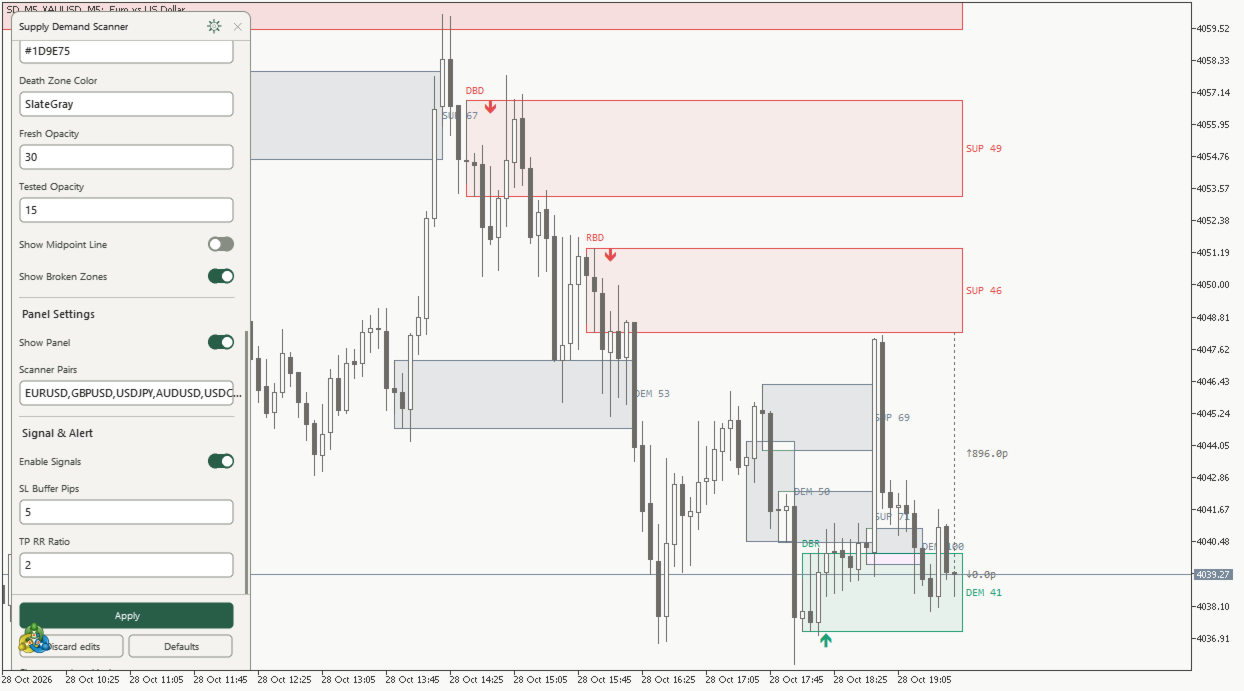
- Light and Dark themes, zone colors, opacity, midpoint lines, pattern labels, distance labels and signal markers.
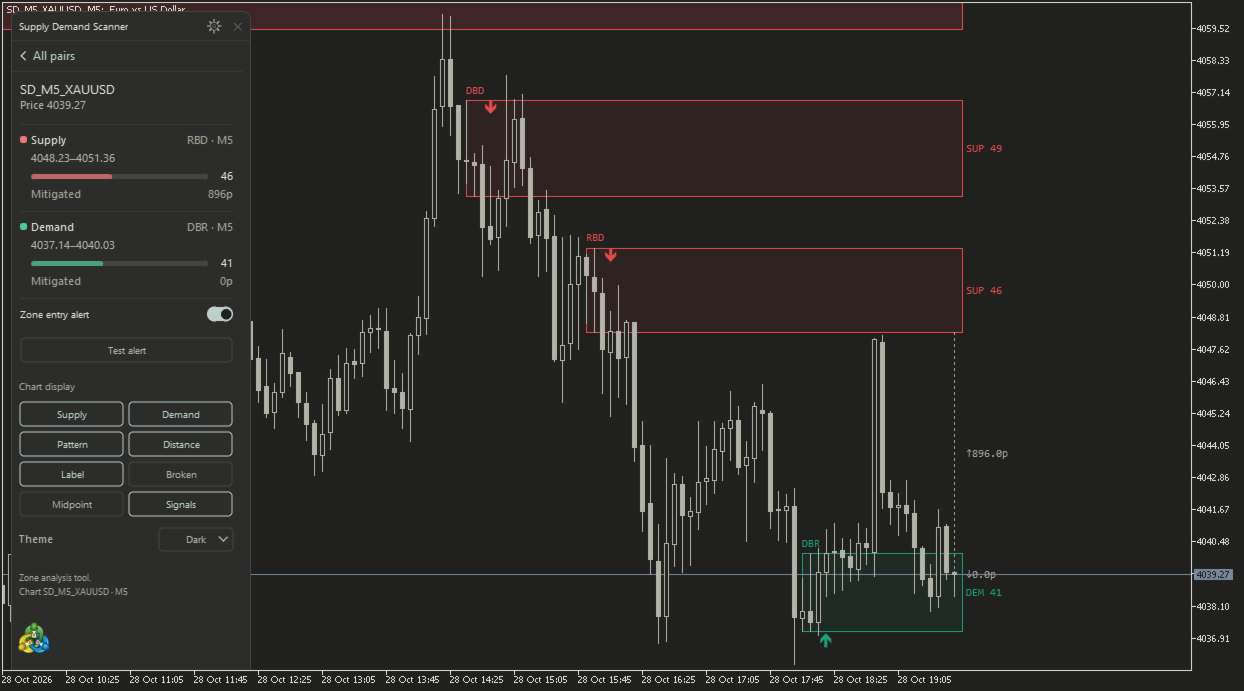
- Optional alerts when the current Bid enters a retained active zone.
Confirmation and history
A new zone is confirmed after its impulse candle closes. Its score uses only data available at that close and remains fixed for the lifetime of the zone. No subsequent candles are used to improve historical scores.
A confirmed touch changes Fresh to Tested. Penetration of at least half the zone changes it to Mitigated. Supply becomes Broken on a candle close above its upper edge; demand becomes Broken on a close below its lower edge. Wicks and forming-candle prices do not invalidate confirmed zones by themselves.
A zone outside the display quota remains stored until its maximum age is reached. It can be displayed again when its priority changes. Changing display limits does not reset the detection book. Changing detection settings, symbols or timeframe rebuilds it from available history.
Suggested workflow
1. Attach the indicator and allow the required symbol history to load.
2. Review the scanner, then open a symbol detail card to inspect its nearest supply and demand zones.
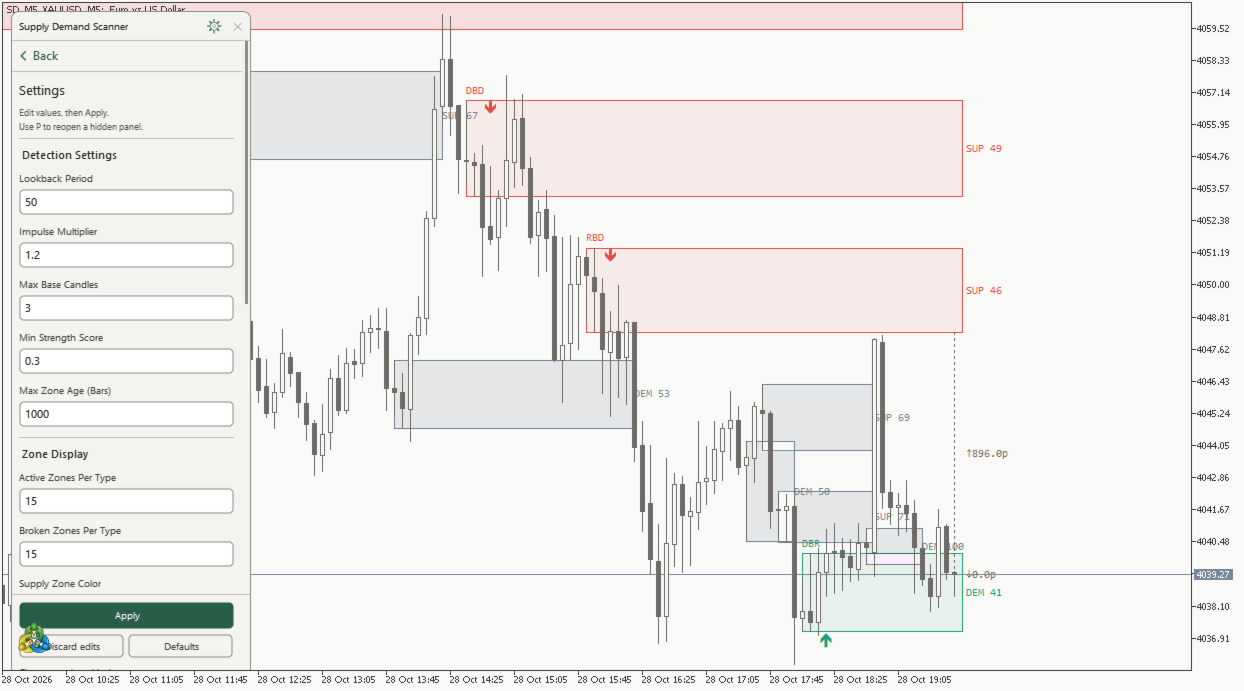
3. Adjust Active Zones Per Type and Broken Zones Per Type to control chart density.
4. Enable the per-symbol zone entry alert if required.
5. Combine the displayed areas with your own trade plan and risk controls.
Setup and limitations
Use the exact symbol names supplied by your broker, including suffixes. The scanner uses the attached chart timeframe for all its symbols. An unavailable symbol or incomplete history is identified in the panel.
Pip distances use the indicator's configured pip convention. Non-FX instruments may require Symbol Pip Size Overrides. An entry alert reports a price entering a retained active zone; it is not an order or a confirmed reversal. First-touch markers are confirmed at candle close and show reference Entry, SL and TP values in their tooltip.
Results depend on broker OHLC data, available history and settings. The current candle, corrected broker history and a changed history range can affect what is available for analysis. The indicator does not provide a trading-performance guarantee or public trading signal buffers. It requires MetaTrader 5 desktop and does not require DLLs, WebRequest, a browser, external activation or a separate indicator installation.