Manual Trader FL2E
- Утилиты
- Версия: 1.0
- Активации: 5

Manual Trader is a trading panel for MetaTrader 5. You decide the trade; the panel calculates the lot from your risk, shows the result before you click, sends the order with your SL and TP and manages the position. It works on its own on any symbol and timeframe.
Trade
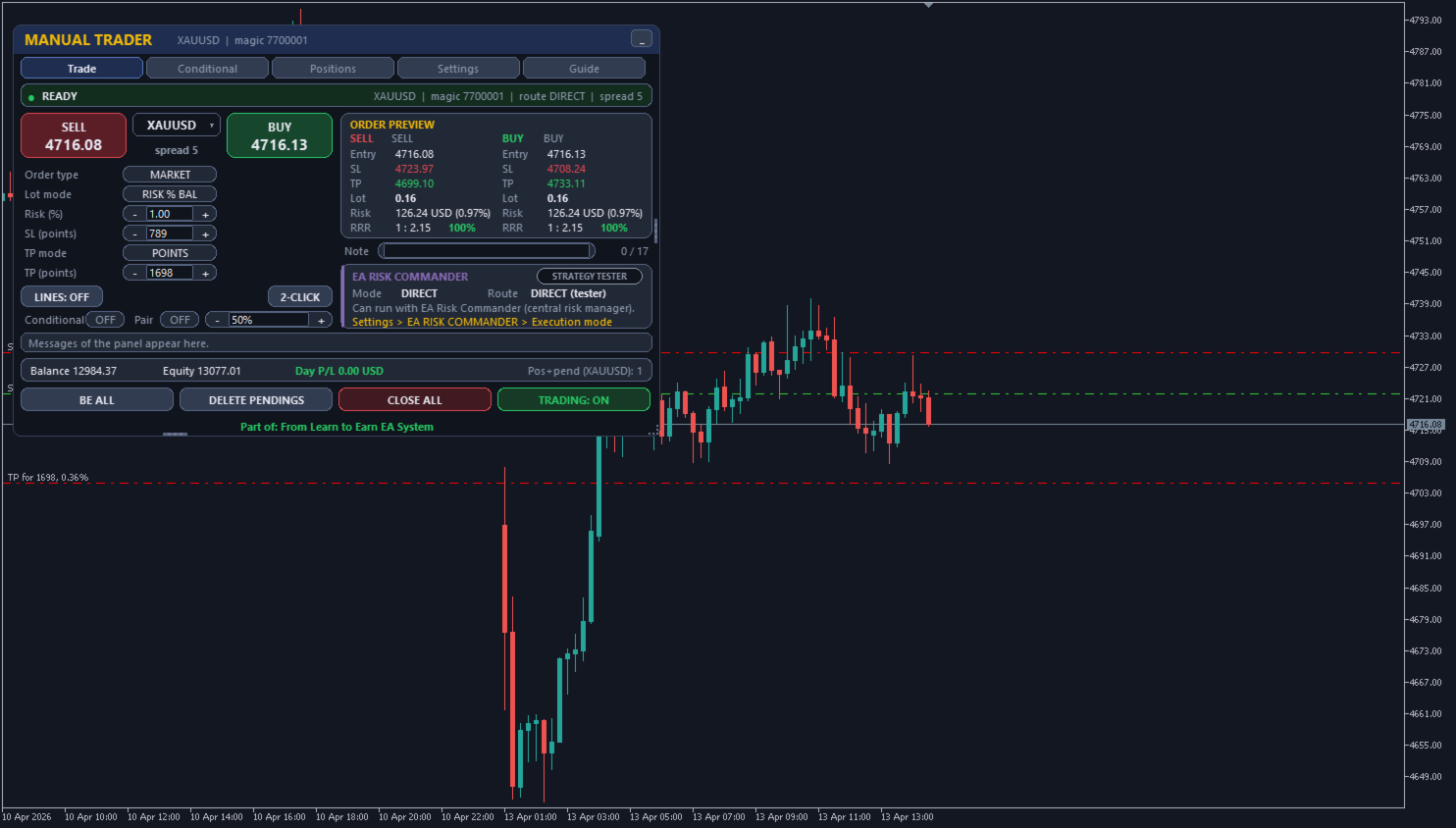
- Market, limit or stop orders; lot: fixed, risk % of balance or equity, or risk money at the SL.
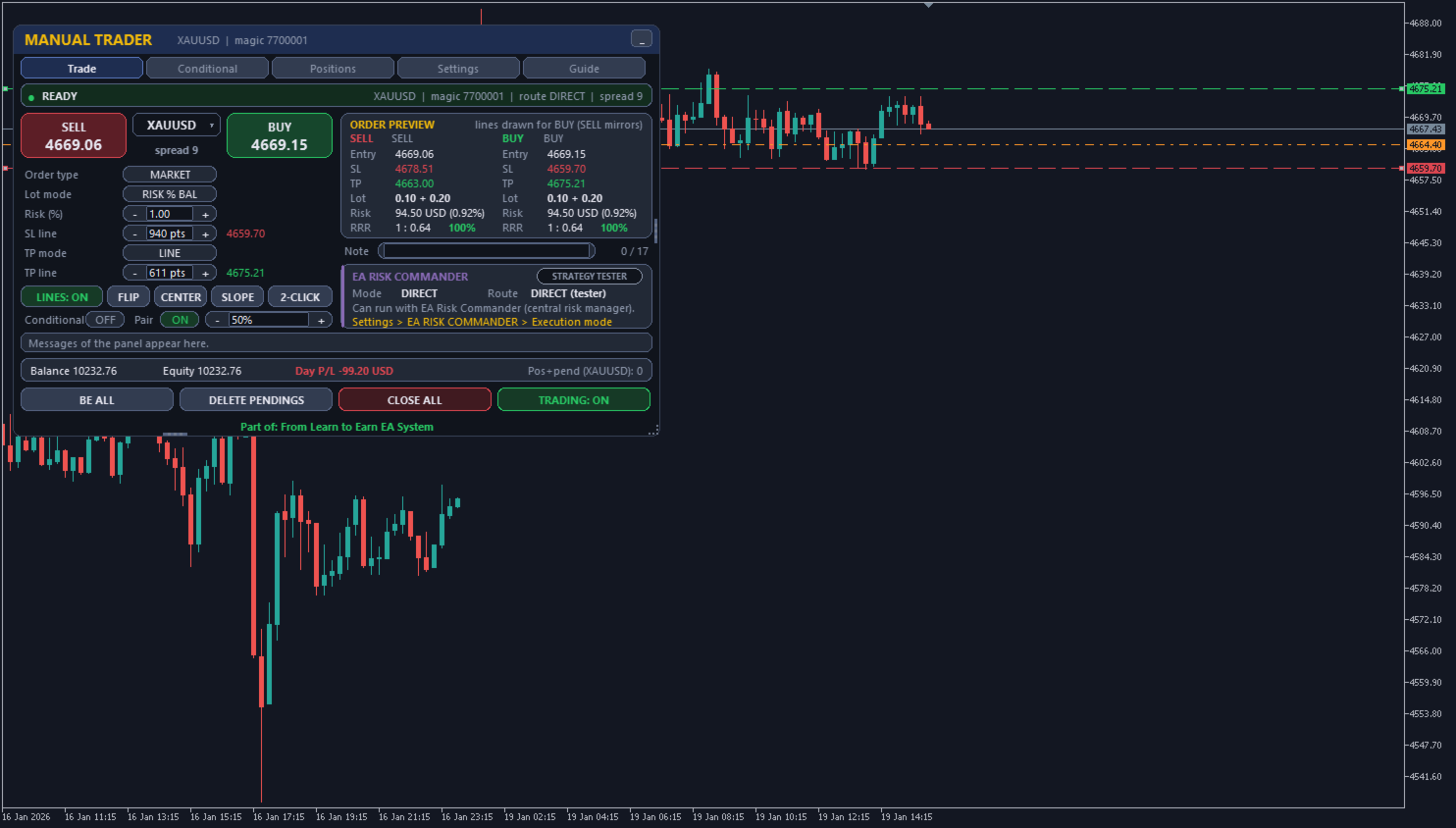
- SL / TP in points, TP as an R multiple, or draggable chart lines (also sloped lines that the orders follow; on another asset the chart switches to it).
- ORDER PREVIEW for BUY and SELL: entry, SL, TP, lot, risk in money and %, reward:risk.
Positions
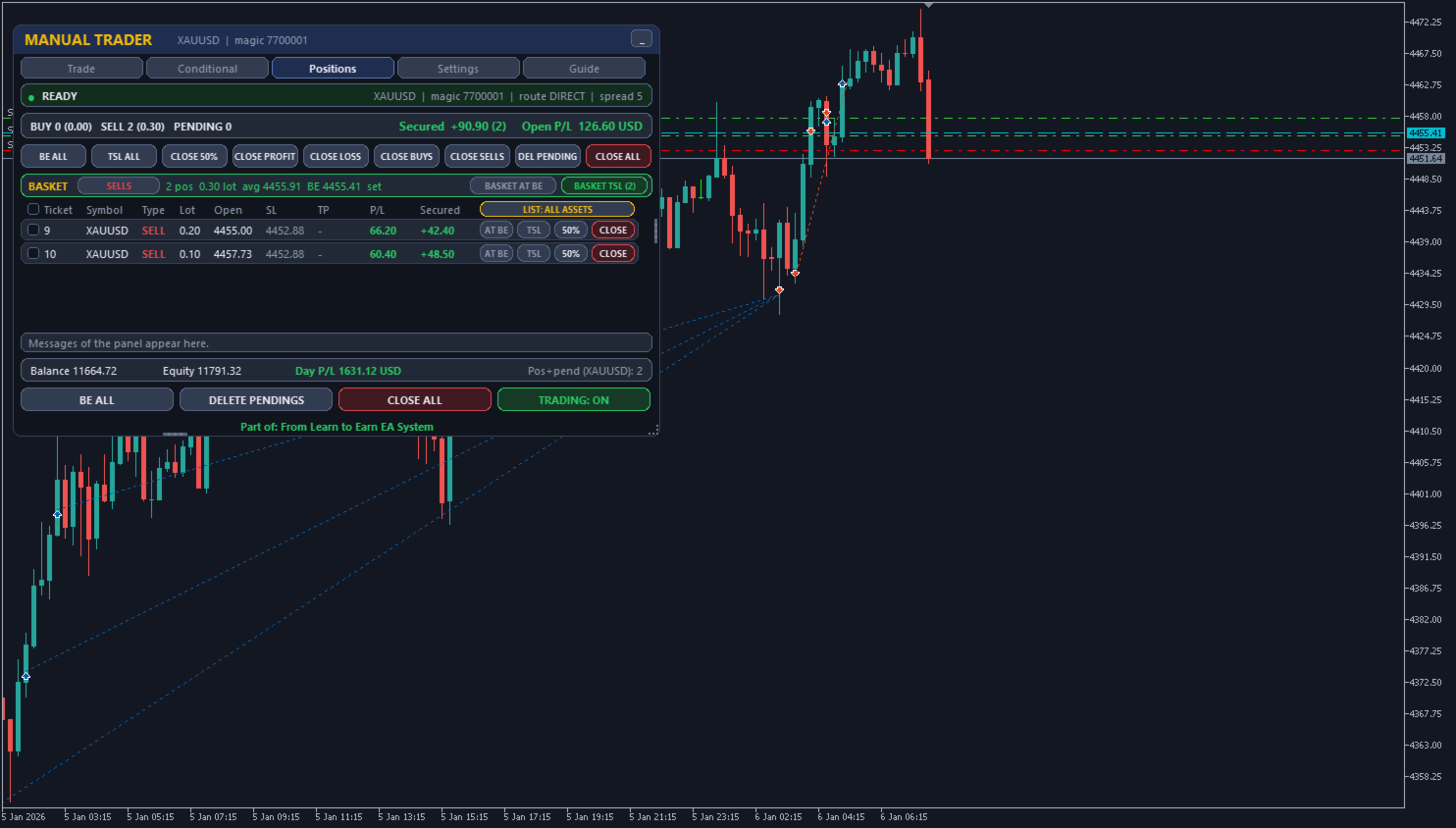
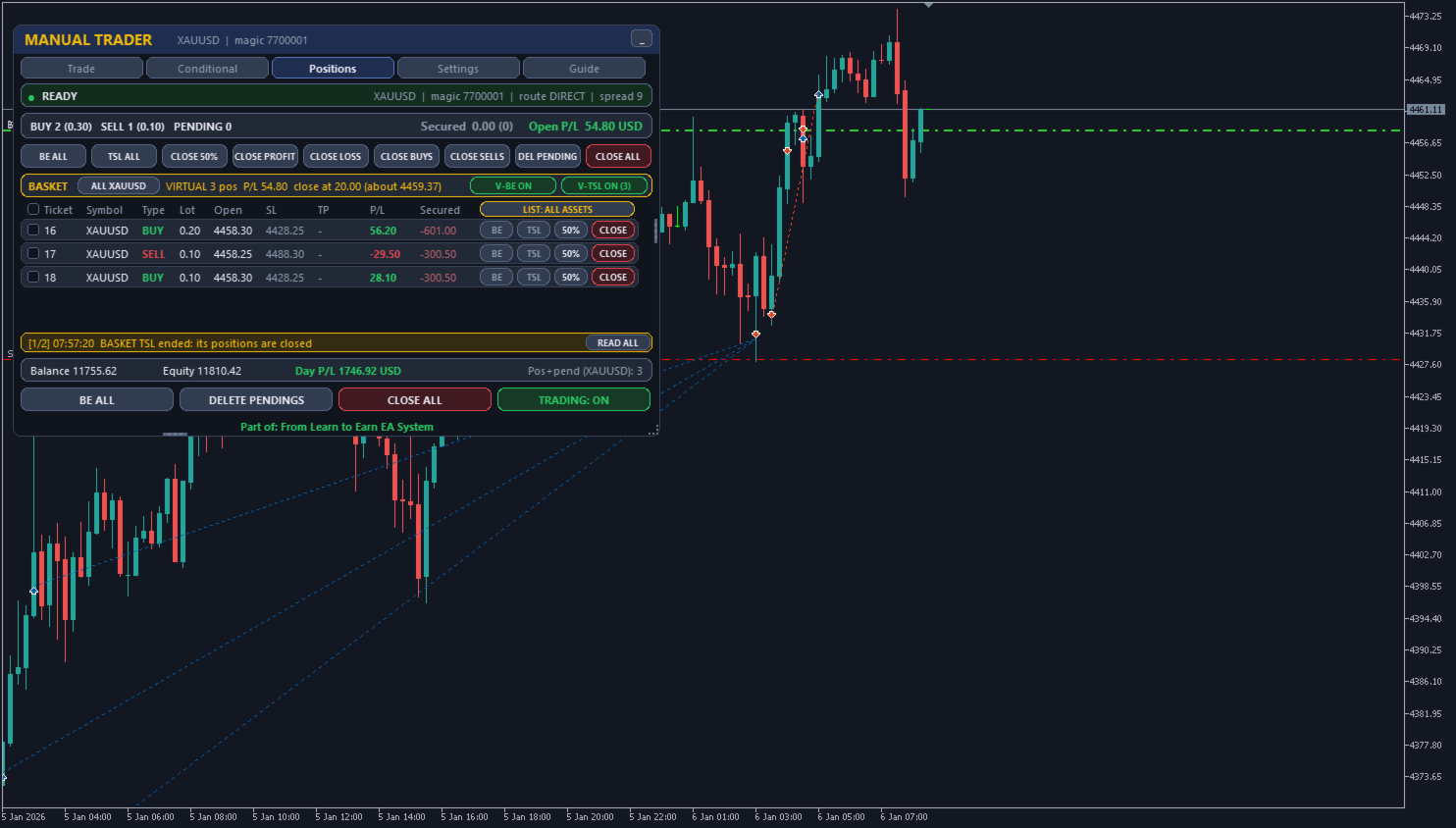
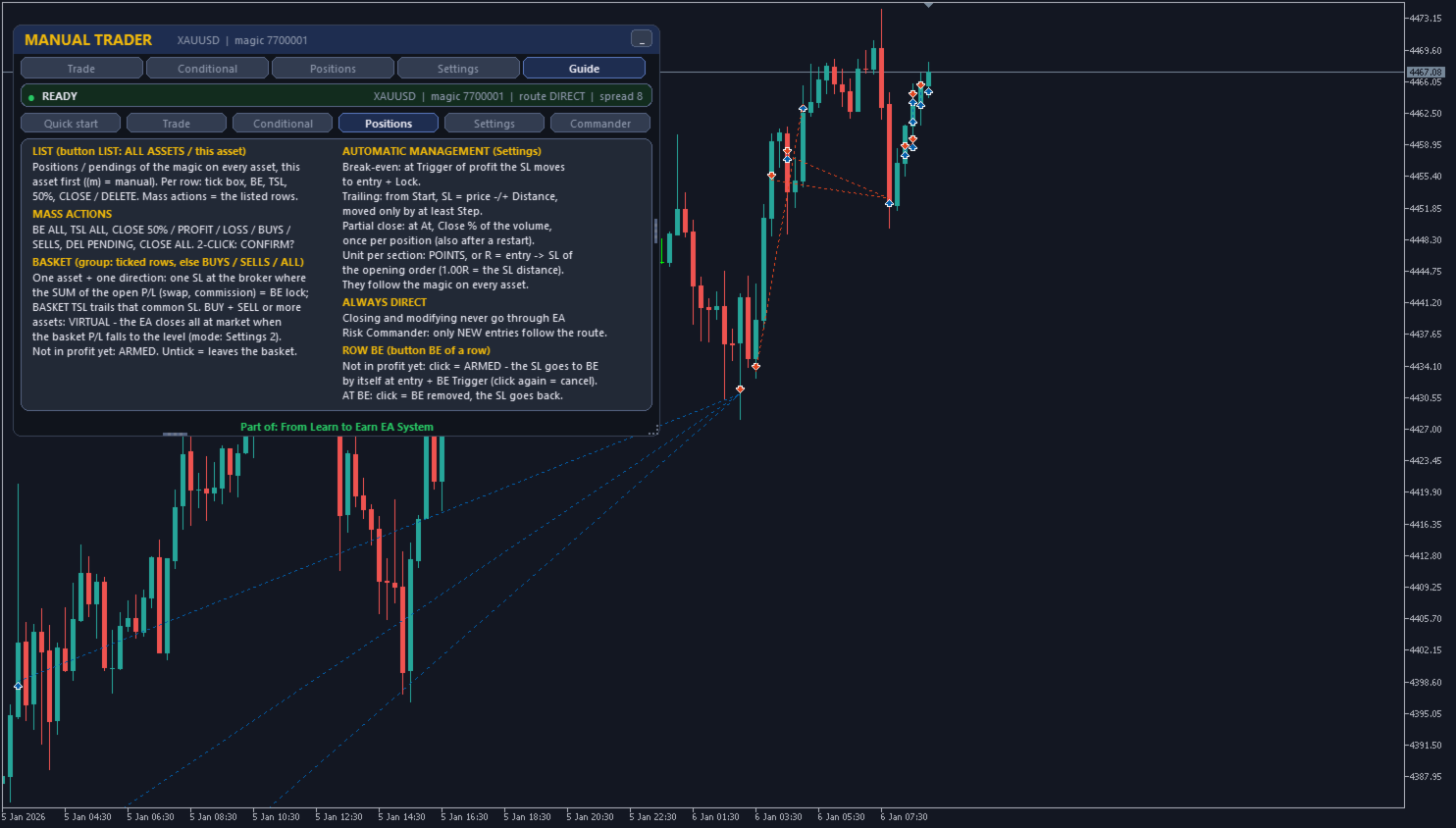
- Every position of the magic number on any symbol: P/L, SL, TP, Secured (result at the SL); BE (armed if not in profit yet, its starting P/L shown) / TSL / 50% / CLOSE per row; mass close and delete.
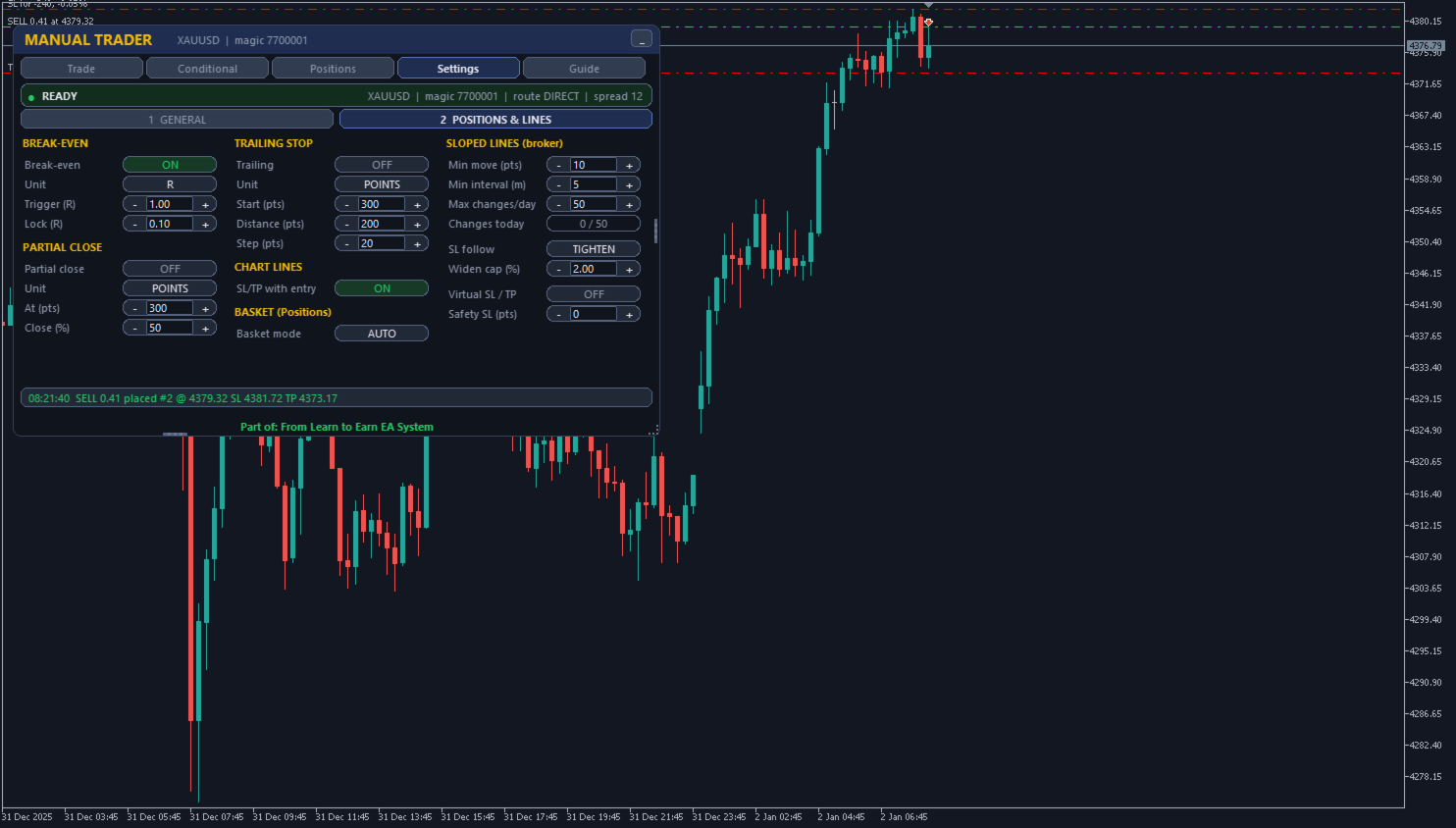
- Break-even, trailing stop and partial close, in points or in R.
- BASKET BE / TSL: break-even and trailing for a whole group of positions, by their summed P/L (common SL at the broker or virtual close), armed in advance if not in profit yet.
Conditional orders
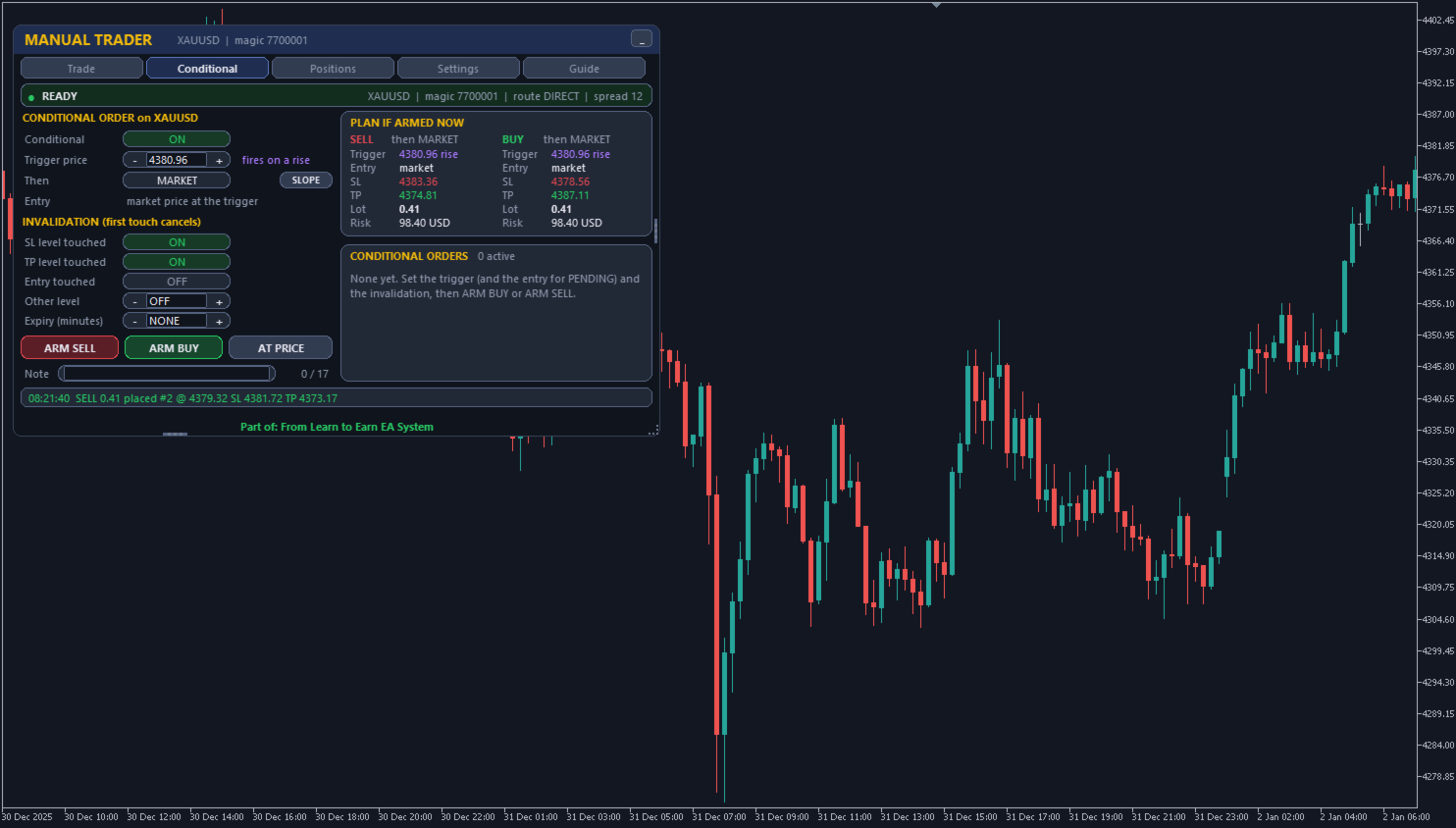
- Sent only when the trigger price is reached; cancelled if the SL / TP level is touched first or when they expire.
Pair trade
- PAIR ON + X%: after the main trade fills, a second pending at X% of its entry-SL range, same SL / TP and the same money risk; both are managed as one set (break-even at the average entry, trailing and partial close on the combined profit). The pending is deleted if the main closes or its SL reaches the pair entry first. Chart lines show where the set break-even triggers and where the SL goes.
Protection
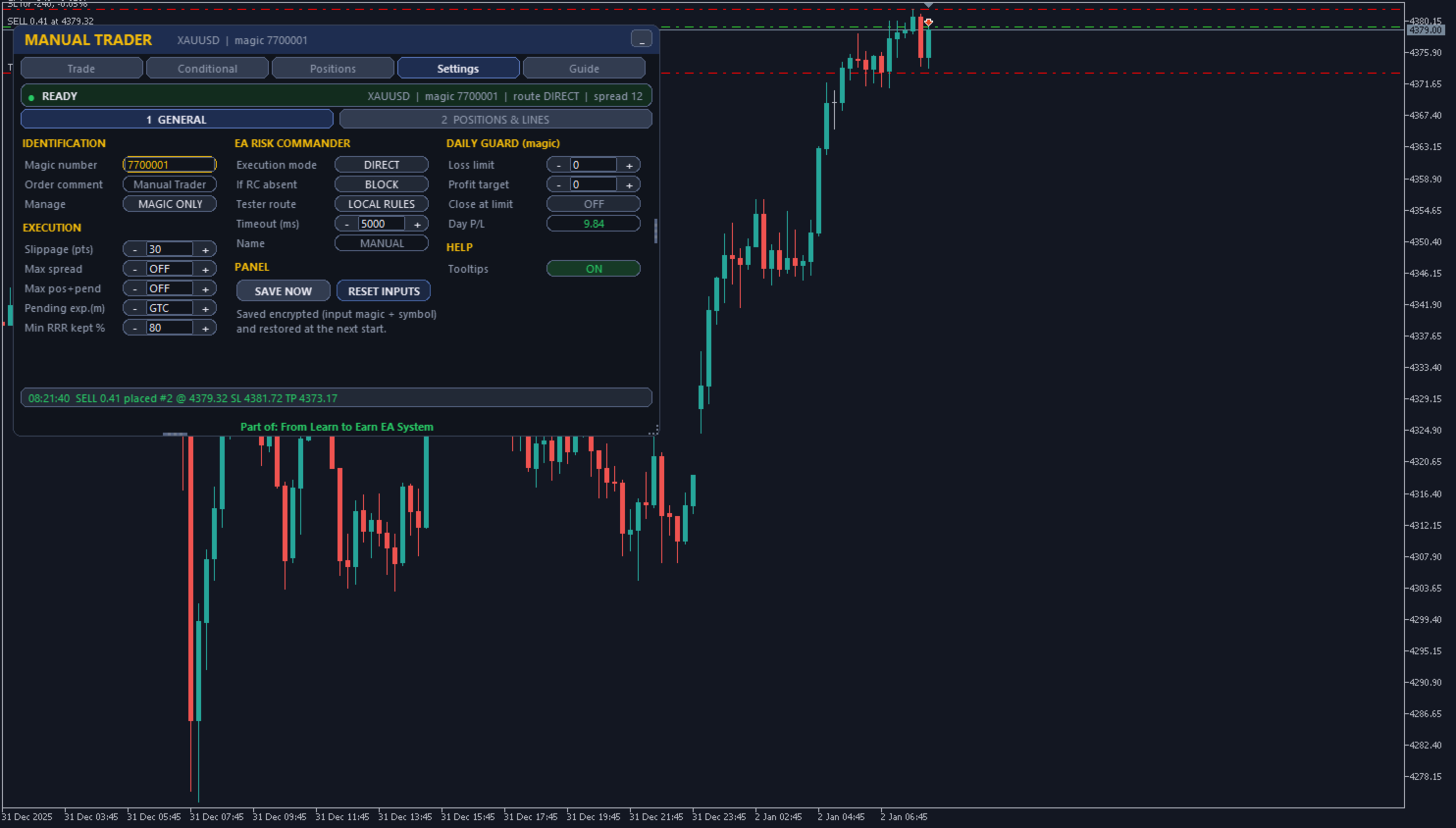
- Daily loss limit / profit target, maximum spread, slippage and positions, pre-trade checks of volume, margin and stops, TRADING ON / STOPPED.
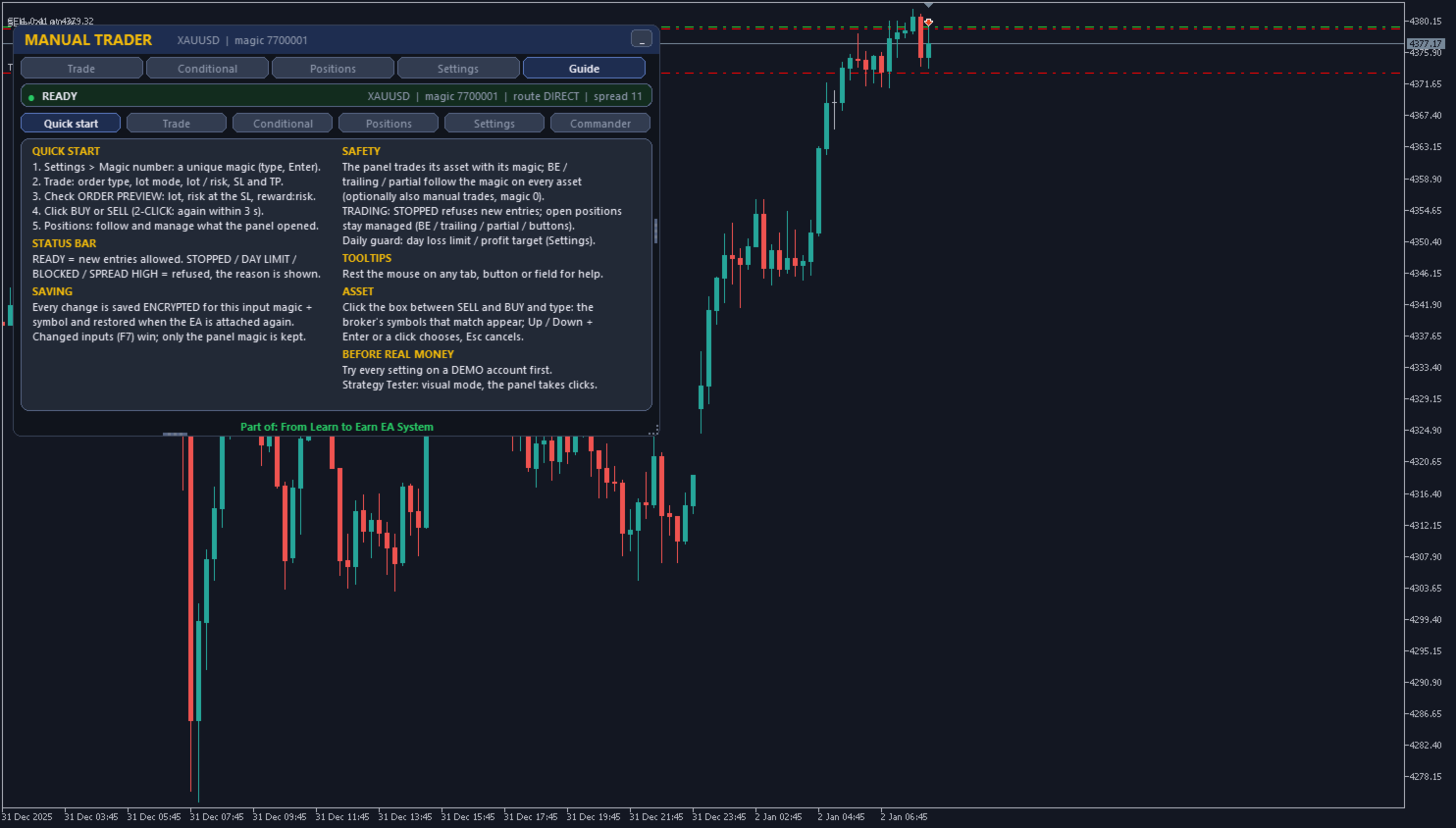
Built-in guide and tooltips; resizable panel. Editable magic number, settings saved encrypted. Hedging and netting. No DLL, no web requests. Optional routing through EA Risk Commander (separate product, not required).
Getting started: attach to a chart, set a unique magic number (Settings), choose the risk, click BUY or SELL. Test on a demo account first. In the Strategy Tester use visual mode; non-visual mode runs a short automatic demonstration.
Trade
- Market, limit or stop orders; lot: fixed, risk % of balance or equity, or risk money at the SL.
- SL / TP in points, TP as an R multiple, or draggable chart lines (also sloped lines that the orders follow; on another asset the chart switches to it).
- ORDER PREVIEW for BUY and SELL: entry, SL, TP, lot, risk in money and %, reward:risk.
Positions
- Every position of the magic number on any symbol: P/L, SL, TP, Secured (result at the SL); BE (armed if not in profit yet, its starting P/L shown) / TSL / 50% / CLOSE per row; mass close and delete.
- Break-even, trailing stop and partial close, in points or in R.
- BASKET BE / TSL: break-even and trailing for a whole group of positions, by their summed P/L (common SL at the broker or virtual close), armed in advance if not in profit yet.
Conditional orders
- Sent only when the trigger price is reached; cancelled if the SL / TP level is touched first or when they expire.
Pair trade
- PAIR ON + X%: after the main trade fills, a second pending at X% of its entry-SL range, same SL / TP and the same money risk; both are managed as one set (break-even at the average entry, trailing and partial close on the combined profit). The pending is deleted if the main closes or its SL reaches the pair entry first. Chart lines show where the set break-even triggers and where the SL goes.
Protection
- Daily loss limit / profit target, maximum spread, slippage and positions, pre-trade checks of volume, margin and stops, TRADING ON / STOPPED.
Built-in guide and tooltips; resizable panel. Editable magic number, settings saved encrypted. Hedging and netting. No DLL, no web requests. Optional routing through EA Risk Commander (separate product, not required).
Getting started: attach to a chart, set a unique magic number (Settings), choose the risk, click BUY or SELL. Test on a demo account first. In the Strategy Tester use visual mode; non-visual mode runs a short automatic demonstration.