Qiyas Baghirov
Qiyas Baghirov
3.6 (3)
  • 정보
no
경험
9
제품
9
데몬 버전
0
작업
1
거래 신호
0
구독자
Developer MICROTECH LLC
Developer & Algorithmic Trading Specialist

I am a developer focused on algorithmic trading systems and Expert Advisors (EA) for MetaTrader platforms.
My work is centered on risk-controlled strategies, with a strong emphasis on drawdown management, equity protection, and realistic market conditions.
I develop and test EAs primarily on real and cent accounts, avoiding over-optimization and unrealistic promises.
My goal is to create stable, transparent, and long-term usable trading tools, not short-term hype systems.
⚙️ Specialization:
Expert Advisors (MT4 / MT5)
Risk & equity protection systems
XAUUSD-focused strategies
Real-market testing & performance tracking
📊 Transparency and risk awareness are core principles in all my projects.
Qiyas Baghirov 출시돈 제품

Smart Multi Timeframe Fractals – User Guide Overview Smart Multi Timeframe Fractals is a MetaTrader 4 indicator designed to show confirmed fractal signals directly on the chart. The indicator can display both current timeframe fractals and higher timeframe fractals such as M5, M15, M30, H1, H4 and D1. The main purpose of this indicator is to help traders identify important market turning points, support and resistance zones, and higher timeframe confirmation areas. Main Features Confirmed

Qiyas Baghirov
게재된 포스트 Trend Finder Fractal PRO
Full Input Settings & User Guide GENERAL SETTINGS TimeFrame Selects the timeframe used by the indicator...
Qiyas Baghirov
게재된 포스트 FVG iFVG Smart Zones is a professional MetaTrader 4 indicator designed to detect and visualize Fair Value Gaps (FVG) and
FVG iFVG Smart Zones is a professional MetaTrader 4 indicator designed to detect and visualize Fair Value Gaps (FVG) and Inverse Fair Value Gaps (iFVG) directly on the chart...
Qiyas Baghirov
게재된 포스트 SMART REVERSAL PATTERN INDICATOR
SMART REVERSAL PATTERN INDICATOR — User Guide 1. Installation Open your MetaTrader 4 platform. Go to File → Open Data Folder. Open the folder: MQL4 → Indicators Copy the indicator file into this folder. Restart MetaTrader 4 or refresh the Navigator panel...
Qiyas Baghirov
Qiyas Baghirov
SMART REVERSAL PATTERN INDICATOR — User Guide
1. Installation
Open your MetaTrader 4 platform.
Go to File → Open Data Folder.
Open the folder:
MQL4 → Indicators
Copy the indicator file into this folder.
Restart MetaTrader 4 or refresh the Navigator panel.
Find SMART REVERSAL PATTERN INDICATOR in the Navigator.
Drag and drop it onto your chart.
2. How the Indicator Works
SMART REVERSAL PATTERN INDICATOR detects reversal pattern structures based on ZigZag swing points.

The indicator marks the latest reversal formation directly on the chart using trendlines, filled pattern zones, and X-A-B-C-D labels.

When a bullish reversal structure is detected, the pattern is displayed in blue.

When a bearish reversal structure is detected, the pattern is displayed in red.

The indicator can also send alerts when a new reversal pattern is detected.

3. Main Inputs
ZigZagDepth
Controls the sensitivity of swing detection. Higher values detect larger market swings.

ZigZagDeviation
Defines the minimum price deviation required for ZigZag movement.

ZigZagBackstep
Controls how close ZigZag points can be to each other.

LookbackBars
Defines how many candles the indicator scans for pattern detection.

BuyPatternColor
Color of bullish reversal patterns.

SellPatternColor
Color of bearish reversal patterns.

BuyTextColor
Text color for bullish reversal signal labels.

SellTextColor
Text color for bearish reversal signal labels.

PointTextColor
Color of X, A, B, C, and D labels.

ShowLabels
Shows or hides chart labels.

EnableAlert
Turns platform popup alerts on or off.

EnablePush
Enables mobile push notifications.

EnableEmail
Enables email notifications.

4. Signal Interpretation
BUY Reversal Pattern
A blue pattern means the indicator has detected a potential bullish reversal structure.

SELL Reversal Pattern
A red pattern means the indicator has detected a potential bearish reversal structure.

The signal should not be used alone. It is recommended to confirm the signal with market structure, support and resistance, trend direction, volatility, and risk management.

5. Recommended Usage
Use the indicator on liquid trading instruments such as Forex pairs, Gold, indices, or other active markets.

Recommended timeframes:

M15, M30, H1, H4

For scalping, lower timeframes can be used, but signals may be more frequent and require stronger confirmation.

6. Alerts
When alerts are enabled, the indicator notifies you when a new reversal pattern appears.

To use mobile push notifications:

Open MetaTrader 4.
Go to Tools → Options → Notifications.
Enable Push Notifications.
Enter your MetaQuotes ID.
Enable EnablePush = true in the indicator settings.
To use email alerts:

Go to Tools → Options → Email.
Configure your email settings.
Enable EnableEmail = true in the indicator settings.
7. Important Notes
This indicator is a technical analysis tool and does not guarantee future market movement.

Always use proper risk management.

Backtest and forward test the indicator on a demo account before using it on a real trading account.

Market conditions, spread, volatility, and broker execution may affect trading results.

https://www.mql5.com/en/market/product/178753?source=Site+Market+MT4+Indicator+New+Rating006
Qiyas Baghirov 출시돈 제품

SMART REVERSAL PATTERN INDICATOR — User Guide 1. Installation Open your MetaTrader 4 platform. Go to File → Open Data Folder . Open the folder: MQL4 → Indicators Copy the indicator file into this folder. Restart MetaTrader 4 or refresh the Navigator panel. Find SMART REVERSAL PATTERN INDICATOR in the Navigator. Drag and drop it onto your chart. 2. How the Indicator Works SMART REVERSAL PATTERN INDICATOR detects reversal pattern structures based on ZigZag swing points. The indicator marks the

Qiyas Baghirov 출시돈 제품

FVG iFVG Smart Zones는 MetaTrader 4용으로 개발된 전문 인디케이터로, Fair Value Gap(FVG) 및 Inverse Fair Value Gap(iFVG) 영역을 차트에서 자동으로 감지하고 시각화합니다. 이 인디케이터는 시장 구조와 가격 비효율성을 기반으로 강세 및 약세 불균형 영역을 자동으로 식별합니다. 영역은 실시간으로 깔끔한 스마트 박스 형태로 표시되며, 선택 가능한 라벨 기능을 통해 차트 가독성을 향상시킵니다. 주요 기능: • 강세 및 약세 FVG 자동 감지 • iFVG(완화된 불균형 영역) 표시 기능 • 종가(Close) 또는 Wick 기반 스마트 Mitigation 로직 • 영역 확장 기능 • 가볍고 최적화된 구조 • 전문적이고 깔끔한 차트 시각화 • 완전 사용자 지정 가능한 색상 및 설정 • 스캘핑, 인트라데이 및 Smart Money 트레이딩에 최적화 주요 설정: • Lookback Bars — 영역 탐지에 사용할 과거 캔들 수 •

Саша Владимировна
Саша Владимировна 2026.05.26
Спасибо большое за помощь с установкой индикатора 😊
Благодаря тебе у меня получилось всё нормально настроить. Очень ценю твою помощь и поддержку!
Qiyas Baghirov 출시돈 제품
리뷰: 1
33.99 USD

Full Input Settings & User Guide GENERAL SETTINGS TimeFrame Selects the timeframe used by the indicator. Examples: CURRENT = Current chart timeframe M1 = 1 Minute M5 = 5 Minutes H1 = 1 Hour Recommended: M5 / M15 for stable signals M1 for aggressive scalping HalfLength Controls the smoothing and sensitivity of the fractal band calculation. Lower value: Faster signals More aggressive More noise Higher value: Cleaner signals More stable trend filtering Less frequent signals Recommended: 21 for

Qiyas Baghirov
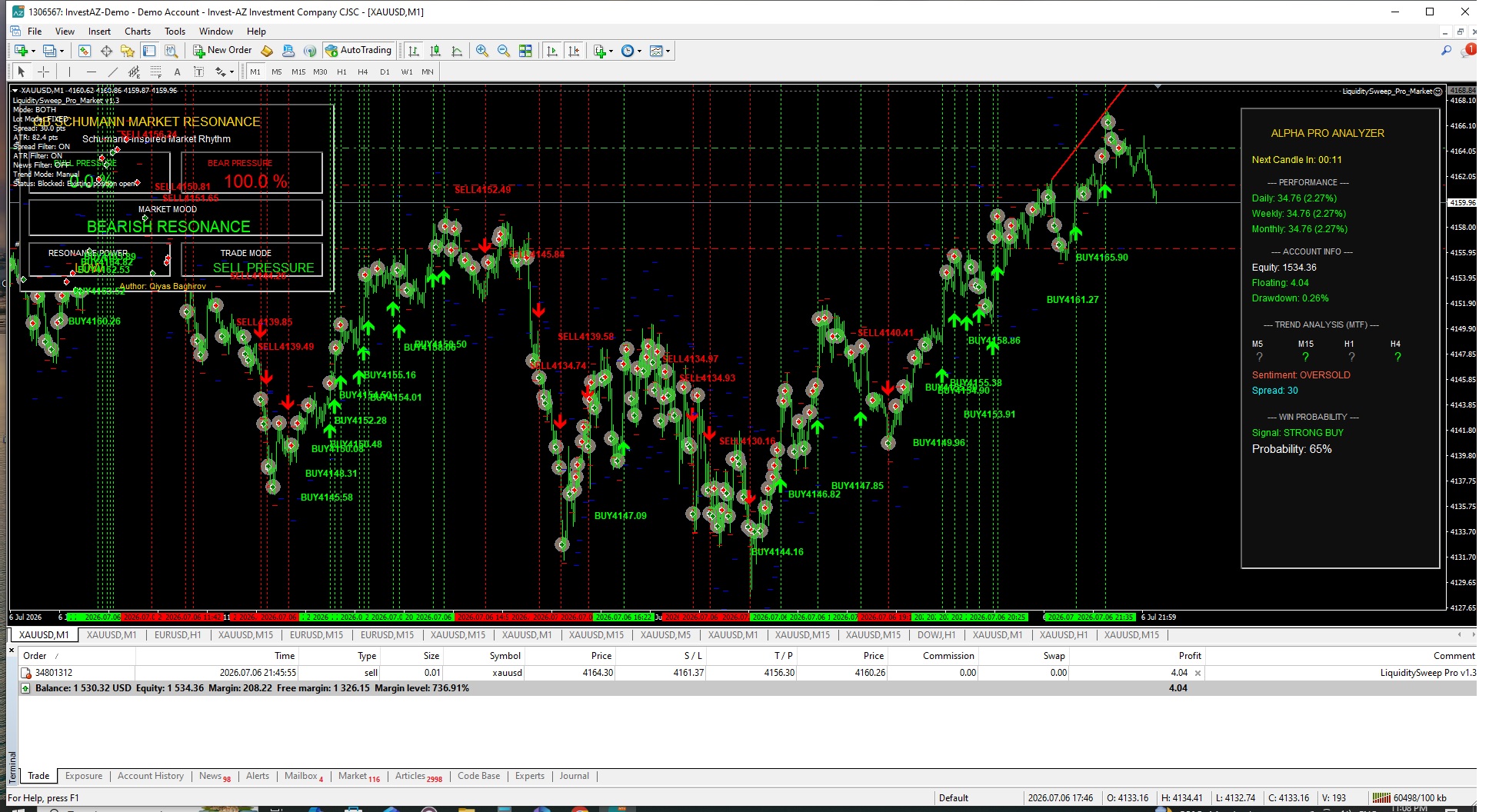
게재된 포스트 LiquiditySweep Pro Market MT4 v1.3 — 2 Weeks Live Demo Test Results
LiquiditySweep Pro Market MT4 v1.3 — 2 Weeks Live Demo Test Results In this video, (https://www.youtube.com/watch?v=7p0_DEXfAD4) I share the latest live demo performance of LiquiditySweep Pro Market MT4 v1.3 on XAUUSD M1 under real market conditions. https://www.mql5.com/en/market/produc...
Qiyas Baghirov
게재된 포스트 LiquiditySweep Pro Market 1.3 Performance Report
LiquiditySweep Pro Market 1.3 Performance Report Period: 24.04.2026 — 07.05.2026 During the evaluation period, LiquiditySweep Pro Market demonstrated stable intraday execution and controlled risk exposure under live-market volatility conditions...
Qiyas Baghirov
Qiyas Baghirov
LiquiditySweep Pro Market 1.3
Performance Report
Period: 24.04.2026 — 07.05.2026
Qiyas Baghirov
Qiyas Baghirov
LiquiditySweep Pro Market 1.3
Performance Report
Period: 24.04.2026 — 07.05.2026
During the evaluation period, LiquiditySweep Pro Market demonstrated stable intraday execution and controlled risk exposure under live-market volatility conditions.
The strategy maintained disciplined trade management while focusing on liquidity-based reversals and short-term momentum continuation setups.

Performance Summary


Initial Deposit: 1,000 USD


Final Balance: 1,440.45 USD


Total Net Profit: +440.45 USD


Total Return: +44.04%


Profit Factor: 1.16


Expected Payoff: 0.14


Maximum Drawdown: 119.02 USD


Relative Drawdown: 9.12%


Total Trades Executed: 3,086


Trade Statistics


Winning Trades: 1,375 (44.56%)


Losing Trades: 1,711 (55.44%)


Position Distribution


Short Positions Won: 45.39%


Long Positions Won: 43.77%


Best/Worst Trades


Largest Profit Trade: +13.52 USD


Largest Loss Trade: -11.05 USD


Average Results


Average Profit Trade: +2.27 USD


Average Loss Trade: -1.57 USD


Risk & Execution Analysis
The strategy maintained relatively controlled drawdown levels while operating under high-frequency intraday conditions.
Performance stability was supported through:


spread filtering,


ATR volatility protection,


controlled execution logic,


and liquidity-based confirmation systems.


The equity curve demonstrated progressive recovery behavior after temporary drawdown phases, indicating stable execution consistency throughout volatile market conditions.

Strategy Behavior
LiquiditySweep Pro Market focuses on:


institutional liquidity sweeps,


stop-hunt reversals,


momentum continuation entries,


and short-term intraday inefficiencies.


The system prioritizes:


execution discipline,


low-exposure recovery behavior,


and sustainable equity growth over aggressive risk escalation.


Professional Short Version
Performance Period: 24.04.2026 — 07.05.2026
LiquiditySweep Pro Market achieved a total return of +44.04% with controlled drawdown behavior and stable execution consistency across 3,086 intraday trades.
The strategy maintained disciplined risk management while leveraging liquidity sweep detection, smart-money reversals, and volatility-filtered execution logic under real-market conditions.
Qiyas Baghirov
게재된 포스트 Live Demo Results: Liquidity Sweep EA – 10 Day XAUUSD Test
Over the last 10 days, I tested Liquidity Sweep EA on a demo account under real market conditions. The goal of this test was to evaluate execution behavior, stability, and performance consistency during active trading sessions...
Qiyas Baghirov MetaTrader 4 시그널 발표됨
EURUSD Smart Entry Signals
가격: 30 USD, 성장: -39.39%
EURUSD Smart Entry Signals 는 M15 타임프레임에서 보조지표 분석과 가격 행동(Price Action) 확인을 기반으로 하는 수동 매매 신호입니다. 매매 접근 방식 이 신호는 추세 방향, 풀백(되돌림), 그리고 확인 신호를 사용하여 확률 높은 진입 지점을 찾는 데 집중합니다. 모든 거래는 실시간 시장 상황에 따라 수동으로 체결됩니다. 주요 특징 수동 매매: (EA 아님 / 자동화 시스템 아님) 보조지표 기반 진입 EURUSD M15 집중 활발한 세션 동안 거래: (런던 / 뉴욕 세션) 리스크가 관리된 진입 리스크 관리 각 거래는 제어된 로트(Lot) 크기로 진입하며 주의 깊게 모니터링됩니다. 손절매(Stop Loss) 및 이익 실현(Take Profit) 레벨은 시장 구조에 따라 달라질 수 있습니다. 중요 참고 사항 이 시스템은 자동화된 시스템이 아닙니다. 결과는 브로커 조건 및 스프레드에 따라 달라질 수 있습니다. 구독 전 데모 계좌 에서 성과를 확인하는 것을
Qiyas Baghirov 출시돈 제품

LiquiditySweep Pro Market MT5 v1.3 버전 1.3 – 2026.04.26 LiquiditySweep Pro Market는 Liquidity Sweep / Stop Hunt 개념을 기반으로 한 전문가용 자동매매 프로그램(EA)으로, 최근 고점과 저점에서의 가격 스윕을 감지하고 시장이 반전 확인을 보일 때 거래를 실행하도록 설계되었습니다. 핵심 전략 핵심 전략은 간단하면서도 효과적입니다: 최근 고점 위 또는 최근 저점 아래에서의 유동성 스윕 감지 캔들 종가를 통한 반전 확인 선택적 EMA 기반 방향 필터 적용 선택된 시장 세션에서만 거래 Stop Loss, Take Profit, Break-Even, Trailing Stop을 통한 포지션 관리 이 버전은 기존 전략의 핵심 로직을 변경하지 않고, 실계좌 거래 안정성을 향상시키기 위해 최적화되었습니다. 핵심 거래 로직 EA는 설정 가능한 조회 기간(lookback)을 사용하여 시장 구조를 모니터링합니다. 매도

Qiyas Baghirov
게재된 포스트 SMC Reversing EA results after updated
SMC Reversing EA results after updated SMC Reversing EA results after updated...
Qiyas Baghirov
Qiyas Baghirov
SMC REVERSING EA RESULTS AFTER UPDATED
12