Sync All Charts
- 유틸리티
- 버전: 1.0

Synchronizes all open charts to the symbol of the chart this indicator is applied to.
SyncAllCharts is a MetaTrader 5 indicator that lets one main chart control the trading symbol shown on all other open charts. Change the symbol on the main chart, and the other charts follow while keeping their own timeframes. It helps you review the same market across several timeframes without changing each chart manually.
How to use it
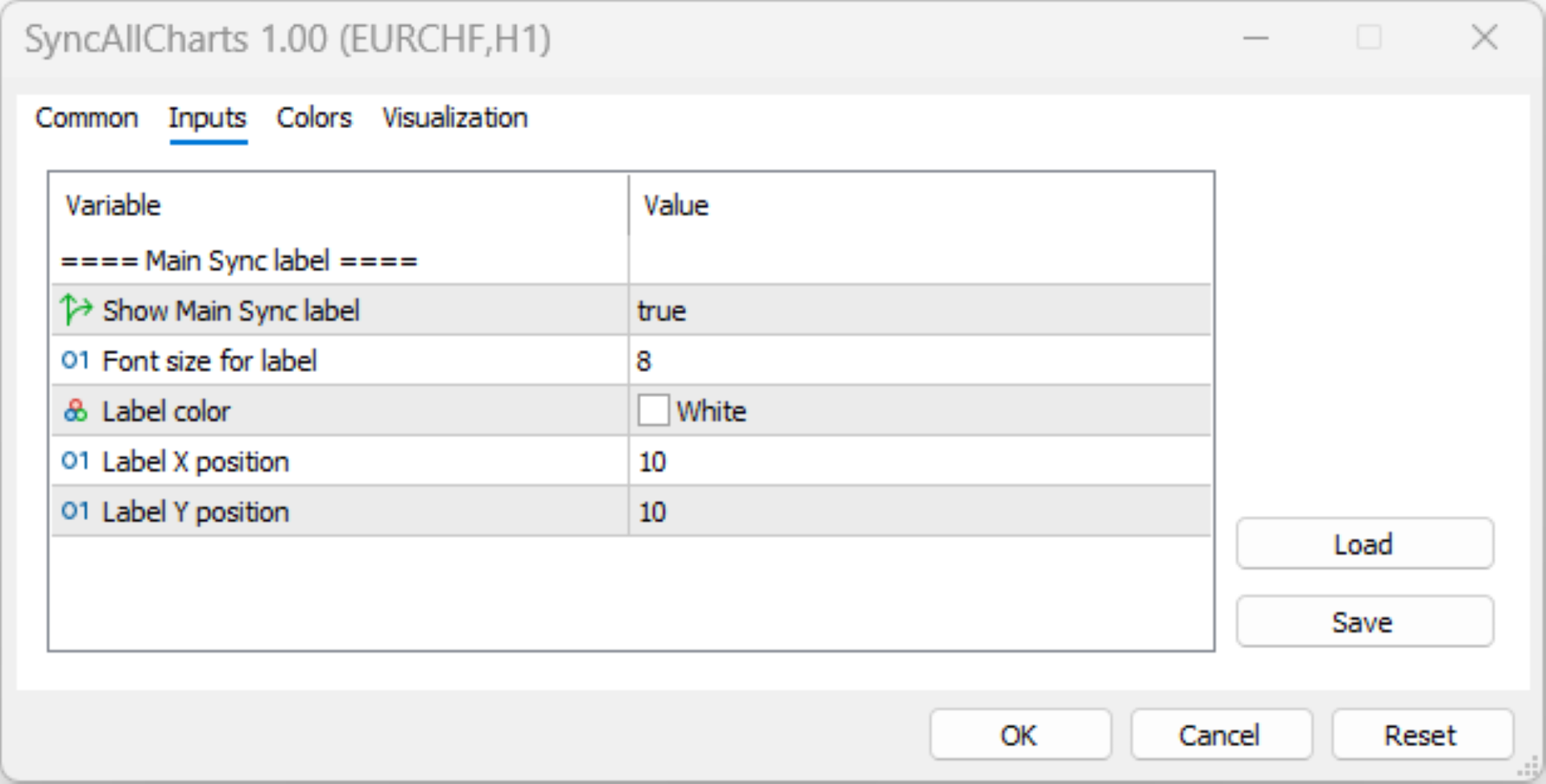
Attach the indicator to one chart that you want to use as the main controller. It immediately switches every other open chart to that chart’s symbol. An optional “Main Sync” label identifies the controlling chart; you can adjust the label’s size, color, and position or hide it.
For example, if your charts use M5, M15, and H1, switching the main chart from EURUSD to GBPUSD changes the others to GBPUSD without changing their timeframes.
Benefits
-
Saves repetitive work when switching markets across multiple charts.
-
Helps keep your multi-timeframe analysis focused on the same instrument.
Preserves each chart’s timeframe, so you do not need to rebuild your timeframe arrangement.
-
Applies to every other open chart in the same MT5 terminal; there is no option to exclude charts or create separate synchronization groups.
-
Synchronizes symbols only—not zoom, scrolling, chart layout, drawings, or indicator settings.
-
Does not provide trading signals, place trades, or manage positions.
-
Synchronization runs when the indicator loads and when the main chart’s symbol changes. There is no continuous check, so a newly opened chart or a manually changed secondary chart may stay different until the next synchronization.
-
Use one main controller: the code does not include coordination between multiple copies attached to different charts.