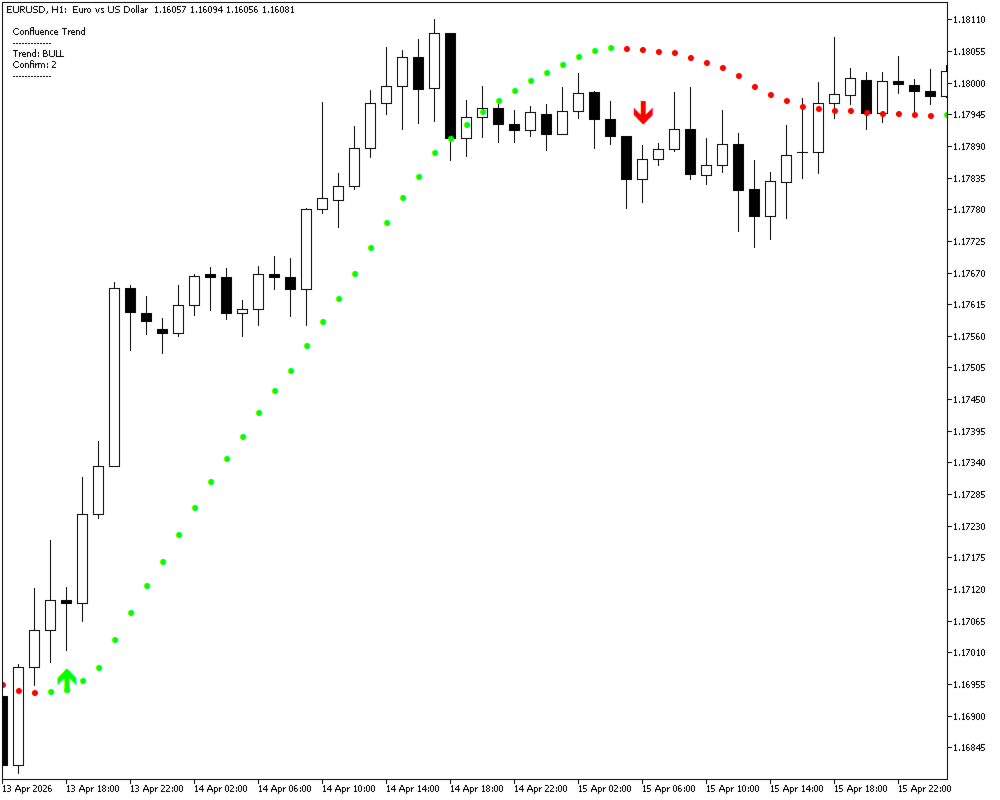
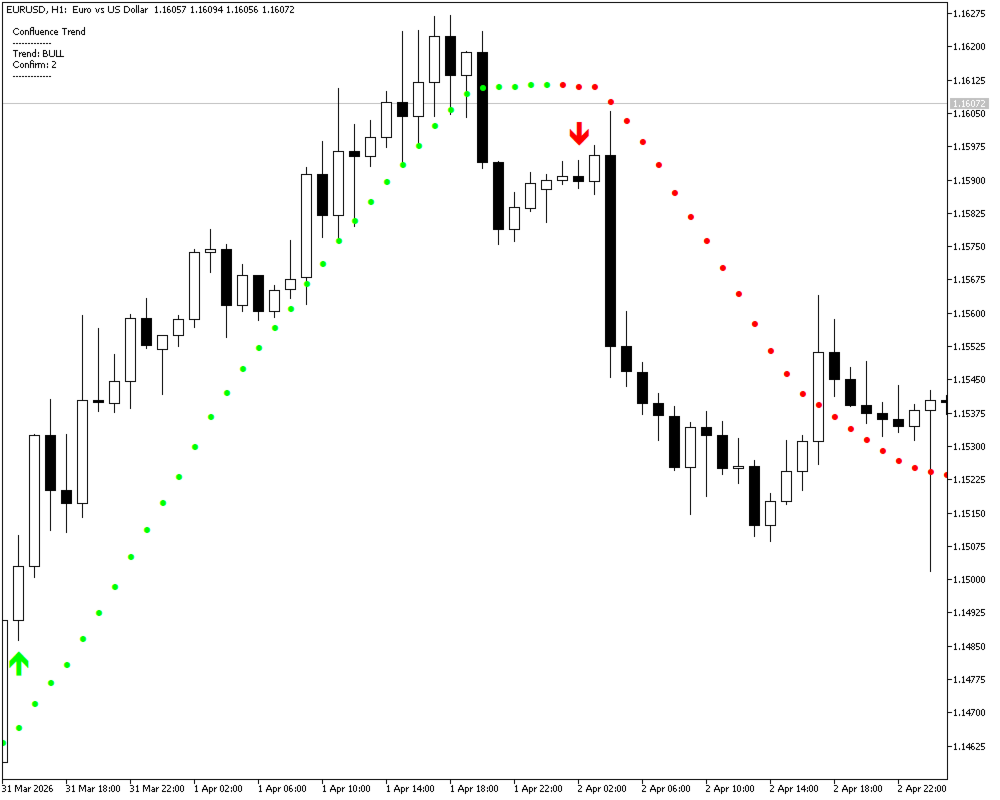
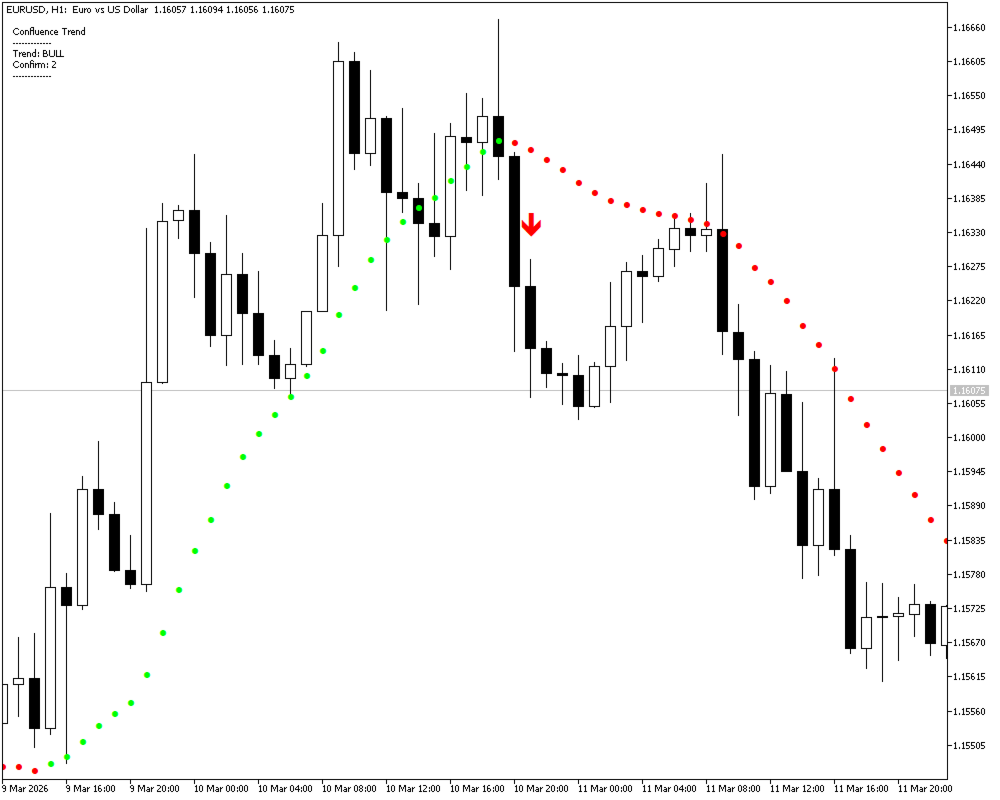
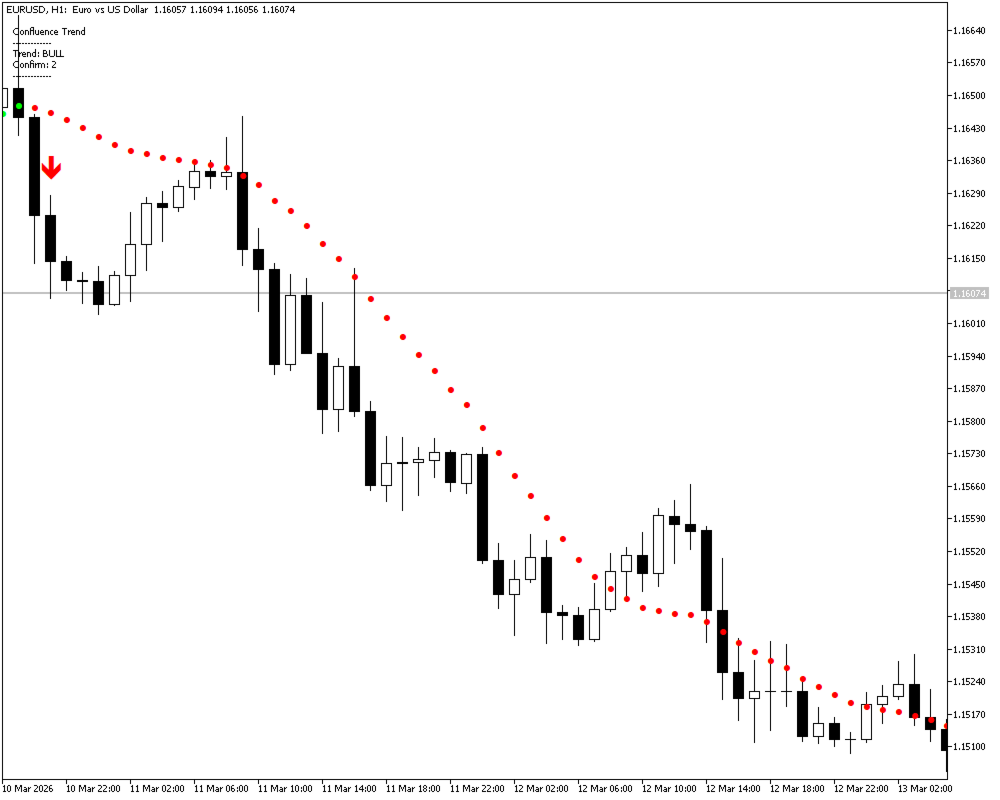
Confluence Trend
- 지표
-
Ivan Simonika
 List of the best products: https://www.mql5.com/ru/users/dragonivan/seller
e-mail: dragon.ivan.sym@gmail.com - 버전: 1.20
- 활성화: 5
Trade with the Trend. Confirm Before You Enter.
Confluence Trend is a professional trend-following indicator for MetaTrader 5 that combines the fast-reacting NonLagMA with a confirmation-based signal system.
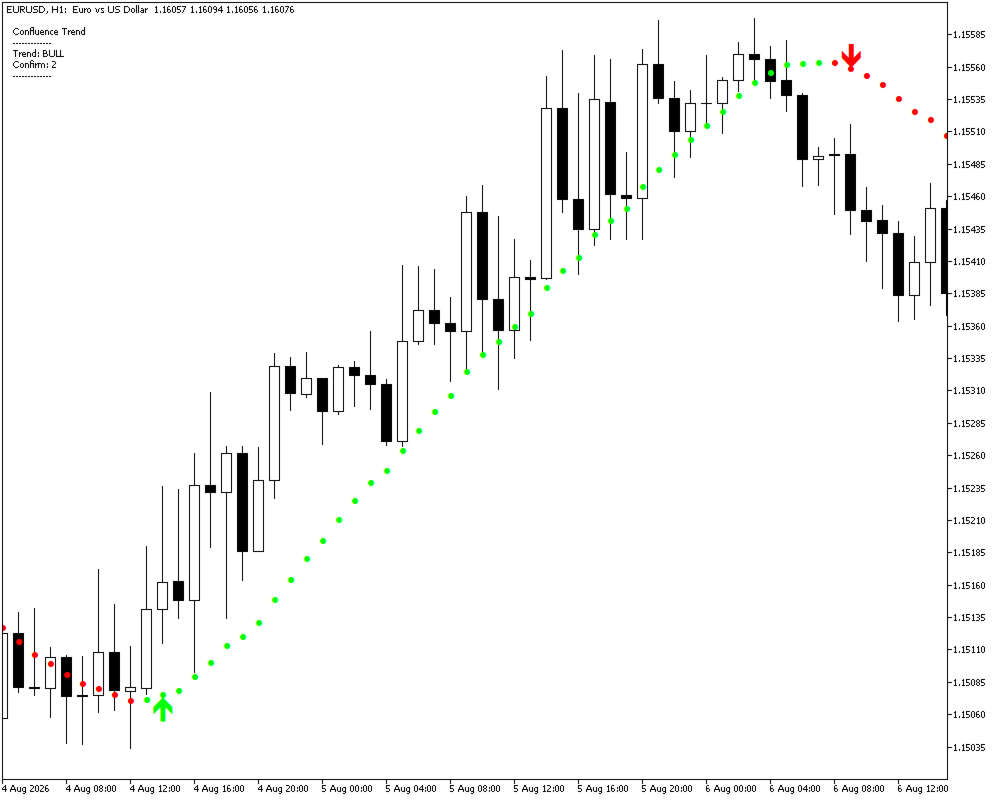
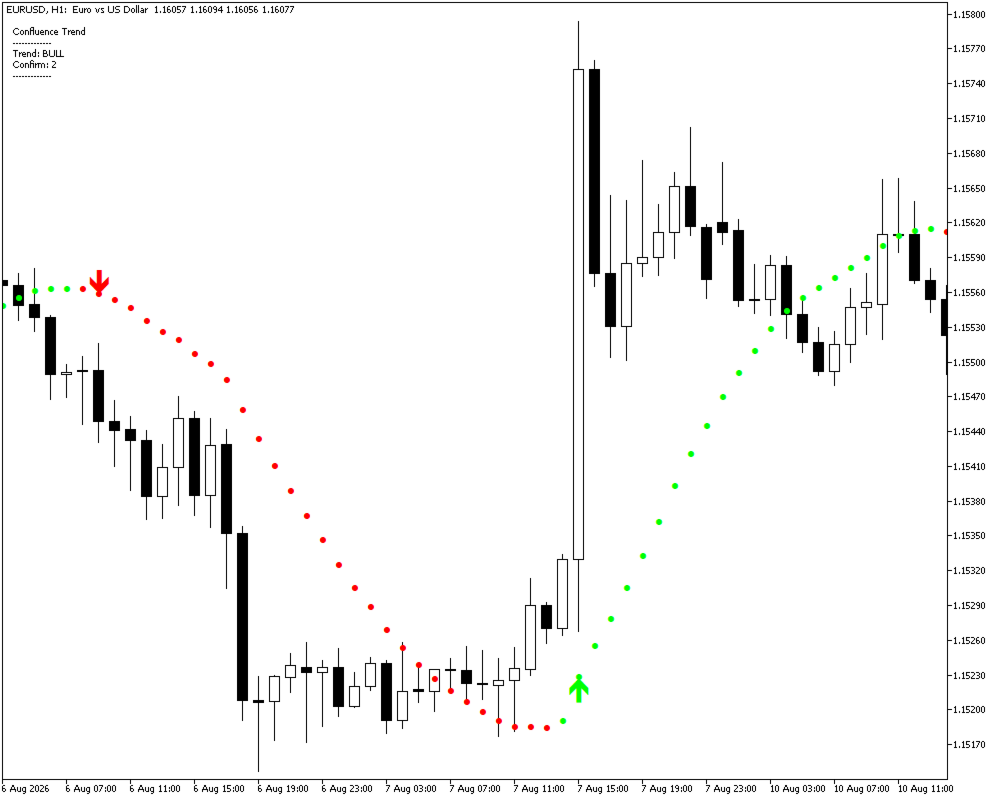
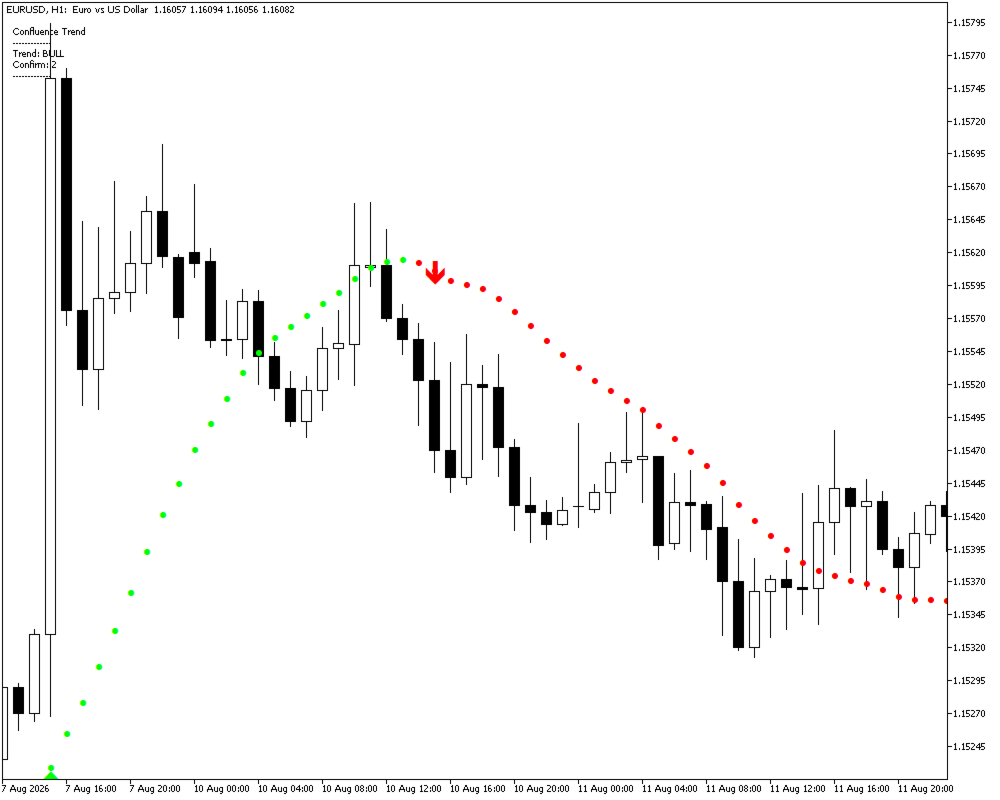
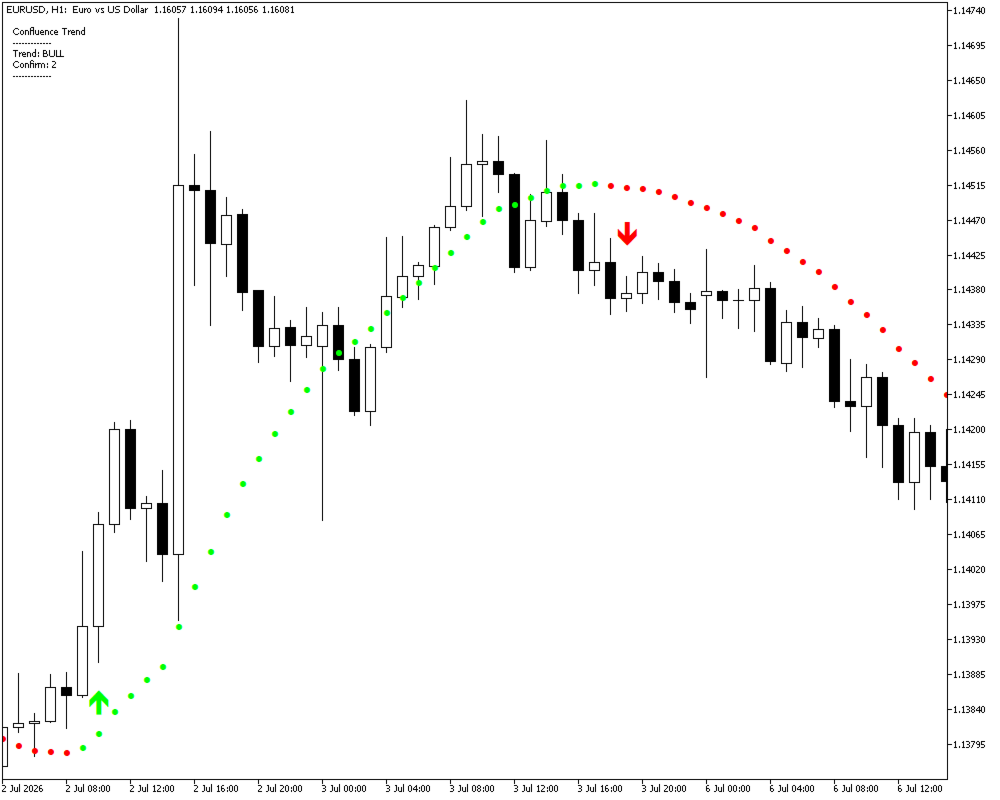
The indicator provides a clear visual representation of the current market direction, filters initial trend changes, and generates Buy/Sell arrows only after the required number of confirmation bars.
Designed for intraday and swing trading, Confluence Trend can be used across Forex, indices, metals, cryptocurrencies, and CFDs on any timeframe.
Why Confluence Trend?
Traditional Moving Averages can react slowly to market changes and may generate frequent signals during periods of market noise.
Confluence Trend uses a NonLag Moving Average as the core trend component, combined with a configurable confirmation mechanism.
Instead of generating an entry signal immediately after the first color change, the indicator waits for the trend to remain confirmed for a specified number of bars.
This approach helps traders:
-
identify the prevailing market direction;
-
filter short-term fluctuations;
-
reduce premature entries;
-
clearly distinguish bullish and bearish conditions;
-
control the frequency of opposite signals;
-
receive alerts when a confirmed signal appears.
Key Features
NonLagMA Trend Line
The indicator is built around NonLagMA, a responsive moving average designed to reduce lag while maintaining a smooth representation of price movement.
You can independently enable or disable the NonLagMA line directly from the indicator settings.
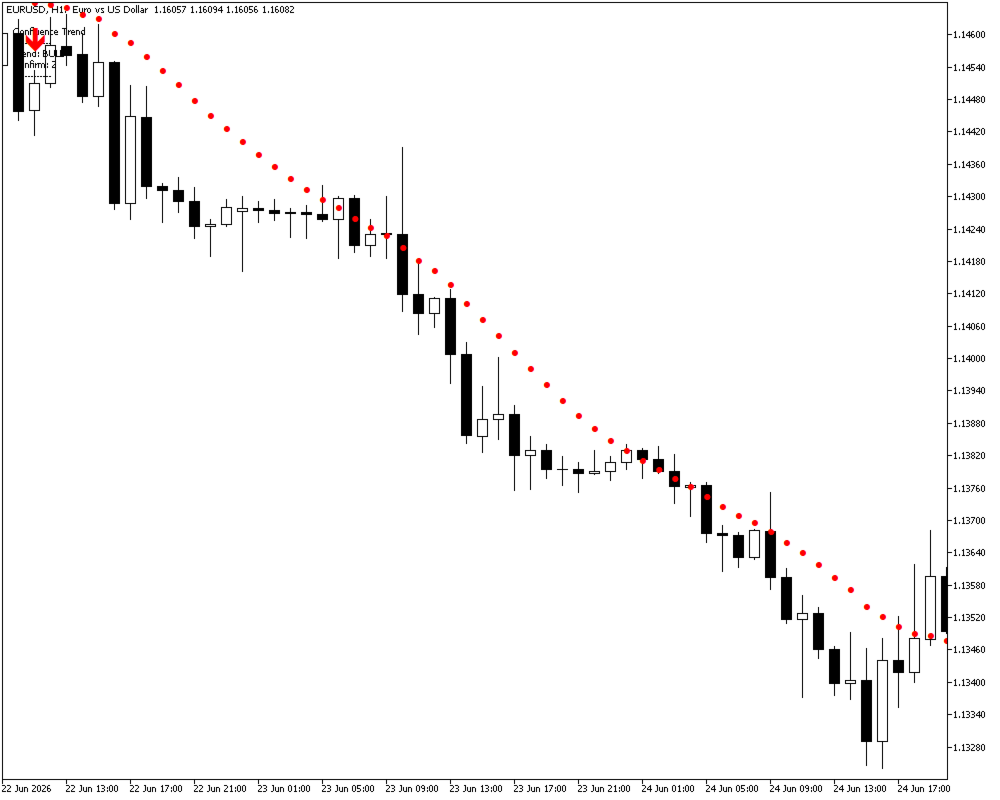
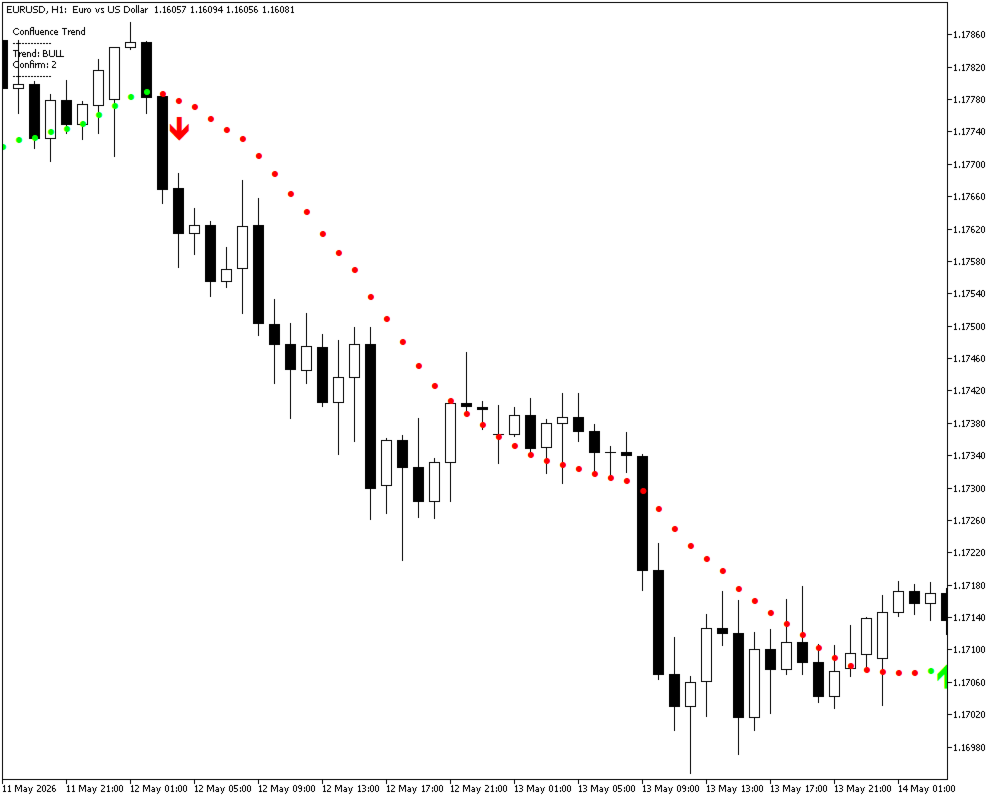
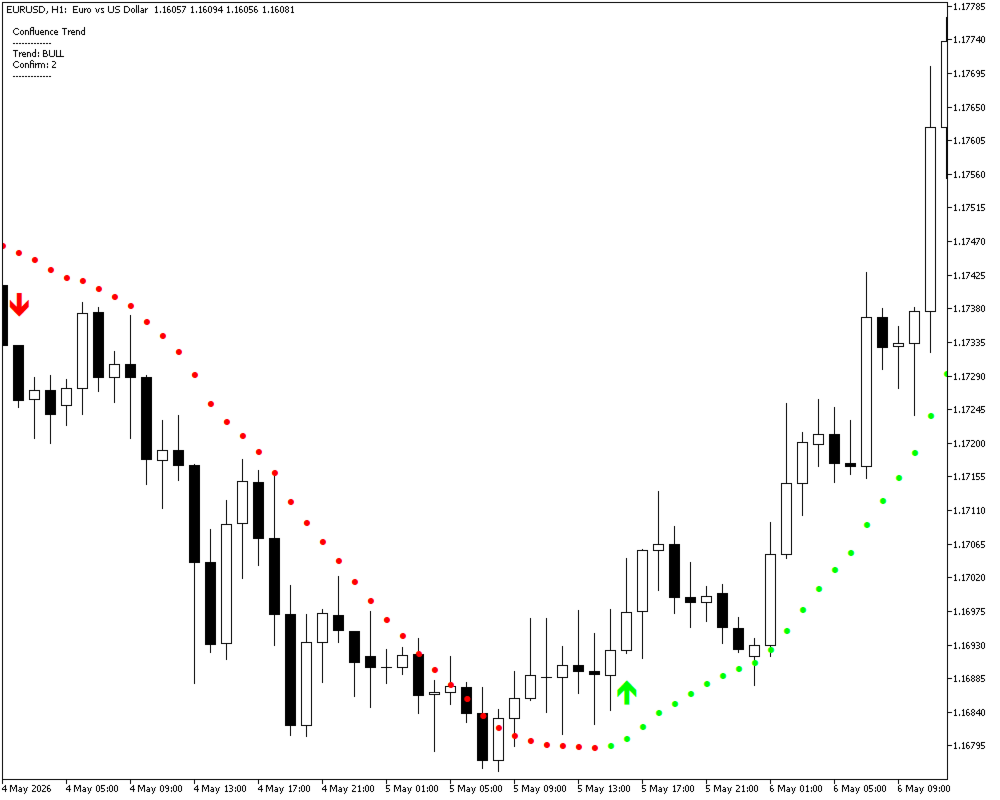
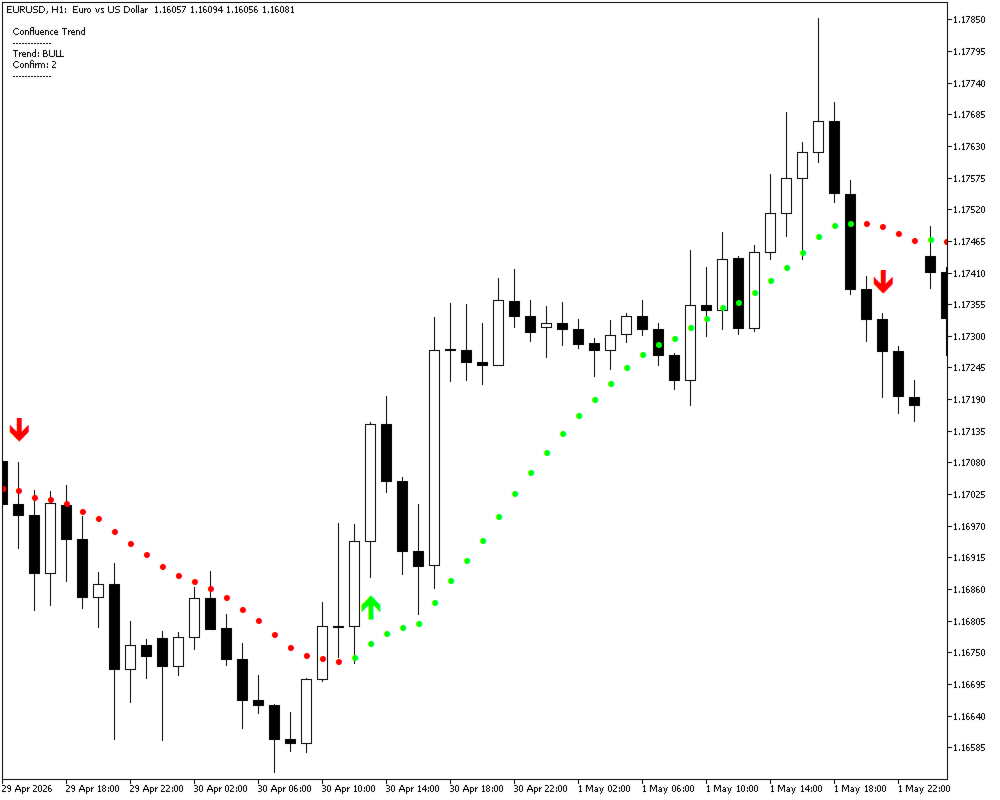
Colored Trend Dots
The trend state is displayed directly on the NonLagMA line using colored dots:
-
Green — bullish / Up trend
-
Red — bearish / Down trend
This provides an easy-to-read visual overview of the current market direction.
Confirmed Buy / Sell Signals
Confluence Trend does not generate an arrow immediately after the first trend-color change.
A signal is displayed only after the trend has been confirmed by the configured number of consecutive bars.
The Minimum confirmations parameter allows you to choose how many bars are required before a Buy or Sell signal is generated.
This gives traders greater control over the balance between signal frequency and confirmation strength.
Protection Against Frequent Opposite Signals
The Min bars between opposite arrows parameter prevents a new opposite signal from appearing too soon after the previous one.
This helps reduce signal clutter during short-term market fluctuations.
Adjustable Arrow Distance
Use Arrow distance (points) to control the vertical distance between Buy/Sell arrows and the corresponding candle.
Information Panel
The optional information panel is displayed in the upper-left corner of the chart and provides a quick overview of:
-
Current trend: BULL / BEAR / FLAT
-
Confirmation settings
-
Current indicator state
Alerts & Push Notifications
Receive notifications when a new confirmed Buy or Sell arrow appears.
Available options include:
-
Alert
-
Push notification
How the Signal Logic Works
The basic workflow is simple:
1. Trend Detection
NonLagMA analyzes the price movement and determines the current directional state.
2. Trend Visualization
The indicator displays the trend using colored dots on the NonLagMA line.
3. Confirmation
The system waits for the required number of bars specified in Minimum confirmations.
4. Signal Generation
After confirmation, a corresponding Buy or Sell arrow is displayed.
5. Opposite Signal Filtering
The Min bars between opposite arrows setting helps prevent rapid alternation between Buy and Sell signals.
This makes Confluence Trend more selective than a simple “color change = entry” system.
Indicator Parameters
NonLagMA
Length
Period used for the NonLagMA calculation.
Cycle
Controls the cycle coefficient of the NonLagMA calculation.
Deviation %
Sets the deviation used by the indicator.
Filter (points)
Filters minor price fluctuations and market noise.
Show NonLagMA line
Show or hide the NonLagMA line.
Show colored dots
Show or hide the trend dots.
Arrows
Minimum confirmations
Minimum number of consecutive bars required to confirm a new trend before generating a Buy/Sell signal.
Arrow distance (points)
Controls the distance between the signal arrow and the candle.
Min bars between opposite arrows
Minimum number of bars required between opposite Buy/Sell signals.
Buy Arrow Color
Customize the Buy signal color.
Sell Arrow Color
Customize the Sell signal color.
Other
Show panel
Show or hide the information panel.
Alerts / Push
Enable or disable notifications for new confirmed signals.
Who Is Confluence Trend For?
Confluence Trend may be useful for traders who:
-
prefer trend-following strategies;
-
want a more responsive alternative to traditional Moving Averages;
-
prefer confirmed signals instead of entering on the first trend change;
-
trade intraday or swing setups;
-
want a clean visual representation of market direction;
-
need configurable signal filtering and alerts.
Suitable Markets
Confluence Trend can be used with a wide range of instruments, including:
-
Forex
-
Indices
-
Metals
-
Cryptocurrencies
-
CFDs
The indicator is designed to work across different symbols and timeframes.
No Signal Repainting
Confluence Trend does not repaint its confirmed arrows.
Buy and Sell arrows are generated only after the required confirmation conditions have been met and the confirmation bar has closed.
This allows traders to evaluate historical signals using the same confirmation logic used for live signals.
Important: Confluence Trend is an analytical tool and does not guarantee profitable trades. Trading results depend on market conditions, strategy, risk management, and execution.
Summary
Confluence Trend combines a responsive NonLagMA trend engine, visual trend dots, configurable confirmation logic, opposite-signal filtering, alerts, and an information panel into one practical indicator for MetaTrader 5.
Instead of reacting to every short-term change in price, the indicator allows traders to wait for trend confirmation before receiving an entry signal.
Detect the trend. Confirm the move. Trade with structure.