Quantum Challenge Portfolio EA
- Experts
-
Guad Bibar
 Founder of Quantum Labs and developer of practical MT4 and MT5 tools for traders who value risk control, transparent logic, and disciplined execution. I build non-repainting indicators, market-regime dashboards, and Expert Advisors with clearly documented rules and realistic risk controls—without
 - 버전: 1.11
- 활성화: 5
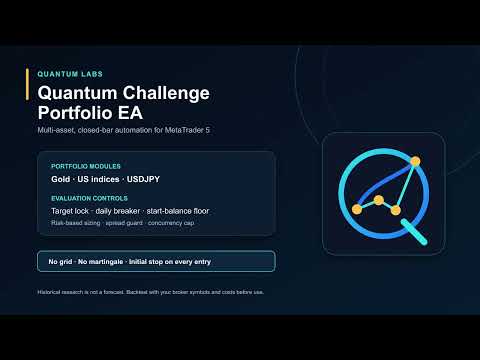
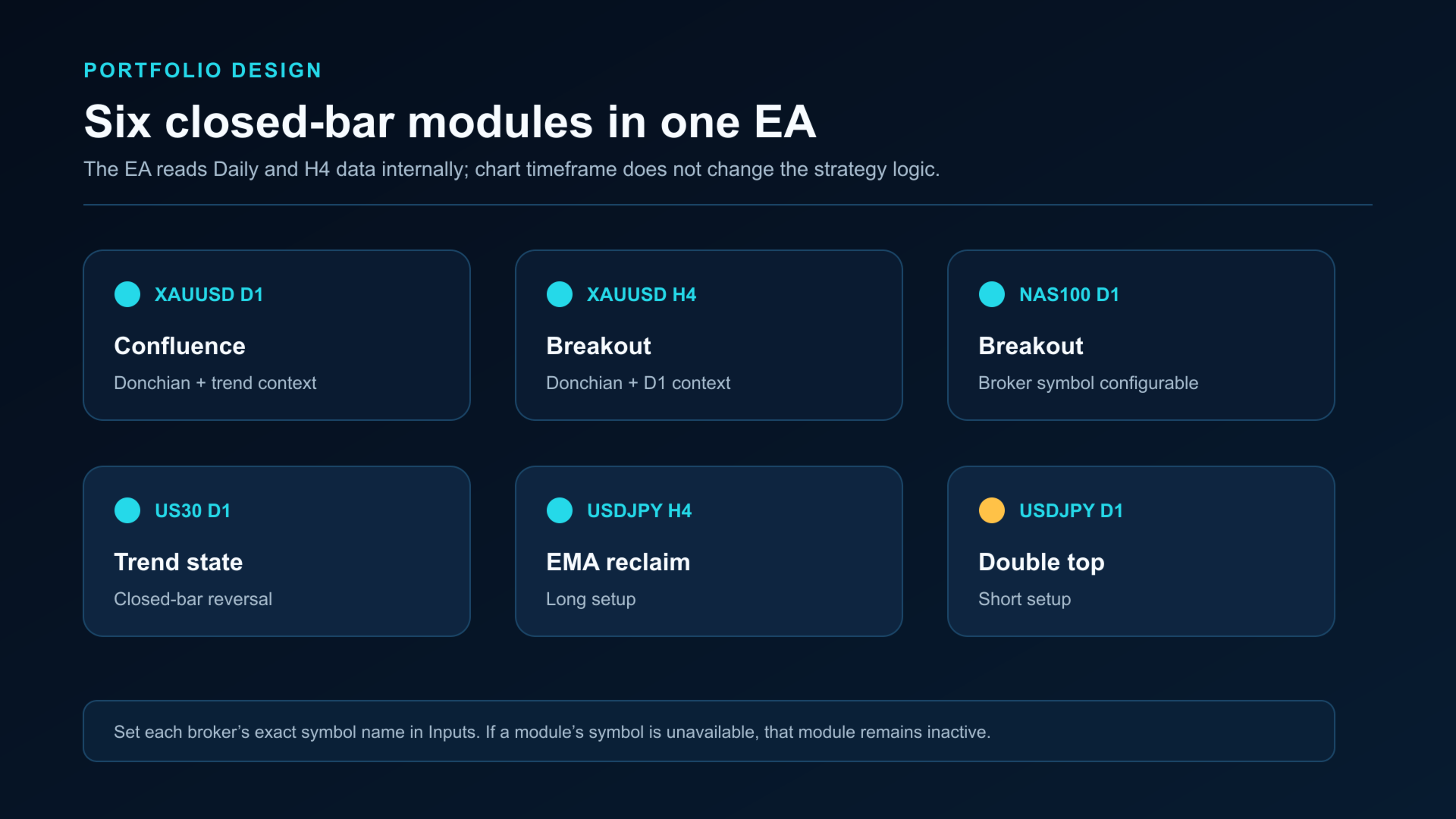
Quantum Challenge Portfolio EA is a multi-asset Expert Advisor for MetaTrader 5. It combines six closed-bar strategy modules with configurable evaluation targets and account-level risk controls.
The EA reads Daily and H4 data internally. It can be attached to one chart while monitoring the configured portfolio symbols.
HOW THE PORTFOLIO WORKS
- XAUUSD D1 confluence: Donchian breakout with long-term trend, cloud and trend-state context
- XAUUSD H4 breakout: Donchian breakout with Daily trend context
- NAS100 D1 breakout: closed-bar Donchian model
- US30 D1 trend state: closed-bar trend reversal model
- USDJPY H4 EMA reclaim: long setup
- USDJPY D1 double top: short setup
The symbol names are inputs. Enter the exact names used by your broker. The two broker-specific index modules are disabled by default; enable them only after entering valid symbols available from your broker. A module remains inactive if it is disabled or does not have sufficient history.
POSITION MANAGEMENT
- Initial structural stop on every entry
- Equity-percentage position sizing
- Breakeven handling after a completed-bar 1R excursion
- Close-based ATR trailing stop
- Maximum holding period
- One managed position per symbol
- Configurable portfolio concurrency cap
EVALUATION CONTROLS
- Configurable phase 1 and phase 2 equity targets
- No-target mode for continued portfolio operation
- Optional target lock that closes this EA's positions and stops new entries
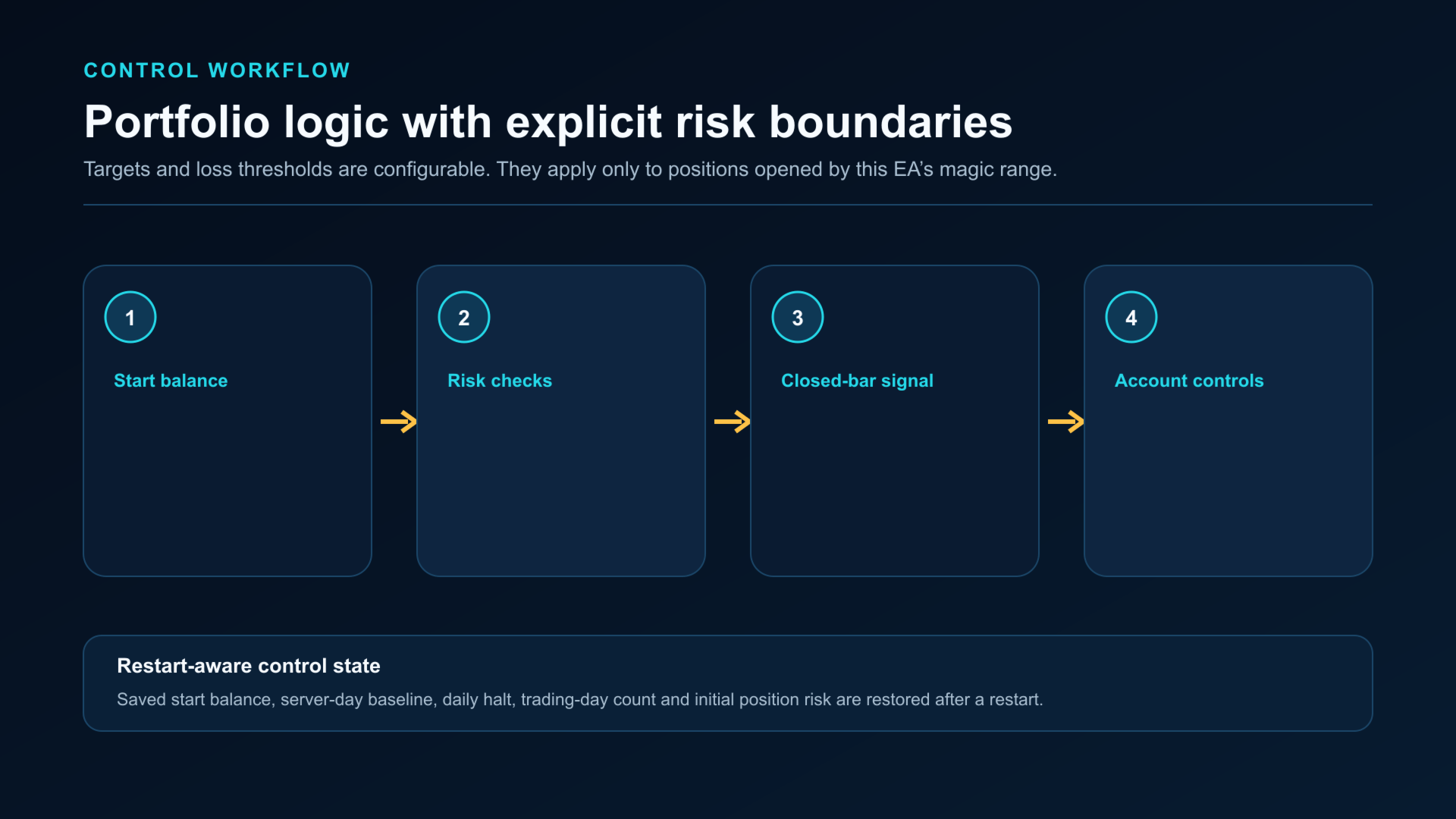
- Daily loss breaker based on the server-day starting balance
- Start-balance floor for new-entry suspension
- Persistent start balance, daily state, trading-day count and initial-risk state
- One-shot state reset input for a new evaluation or phase
EXECUTION CONTROLS
- Live entries are disabled by default
- Spread-to-ATR entry guard
- Broker session and symbol trade-mode checks
- Stop-distance and freeze-level checks
- Minimum-lot over-risk protection
- Free-margin buffer
- Isolated magic-number range
The EA does not use grid, martingale or averaging down. It does not use DLLs, WebRequest, external files or account-number restrictions. It does not modify manual trades or positions opened outside its magic-number range.
SETUP
1. Add the required symbols to Market Watch.
2. Attach the EA to one chart.
3. Enter the broker's exact XAUUSD, NAS100, US30 and USDJPY symbol names.
4. Enable the Nasdaq and Dow modules only after confirming their broker-specific symbols.
5. Select the required phase and set the target and loss thresholds.
6. Keep live entries disabled while checking the panel and inputs.
7. Run a broker-specific Strategy Tester test and use a demo account before enabling entries.
IMPORTANT
Target and loss controls apply only to positions opened by this EA's magic-number range. Account equity can also be affected by manual trades, other Expert Advisors, deposits, withdrawals, commissions and swaps.
Historical Strategy Tester results are modeled results. They are not live performance and do not predict future results. Broker symbols, history, spread, commission, swap, execution, leverage and settings can materially change the outcome. Trading involves risk of loss.