Florin Tudor
Florin Tudor
  • 情報
no
経験
6
製品
23
デモバージョン
0
ジョブ
0
シグナル
0
購読者
manager において Focsani
I'm m a Forex en stocks trader
Florin Tudor
Florin Tudor
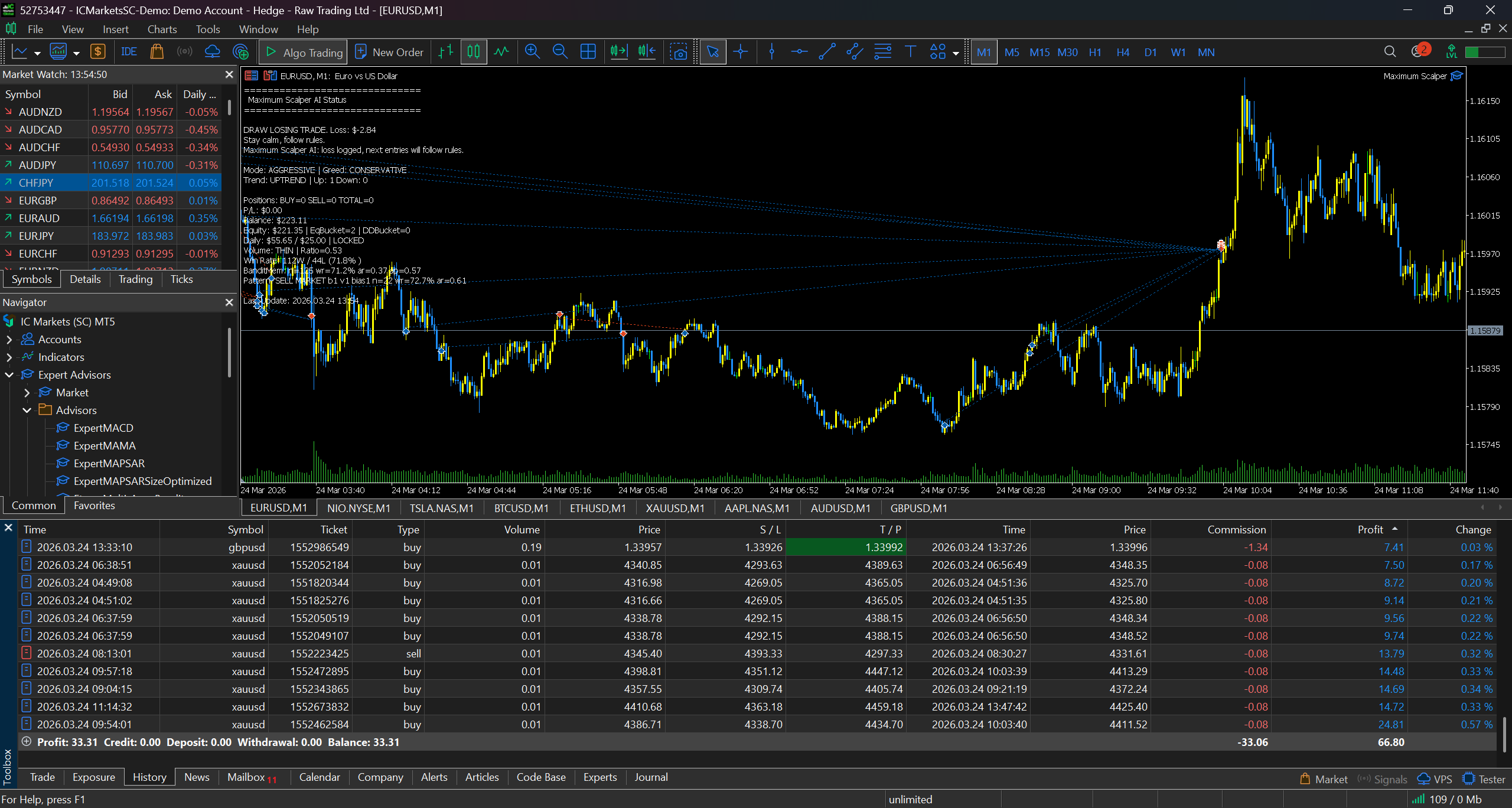
Galileo Pro3 demonstrates strong adaptive trading behavior driven by market sentiment. The equity curve shows consistent growth with controlled drawdowns, highlighting precise market entries based on volume analysis and bullish/bearish candle pressure. After losing trades, the system adapts and improves execution accuracy in subsequent trades. This performance reflects a 1-week trading period on XAUUSD, starting with a balance of $40 and reaching an ending balance of $4,056.
Polonezu28
Polonezu28 2026.01.31
Galileo Pro3 is way too much,I will buy
zambilica
zambilica 2026.02.01
Amazing 😍
Florin Tudor
Florin Tudor 2026.02.08
Is the actual Pro TRADER
Florin Tudor
Florin Tudor
Galileo Pro3 has sentiment awareness. It becomes very cautious after losing trades and very confident after winning trades, increasing the account balance. When losses occur, it adapts its strategy, and in the next trades it enters the market very precisely after scanning volume and bullish/bearish candle pressure. This result is based on a 1-week trading period on XAUUSD: starting balance $40, ending balance $4,056 whit agressive settings bullish=7,bearish=3 ,auto close profit =10 ,auto close profit start treiling =15,auto close profit stop treiling =10.
Florin Tudor
Florin Tudor
Galileo Pro3 whit default settings
Florin Tudor
Florin Tudor
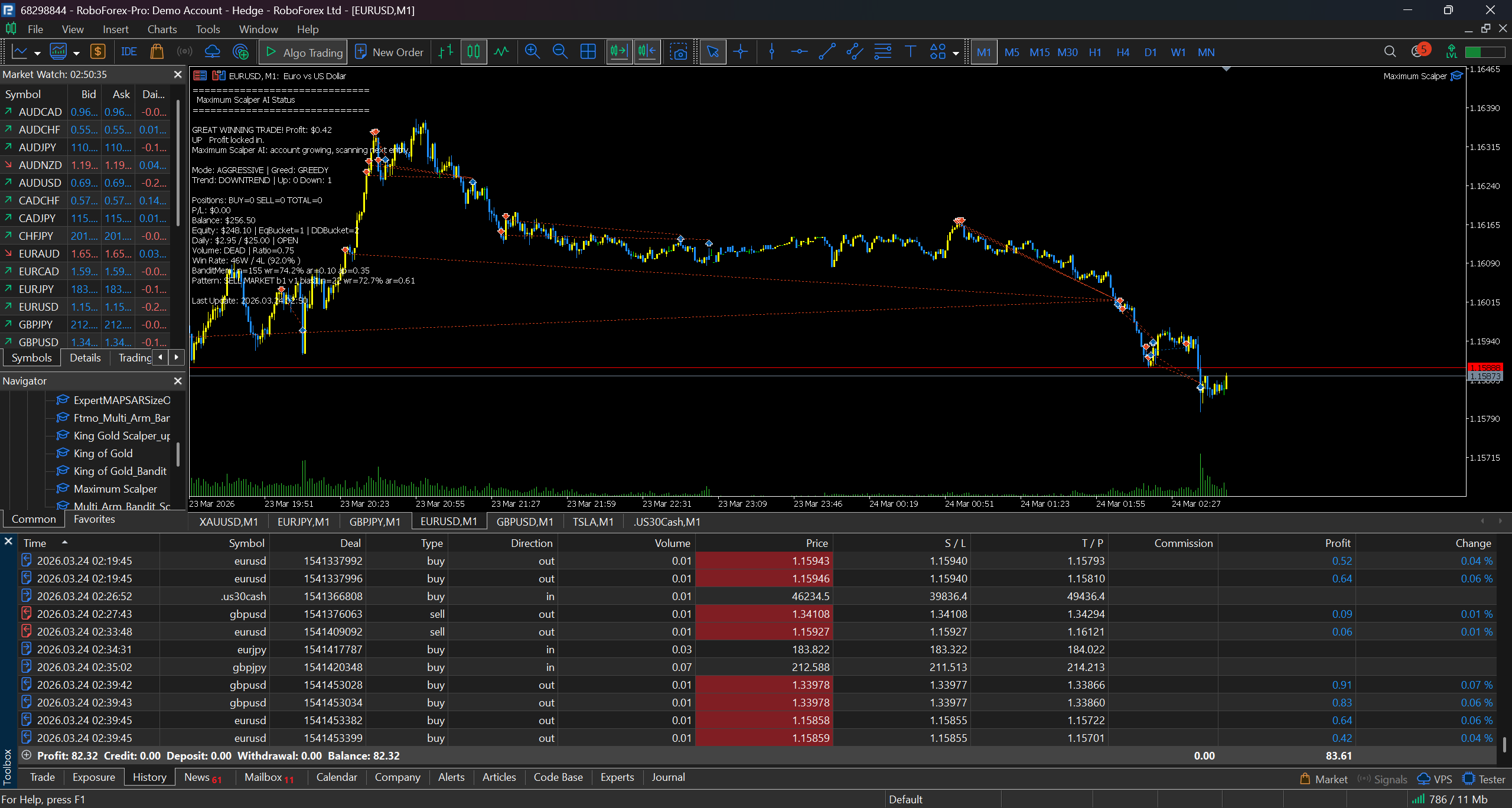
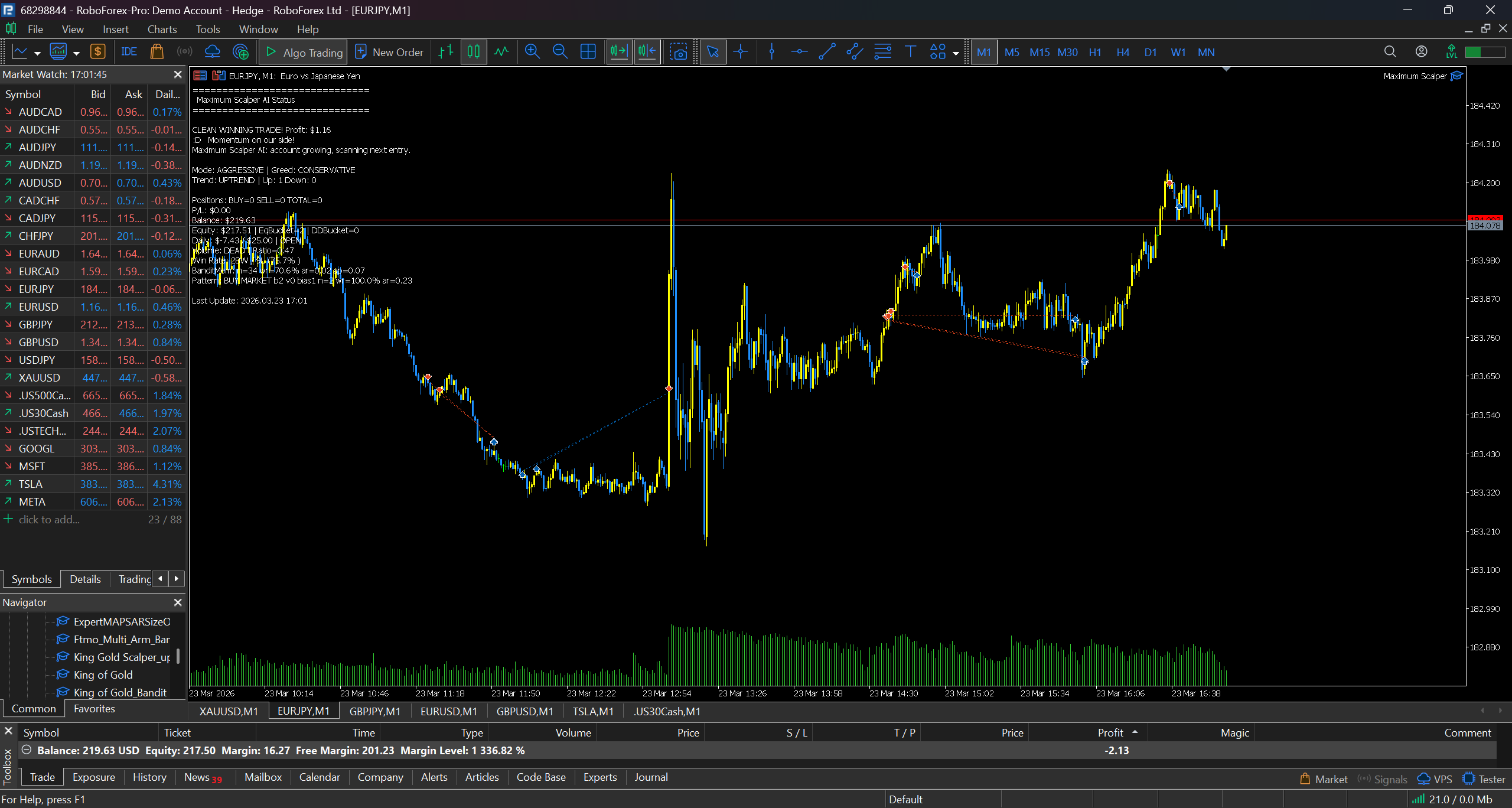
on Roboforex cent account to test live the best settings Galileo Pro3 will scan the best entrys
Florin Tudor
Florin Tudor
just let GalileoPro_3 on charts to scan the market don't allow trade to all charts a few days en he will know where to enter when you activate en allow him to trade on eney chart you have on your screen
Florin Tudor
Florin Tudor
GalileoPro_3 is made for traders whit small accounts
Florin Tudor
Florin Tudor
on real small acccount GalileoPro3 working nice
Florin Tudor
Florin Tudor
Galileo FX Pro_3 is an MT5 Expert Advisor designed for automated trading with layered risk controls, time filters, and adaptive behavior. Below is a clear, practical guide to using it and understanding its strongest functions.

How to use (quick start)
1) Install the EA in MetaTrader 5 and attach it to the chart/symbol you want to trade.
2) Enable Algo Trading/AutoTrading in MT5.
3) Open the Inputs tab and set your trading hours, risk, and protection features.
4) Test on a demo account first, then move to live only after you are satisfied.

Core usage settings (most important)
- MagicNumber: unique ID so the EA manages only its own trades.
- StartHour / EndHour + TradeMonday?TradeSunday: control when the EA is allowed to trade.
- RiskPercent or LotSize: use risk-based sizing (RiskPercent) or fixed lots (LotSize). If LotSize = 0, risk % is used.
- TakeProfit / StopLoss (pips): base target and protection for each trade.
- MaxOpenTrades: maximum simultaneous positions.
- MinSpread: avoid trading when spread is too high.
- Slippage: max allowed execution slippage.

Powerful functions (what makes it strong)
- Cooldown after losses: prevents revenge trading by pausing for a set number of bars.
- Trailing Stop: locks in profit after a defined pip gain.
- Breakeven Stop: automatically moves SL to entry after profit threshold.
- Auto-Close Profit (with trailing): closes all trades after reaching a target USD profit and can trail for extra gains.
- Safe Balance Mode: automatically reduces risk and max trades if balance drops below a threshold.
- Consecutive Bar Signals: uses streaks of bullish/bearish candles as exhaustion signals; can be applied to normal bars or synthetic tick-bars.
- Volume Filter: blocks trades when volume is too weak (tick or real volume).
- DOM (Order Book) Filter: confirms trades only if liquidity and order imbalance meet requirements (for ECN brokers).
- Sentiment + Adaptive Trading: tracks wins/losses, adjusts risk (aggressive vs conservative), and can adapt SL/TP based on performance.
- Signal Strength Mode: switches between GREEDY / MODERATE / CONSERVATIVE behavior based on signal strength.

Suggested setup flow
1) Choose trading hours and days.
2) Decide risk control: set RiskPercent or LotSize.
3) Set TP/SL and MaxOpenTrades.
4) Enable protections: Cooldown, Breakeven, Trailing, Auto-Close.
5) Add filters: MinSpread, Volume, DOM (if ECN), Consecutive Bars.
6) Optional: turn on Adaptive Trading for dynamic risk and performance-based adjustments.
“Powerful functions (what makes it strong)”:

Bullish/Bearish signal tiers (with volume confirmation):
Aggressive mode: triggers on 1–3 bullish/bearish signals, confirmed by the Volume Filter settings.
Moderate mode: triggers on 4–6 bullish/bearish signals, confirmed by the Volume Filter settings.

Notes
- Time settings can use broker time or local PC time via TimezoneOffset.
- Conservative settings help in volatile markets; aggressive settings may increase risk.
- Always validate settings with Strategy Tester before real trading.
Florin Tudor
MQL5.communityに登録されました