New Gold Vector v1.32 Set Files: Community-Driven Optimization! 📈
Exciting news for Gold Vector v1.32 users! Today, I am sharing two brand new .set configuration files. These settings were actually developed and inspired directly by our active community members, showing the true power of collaborative optimization.
One of the best parts of trading with a highly flexible Expert Advisor is that it allows you to run custom optimizations. Sometimes, you can discover unique setups that perform exceptionally well under specific broker conditions. These two new sets are perfect examples, utilizing additional filters to reduce overall trade count but significantly increase the quality and precision of each entry.
Here is a breakdown of the new configurations:
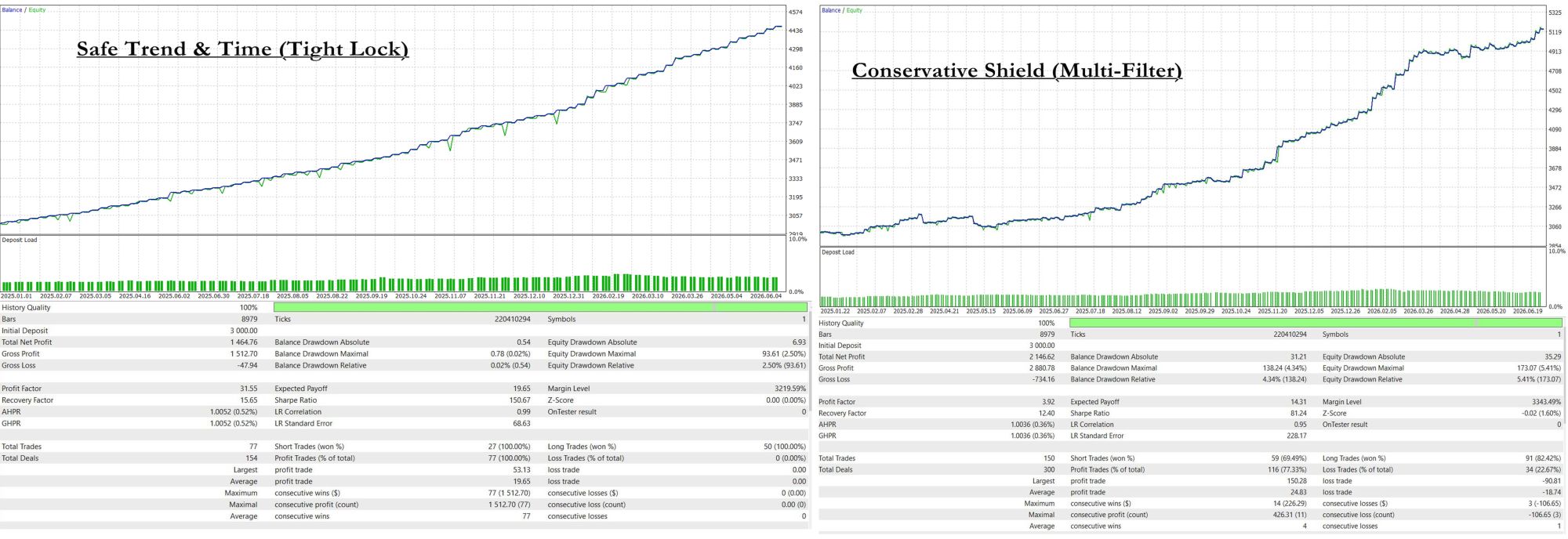
GV v1.32 - 3% Risk - Conservative Shield (Multi-Filter) ⚙️
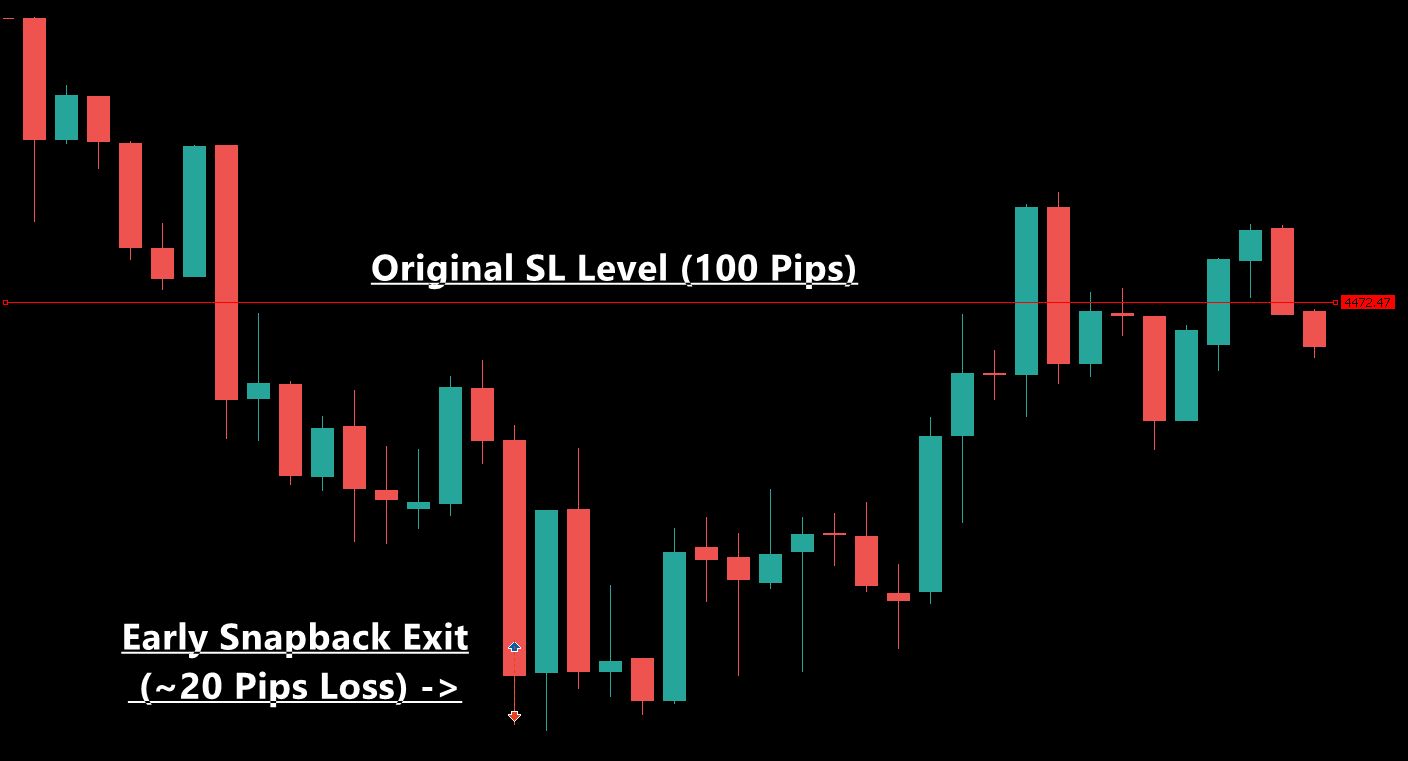
Engineered for maximum capital protection. This highly selective configuration activates nearly all built-in safety features—including the MA trend filter, ATR volatility filter, Time filter, and Momentum Reversal (Snapback) protection—along with an active time-based exit. It focuses strictly on the highest-probability setups with a 150-point trailing start to minimize market exposure.
GV v1.32 - 3% Risk - Safe Trend & Time (Tight Lock) 🛡️
This setup combines standard trend, spread, and scheduling protections with an extremely tight trailing stop (only 50 points distance). It utilizes the MA filter, Time filter, and Spread filter to ensure entries align with market structure, locking in profits rapidly as soon as the trade moves 150 points in your favor. On our backtests, this setting achieved an exceptional 100% win rate over the testing period.
A Critical Warning Regarding the Spread Filter ⚠️
Please note that both of these configurations utilize a strict spread filter to ensure optimal entry pricing. If your broker's spread on Gold (XAUUSD) is frequently too high during breakout moments, this can severely reduce or even completely block the EA from trading. If you experience this on your account, feel free to increase the Max Spread limit in the inputs or disable the spread filter completely. It is always highly recommended to test these settings using real ticks on your specific broker first.
Where to download:
You can download both of these new files, along with the complete updated set files package, directly from our User Guide:
https://www.mql5.com/en/blogs/post/767018
If you do not own Gold Vector yet, you can download the free demo to test these configurations in the Strategy Tester here:
https://www.mql5.com/en/market/product/161075
For any technical questions, optimization ideas, or setup support, feel free to send me a private message on my profile:
https://www.mql5.com/en/users/8587359
Enjoy the new configurations and happy trading! 📈📉