EdgeX MT5
- エキスパート
- バージョン: 1.0
- アクティベーション: 10

Live Monitoring - Live Accounts, Prop Firms
First 4 copies left & the price increases $159
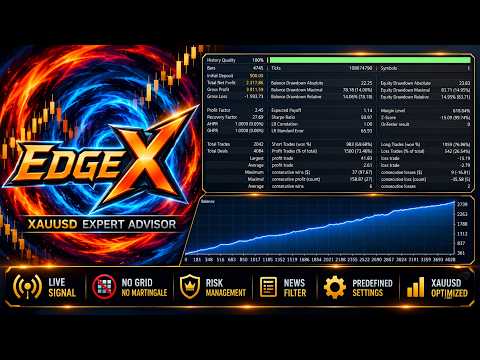
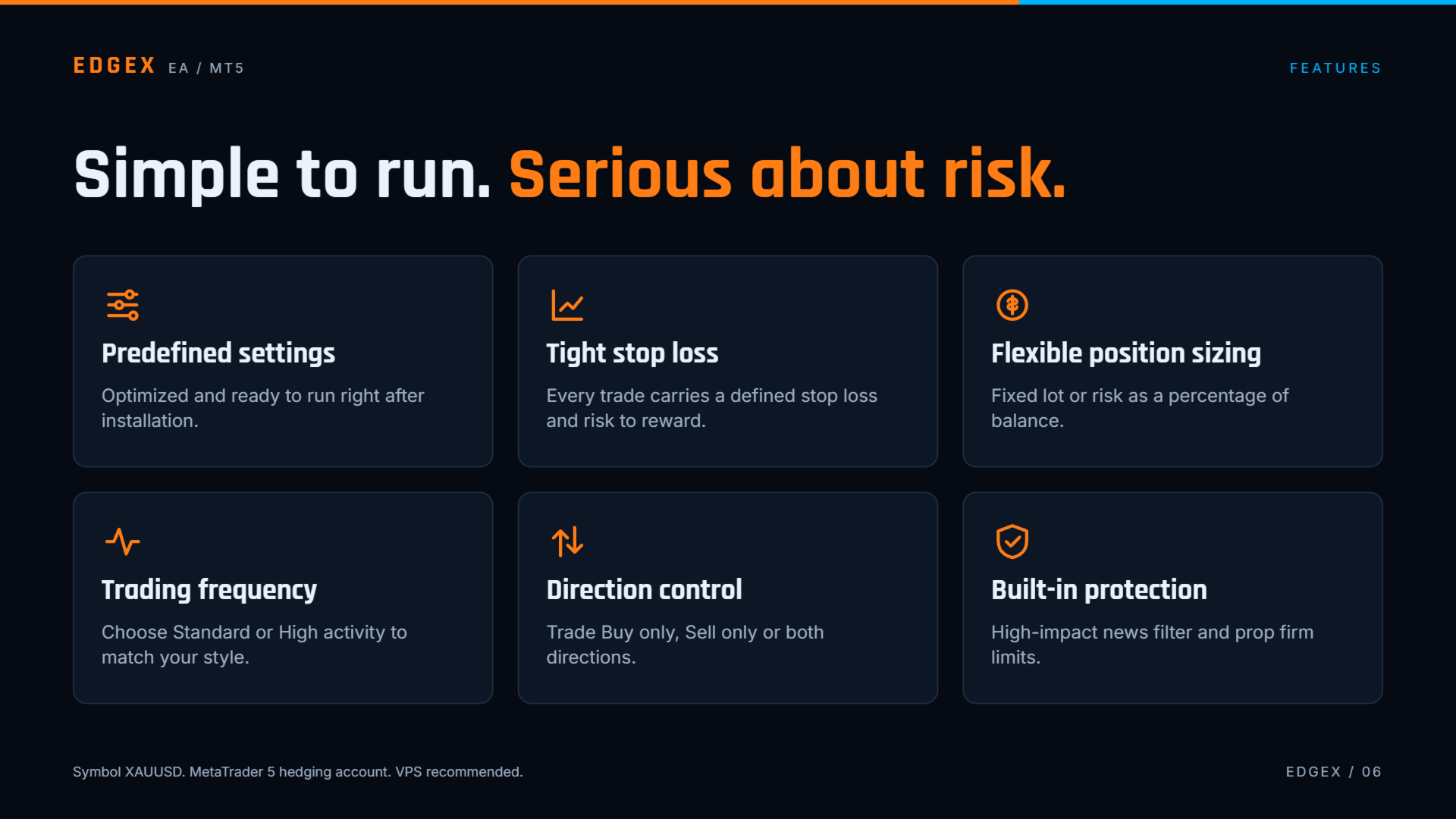
EdgeX is an automated Expert Advisor developed exclusively for XAUUSD. It is built for traders who prefer clear trading logic and account protection over a large number of settings or fancy HUD panels. The main parameters are preconfigured, so no optimization of many inputs is needed before use. Check the comments section for Prop firm account.
MT4 Version on my MQL profile.
Trading Approach
EdgeX combines several independent trading systems inside one Expert Advisor. Each system has its own entry conditions and its own Stop Loss and Take Profit settings. Every position is opened with a predefined Stop Loss and Take Profit, and trade management is handled automatically after entry. The default parameters are configured specifically for XAUUSD.
Trading Frequency
EdgeX provides two trading frequency modes. Standard runs a reduced set of the internal trading systems. High runs all of them and allows the EA to take part in more trading opportunities when its entry conditions are met. The selected mode changes trading activity but does not remove the Stop Loss or the built-in risk controls.
Money Management
EdgeX supports two position sizing methods. Fixed Lot uses the lot size set by the user. Risk Percentage calculates the position size from the selected percentage of account balance and the Stop Loss distance. A maximum lot size can be set for risk-based sizing.
Account Protection
EdgeX includes account level controls for prop firm style rules: Daily Loss Limit, Maximum Drawdown Limit and Profit Target. These controls can stop further trading when the configured conditions are reached. They are risk management tools and do not guarantee protection against losses, slippage, price gaps or other market and execution conditions.
Requirements
- Symbol: XAUUSD.
- Platform: MetaTrader 5.
- Minimum Deposit: 100usd
- Account type: hedging.
- A low spread trading environment is recommended because spreads and execution conditions can affect results.
- A VPS is recommended for continuous operation if the terminal cannot stay online locally.
- Attach EdgeX to one XAUUSD chart per trading account. If other Expert Advisors run on the same account, use different Magic Numbers.
Recommended Use
The default settings can be used as a starting configuration. Before using the EA on a live account, test it in the MetaTrader 5 Strategy Tester and on a demo account under conditions similar to your broker and account.
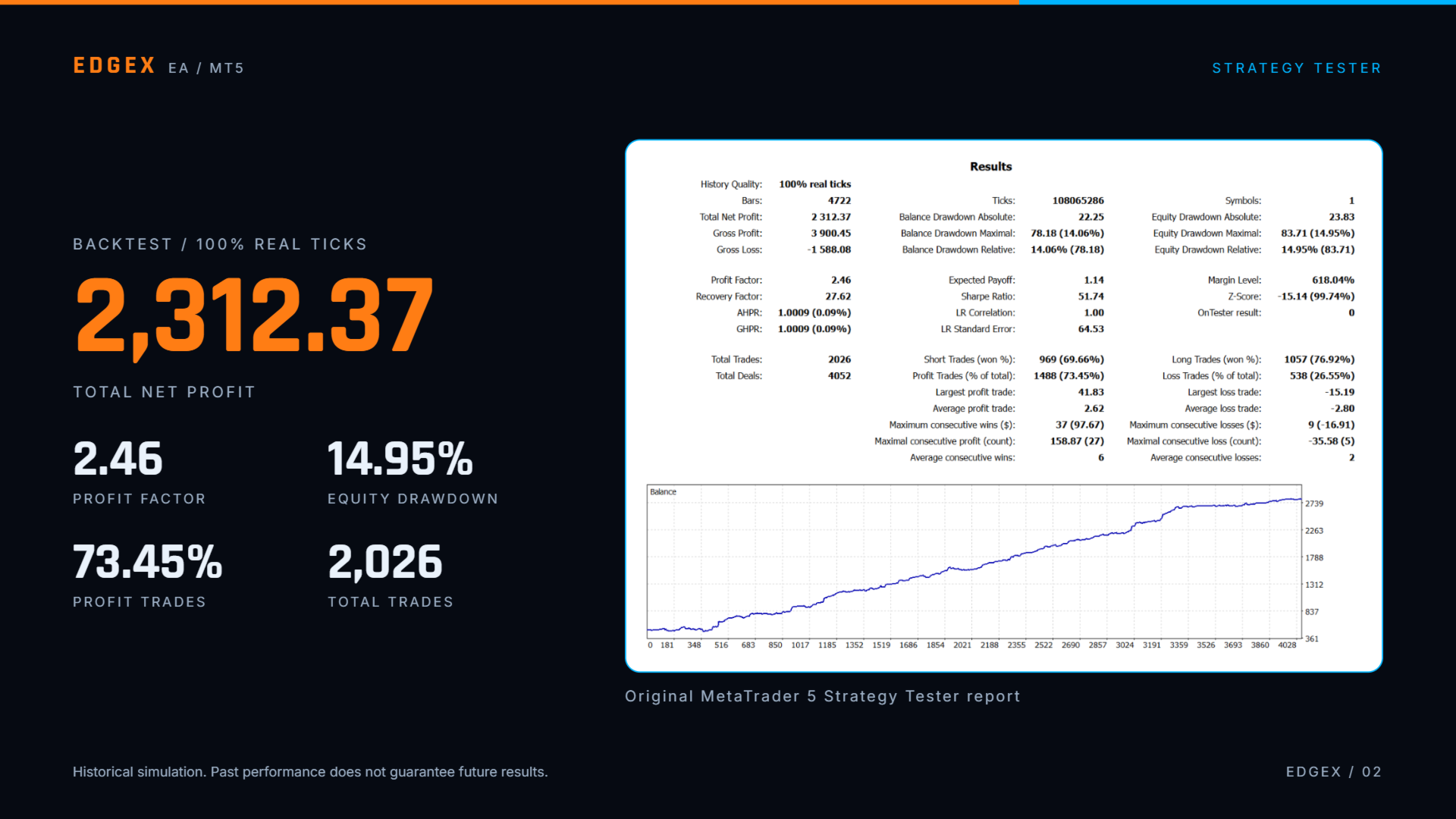
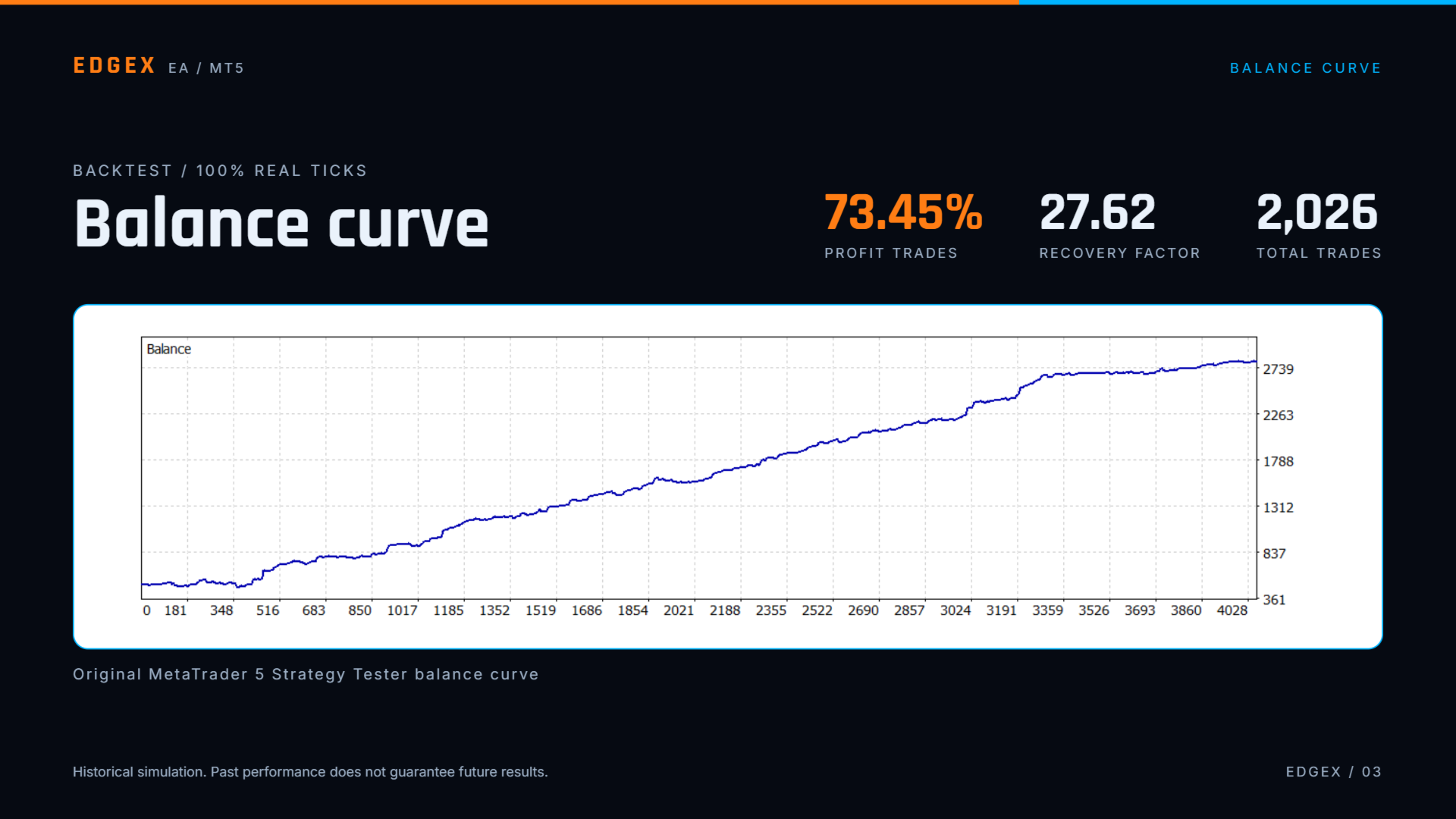
Past performance and backtest results do not guarantee future results. Trading involves risk of loss. Use position sizing and risk settings suitable for your own account and risk tolerance.