Stack Manager MT4
- Utilità
-
Dragos Mihai Ofrim
 DuoFX Labs: trading tools for MetaTrader 5 and MetaTrader 4
We build the tools we use ourselves: fast, clean and honest about what they do. Every product ships for both MT5 and MT4 from the same code, is tested on live charts before release, and gets updates when traders ask for something. - Versione: 1.8
- Aggiornato: 9 novembre 2026
- Attivazioni: 10
Stack trades like a pro. Manage them like one trade.
User guide and articles
You scale in: averaging at better prices, or stacking into a winner. Three, five, ten entries on the same market. Then the busywork starts: copy the stop to the new trade, fix the take profit, drag ten lines when you move the stop, and guess what the whole stack really risks. Stack Manager does all of it for you, the moment it happens, on the terminal or straight from your phone.
Averaging in or stacking winners: one tool for both
- Averaging (scaling in): you add entries at better prices as the market comes back to your zone. Every new entry joins the stack with the same stop loss and take profit, so the whole position has one defined exit and you see exactly what it risks in money before you add more.
- Stacking in profit (pyramiding): you add to a trade that is already working. Pull the stop up to breakeven or into profit on one trade and the whole stack follows, and each new layer picks up the stack's levels about a second after you place it.
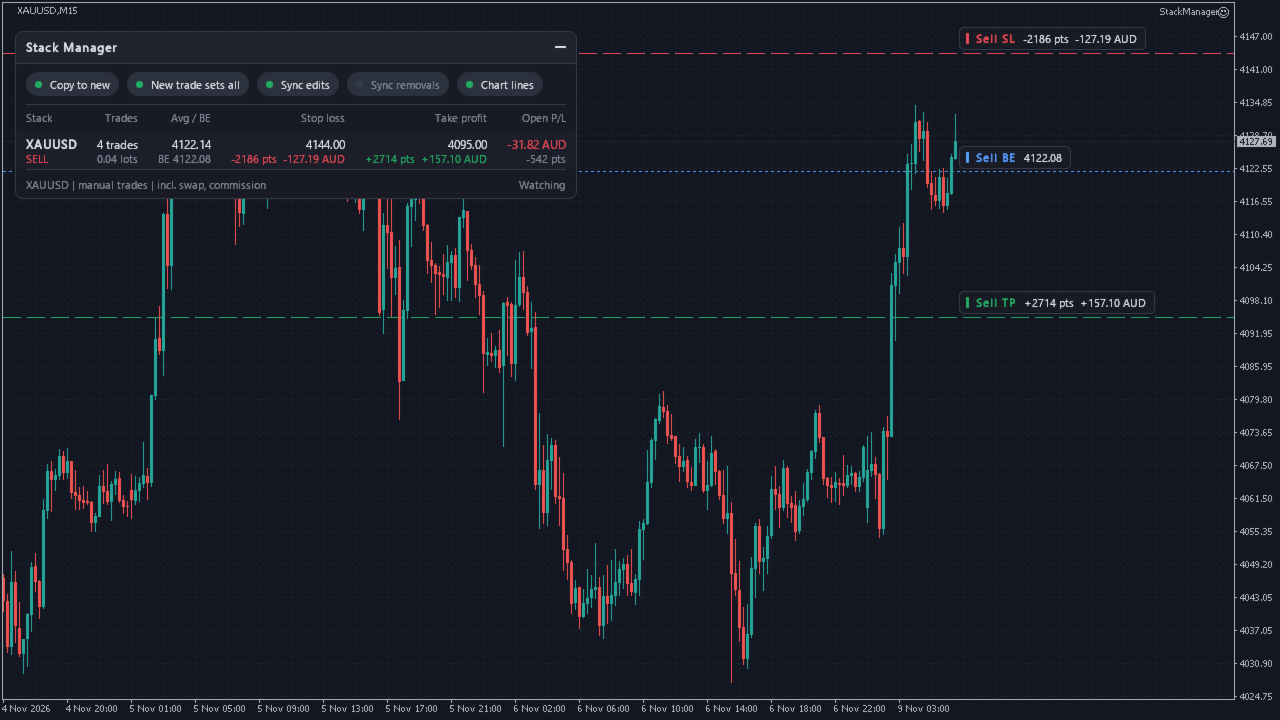
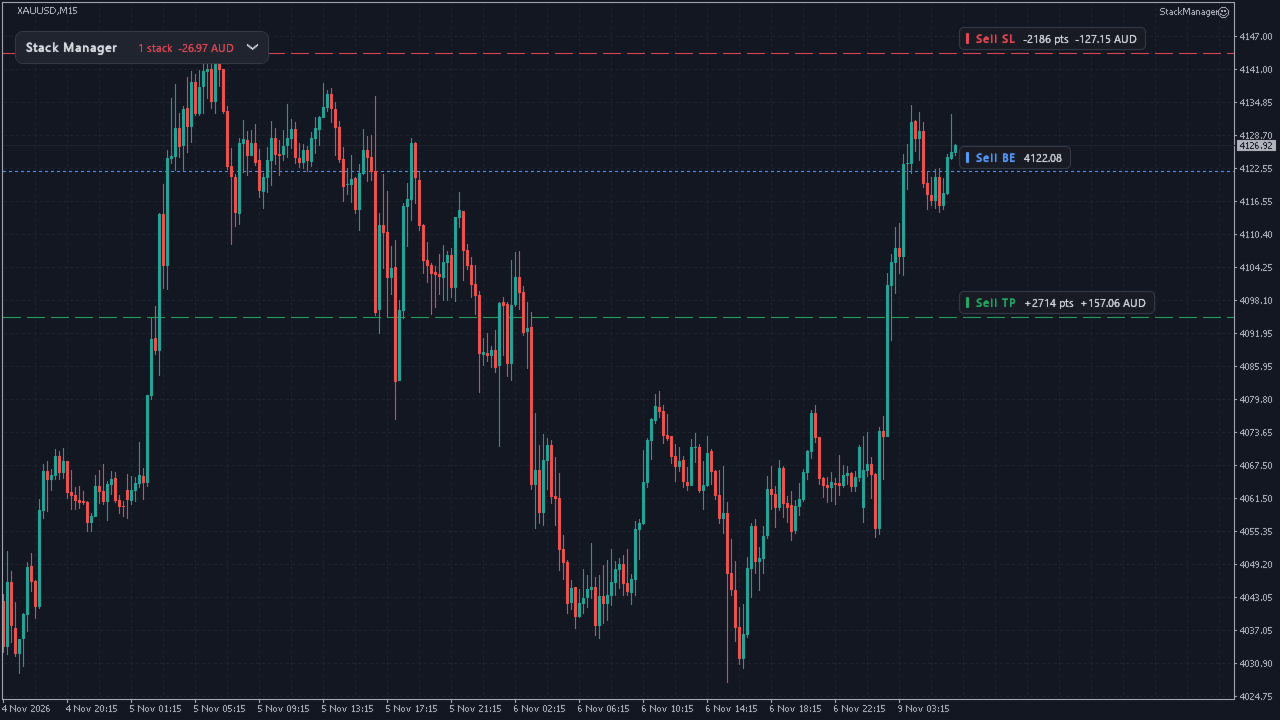
- Either way, the dashboard shows the stack's average entry, true breakeven and global SL/TP in points and money, so you always know where the whole position stands.
New trades get your levels automatically
- Open a trade with no SL or TP and Stack Manager fills them in from your existing stack.
- Open a trade that has its own SL/TP and, if you want, the whole stack follows it.
- Works for trades opened on your phone: leave it running on a VPS with AutoTrading on, trade from anywhere, and new entries get the stack's levels about a second after they open.
- By default it manages the chart's symbol. Set Symbols = All symbols to manage every market from one chart.
Move one stop, move them all
- Change the SL or TP of any trade in the stack and every other trade is updated to match.
- Edits from the desktop terminal, the phone app or the web terminal all sync.
- Removing a level syncs only if you switch that on, so one stray tap never strips the stops from your whole stack.
See the whole stack at a glance
- A compact dashboard for every stack: side, number of trades, total lots, average entry price.
- Global stop loss and take profit in price, points and your account currency.
- Breakeven price including swap and commission (exit commission estimated).
- Open P/L in money and points.
- Clear warnings when a stack has trades without a stop loss.
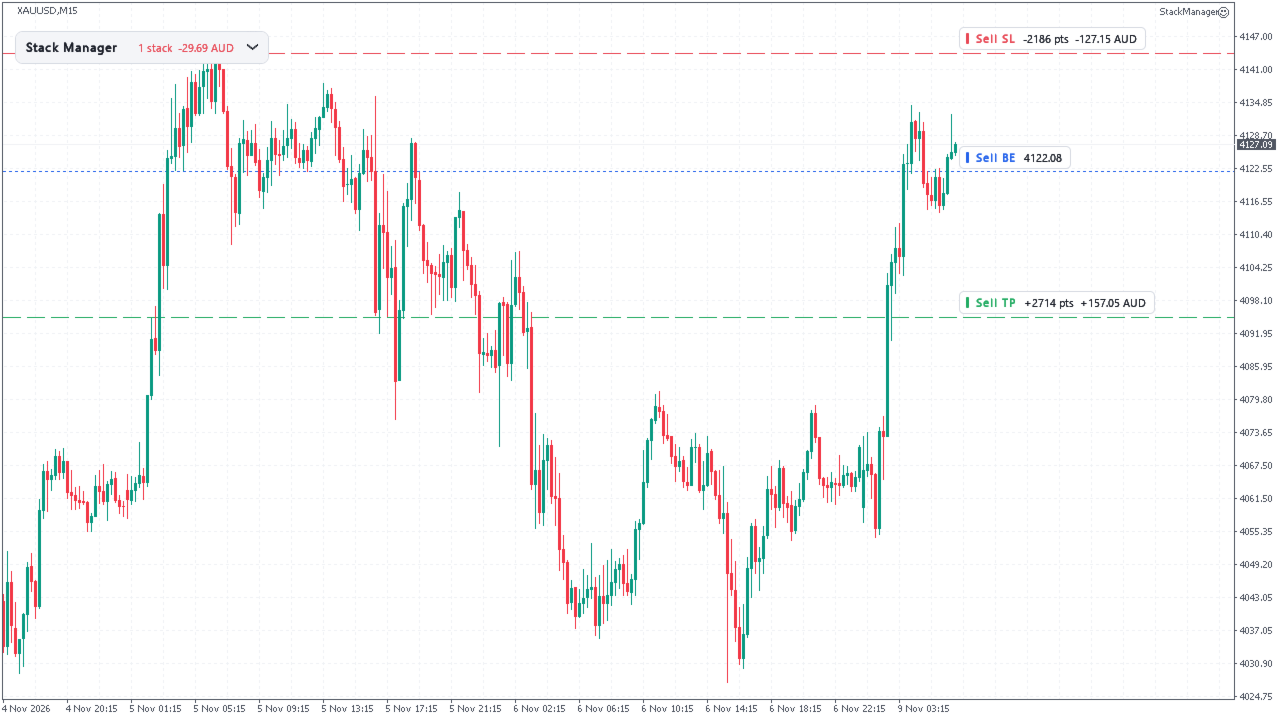
- Optional chart lines for the stack's SL, TP and breakeven; the SL and TP labels show points and money.
Built safe
- It never opens or closes a trade. It only adjusts SL/TP of the trades you tell it to manage.
- Manual trades only by default, so your other EAs are left alone. Or pick any magic number, or a list.
- Buys and sells are separate stacks: levels are never copied to the opposite side.
- Every level is checked against the current price, the broker's stops level and freeze level before it is sent. Temporary errors get a few retries, then it stops. Every change is written to the log.
- Automatic pause if another EA keeps fighting over the levels.
- Money in your account currency for forex, gold, indices and crypto. MT5 uses the terminal's own profit calculation; MT4 uses the broker's tick value, an estimate for levels far from the current price.
A dashboard built like premium software
- Solid, razor-sharp panel that sits on top of your chart.
- One-click switches for every automation right on the panel.
- Drag it anywhere, collapse it into a slim bar with the total P/L. It remembers its place.
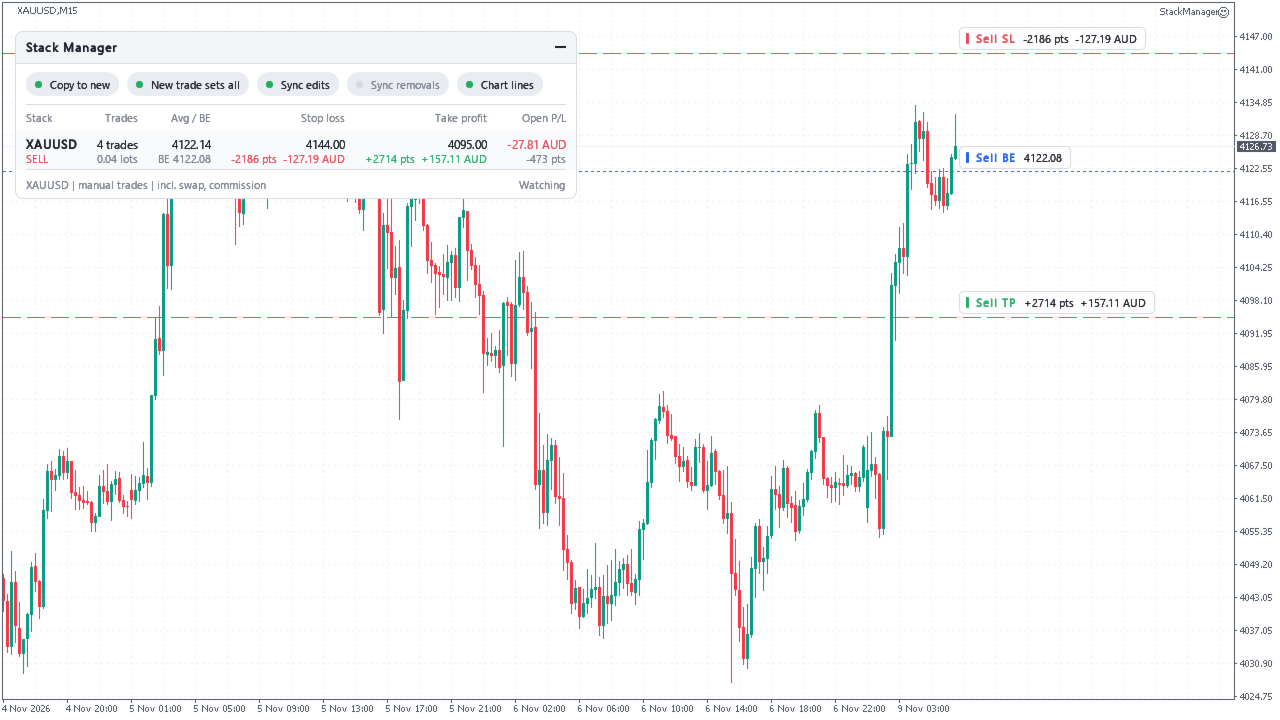
- Dark, light, or automatic to match your chart. The layout follows your font size and screen scaling.
- Runs on a fast timer, redraws only when something changes. No DLLs, nothing to install.
Available for MetaTrader 5 and MetaTrader 4.
Settings
- Copy the stack's SL/TP to new trades that have none (on/off)
- A new trade's own SL/TP updates the whole stack (on/off)
- Editing SL/TP on one trade updates the whole stack (on/off)
- Removing SL/TP on one trade removes it from the whole stack (on/off, default off)
- Wait before handling a new trade (seconds)
- Pause a stack after this many edits in a minute
- Symbols: this chart's symbol or all symbols
- Trades: manual only, any magic number, or a list of magic numbers
- Sides: buys and sells, buys only, sells only
- Only trades with an empty comment (on/off)
- Dashboard, chart lines, include swap and commission (on/off)
- Corner, offsets, theme, font, font size, start minimised, check interval
How it works
Trades on the same symbol and side form a stack. Stack Manager checks your trades several times a second. A new trade without a level gets it from the most recent trade of its stack that has one. When a level changes on one trade, the same level is sent to the rest of the stack, once, and its own changes are never mistaken for yours. Global SL/TP money is what the stack makes or loses if every level that is set is hit; the points are the lot-weighted distance from the entries. On netting accounts there is one position per symbol, so there is nothing to sync, and the dashboard still works. To change levels it needs AutoTrading on and the EA's own permission ticked ("Allow Algo Trading" on MT5, "Allow live trading" on MT4); without them the dashboard still shows everything. It turns on chart shift while its line labels show, to give them room.
Disclaimer: Trading forex and CFDs is high risk and markets can move fast. This utility manages stop loss and take profit levels of trades you open; it does not trade for you, is not financial advice and does not guarantee results. Check its settings on a demo account first.