Channel Pattern Hunter
- Indicatori
- Versione: 8.3
- Attivazioni: 5

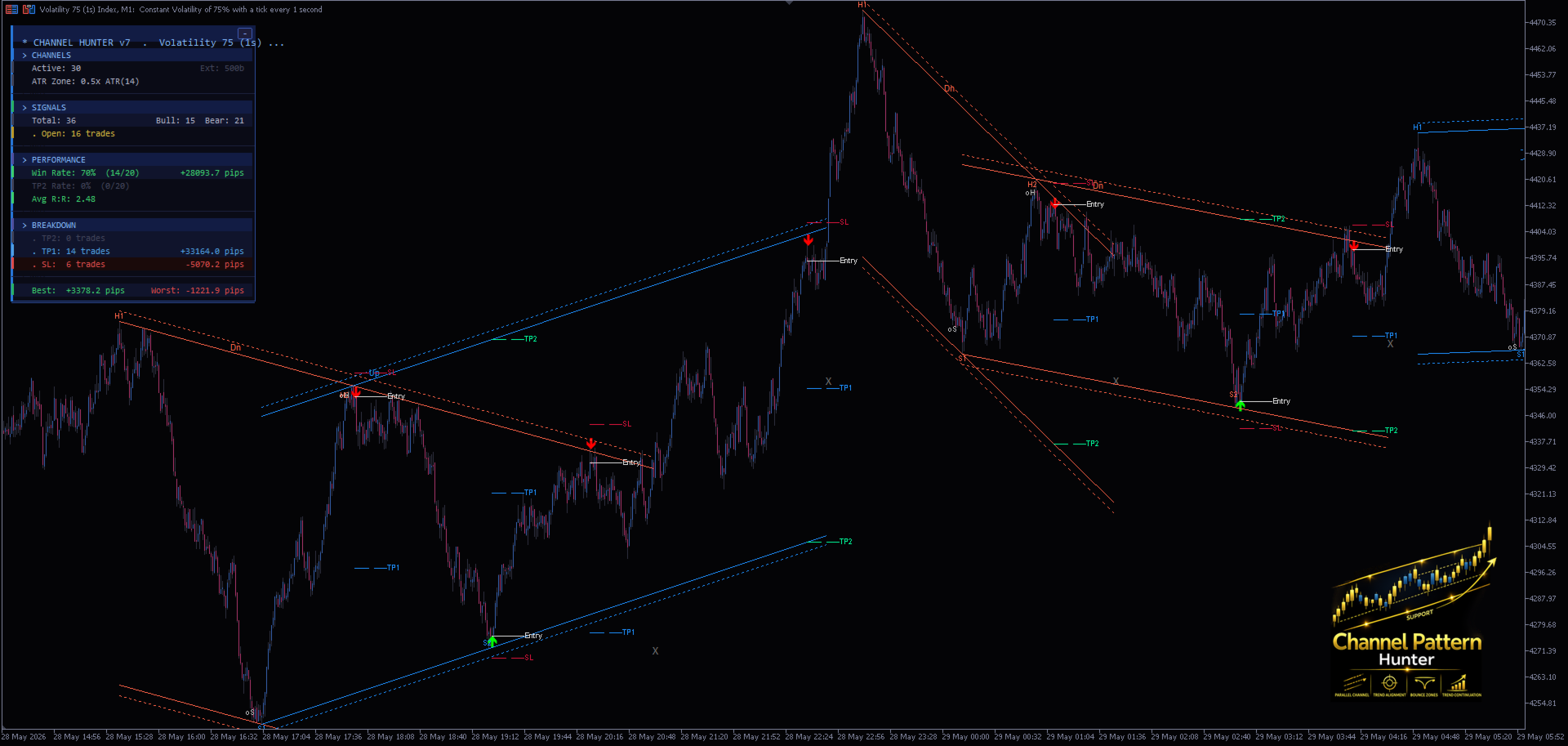
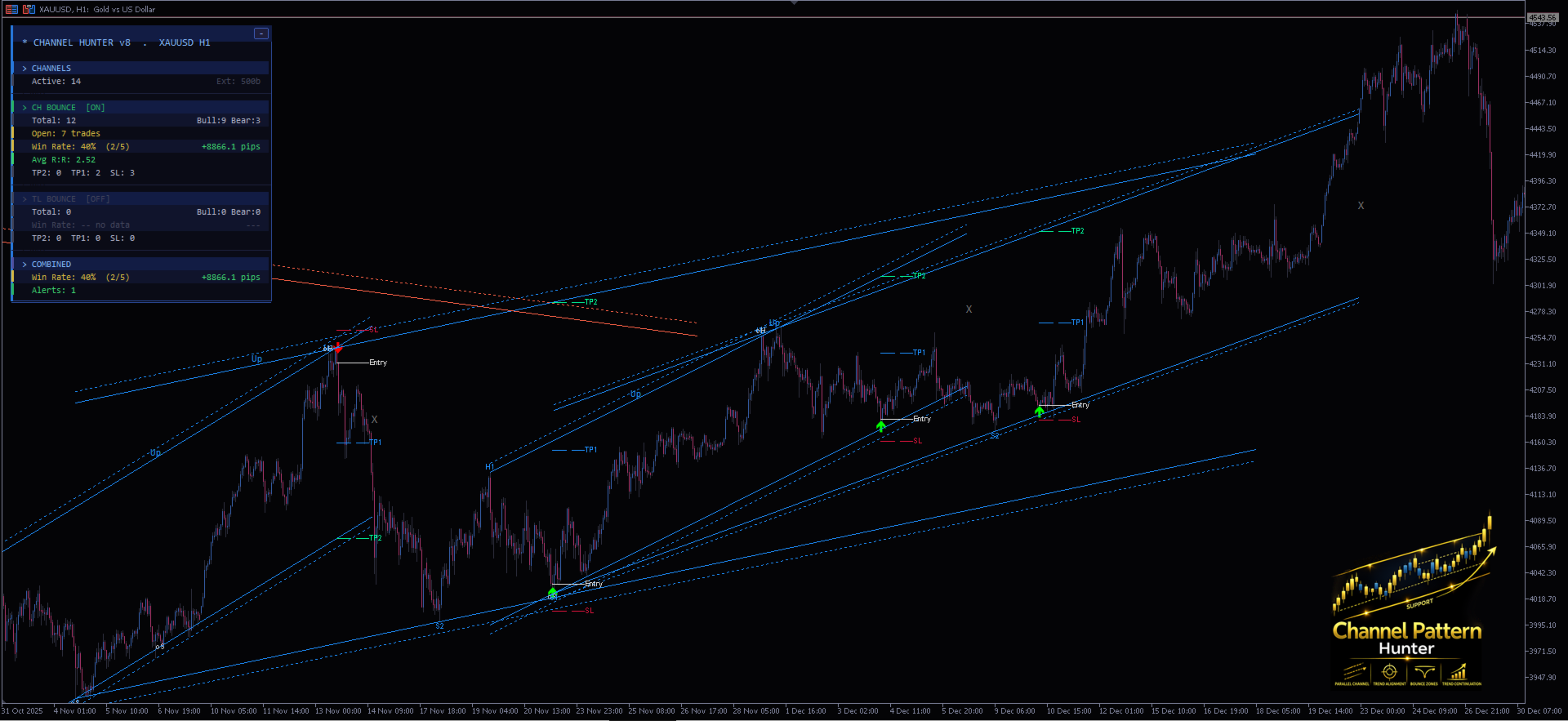
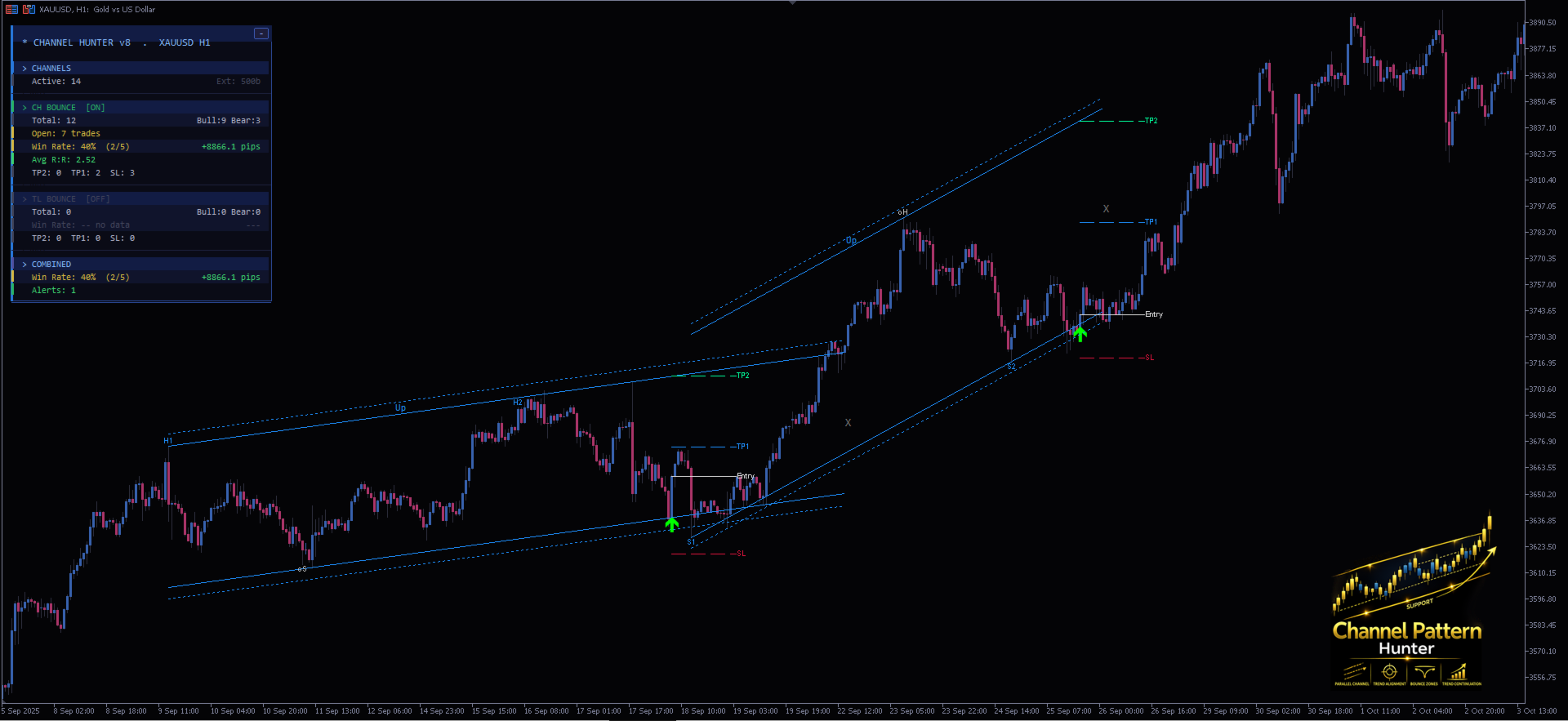
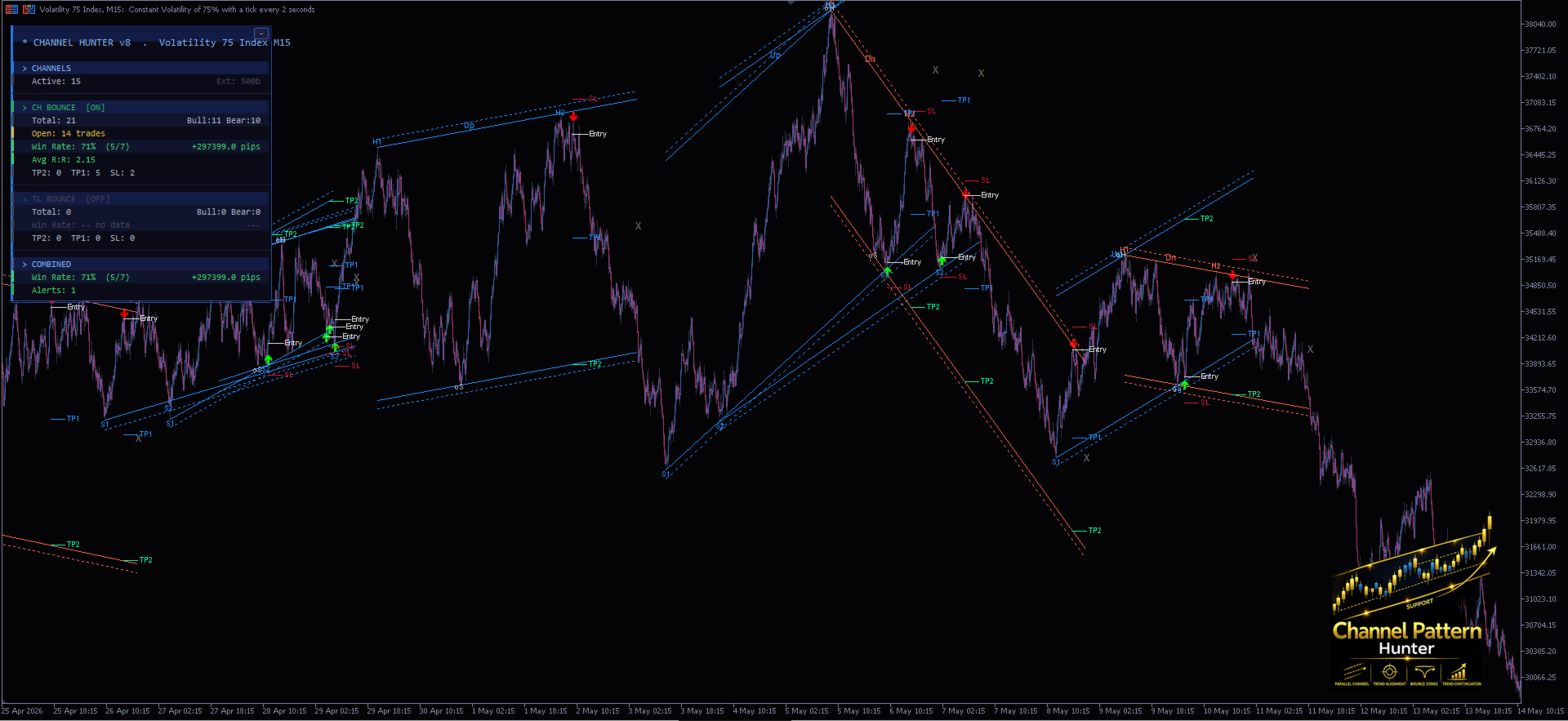
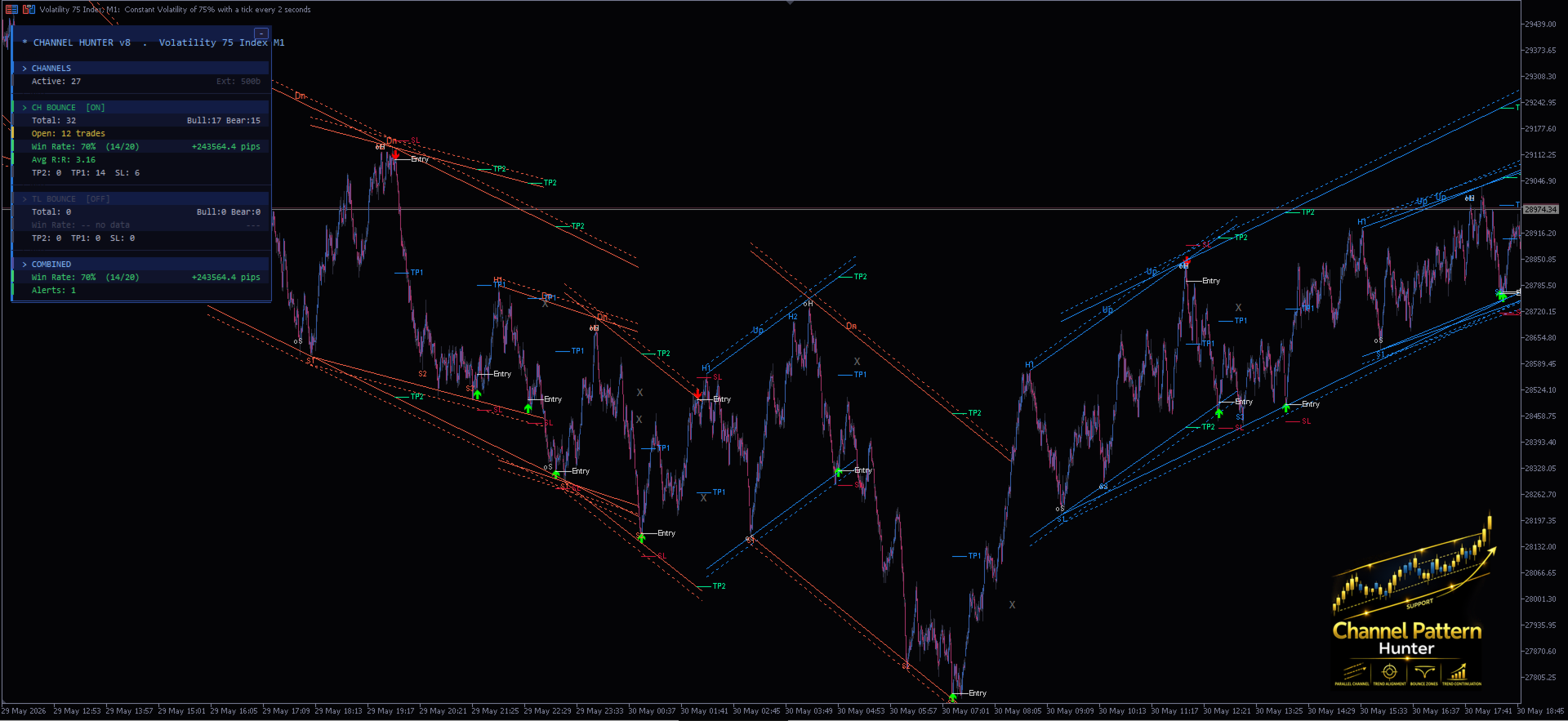
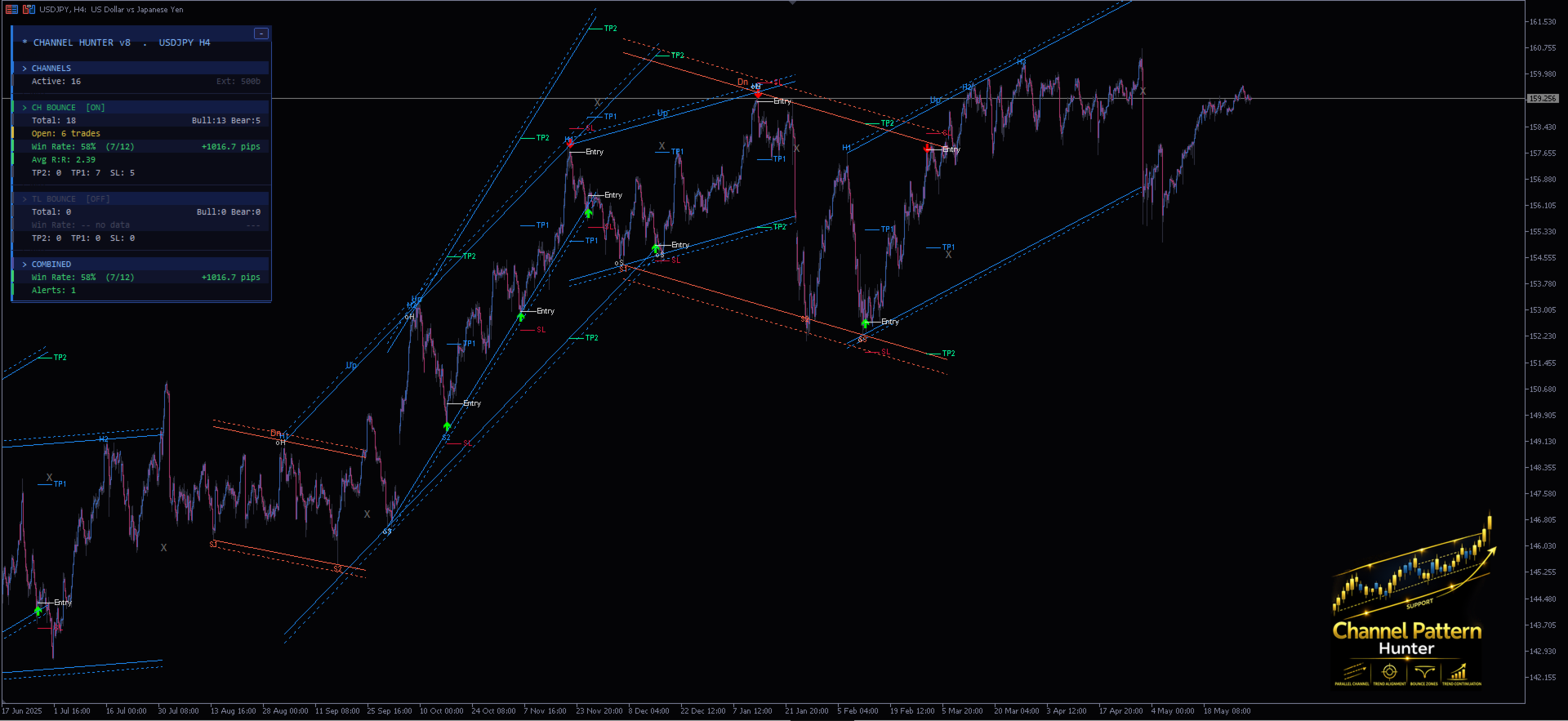
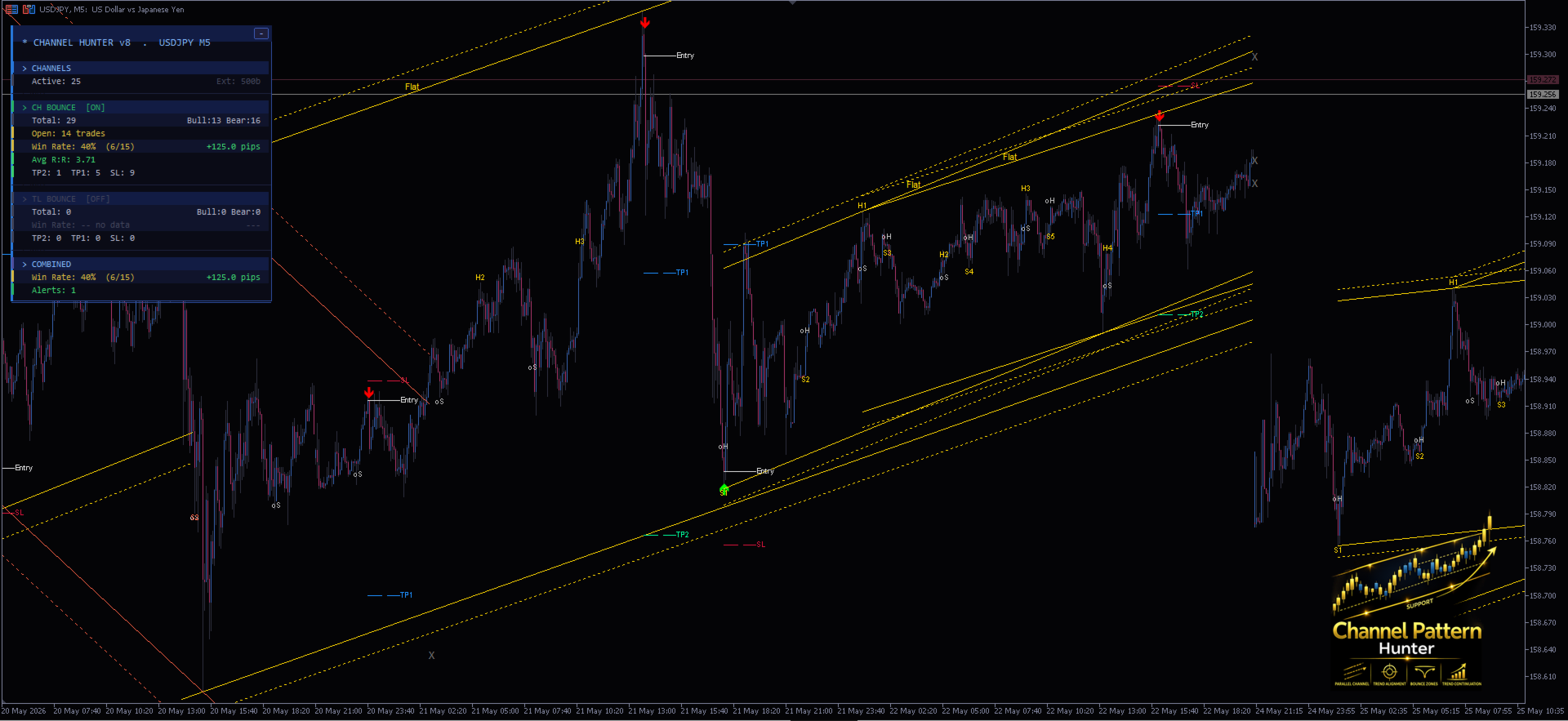
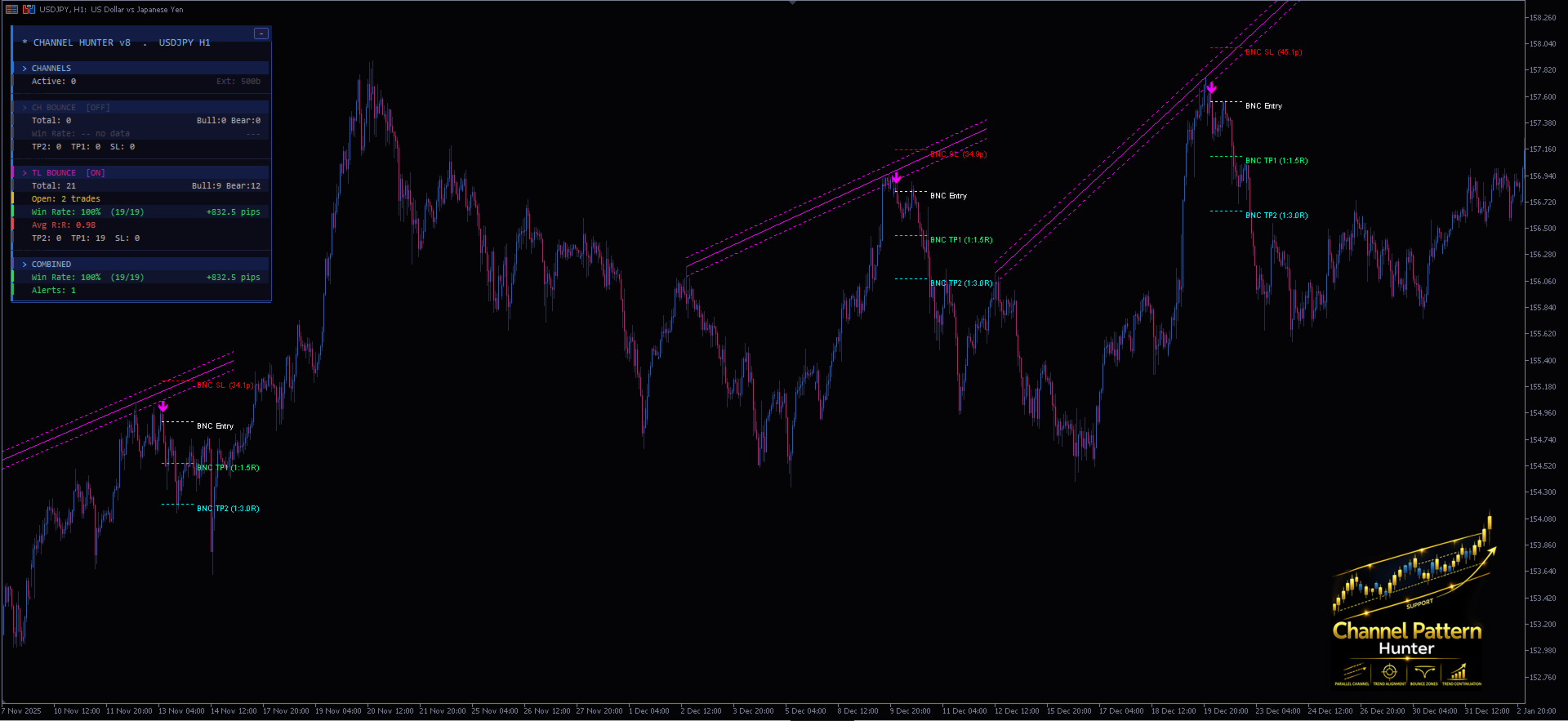
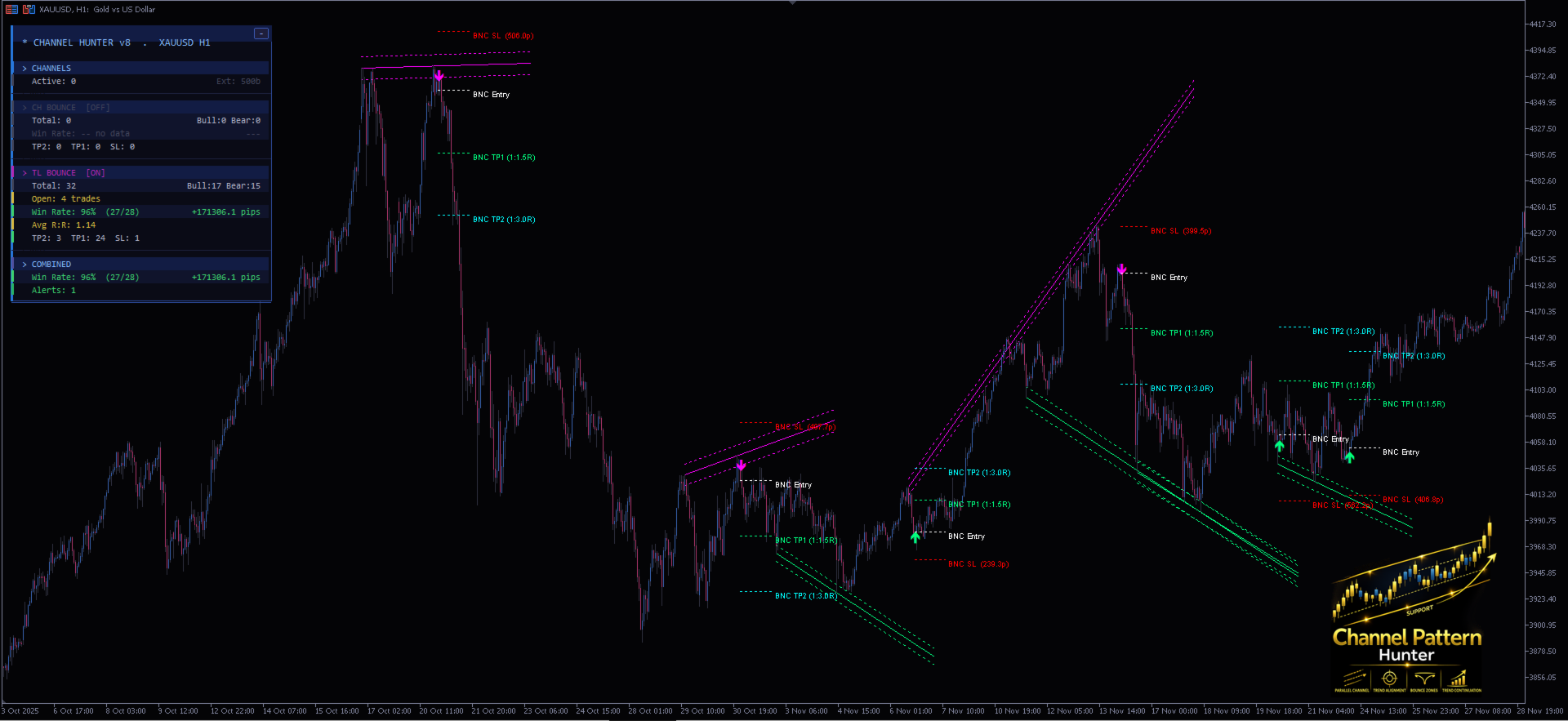
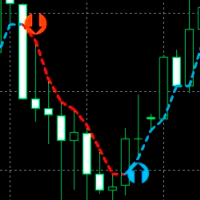
Channel Pattern Hunter is a non-repainting MetaTrader 5 indicator that automatically detects equidistant price channels and confirmed trendline bounce setups, then plots entry signals, stop loss, and two take profit levels directly on your chart.
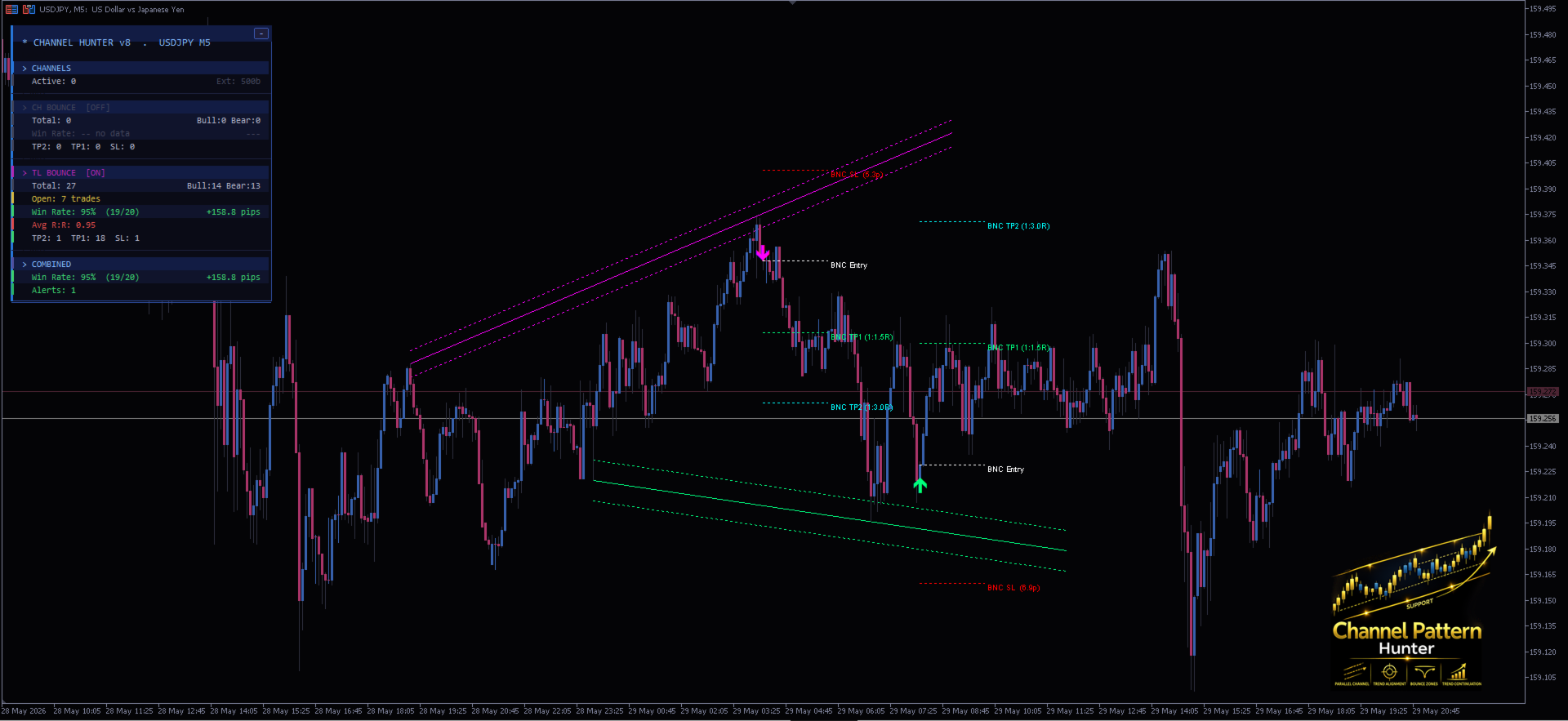
Two signal engines work together in one indicator. The channel bounce engine identifies parallel price channels anchored on confirmed swing highs and lows, then waits for price to return to the channel boundary with a confirmed rejection candle before marking a signal. The trendline bounce engine draws support and resistance trendlines from swing pivots, applies an ATR-based touch zone, and requires both a rejection bar and a confirming candle close before a signal appears. Both engines are fully non-repainting: all detection runs exclusively on closed bars, and signals are never placed on the current forming candle.
A live performance panel keeps track of every signal on the active chart, showing win rate, net pips, average R:R ratio, and a TP2 / TP1 / SL breakdown separately for channel bounces and trendline bounces, with combined totals below.
Alerts fire once per newly closed bar on any new signal and support pop-up, push notification, and email.
Who is this for
This indicator suits price action traders who already trade channels and trendlines manually and want a structured, rule-based tool to help identify and track those setups more consistently. It works on any symbol and any timeframe in MetaTrader 5.
It is not an automated trading system and does not place orders. All trading decisions remain with the user.
Key features
- Automatic equidistant channel detection with ATR zone boundaries
- Automatic trendline bounce detection with rejection bar and confirmation bar requirement
- All signals generated on closed bars only, with no repainting
- Entry, stop loss, TP1, and TP2 levels drawn for every signal
- Separate on/off toggle buttons for each signal type
- Trend direction filter for channel bounces
- Live panel with split performance statistics for each signal type
- Pop-up, push, and email alerts on new signals only
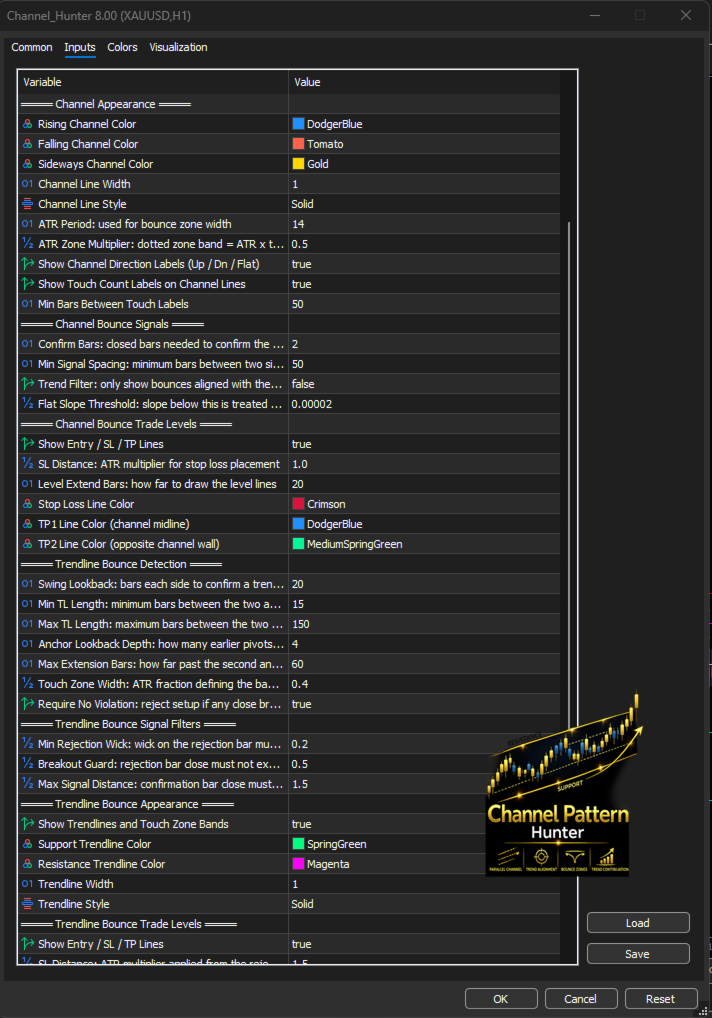
Channel bounce parameters
- Swing Lookback: bars used to identify swing highs and lows for channel anchors
- Min / Max Channel Bars: minimum and maximum bar span of a valid channel
- Channel Tolerance: price tolerance for counting line touches (as a fraction of price)
- Min Touches: minimum number of confirmed touches required per channel line
- ATR Period / ATR Zone Multiplier: ATR settings for the bounce touch zone width
- Extend Bars: how many bars to extend the channel beyond its second anchor
- Bounce Confirm Bars: number of closed bars required to confirm a bounce signal
- Signal Spacing: minimum bars between two signals on the same channel
- Trend Filter: when enabled, only signals aligned with the channel slope are shown
- ATR SL Multiplier: stop loss distance as a multiple of ATR
Trendline bounce parameters
- TL Swing Lookback: bars used to identify swing pivots for trendline anchors
- Min / Max TL Bars: minimum and maximum bar span of a valid trendline
- Max Extension Bars: how far beyond the newer anchor to scan for a bounce
- Max Anchor Lookback: maximum number of earlier pivots to pair with each anchor
- Touch ATR Fraction: ATR fraction defining the width of the trendline touch zone
- Require No Violation: when enabled, any close clearly through the line before the bounce disqualifies the setup
- Min Wick ATR: minimum wick size on the rejection bar as a fraction of ATR
- Breakout Guard ATR: maximum close distance through the trendline on the rejection bar
- Max Signal Distance ATR: maximum distance of the confirmation bar's close from the trendline
- SL ATR Multiplier: stop loss distance as a multiple of ATR at the rejection bar
- TP1 R / TP2 R: take profit distances expressed as reward multiples of the risk