AZ Vertical sessions
- Indicateurs
- Version: 1.51

AZ Vertical Sessions: Trading Sessions, Session High/Low and Previous Day Levels
AZ Vertical Sessions marks the key trading sessions on your chart using your local computer time, so you always see the market rhythm in your own timezone. No manual broker-offset calculations.
Features
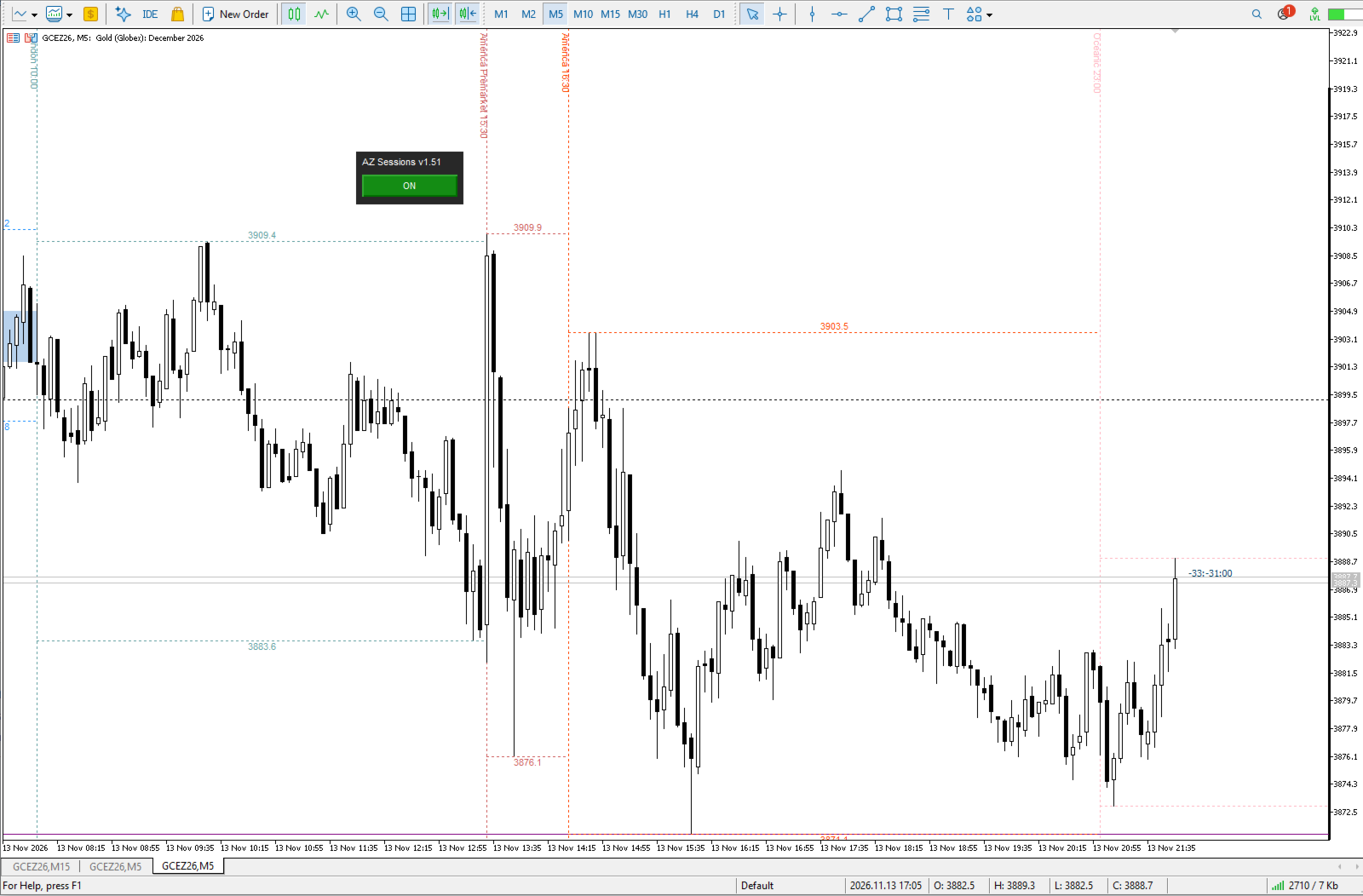
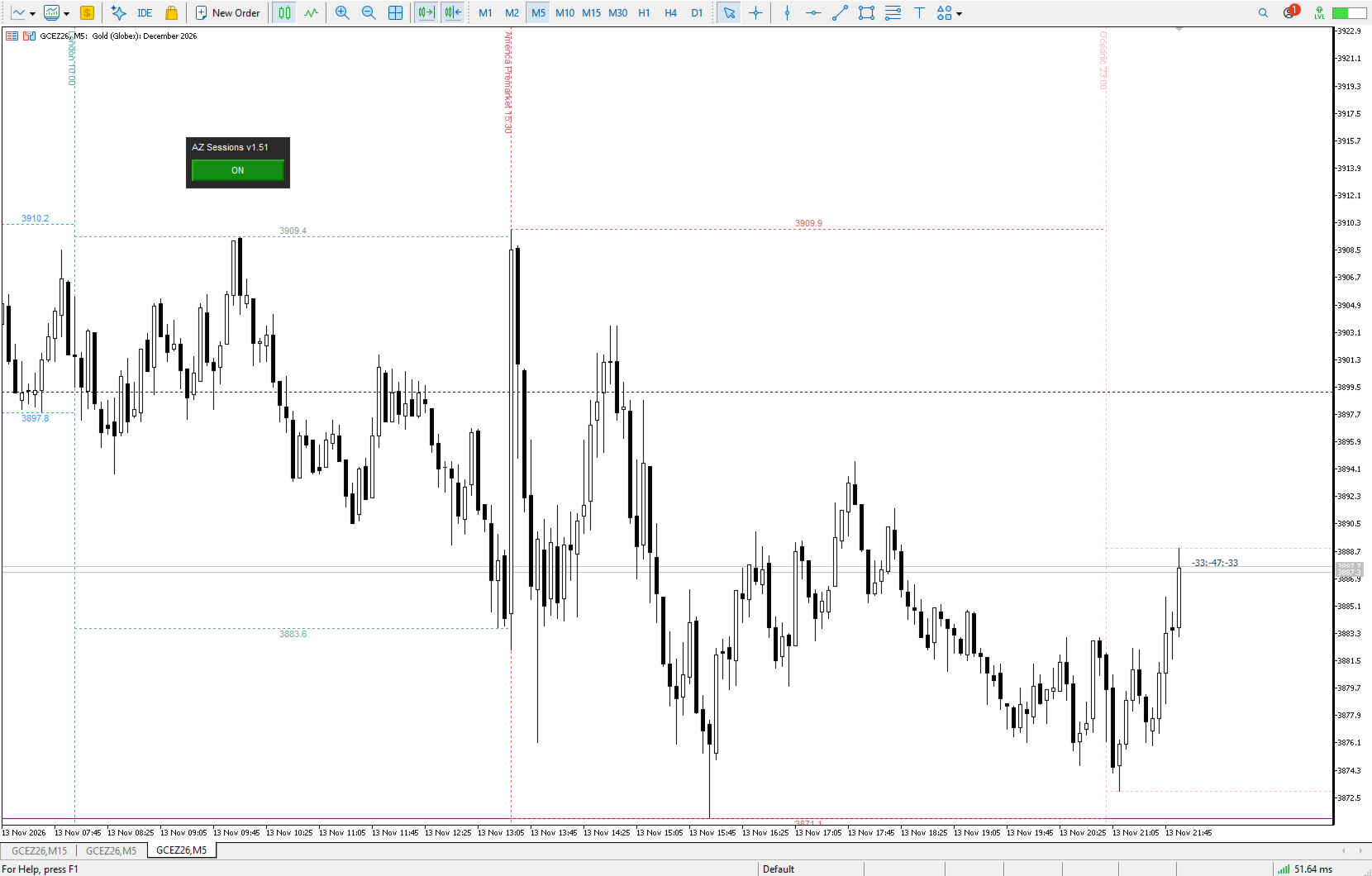
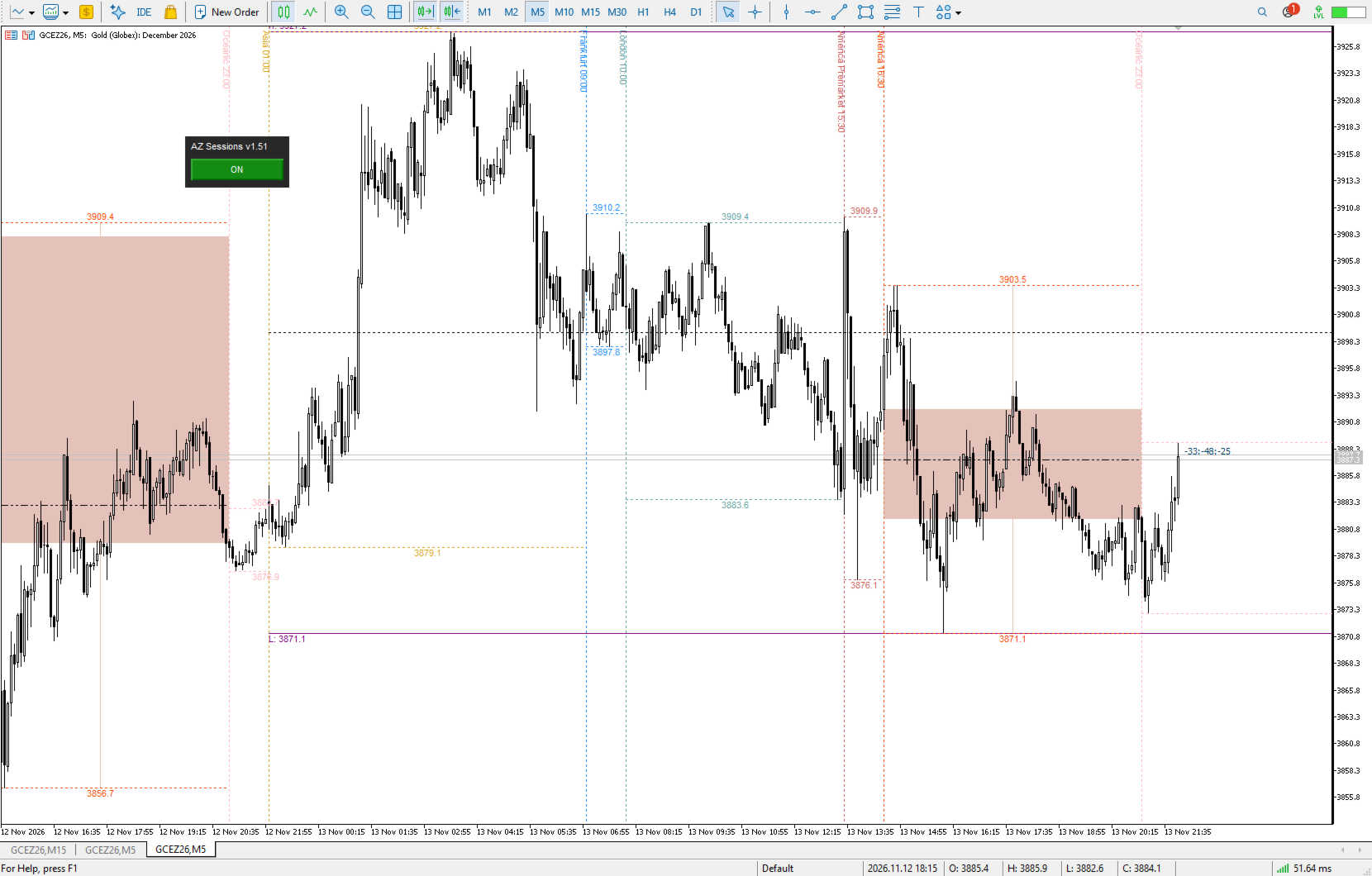
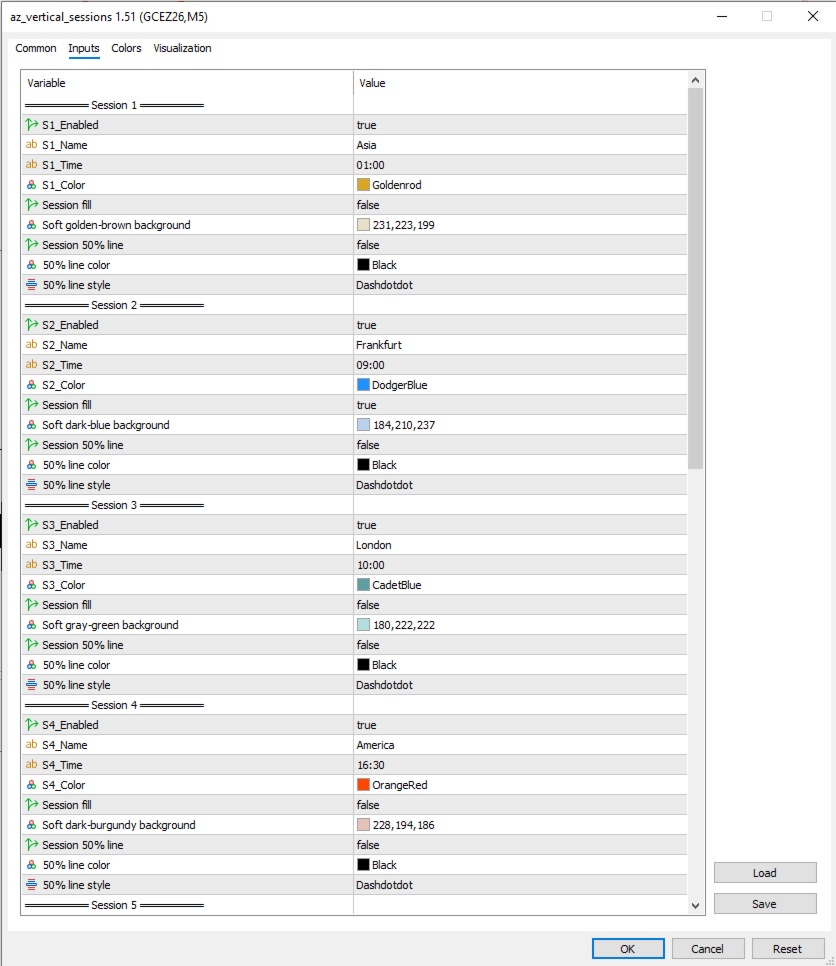
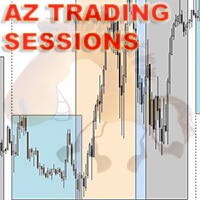
- 6 customizable sessions. Set the name, start time and color for each (Asia, Frankfurt, London, America, America Premarket and Oceanic by default).
- Vertical session lines with rotated labels. The labels stay out of the way of price action.
- Session High/Low levels. Horizontal segments and price labels for every session.
- Session candle fill. Closed sessions are drawn as a single candle (body and wicks) in a soft color, so you can see each session’s open, close and range at a glance.
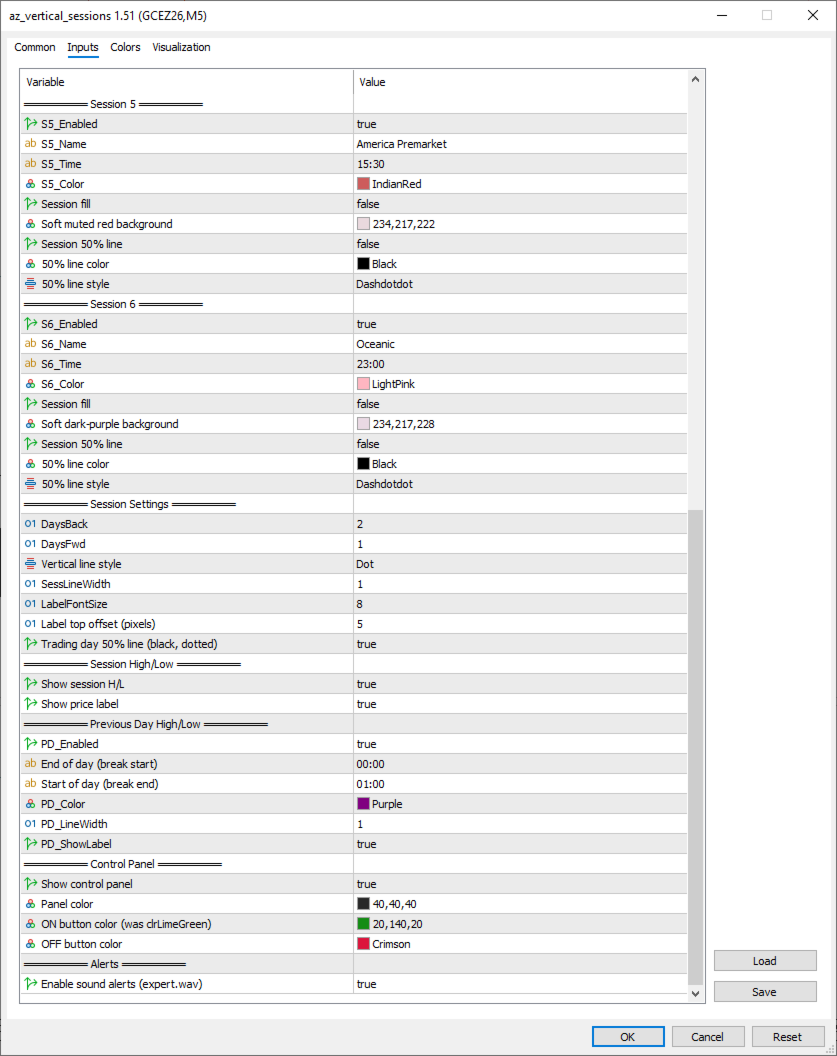
- 50% lines. Optional midpoint lines for each session and for the whole trading day.
- Previous Day High/Low. Configurable day start and end, with weekends skipped automatically.
- Sound alerts. A signal 5 minutes before a session starts and another when it begins.
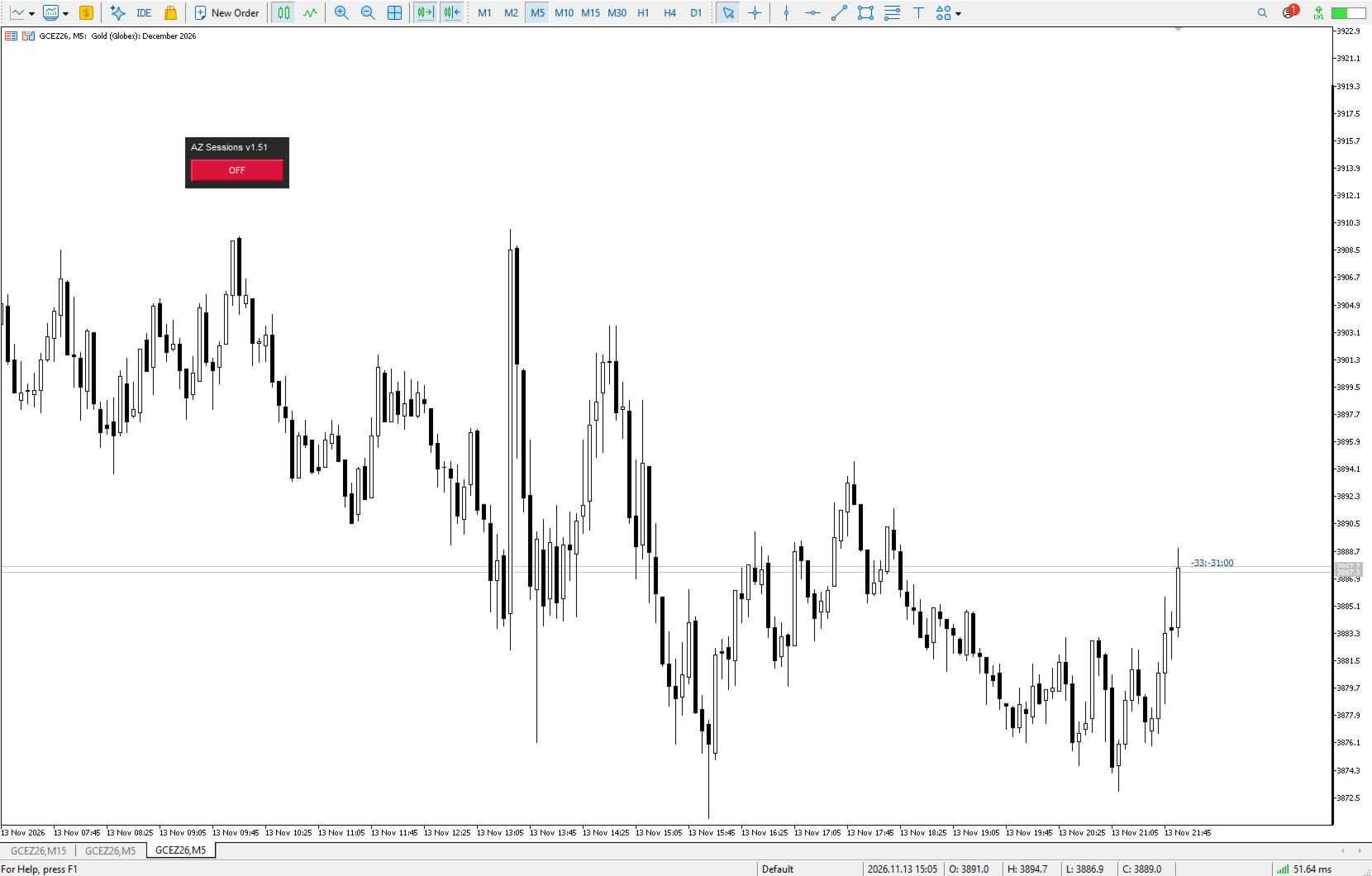
- Compact control panel. Draggable, with an ON/OFF button that hides or shows all indicator objects with one click. The panel remembers its position and state.
- Clean and light. No indicator buffers, only chart objects, so it won’t interfere with your other tools.
Inputs
Everything is adjustable: session times and colors, line style and width, label font size, fill colors, 50% line styles, previous-day break times and panel colors.
Tips
- Session times are entered in local time in HH:MM format.
- Increase DaysBack and DaysFwd to show more days around the current one.
- Use the fill option on the sessions you care about to keep the chart clean.
Works on any symbol and timeframe.