
Ea super swing
- Experts
- Version: 2.1
- Mise à jour: 20 septembre 2026
- Activations: 5

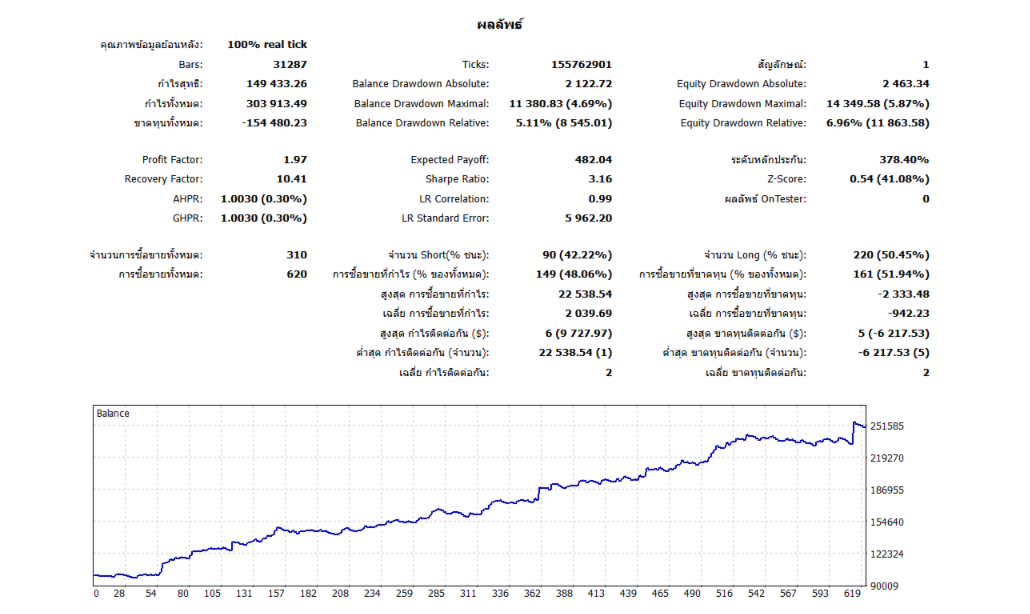
— 5-year backtest results on USDJPY (H1 timeframe) — Verifiable data
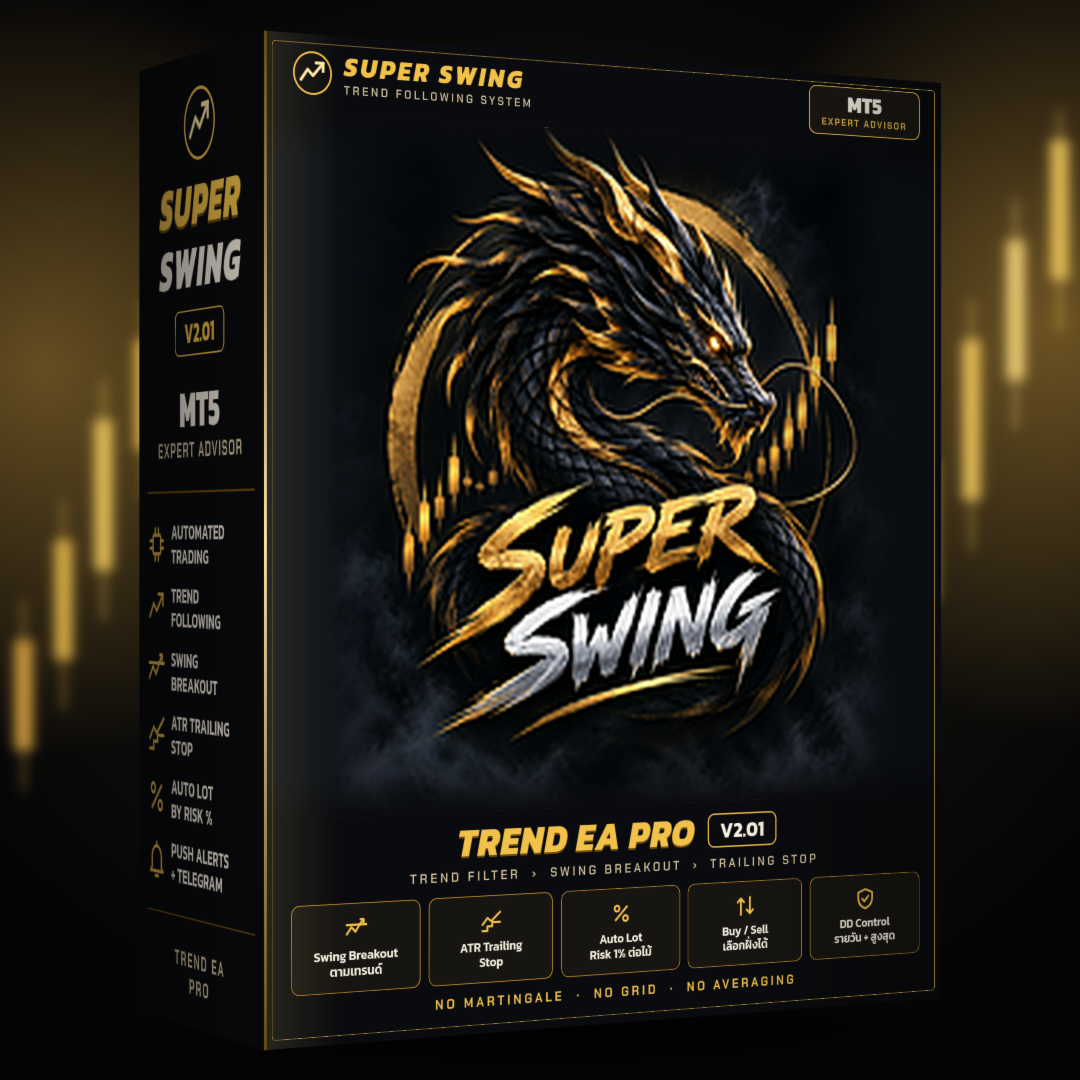
🔥 SUPER SWING – TREND EA PRO V1.00 🔥
MT5 Expert Advisor: Trend-following via Swing Breakout
An EA for MetaTrader 5 designed for trend trading. It waits for a price breakout from a swing point before entering the trade. It lets profits run using a Trailing Stop; every order includes a Stop Loss (SL), and lot sizes are automatically calculated based on risk.
━━━━━━━━━━━━━━━━━━
⭐ Why Choose This EA?
━━━━━━━━━━━━━━━━━━
✅ No Martingale, Grid, or Averaging
Opens only one order at a time.
✅ Trend-Following Only
Executes BUY orders in uptrends and SELL orders in downtrends.
✅ Lets Profits Run
The SL automatically follows the price, moving only in the direction of profit.
✅ SL on Every Order
Know the risk level before entering the trade.
✅ Automatic Lot Calculation
Set risk as a percentage per trade (default 1%) or use a fixed lot size.
━━━━━━━━━━━━━━━━━━
📊 How the EA Enters Trades
━━━━━━━━━━━━━━━━━━
BUY Side (Default)
1️⃣ Price closes above the Trend Filter line = Uptrend.
2️⃣ Identifies a confirmed Swing High.
3️⃣ Places a Buy Stop at the Swing High, waiting for a breakout.
4️⃣ Cancels the order if not triggered within one candle.
SELL Side operates in reverse.
Hybrid Mode (Optional)
Upon hitting TP1, the SL moves to the entry price (break-even); supports partial profit-taking and TP2 settings.
━━━━━━━━━━━━━━━━━━
🛡️ Account Protection Systems
━━━━━━━━━━━━━━━━━━
- Daily Drawdown (Optional; default 4.5%)
Closes EA orders and halts trading until the next day.
- Max Drawdown (Optional; default 9%)
Closes EA orders and halts trading.
- Max Spread
Triggered if the spread exceeds the set limit. No new orders opened
- 3 options for Fridays:
Normal trading / No new trades / Close all orders
- Selectable trading days and timeframes
- System retains status after restarting MT5
━━━━━━━━━━━━━━━━━━
⚙️ Default Settings
━━━━━━━━━━━━━━━━━━
Timeframe : Based on the open chart
Take Profit : Trailing Stop
Risk per trade: 1%
Order Type : Stop (Breakout)
━━━━━━━━━━━━━━━━━━
🚀 How to Use
━━━━━━━━━━━━━━━━━━
1️⃣ Place the EA file in the MQL5 > Experts folder, then restart MT5.
2️⃣ Open the desired chart and timeframe, then drag the EA onto the chart.
3️⃣ Enable the "Algo Trading" button.
4️⃣ Adjust Risk % and enable Daily DD / Max DD if desired.
5️⃣ Let the EA run; using a VPS is recommended for continuous operation.
📌 The EA draws Entry/SL lines and entry/exit arrows on the chart.
📌 For mobile notifications, enter your MetaQuotes ID in MT5 first.
📌 For Telegram, allow https://api.telegram.org in Tools > Options > Expert Advisors.
━━━━━━━━━━━━━━━━━━
⚠️ IMPORTANT
━━━━━━━━━━━━━━━━━━
This product is automated trading software; there is no guarantee of profit.
The Drawdown system helps manage risk but is not a broker guarantee. In markets with significant price gaps, losses may exceed the set limits.
Testing on a Demo account before using real funds is recommended. Investing involves risk.






































L'utilisateur n'a laissé aucun commentaire sur la note