Salvador Martinez Ramos / Profile
- Information
|
5+ years
experience
|
11
products
|
13
demo versions
|
|
1
jobs
|
0
signals
|
0
subscribers
|
It all started as a hobby...
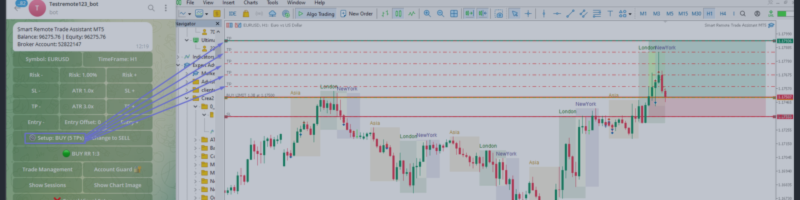
Smart Remote Trade Assistant MT5: Remote Trading Panel via Telegram for MetaTrader 5 Smart Remote Trade Assistant MT5 is an advanced panel for MetaTrader 5, designed for traders who need to control their operations quickly, securely, and remotely directly from Telegram. Get the Windows Bridge APP File and Tutorial Bridge file are needed to connect the Telegram Trading Panel to the MT5 EA. Compatible with Windows 10 & Windows 11 - 64 bits - And Windows Server from 2016 This is the
Stability has been improved following feedback from several users who reported that the Windows application would shut down and disconnect without any apparent reason.
After extensive testing, I am releasing this new, much more stable version:
Telegram2MT5 Bridge File:
https://www.mql5.com/en/blogs/post/764860
MT5 Visual Theme Indicator – Clean Chart and Full Customization Enhance the appearance of your charts in MetaTrader 5 with this fully customizable visual indicator, designed to provide a clean, modern, and easy-to-read trading environment. This indicator does not generate signals or open trades. Its sole function is to optimize chart visualization to help you analyze the market with greater clarity. If you find this useful, please leave a 5-star rating and follow me for future tools, indicators
Telegram2MT5 Signal Copier Tutorial and guide to copy your Signals from Telegram to MT5
Telegram2MT5 Signal Copier — Automate Your Telegram Copy Signals Directly in MetaTrader 5 With Telegram2MT5 Signal Copier, every signal you receive on Telegram is executed instantly and automatically in your MetaTrader 5 account. Telegram to MT5 - Fast, reliable, and fully customizable. Get the Windows Bridge APP File and Tutorial Bridge file are needed to connet de Local Web Panel to the MT5 EA Compatible with Windows 10 & Windows 11 - 64 bits - And Windows Server from 2016 Main
Trend Hunter Beast MT5 Indicator Easy to follow the overall trend by looking at a higher timeframe. Simple entry when the arrow appears. Exits are made on the opposite arrow, or you can place a stop loss below the last low or high, and a stop loss as desired. Applies to any Forex asset, although it is recommended to use pairs with low spreads. You can also use it on crypto assets or indices such as the SP500, etc. Check the trend on higher timeframes such as D1 and H1, and enter in the same
Simple and Easy MT4 Trade Panel by Winidecorw I created this EA to make your life easier by making it easier and faster to open your trades. The price will increase progressively, take advantage now! Simplify Your Trading with the Simple and Easy MT4 Trade Panel Are you tired of wasting time setting up each trade in MetaTrader 4? With the simple and easy MT4 trading dashboard, taking your trading to the next level has never been so quick and easy! This Trade Assistant dashboard is the Simple and
Version 1.261
Forex Sentiment Trader PRO EA
https://www.mql5.com/en/market/product/120833
Improved reading of currency pairs on the web.
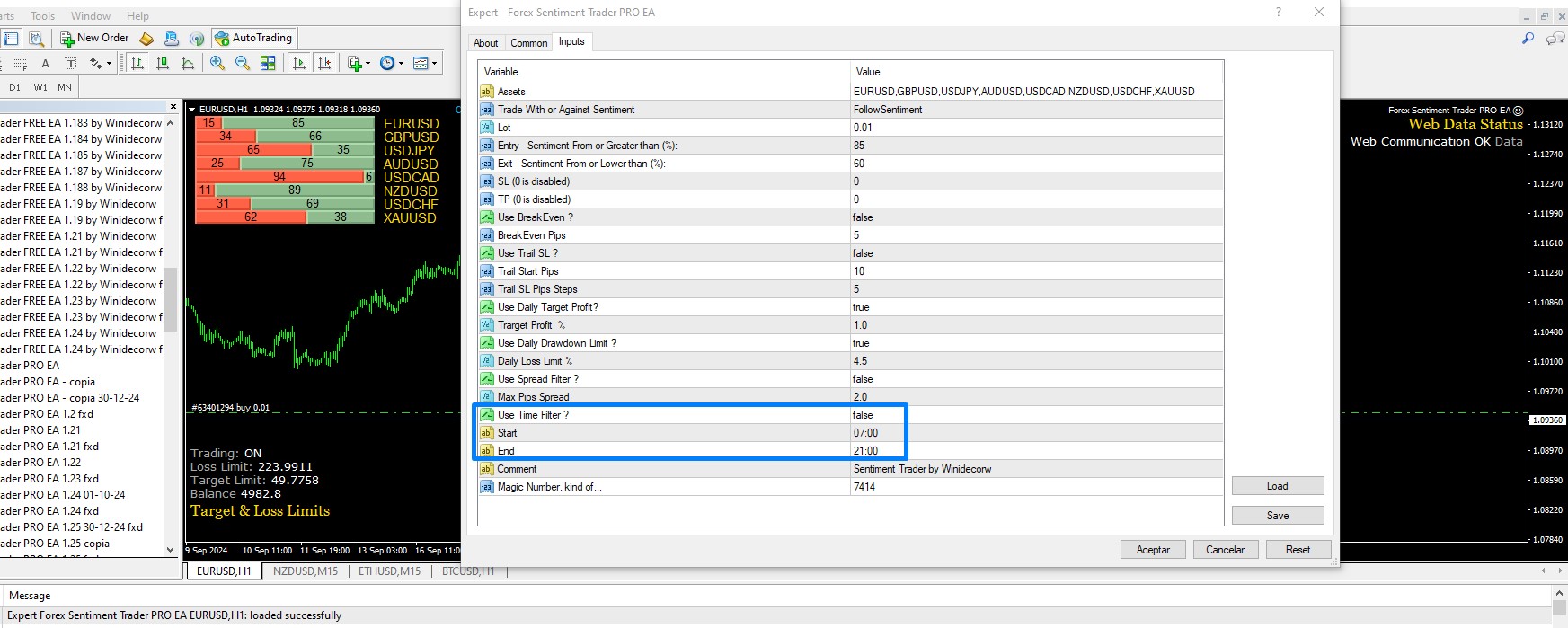
Added Time Filter function.
The frequency at which the EA performed some checks has been optimized since in some brokers, if 28 pairs were used at the same time it could cause problems due to hyperactivity (It is also recommended to use fewer pairs so that everything is more fluid)
https://www.mql5.com/en/market/product/120833
Forex Sentiment Trader PRO EA v 1.25
https://www.mql5.com/en/market/product/120833
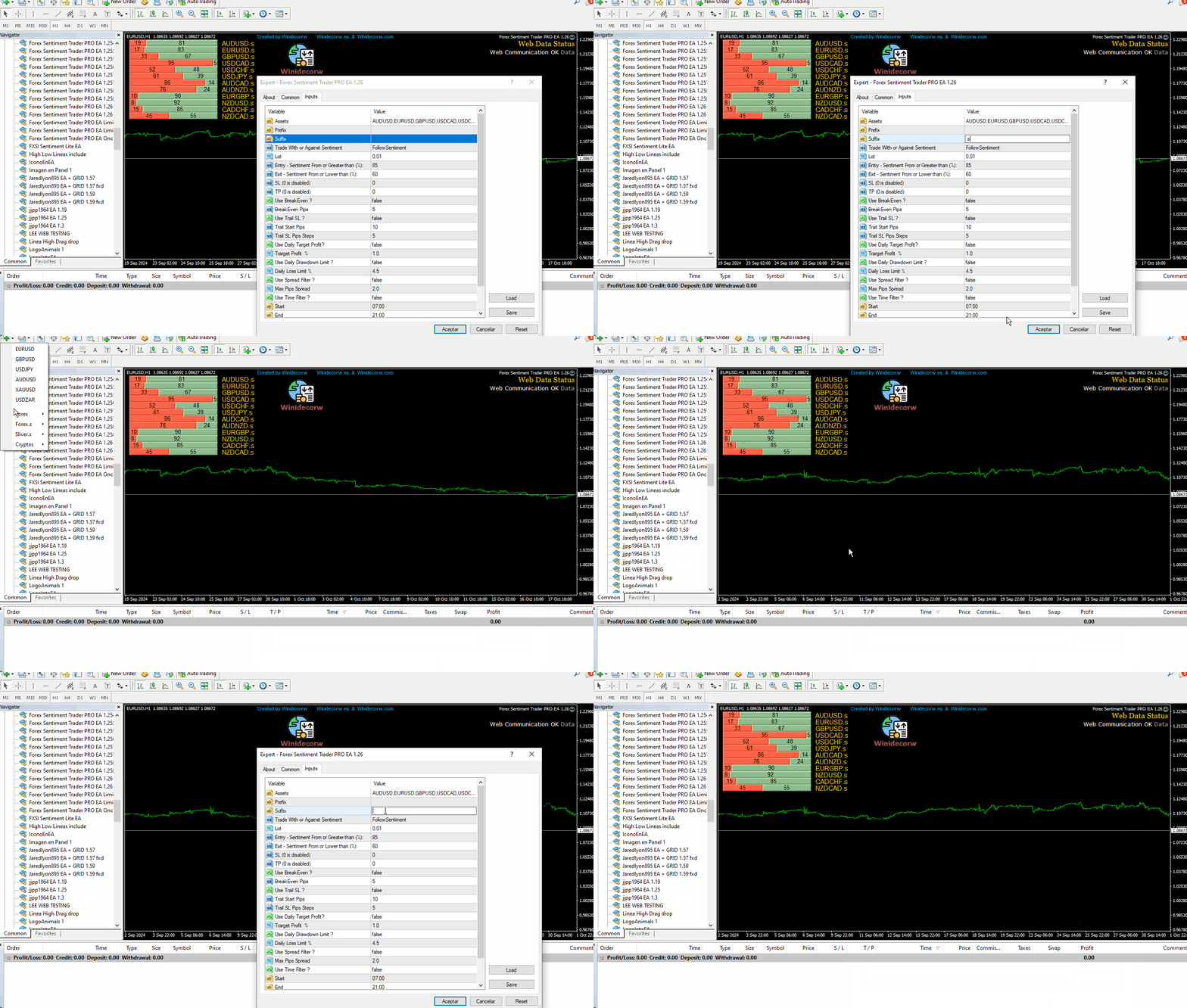
I'm working on a new version that will accept suffix and preffix (I'll try to have it ready on Sunday or Monday)
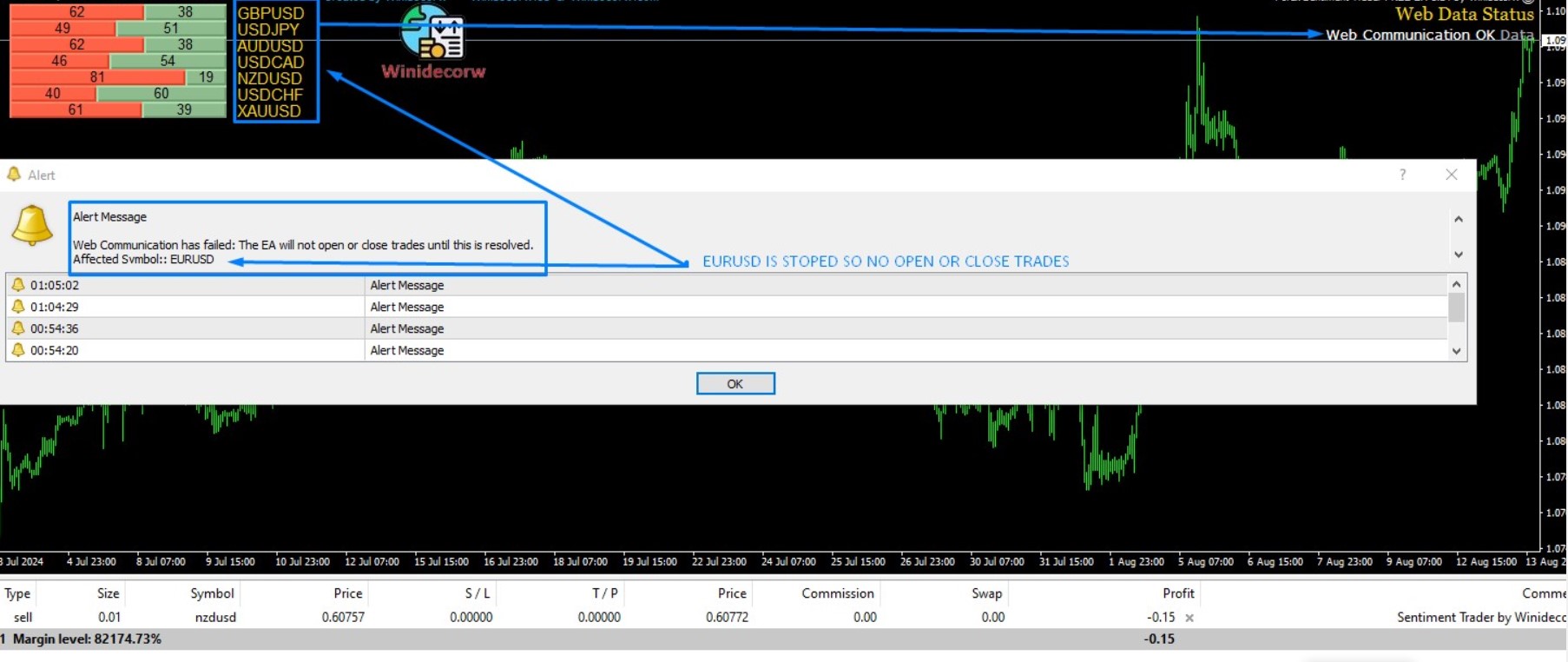
I have created this MT4 Tool EA to test if it is more profitable to trade in favor of the mass sentiment of traders or it is better to go against it. Remember to authorize Myfxbook url in WebRequest options in MT4 . Features: Market Sentiment update every 30 minutes SL TP BreakEven Trail SL Daily Target Profit Max Daily DrawDown (Useful for prop firm) Max Spread Filter Time Filter Custom Trade Comments Protection in case a pair is not read correctly from the web (Prevents improper
This EA creates two buttons in a panel that you can drag to any part of the chart (simply click on the panel and drag with the mouse to the part of the chart you want) with which you can close all the open operations in the account with a simple click, or close only the trades that are currently in profit. Check out my new trade dashboard assistant : Simple and Easy MT4 Trade Panel Tell me if you like the product and how it could be improved, Thanks :)