Optimization results problem
I optimize actually in basical criteria "balance max", and some passes show very big results that are not the real metrics developped by the pass once you take it in solo backtest
That problem has been frequently reported in the Forum for years. Here's one example thread:
Forum on trading, automated trading systems and testing trading strategies
Optimization results are not matching with results from a single test run
Marcel Fitzner, 2020.06.18 00:51
Hey guys,
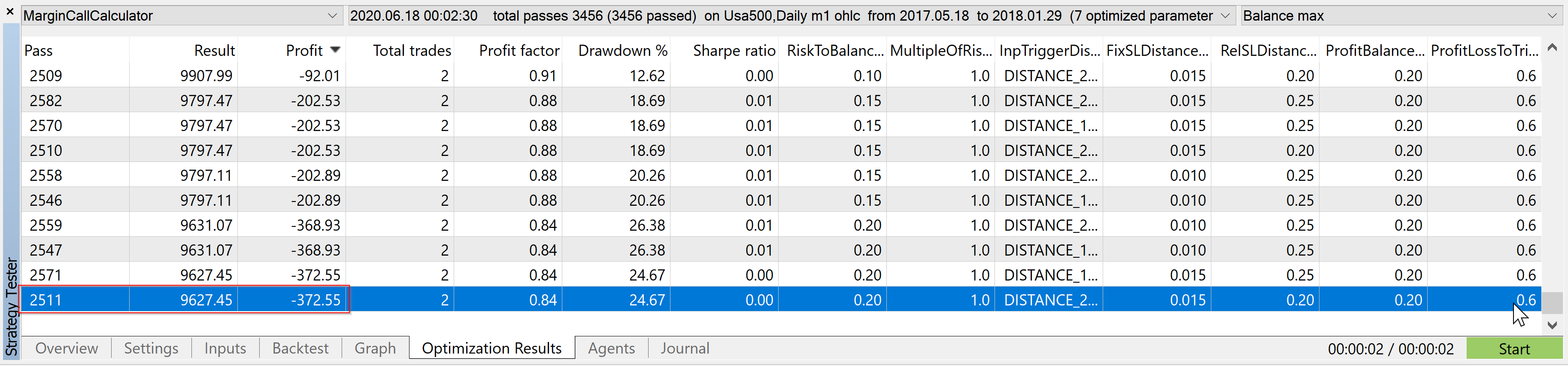
My recent optimization results are not what they seem to be. When double-clicking an entry in that table, both backtest and a visualized strategy run yield a totally different result (results of backtest and single visualization test match).
Not only the profit is mismatching, but also the total trades differ (as you see below). So, something is really off here and I don't know why.
My attempts to fix this error so far:
- Thought my hardware with an AMD Ryzen 9300X with its 12x2 hyper-threading cores might be the reason, but I can reproduce this error on a machine with a non-HT CPU (like Intel i7).
- Static variables in my code that could potentially be read by other threads? (Can this actually happen?) -> Anyway, I replaced them all with member variables -> still didn't fix it.
- I'm making use of OnTester events to capture data frames so after all strategies have run the data frames are read and their data placed into a database. The erroneous results are actually the same in the database, so I conclude the number in the 'optimization result' table are not just random numbers, but actual results from properly done simulations, but something must have happened there vastly different.
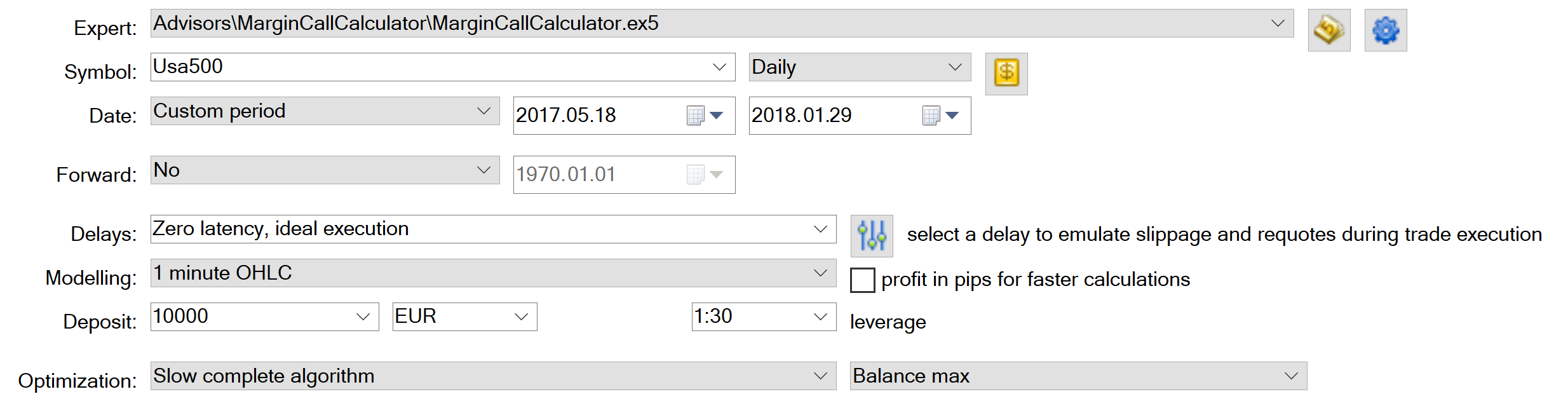
Optimization Results:
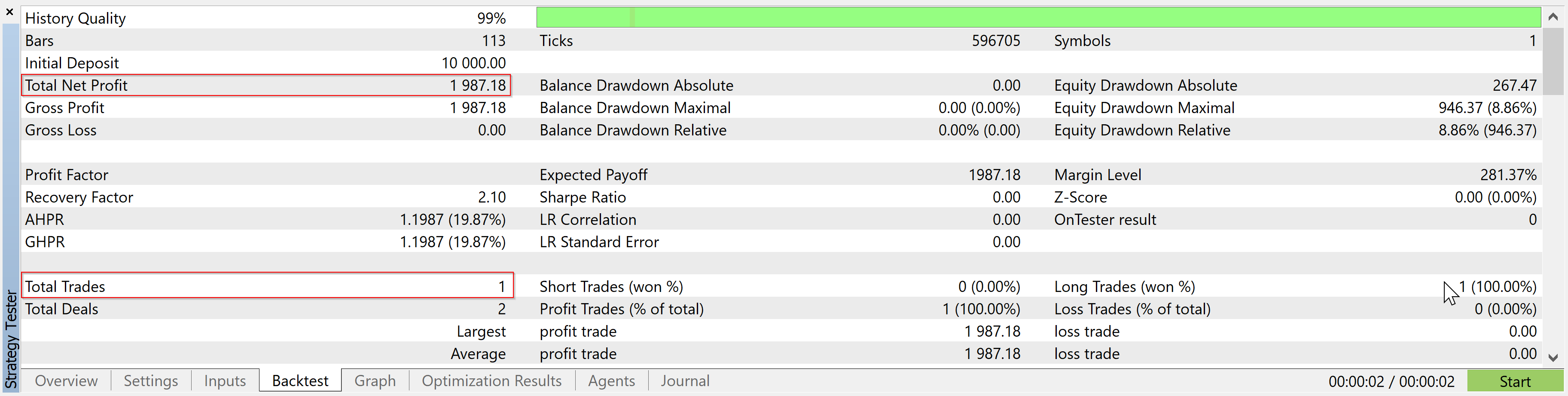
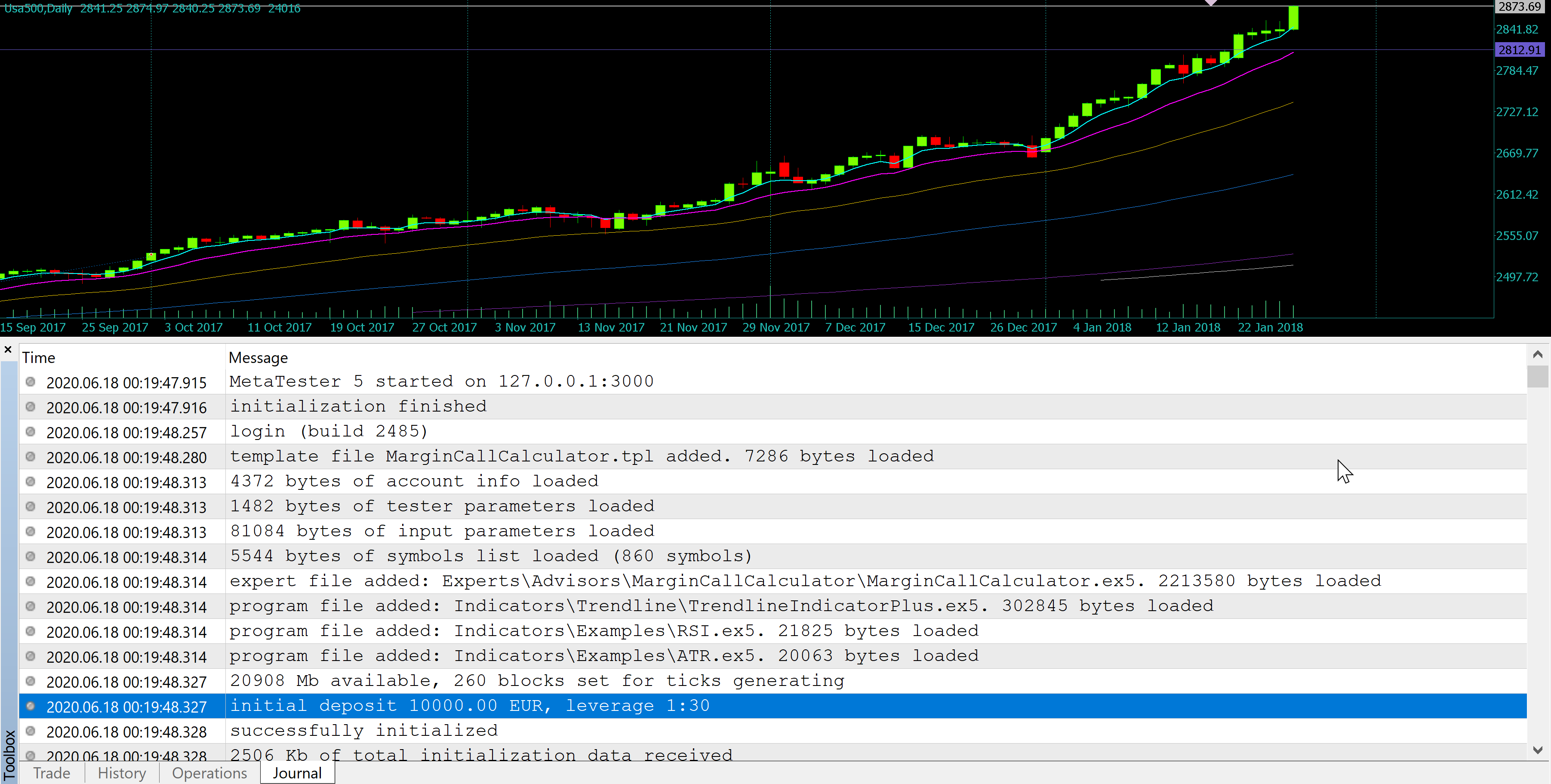
Result from a visualization run:

Has experienced the same discrepancies in the trading results and found out a reason for this?
If you need further details for an educated guess, let me know.
Interestingly, I had a similar issue when testing a custom symbol, M1 timeframe chart. The Tester Journal repeatedly showed that an erroneous settings txt file was being called despite me having previously deleted it. My trial and error deduced solution was to close the custom chart, delete the custom symbol, restart MT5, regenerate the custom chart, and retest. I can only guess that my overall setup is a bit burdensome on MT5 because my CPU usage remained between 1% and 3%. It seemed that somehow the old backtest settings were hitched to the custom symbol somehow. Totally bizarre.
I should note that this is in MT5 Release Build 5833. I also get double instances of indicators attached to a chart when I load a chart template that includes an instance of an EA that uses iCustom() and ChartIndicatorAdd(). This is not happening in MT5 Beta Build 5836. I even tried copying a template file from Beta to Release─same result. Again, this is on a custom symbol so who knows...
Yes this is recurring issue on the forum.
Most often this is occurring due to a coding issue, but possibly it can be something else. The problem is almost nobody ever provided all the needed code, details and information to reproduce the issue.
If it's an MT5 glitch, it has to be reproduce to be fixed. If needed you can contact me in private for the investigations.

- Free trading apps
- Over 8,000 signals for copying
- Economic news for exploring financial markets
You agree to website policy and terms of use
Hello,
I have a problem that happens in each of my optimizations,
I optimize actually in basical criteria "balance max", and some passes show very big results that are not the real metrics developped by the pass once you take it in solo backtest (like the 2 first ones bellow)
I have tried to clean all the cache/log files on my pc and on my workers pc's because i am on local farm. Nothing changed. I had tried to verbose every pass to see which agent is making these passes, but didn't find it.
Can you help me ? Do you have encoutered this problem and how did you managed to clean this ?
I had already talked about this and received several answers. If this can be an EA code problem, what type of structure/functions used or something else can be the source of this ?
Thank you a lot in advance and have a good day
MM