MT4 on windows 10
- Older Build of MT4
- MT4 under Win8 - Compatibility files
- MetaTrader4 Client issue - Please help
at least wait for the release, what's the rush...
Problem fixed, will be in next build
A release was planned for the end of February.
Most likely next week we will release a beta on our MetaQuotes-Demo with the bug fixed.
When opening demo account just type this server name in server list search.
So to open a demo account and enter the server name - you have to start MT4. But it won't start. It turns out that I have to download beta=version, install it and only then... (if it will start)...
How to be? Or maybe i am misunderstanding something?
Renat. Sorry to be intrusive, but how can I get a patched MT4 (albeit beta) to run on Windows 10. I found MT4 version 509. It runs without any problems, but my connection window says Old version. Many thanks in advance for the reply.
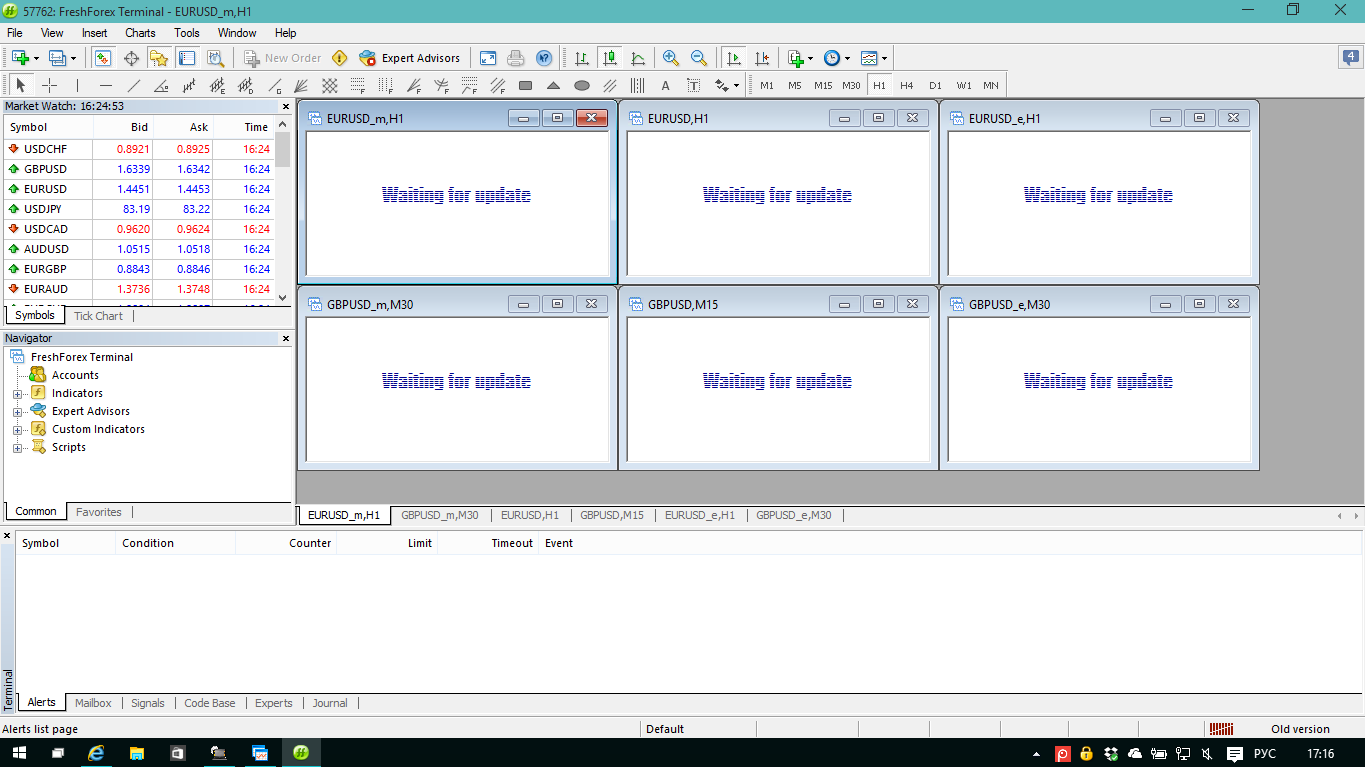
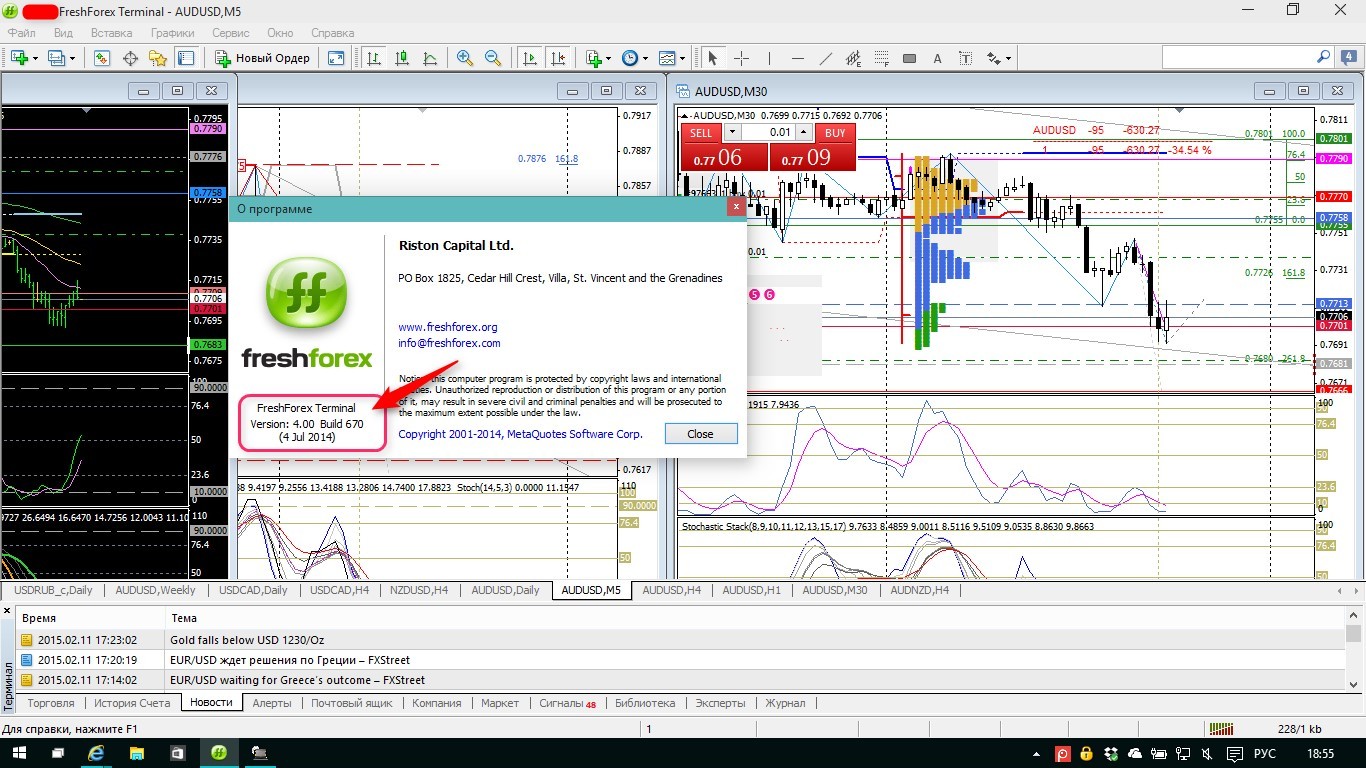
Managed to run MT4 on Windows 10 Build 9926 x64. Found archive with terminal.exe file - build 670. I transferred it to the folder with MT4. I managed to run it with Administrator rights. Everything is working.

- Free trading apps
- Over 8,000 signals for copying
- Economic news for exploring financial markets
You agree to website policy and terms of use