Indicators: Four clicks to draw an arc-shaped channel
<Deleted - do not post in Capital letters>
It's a pity that it doesn't work correctly in the subwindow of another indicator, can you somehow make it work in subwindows?
Ideally, I would like to be able to draw a curved line in the window of another indicator, not only on the price chart.
Too bad it doesn't work correctly in the other indicator subwindow, is there any way to friend it with working in subwindows?
Ideally, I would like to be able to draw a curved line in the window of another indicator, not only on the price chart.
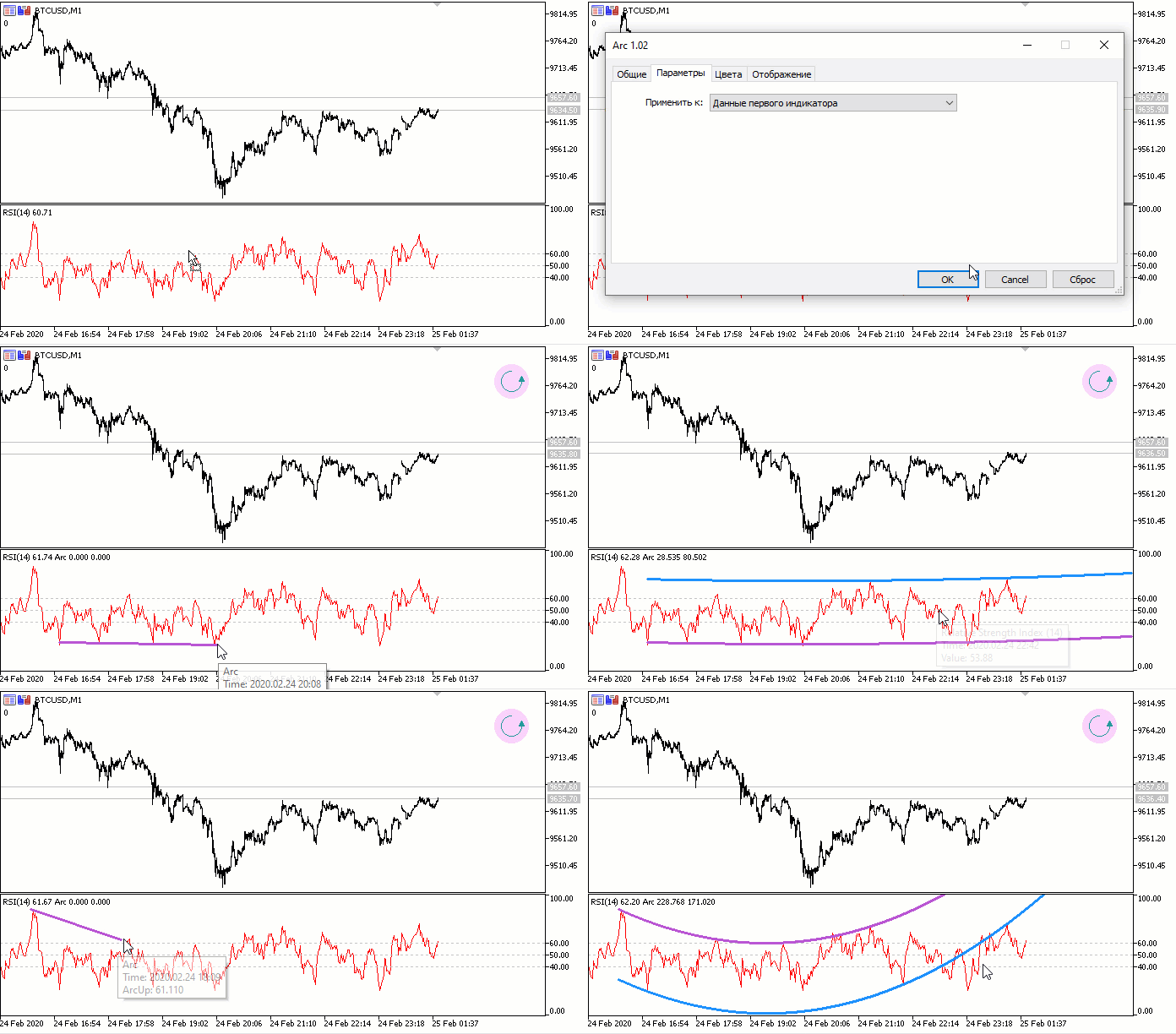
Yes, I didn't immediately find version 1.02 of the indicator for MT5.
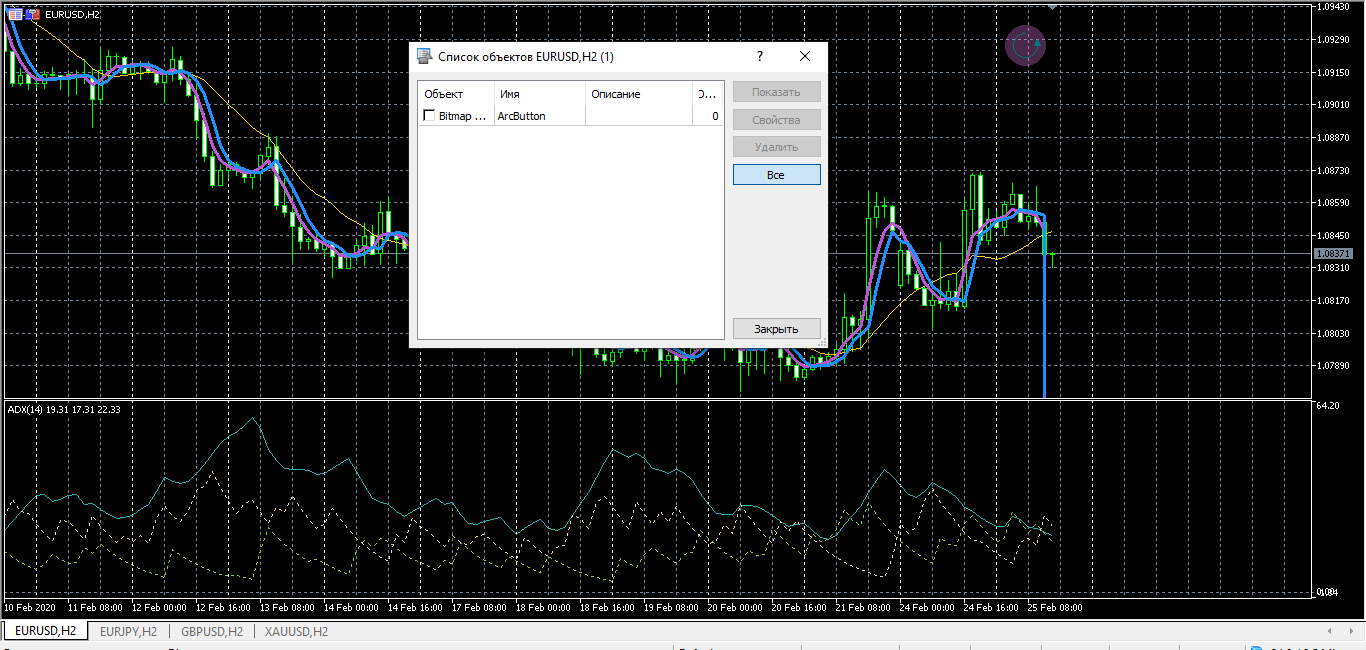
But in version 1.02 for MT4 there is no Parameters tab:
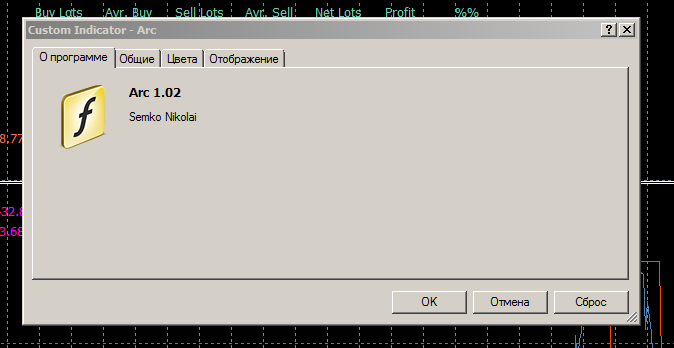
but in version 1.02 under MT4 there is no Parameters tab:
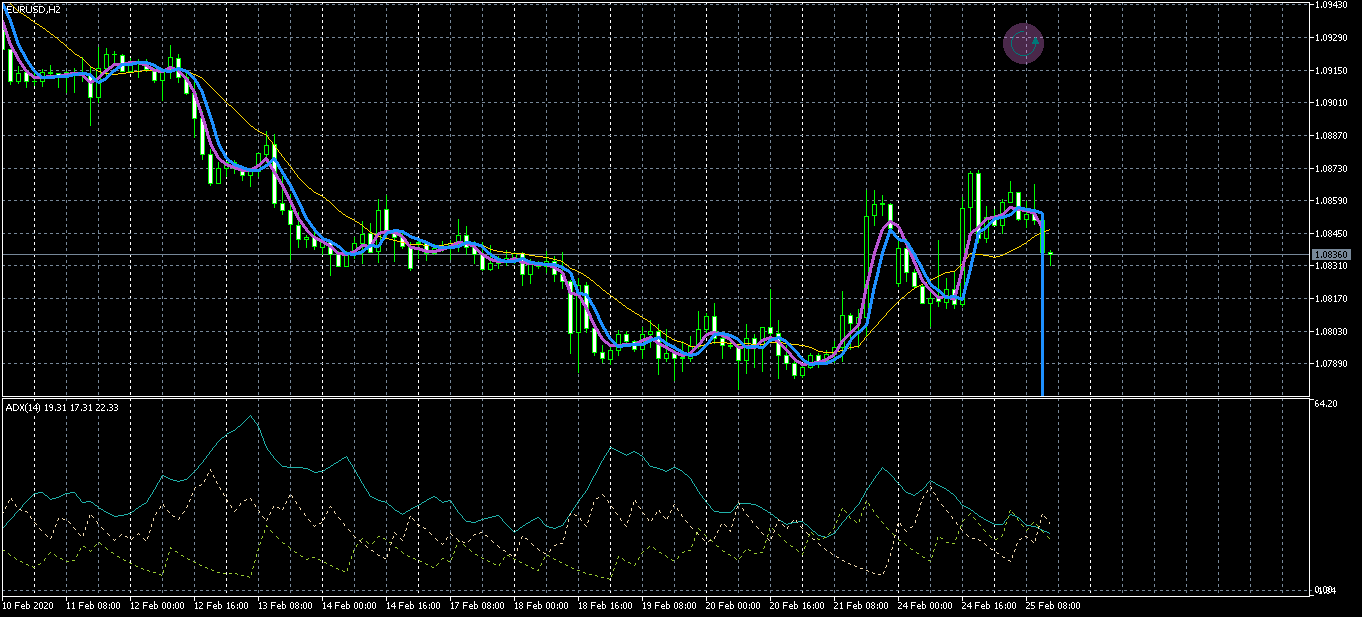
I wanted to ask another question-
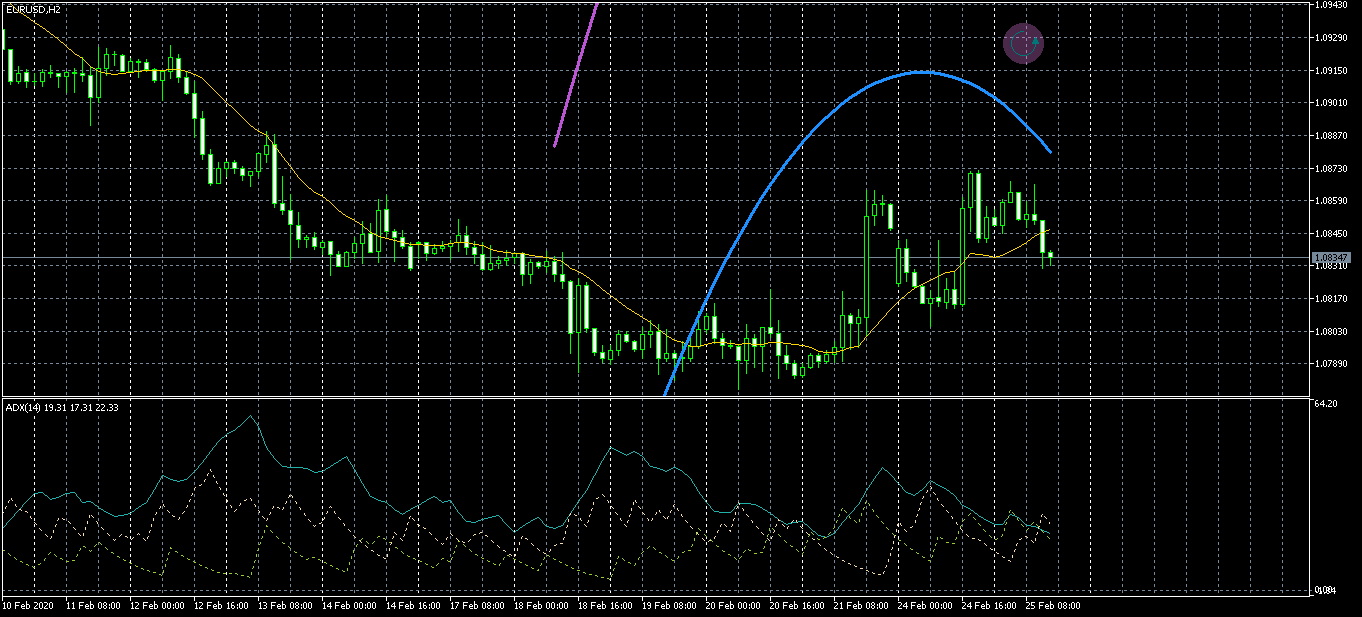
but when I put your indicator on the chart, it rendered.
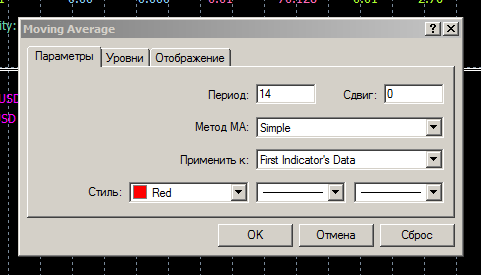
It is impossible to work with the data of previous indicators in 4. Didn't you know that?
I don't understand something
wanted to ask another question-
but when I put your indicator on the chart, it rendered.
Question - can't these drawn lines be set as an object in the software?

- Free trading apps
- Over 8,000 signals for copying
- Economic news for exploring financial markets
You agree to website policy and terms of use
Four clicks to draw an arc-shaped channel:
A quick way to draw an arc-shaped channel in 4 mouse clicks.
Author: Nikolai Semko