Experts: TwoBarsComparison
Hello Vladimir.
I am testing your Expert Advisor, for some reason it writes an error.
Please tell me what I have wrong, the log is attached.
Thank you.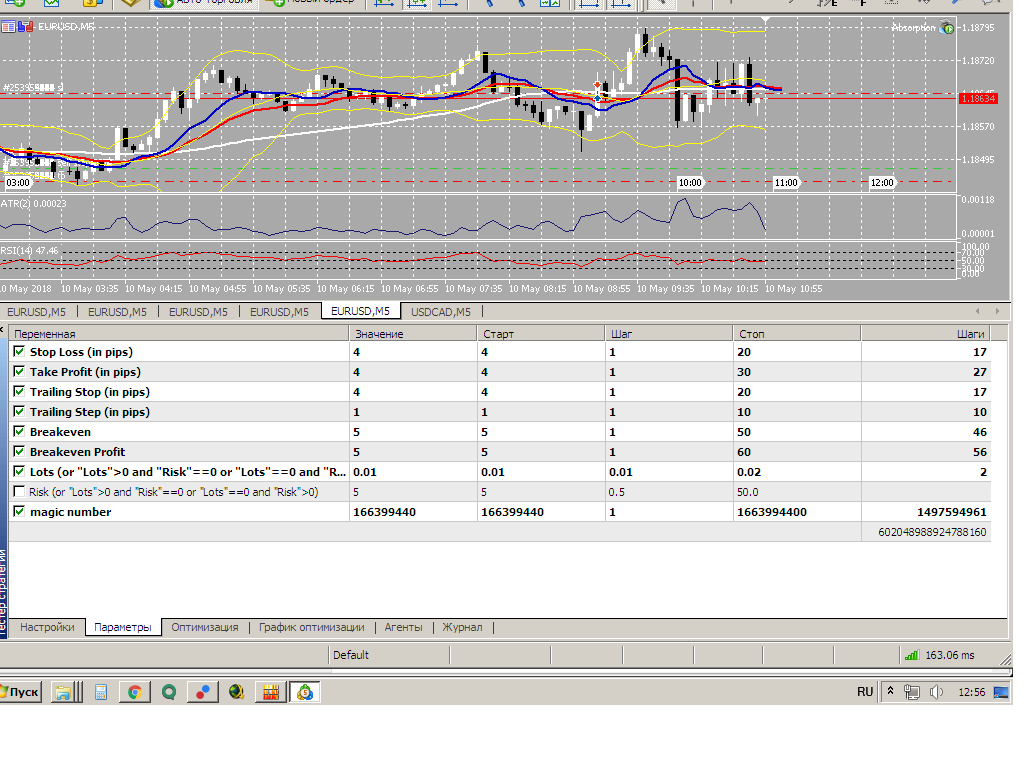
Hello, Vladimir.
I am testing your Expert Advisor, but for some reason I get an error.
Please tell me what I have wrong, the log is attached.
Thank you.
You are setting incorrect parameters. Detailed description of the error in the "Experts" tab.
You set incorrect parameters. Detailed description of the error is in the "Experts" tab.
I have nothing in this tab.
I can't insert a screenshot.
I don't have anything in that tab.
I can't get a screenshot.
It can't be. Look for the tab :)
There is no such thing. Look for the tab :)
Right now this one showed up: 2018.05.10 15:29:54.407 ma_l_world (EURUSD,M5) CAccountInfo::MaxLotCheck invalid parameters
I don't understand what it means.
Thank you.
Now this just popped up: 2018.05.10 15:29:54.407 ma_l_world (EURUSD,M5) CAccountInfo::MaxLotCheck invalid parameters
I don't understand what it means.
Thank you.
If you are testing some code"ma_l_world" - why are you posting in this thread????
If you are testing some code"ma_l_world" - why post in this thread????
I'm testing it now and the Experts tab is empty.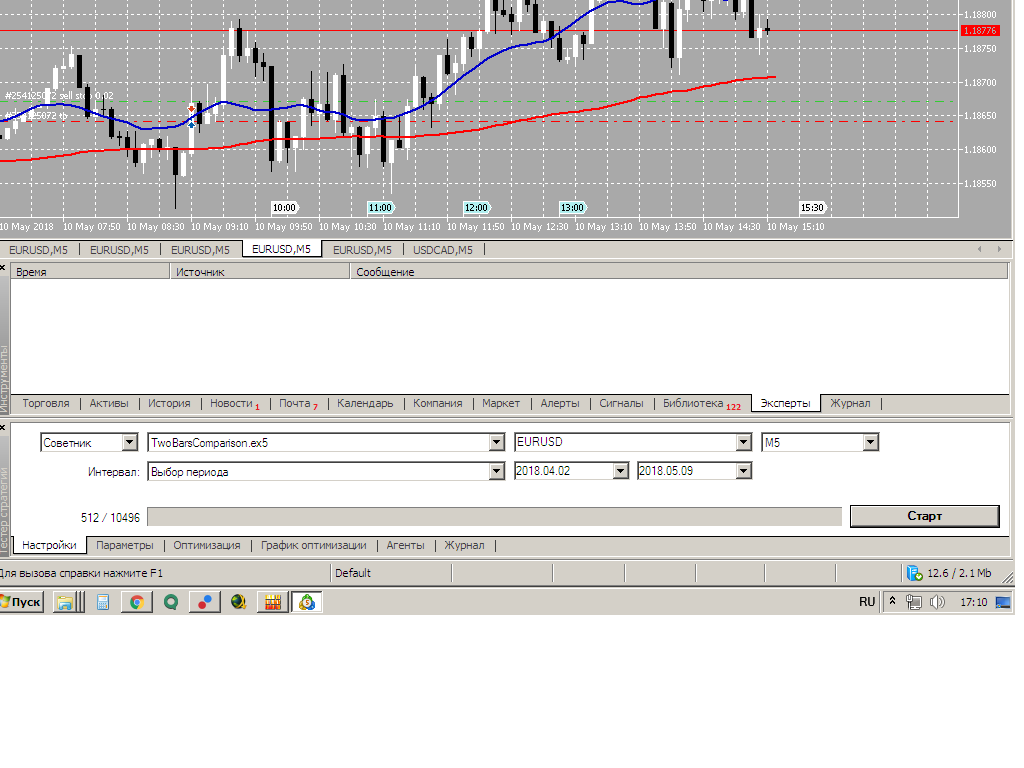
I'm testing it now and the Experts tab is empty.
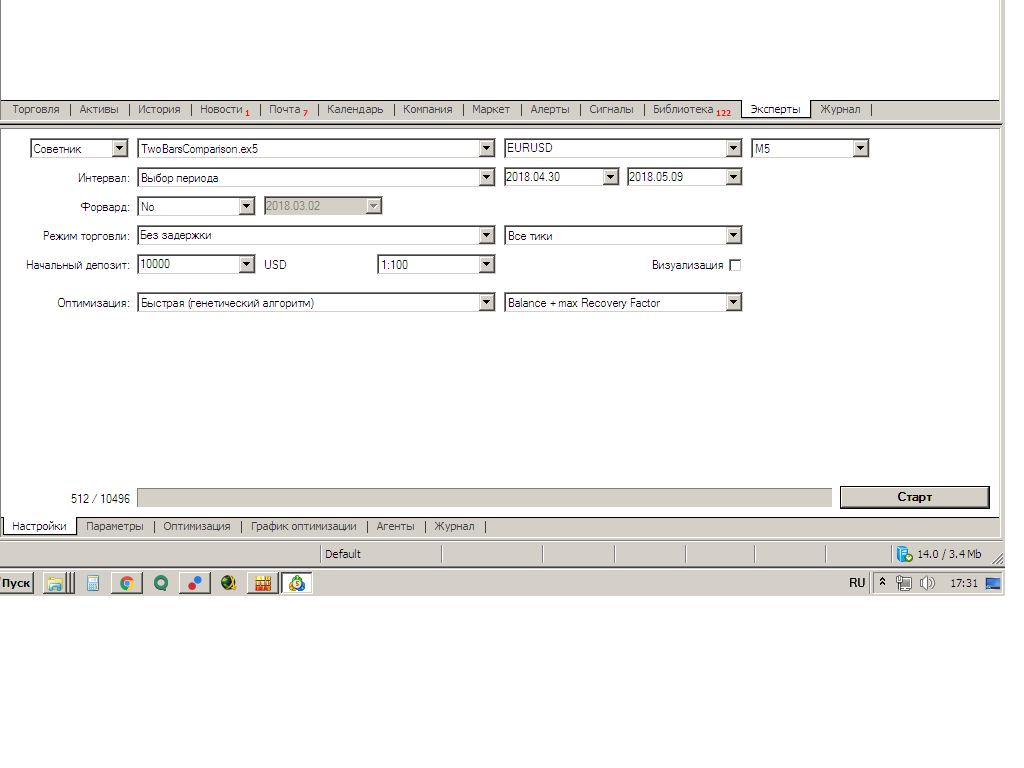
Maybe I don't have something turned on in my settings?You just showed the Strategy Tester. Besides, I can only guess what exactly you are doing there. Probably doing OPTIMISATION. But this is only a guess, since you are showing a piece of the tester (is it difficult for you to turn the Strategy Tester around so that all the controls are visible?).
When optimisation is in progress, each testing agent has its own analogue of the "Experts" tab - to see this log you need to right-click in the "Log" tab of the tester and select the agent. For example, I have it like this:

After that the log viewer will open, where you will see the description of your error.
You just showed the Strategy Tester. Besides, I can only guess what exactly you are doing there. Probably you are doing OPTIMISATION. But this is only a guess, since you are showing a piece of the tester (is it difficult for you to turn the Strategy Tester around so that all the controls are visible?).
When optimisation is in progress, each testing agent has its own analogue of the "Experts" tab - to see this log you need to right-click in the "Log" tab of the tester and select the agent. For example, I have it like this:
After that the log viewer will open, where you will see the description of your error.
Here it opens, but I don't understand anything.
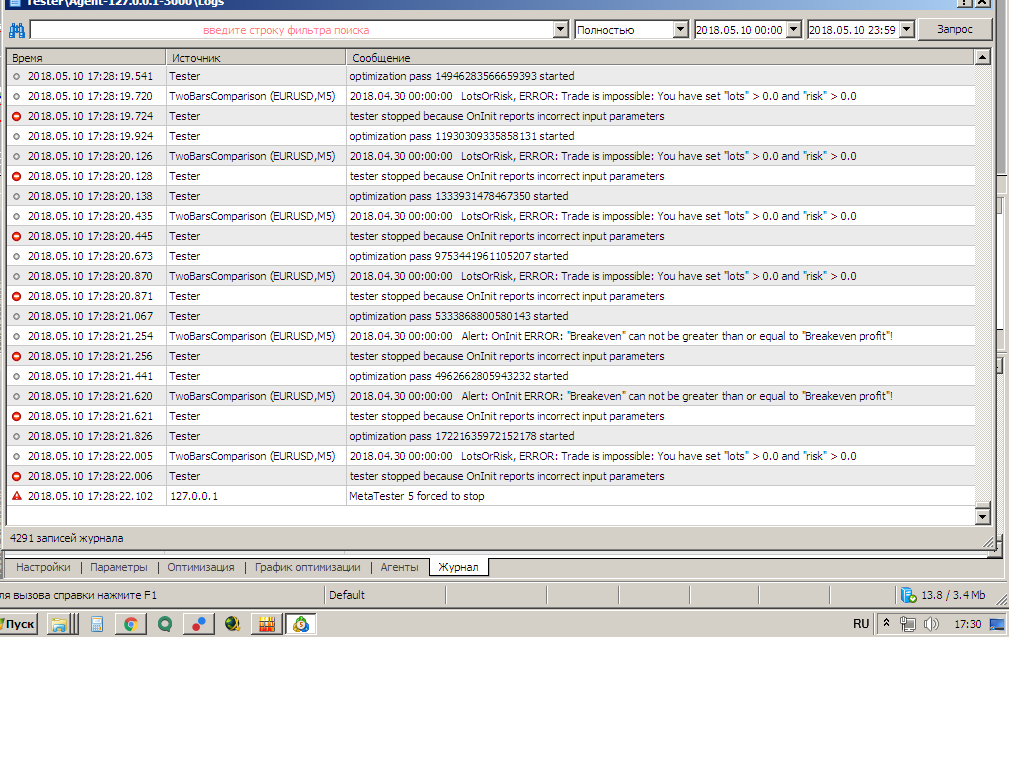
This just opened up, but I can't figure it out.
Please read it carefully:
When optimisation is going on, each testing agent has its own analogue of the "Experts" tab - to see this log you need to right click in the "Log" tab of the tester and select the agent.

- Free trading apps
- Over 8,000 signals for copying
- Economic news for exploring financial markets
You agree to website policy and terms of use
TwoBarsComparison:
The EA compares the opening prices of the zeroth and the second bar. It moves positions to a breakeven and/or enables trailing.
Author: Vladimir Karputov