Experts: 3MACross EA
Did you optimise the EA on history or did it immediately give such a profit chart?
Did you optimise the Expert Advisor on history or did it immediately give such a profit chart?
I selected the symbol and timeframe.
This EA looks good. But it does not stay on platform. It downloads alright but disappears from platform when you "ok" it.
Kindly assist
This EA looks good. But it does not stay on platform. It downloads alright but disappears from platform when you "ok" it.
Kindly assist
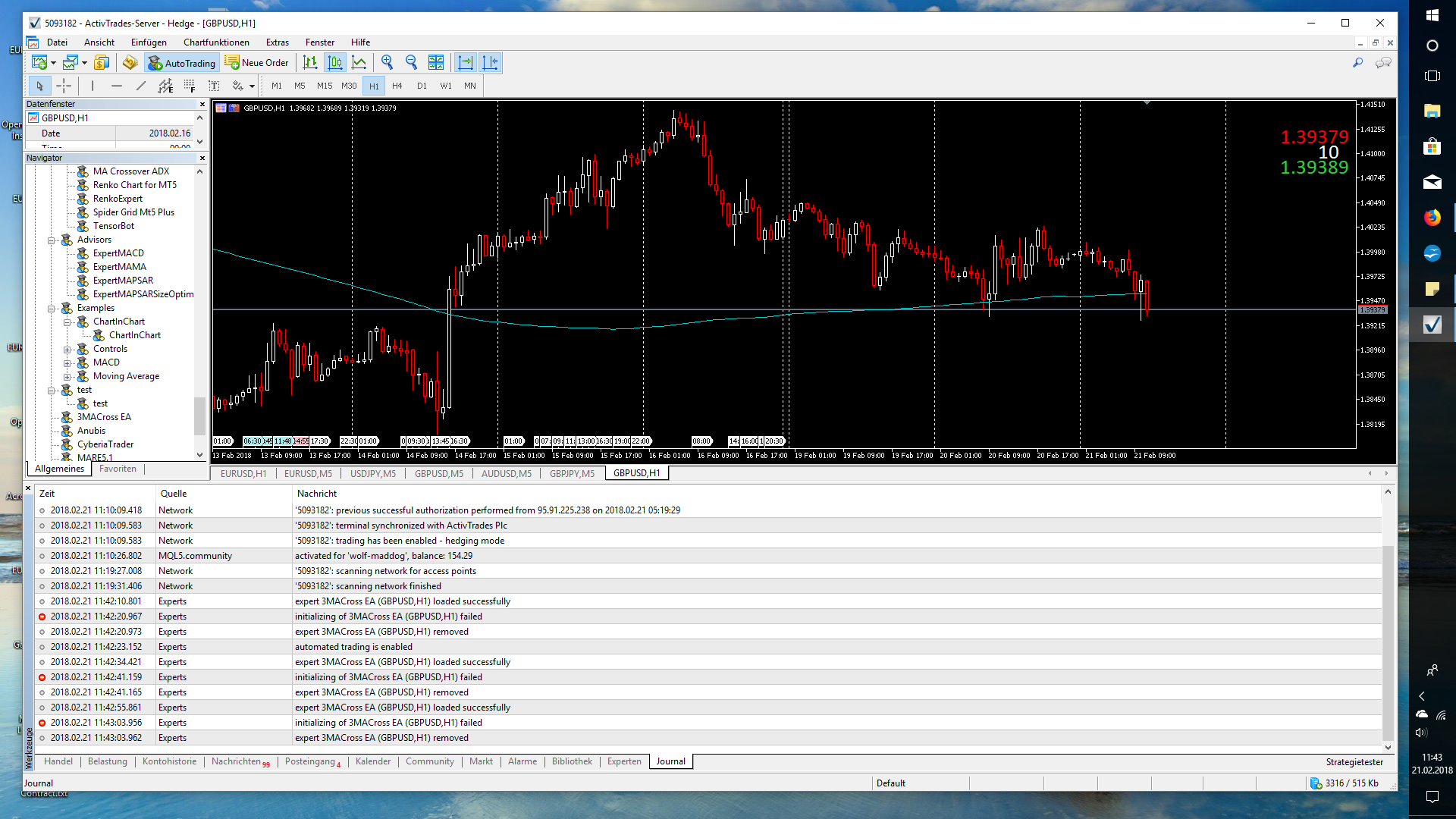
Attach to the message two log files: from the "Experts" tab and from the "Journal" tab.
Hmm... i can download the ea but will not run on the tester.
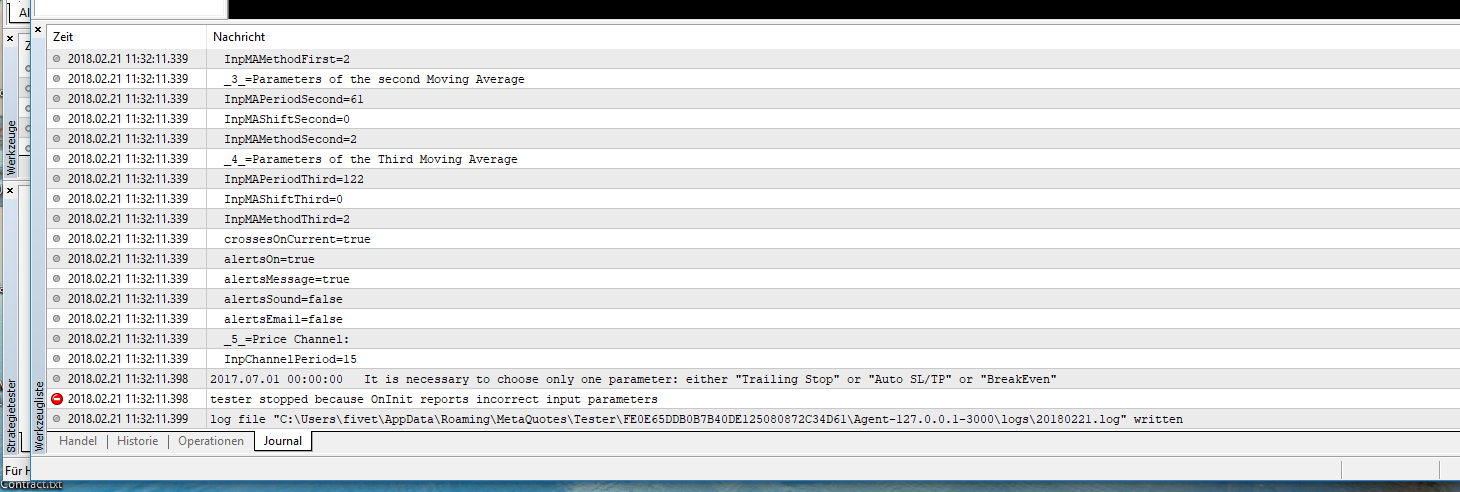
Hmm... i can download the ea but will not run on the tester.
Well, here's the answer: Your mistake - you've incorrectly set the parameters!
Forum on trading, automated trading systems and testing trading strategies
Vladimir Karputov, 2018.02.21 11:45
Well, here's the answer: Your mistake - you've incorrectly set the parameters!
Realy? Even if the EA is free it would be very helpful for users if the EA would be set right at the first use so that no messages come.
The first impression counts, but if someone has to be searched at the beginning, that is unfortunate solved.
J-
Realy? Even if the EA is free it would be very helpful for users if the EA would be set right at the first use so that no messages come.
The first impression counts, but if someone has to be searched at the beginning, that is unfortunate solved.
J-
The default settings provide startup. To run with the default settings:
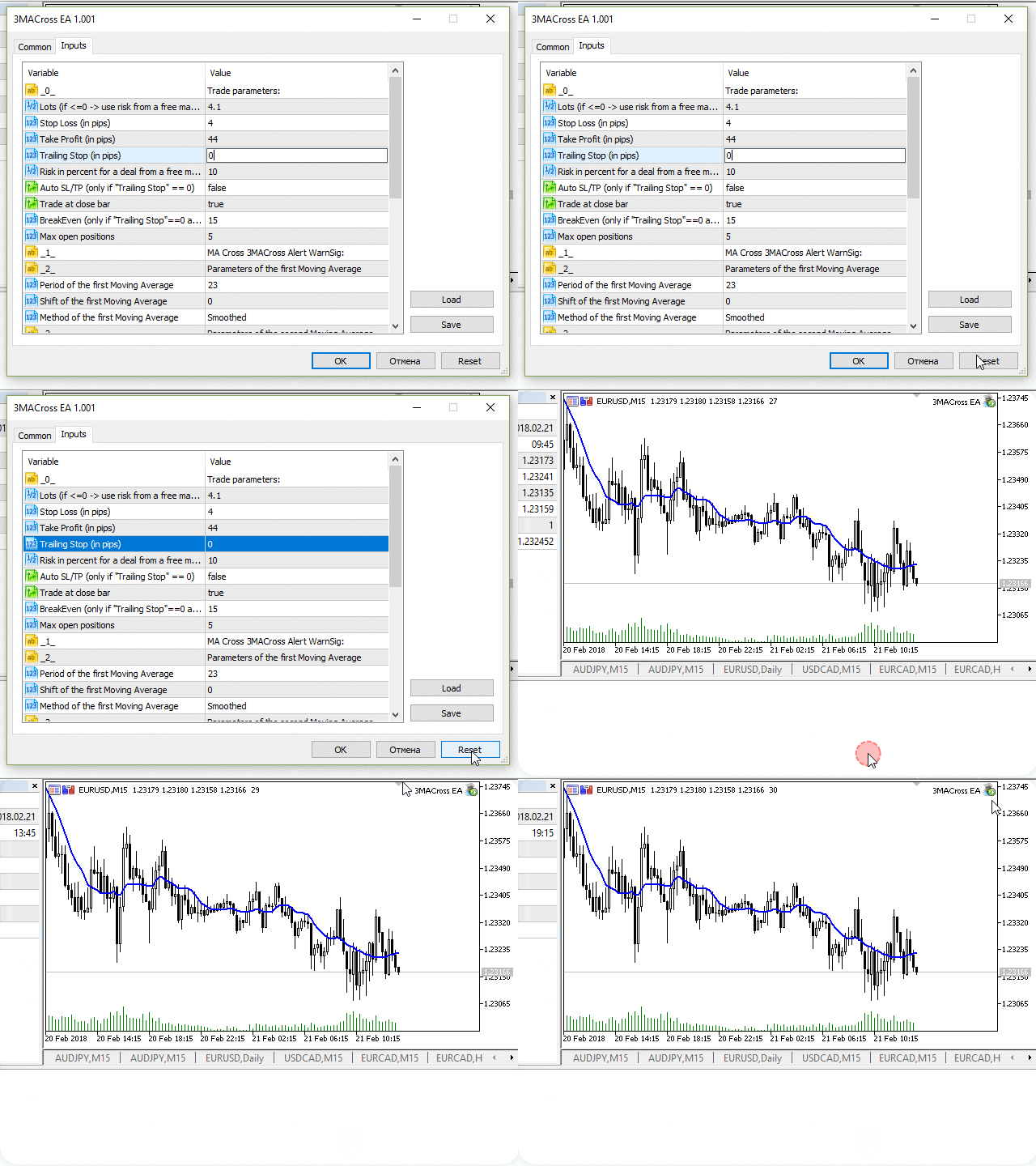
And please read the description: https://www.mql5.com/en/code/19525

- votes: 15
- 2018.01.22
- Vladimir Karputov
- www.mql5.com

- Free trading apps
- Over 8,000 signals for copying
- Economic news for exploring financial markets
You agree to website policy and terms of use
3MACross EA:
An Expert Advisor based on indicators "MA Cross 3MACross Alert WarnSig" and "Price Channel"
Author: Vladimir Karputov