Ballast Risk Panel
- 实用工具
- 版本: 1.0
- 激活: 10

One-click trading that sizes every lot from your risk %, adds a stop-loss to any trade without one, and locks trading after your daily loss limit.
Most accounts are not lost by a bad strategy. They are lost by one trade without a stop, one oversized lot, or one bad day that turns into revenge trading. Ballast Risk Panel stops all three.
1. Buy / Sell with the right lot size
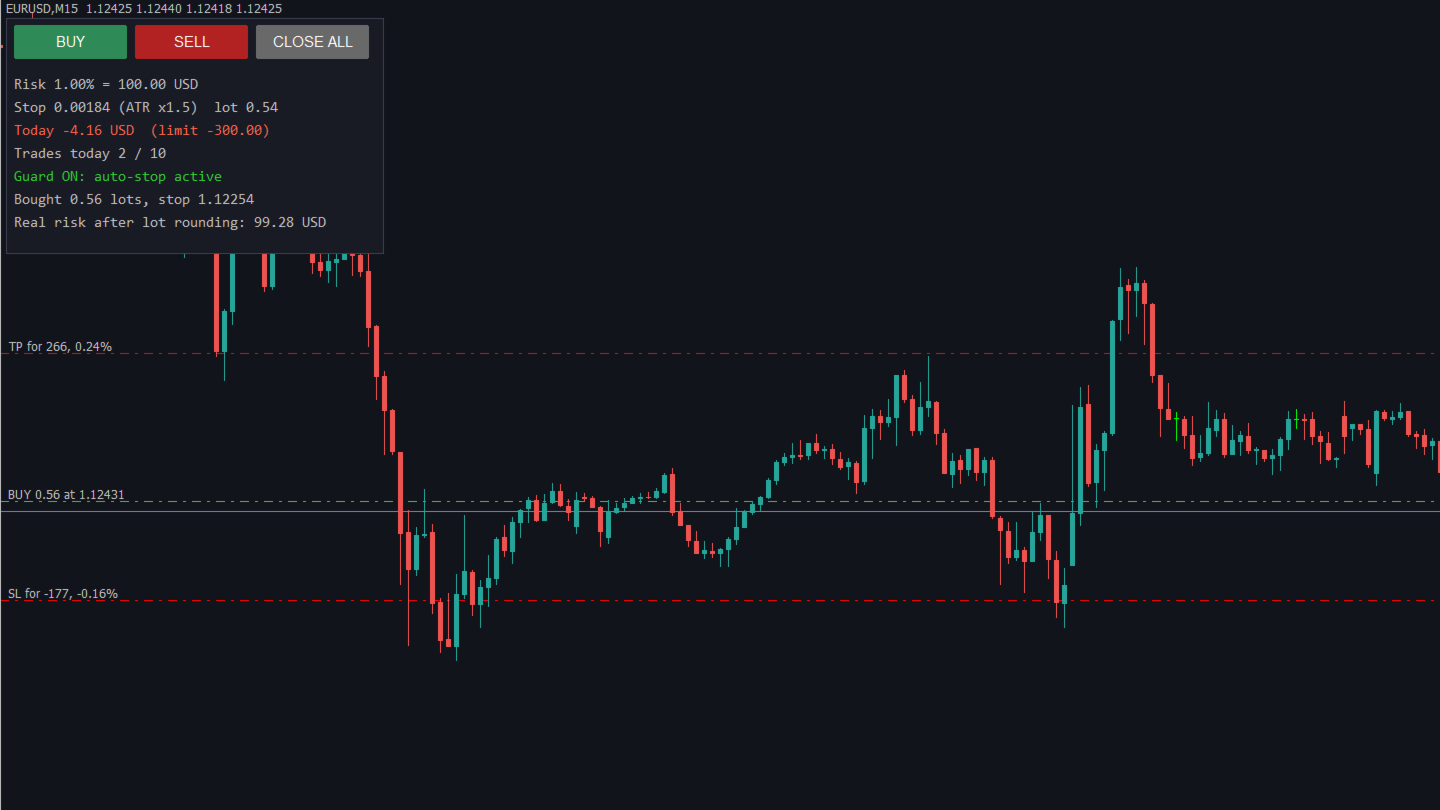
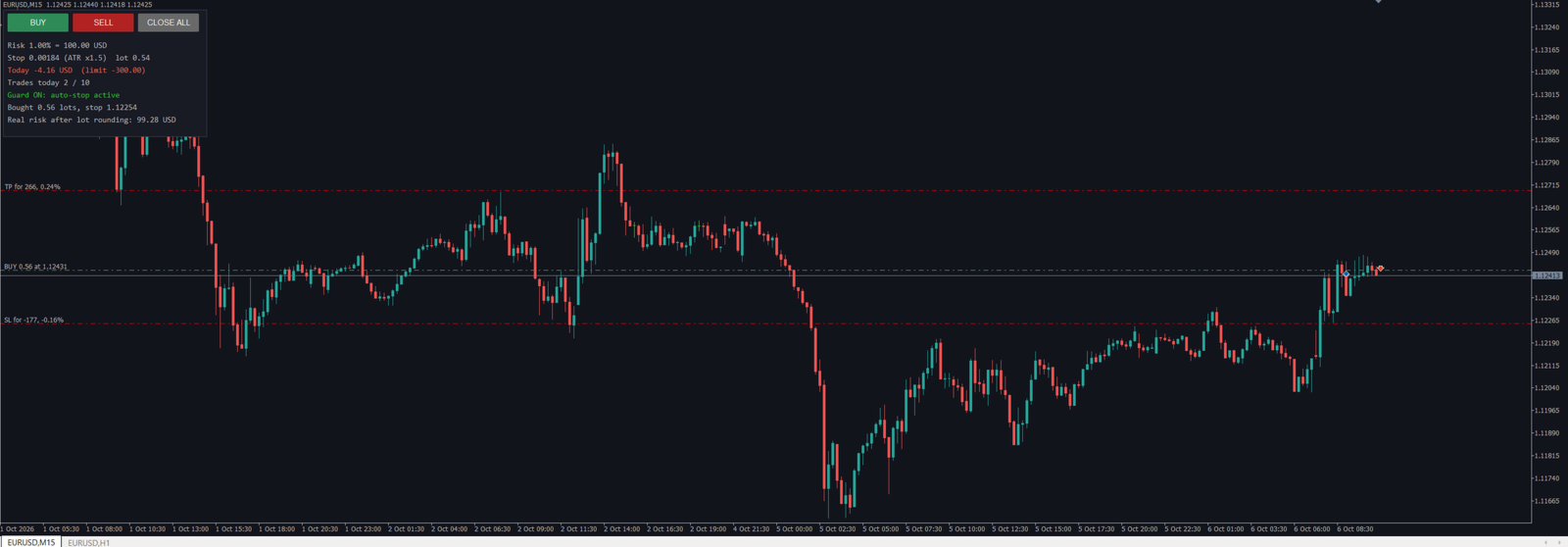
Press BUY or SELL. Ballast Risk Panel calculates the lot so that the stop-loss loses exactly your chosen % of balance (default 1%). The stop is either a fixed distance or a multiple of ATR (the market's recent hourly range). The take-profit is set as a multiple of the stop (default 1.5×). The panel shows the real money at risk after the lot is rounded to the broker's lot step.
2. Automatic stop-loss for every trade
Any position on the account without a stop-loss gets one within a second — your manual trades, trades from your phone, and trades from other EAs, on every symbol.
3. Daily loss lock
When the account is down your chosen % for the day (default 3% of the day's starting equity), Ballast Risk Panel closes every position, deletes pending orders and keeps closing anything new until the next day. The lock survives a terminal restart.
4. Daily trade limit
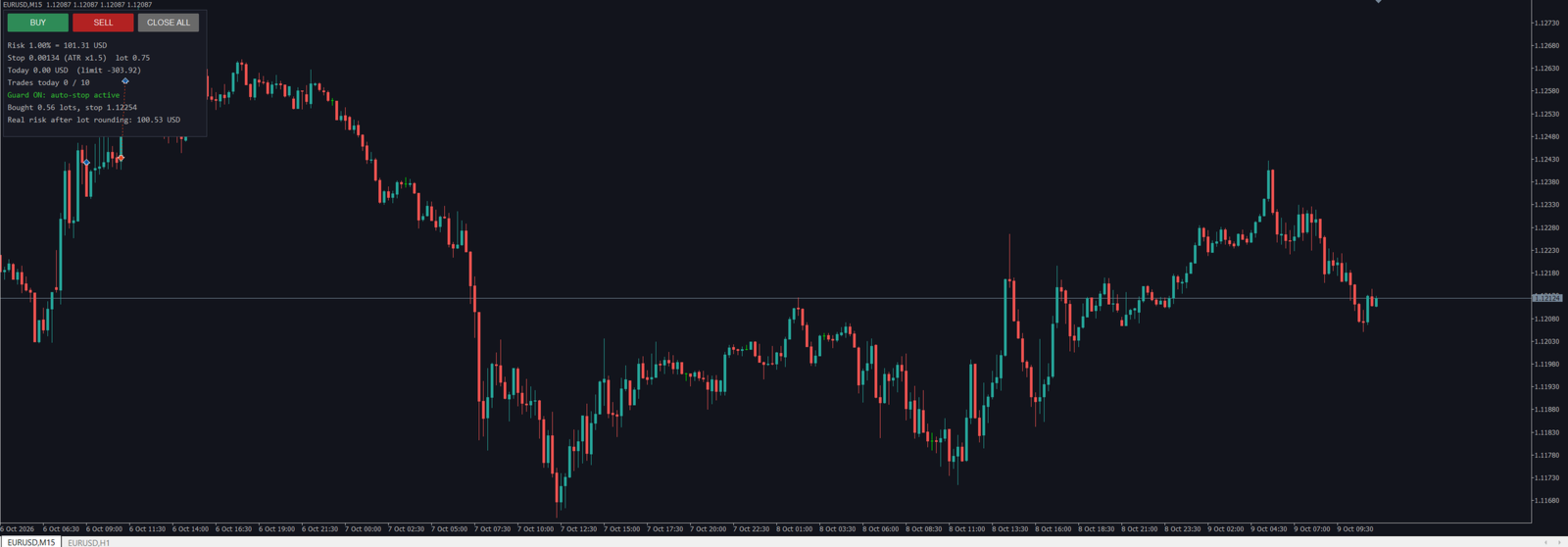
Set a maximum number of new trades per day (default 10). The panel refuses new trades after that.
What it does not do
Ballast Risk Panel does not decide when or in which direction to trade, and it does not promise profit. It controls risk.
Tested
- 8 symbol/timeframe/deposit combinations (EURUSD, GBPUSD, USDJPY, AUDCAD, Gold, US30 index, Bitcoin; M1 to D1; deposits 100 to 10,000) without a single error.
- Stop-loss size measured on 157 stopped trades on EURUSD: average loss 1.01 × the planned risk (the small excess is slippage).
- Auto-stop: 100% of trades opened without a stop received one (973 test trades on 4 symbols).
- Daily loss lock and trade limit: 0 violations in all tests.
Inputs
- Risk per trade (% of balance) — 1.0 — Money lost if the stop is hit
- Stop distance — ATR — Fixed points or ATR(14, H1) multiple
- Stop in points — 150 — Fixed mode, also fallback if ATR is not ready
- ATR multiple — 1.5 — Stop = ATR × this
- Take-profit = stop × — 1.5 — 0 = no take-profit
- Add a stop to any position without one — true — Works on all symbols and all EAs
- Daily loss limit (%) — 3.0 — 0 = off
- Max new trades per day — 10 — 0 = off
- Magic number — 770001 — For panel trades
- Panel font size — 9
Notes
- Works on hedging and netting accounts, any symbol the broker offers.
- The lock and auto-stop act on the whole account. Run one copy only.
- In the Strategy Tester (demo), Ballast Risk Panel opens one demo trade a day and one "manual" trade without a stop so you can watch it work. The buttons also work in visual testing.
- "Algo Trading" must be enabled in the terminal.