Vladimir Karputov / Профиль
- Информация
|
13+ лет
опыт работы
|
28
продуктов
|
82
демо-версий
|
|
228
работ
|
1
сигналов
|
0
подписчиков
|
We gain true knowledge when we seek the answer to a question, not when we learn the answer itself.
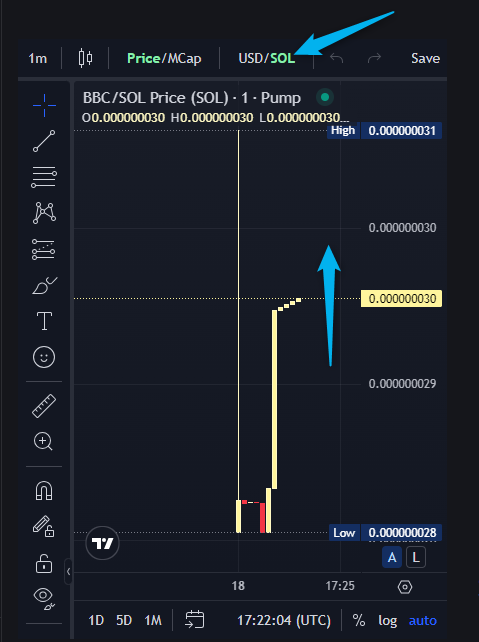
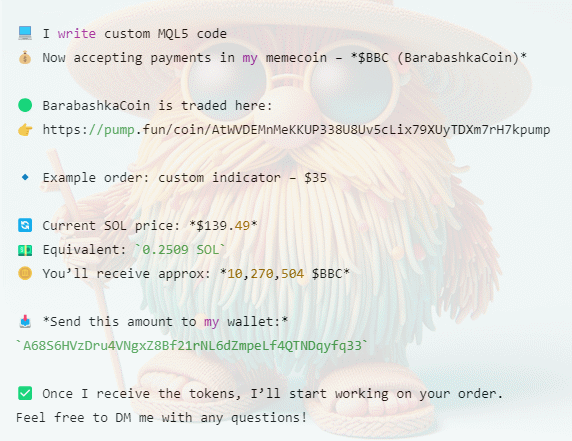
💰My memcoin BarabashkaCoin: https://pump.fun/coin/AtWVDEMnMeKKUP338U8Uv5cLix79XUyTDXm7rH7kpump
My Telegram https://t.me/barabashkakvn_MQL5
My YouTube https://www.youtube.com/@barabashkakvnmql5
How to Install an Expert Advisor with a Custom Indicator
In this short video, I’ll show you step-by-step how to properly set up an MQL5 expert advisor that requires a custom indicator.
🔗 Watch now: https://youtu.be/VNZ8HKcduD0
Don't miss it! 🚀
| Качество технического задания | 5.0 | |
| Качество проверки результатов | 5.0 | |
| Доступность и навыки общения | 5.0 |
Hello, friends! In this series, we’re diving into the process of building an Expert Advisor (EA) for MetaTrader 5 using the Moving Average (MA) and Relative Strength Index (RSI) indicators.
📌 What’s in the video:
Understanding MA and RSI signals.
Setting up MetaEditor for EA creation.
Adding and visualizing indicators on the chart.
Using MQL5 functions and trading classes.
Detecting signals only when a new bar appears.
⏱ Timestamps:
0:00 - Start
00:00:34 - Optimization of the Moving Average Expert Advisor
00:01:15 - How to start optimization and what type of optimization to choose?
00:03:46 - Do I need to optimize all the parameters at once?
00:04:40 - The start value of the parameter, the parameter step, and the end value
00:06:19 - How do I choose the best optimization result?
00:07:20 - How do I save the selected parameter set?
00:08:02 - How to apply this saved set of parameters in the Expert Advisor?
🎯 Check out my products here:
https://www.mql5.com/en/users/barabashkakvn/seller
💡 Don’t forget to subscribe for more MQL5 tips and tricks!
If you can share your experience, please write in this channel.
( https://t.me/c/2138345970/339 )
| Качество технического задания | 5.0 | |
| Качество проверки результатов | 5.0 | |
| Доступность и навыки общения | 5.0 |
| Качество технического задания | 5.0 | |
| Качество проверки результатов | 5.0 | |
| Доступность и навыки общения | 5.0 |
The Bollinger Bands Dashboard indicator offers a convenient and informative way to track Bollinger Bands indicator signals on different timeframes using one panel (Dashboard). This tool allows traders to quickly and easily obtain the information they need, enabling efficient decision-making in the market. Main characteristics: 1. **Signals Panel**: The Dashboard displays Bollinger Bands signals for selected timeframes, providing users with clear and structured information. 2. **Flexibility in
| Качество технического задания | 5.0 | |
| Качество проверки результатов | 5.0 | |
| Доступность и навыки общения | 5.0 |
| Качество технического задания | 5.0 | |
| Качество проверки результатов | 5.0 | |
| Доступность и навыки общения | 5.0 |
| Качество технического задания | 5.0 | |
| Качество проверки результатов | 5.0 | |
| Доступность и навыки общения | 5.0 |
| Качество технического задания | 5.0 | |
| Качество проверки результатов | 5.0 | |
| Доступность и навыки общения | 5.0 |
| Качество технического задания | 5.0 | |
| Качество проверки результатов | 5.0 | |
| Доступность и навыки общения | 5.0 |
ATR Bands Alert is a channel indicator where the channel width is calculated as a constant multiplier ("Multiplier") and the value of the "Average True Range" indicator. Unlike Bollinger Bands, the bandwidth is not changed so often – in the ATR Bands Alert indicator, the bands often have long straight lines. The interpretation of the ATR Bands Alert is based on the fact that the price is inside the bands for most of the time, and if the price reaches one of the boundaries, it may indicate a