Gold Minute Crossover
- Эксперты
- Версия: 1.13
- Активации: 5

Overview
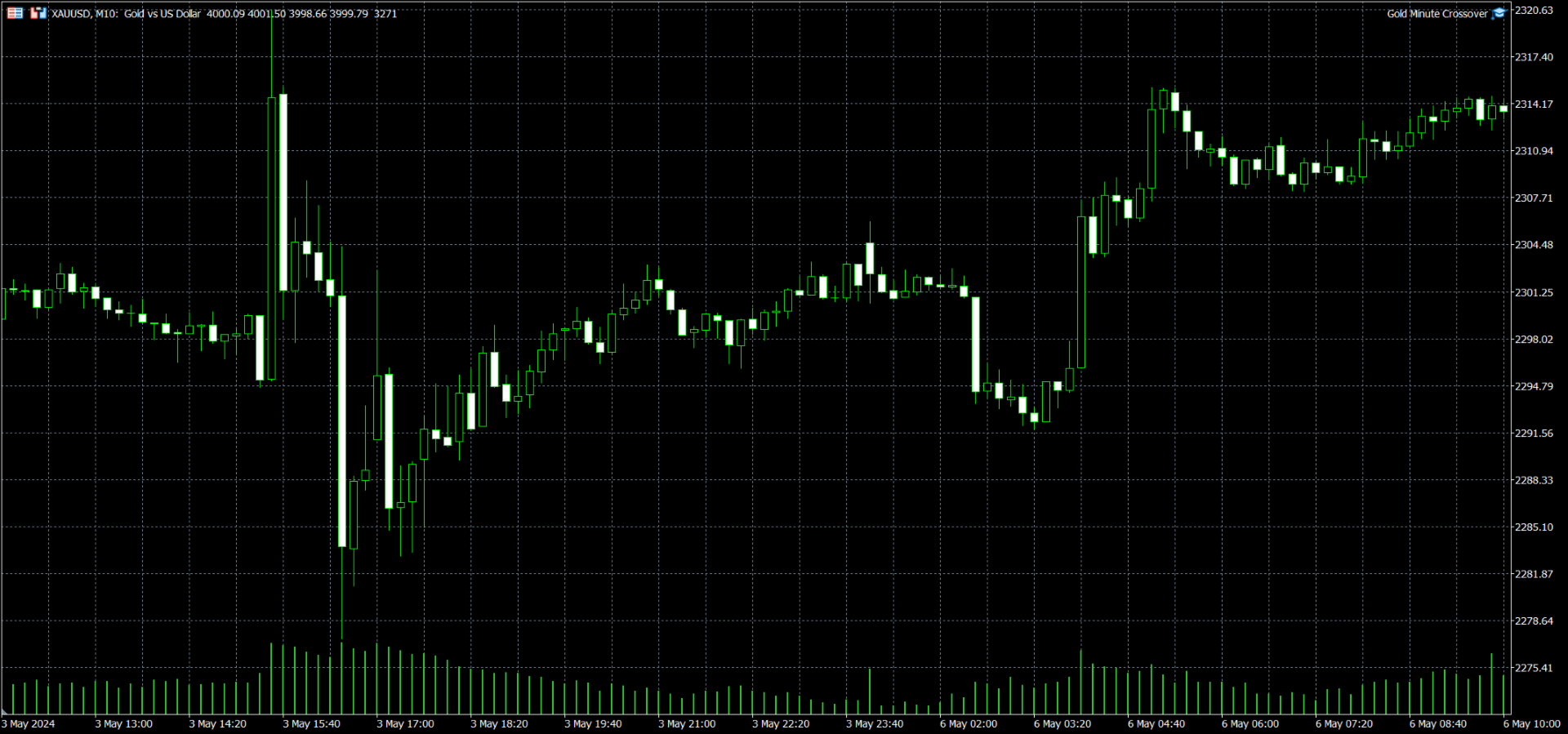
Gold Minute Crossover is an automated Expert Advisor developed for MetaTrader 5 and designed primarily for short-term trading on Gold (XAUUSD).
The system uses the crossover of two Simple Moving Averages, with periods of 2 and 8, on the one-minute timeframe. Trading signals are evaluated on every incoming tick using the current forming candle.
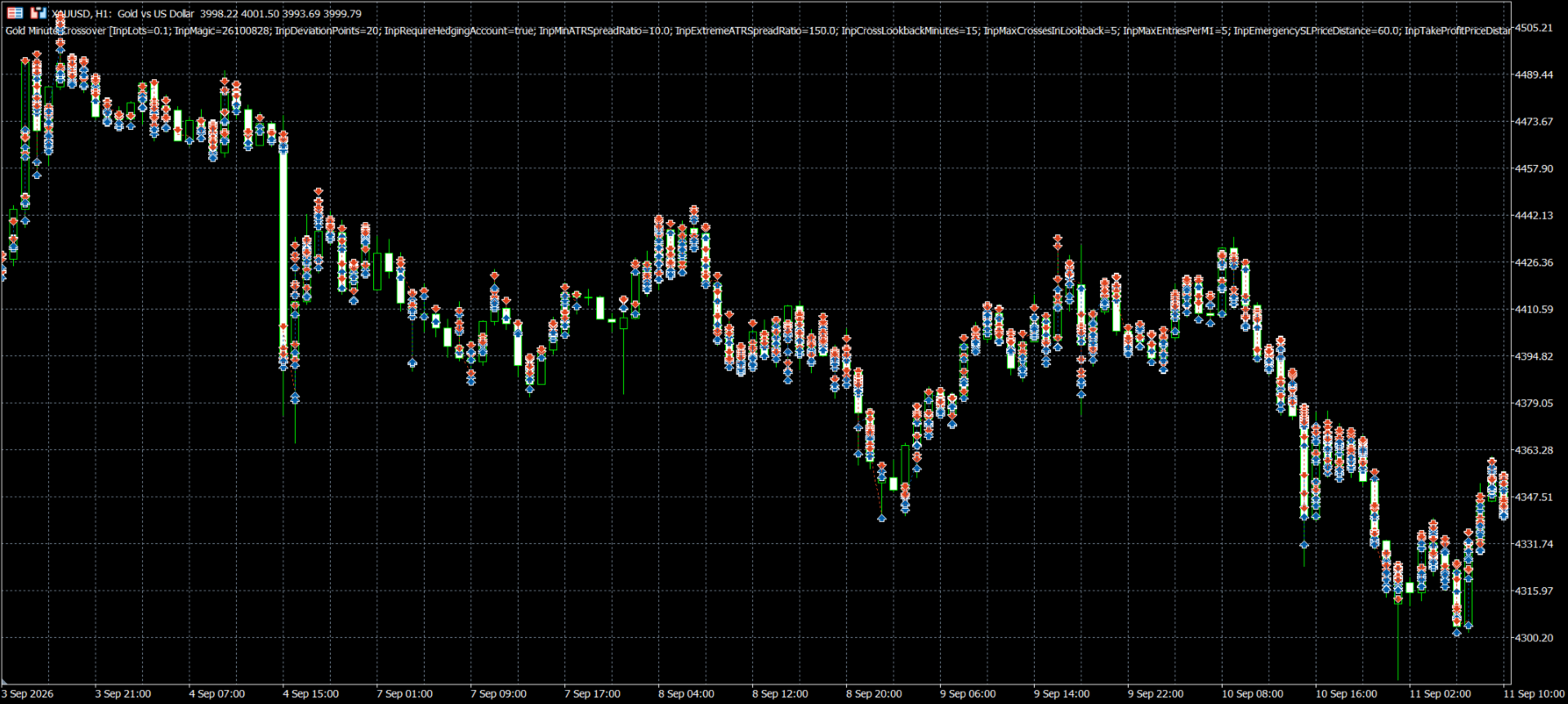
The Expert Advisor combines moving-average crossover signals with an ATR-to-spread filter, crossover frequency control, position management and configurable exit levels.
Trading Strategy
Buy Entry
When the fast 2-period Simple Moving Average crosses above the slow 8-period Simple Moving Average, the Expert Advisor attempts to close its own opposite SELL positions. A new BUY position may then be opened if all entry conditions are satisfied.
Sell Entry
When the fast moving average crosses below the slow moving average, the Expert Advisor attempts to close its own opposite BUY positions. A new SELL position may then be opened if the entry filters allow trading.
A crossover can trigger an exit even when the conditions for a new entry are not met.
Entry Filters
ATR and Spread Filter
The system calculates a volatility measure using the simple average of 14 True Range values from completed M1 candles.
New entries require the ATR-to-spread ratio to meet the configured minimum threshold, which is 10 by default.
Crossover Frequency Filter
The Expert Advisor tracks detected moving-average crossovers within a configurable rolling period of 15 minutes.
When the ATR-to-spread ratio exceeds 150 and more than 5 crossovers have been detected within this period, the system blocks new entries while still allowing opposite positions to be closed.
Entry Frequency Limit
The maximum number of successful new entries per M1 candle is configurable. The default limit is 5 entries.
Position and Risk Management
The Expert Advisor uses a configurable fixed trading volume rather than an automatic equity-percentage position sizing system.
The default volume in the supplied version is 0.10 lots.
New positions are opened with configurable Take Profit and emergency Stop Loss levels.
Default settings:
-
Take Profit price distance: 20.0
-
Emergency Stop Loss price distance: 60.0
-
Maximum entries per minute: 5
-
Startup entry warmup: 15 minutes
Stop Loss and Take Profit distances are measured in the trading instrument's quoted price units, not in account-currency profit or loss.
Positions may be closed by their Stop Loss, Take Profit or an opposite moving-average crossover.
The system manages positions using the current trading symbol and its configured Magic Number.
The strategy does not use martingale lot multiplication, grid averaging or recovery position scaling.
Weekend and Restart Management
The Expert Advisor includes an optional Friday position-closing mechanism that attempts to close its own positions before the instrument's final Friday trading session ends.
It also includes startup position reconciliation and retry handling for certain unsuccessful closing operations.
These mechanisms require an operating trading terminal, a working broker connection and available market ticks. They cannot guarantee execution during outages or when trading is unavailable.
After initialization, the default 15-minute warmup allows crossover activity to be observed before new trades are permitted.
Recommended Operating Environment
-
Platform: MetaTrader 5
-
Primary instrument: XAUUSD (Gold)
-
Strategy timeframe: M1
-
Position accounting: Hedging account for the current version
-
Testing model: Every tick based on real ticks
-
Execution: Automated market orders
-
Trading volume: User-configurable fixed lot size
The Expert Advisor calculates its indicators internally using M1 data. Broker pricing, symbol specifications, spreads, execution delays and trading-session schedules can materially affect its behavior.
A continuously connected trading terminal or compatible MetaTrader virtual hosting environment is recommended for uninterrupted signal processing.
Installation
-
Install the Expert Advisor through MetaTrader 5 Market.
-
Open the broker's XAUUSD chart.
-
Attach Gold Minute Crossover to the chart.
-
Enable algorithmic trading in MetaTrader 5 and in the Expert Advisor settings.
-
Review lot size, Stop Loss, Take Profit, Magic Number and other input settings.
-
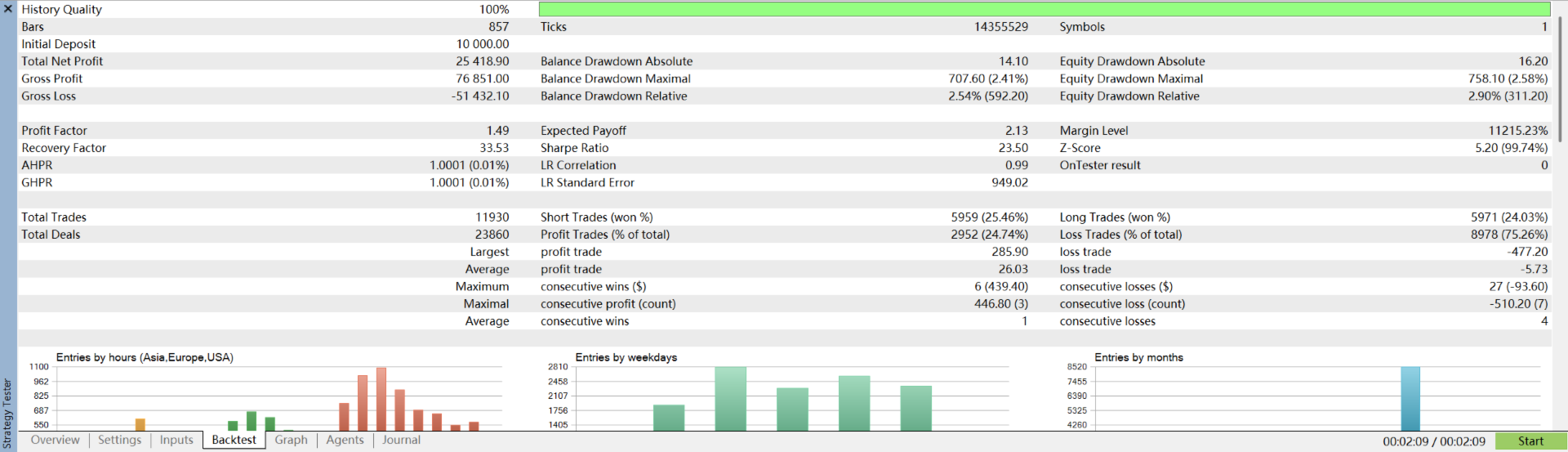
Test the system in the Strategy Tester using real ticks before considering live trading.
-
Observe trading behavior on a demo account and confirm that broker execution conditions are suitable.
Important Risk Information
Gold Minute Crossover is an automated trading tool and does not guarantee profitable results.
Trading involves financial risk, including the possibility of substantial losses. The default Stop Loss distance is larger than the Take Profit distance. Frequent crossover signals may also result in repeated transaction costs.
Market conditions, spreads, slippage, liquidity, broker specifications and execution delays can affect trading outcomes.
Historical testing results do not guarantee future performance. Users should independently evaluate the strategy and choose a trading volume appropriate for their risk tolerance.