LayerPro Trade Manager
- Утилиты
- Версия: 4.10
- Активации: 5

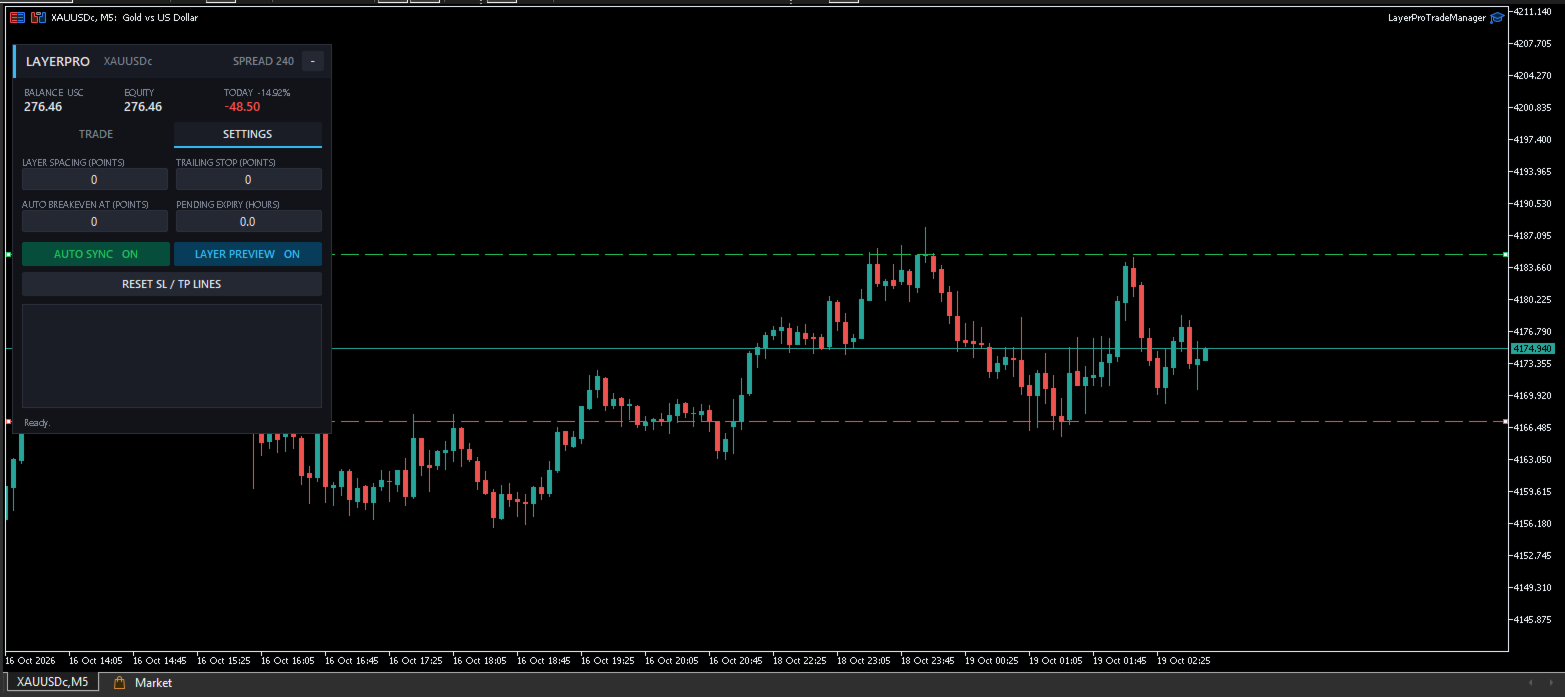
LayerPro Trade Manager is a trading panel that helps you plan, place and manage multi-layer trades with precise risk control.
Instead of opening orders one by one, calculating lots by hand and editing the SL/TP of every position separately, you set everything once on the panel. LayerPro handles the rest.
HOW IT WORKS
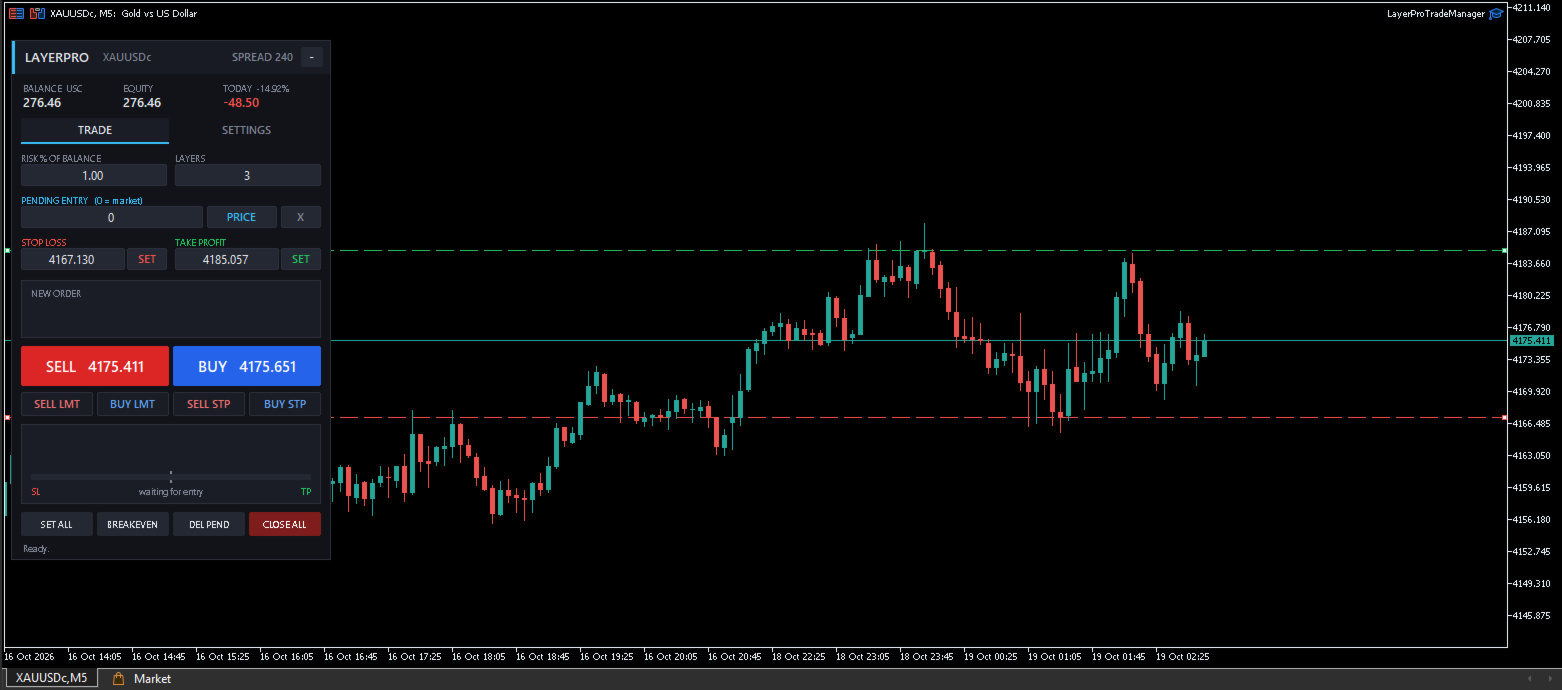
- Enter your risk (for example 1% of balance) and the number of layers.
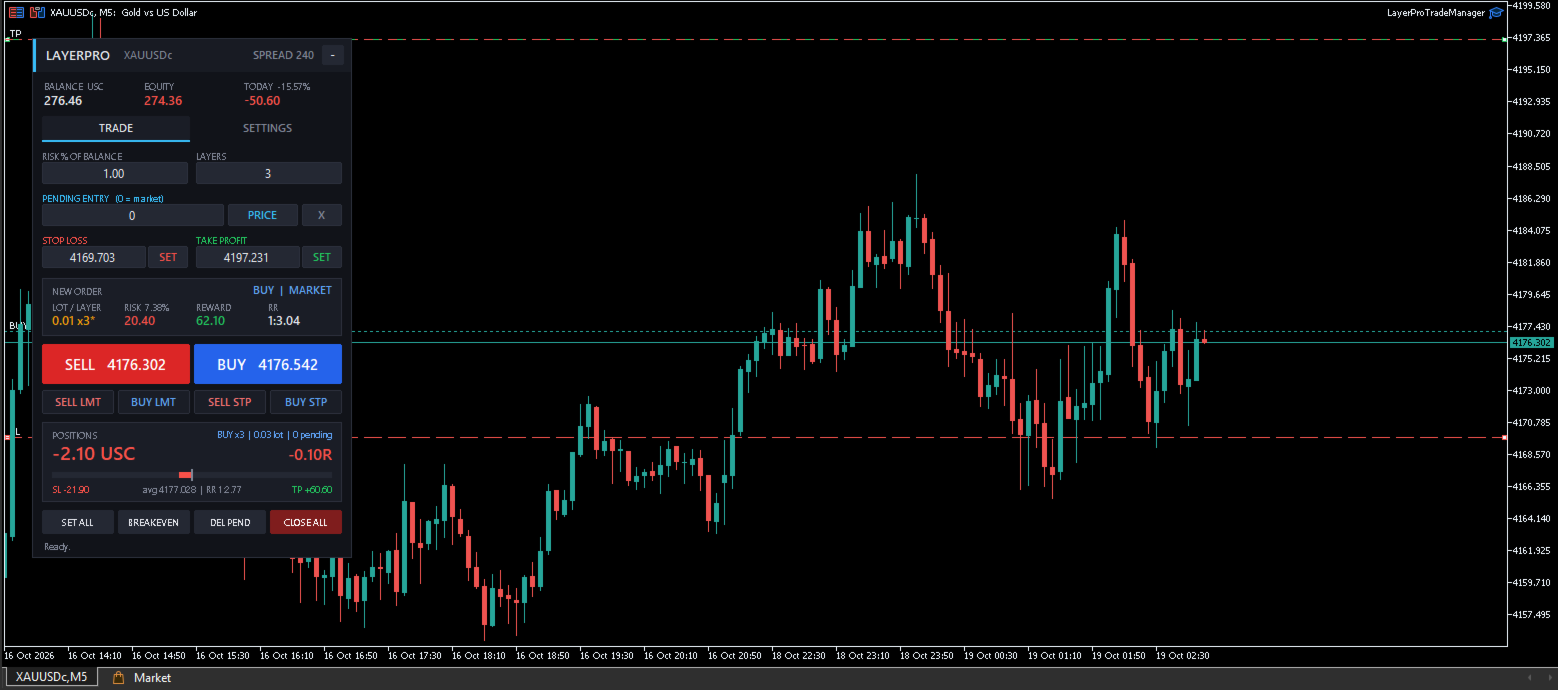
- Drag the red SL line and the green TP line on the chart (or type the prices).
- The panel instantly shows lot per layer, total risk in money and %, potential reward and risk-to-reward ratio.
- Click BUY, SELL, BUY LIMIT, SELL LIMIT, BUY STOP or SELL STOP. All layers are placed with the same SL and TP.
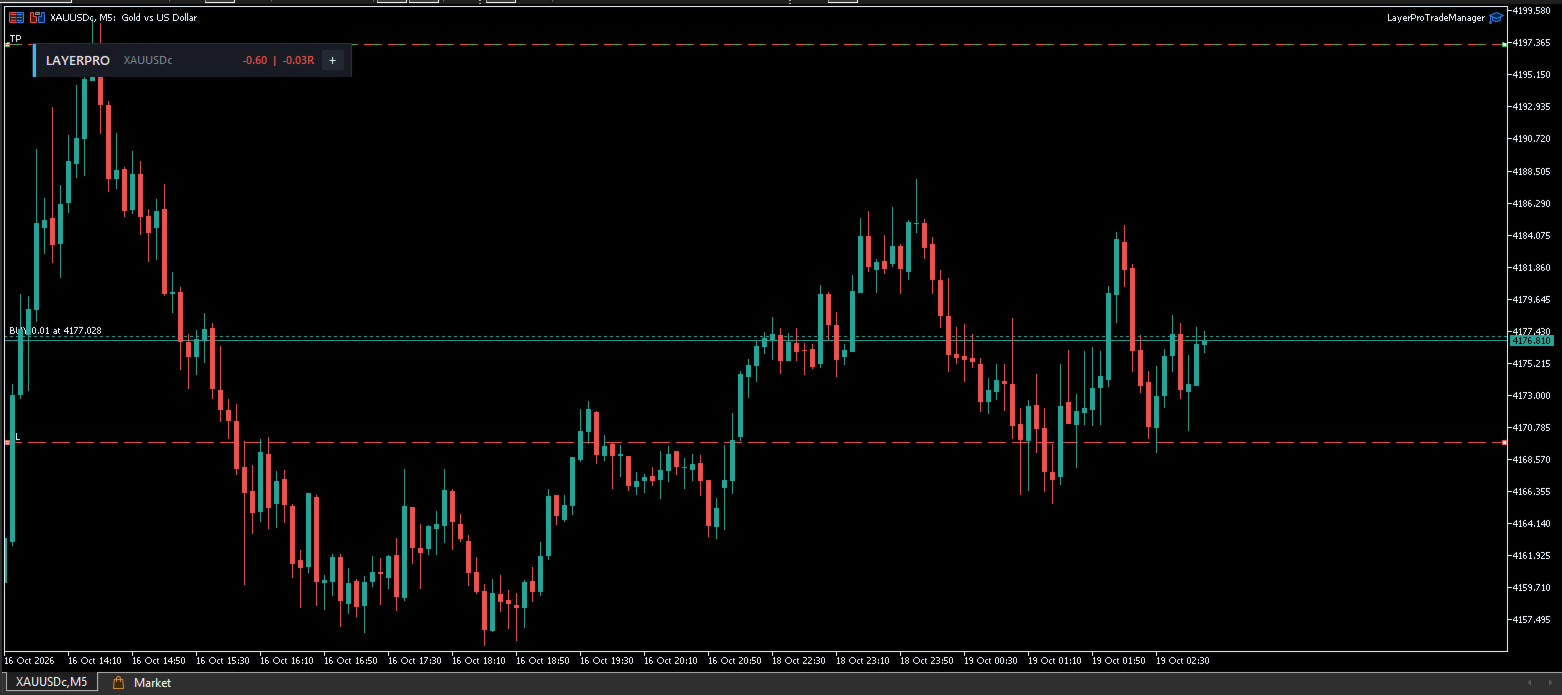
- Need to adjust? Drag the SL or TP line — every open position and pending order is updated at once.